Buying guide
TV and Soundbar Pairings: What to Buy and How to Connect It
Thin TVs need help with sound. How to pair a soundbar with TVs like the LG C6, Samsung S90H, or TCL QM8L — eARC vs ARC, Dolby Atmos in plain English, placement, and what to spend at each budget.
The thinner TVs get, the less room there is for speakers. OLEDs in particular are extremely thin across most of the panel, so the sound comes from small drivers that usually fire down or backward. Every TV we recommend looks better than it sounds, and a soundbar is the single biggest upgrade most people can make to movie night.
We don't review soundbars, so this guide doesn't rank or link them. It explains how to connect one properly, which TV features matter, and what each budget tier tends to buy, using the TVs below as examples. The TV picks are an editorial synthesis of published reviews and manufacturer specs, not our own lab tests; prices are rough 65-inch estimates from our October 5, 2026 research.
The short list
| # | Best for | TV | Est. price | |
|---|---|---|---|---|
| 01 | Best TV for a Dolby Atmos soundbar | 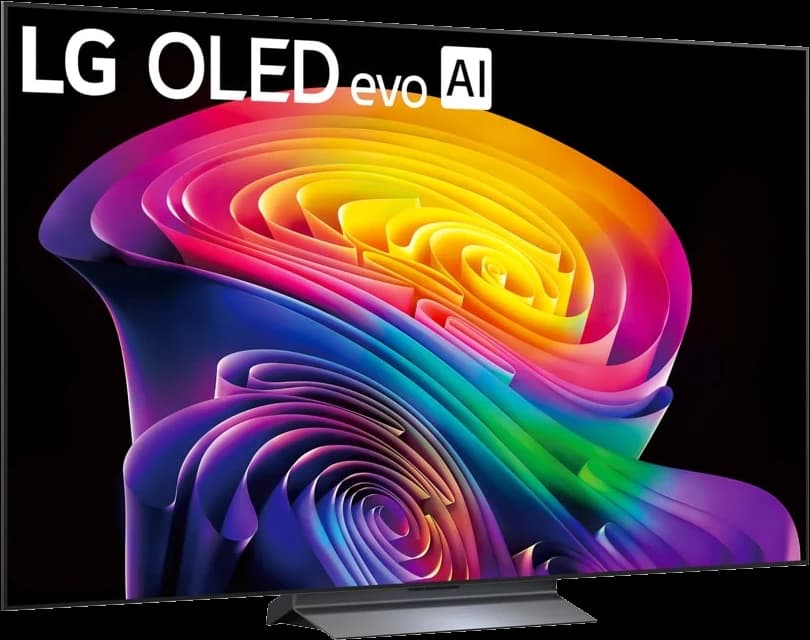 | OLED | ~$1,500 |
| 02 | Best for Samsung soundbar owners | 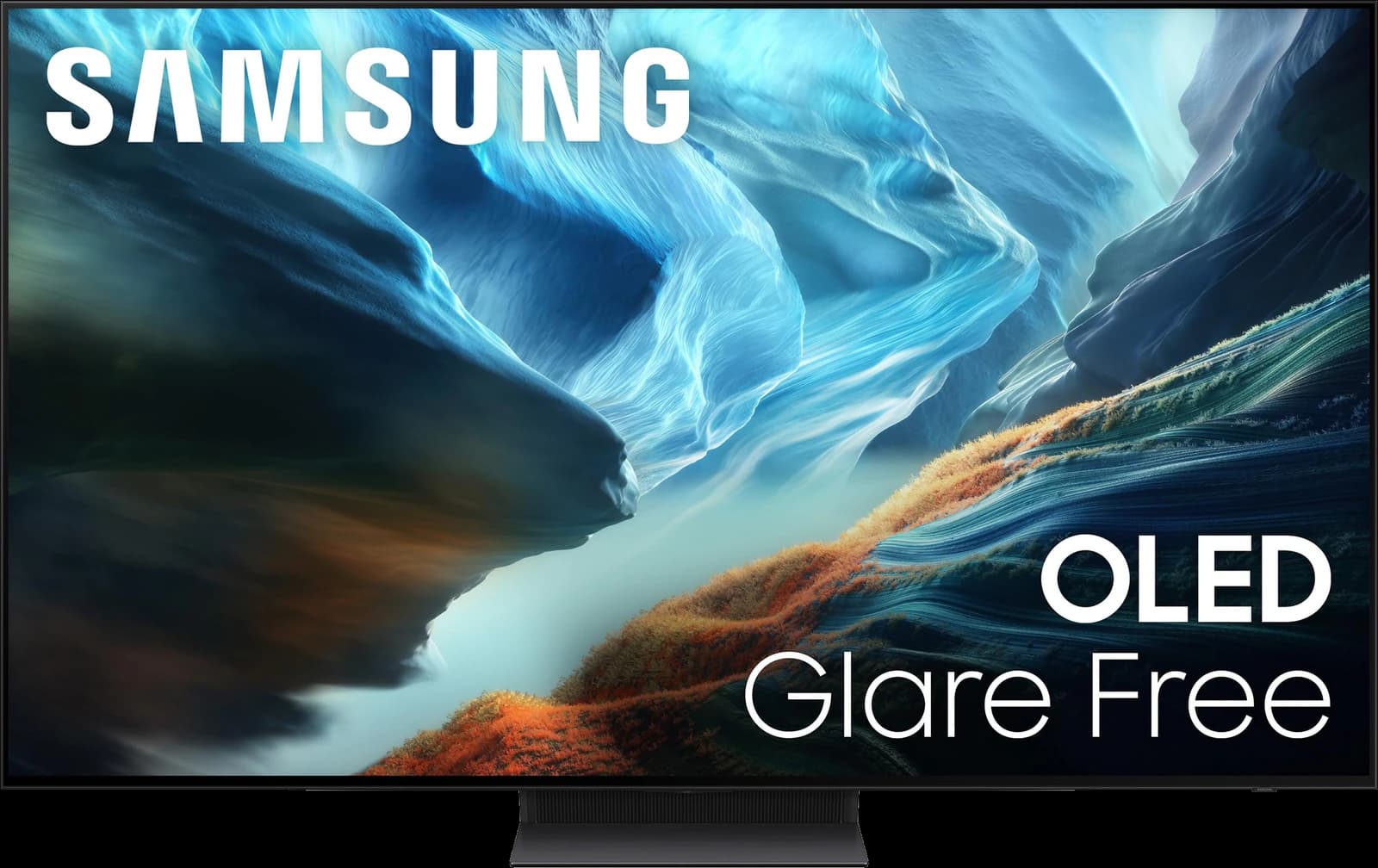 | QD-OLED | ~$2,200 |
| 03 | Best big screen that leaves room for audio | 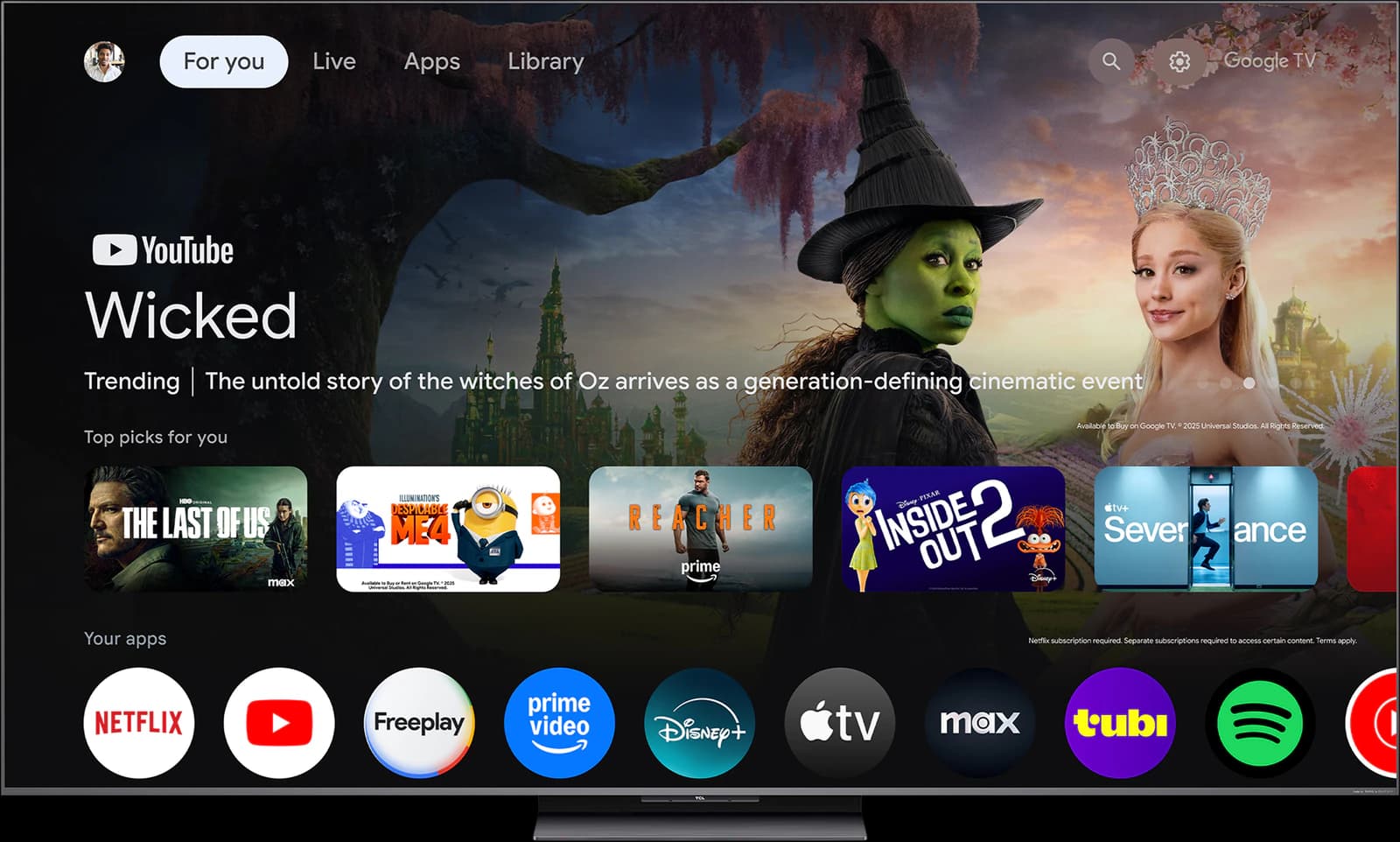 | Mini-LED QLED | ~$1,300 |
Prices are rough street-price estimates, not live quotes.
Ranked
Our picks
- 01
Best TV for a Dolby Atmos soundbar
LG C6 OLED
- OLED
- 2026
- 42–83"
- ~$1,500
Four HDMI 2.1 ports, one of them eARC, so a soundbar still leaves three full-speed inputs for consoles and a streaming box. Dolby Vision for movies, and LG's WOW Orchestra feature can play the TV's speakers alongside a compatible LG soundbar.
Highlights
- Highlight: Per-pixel OLED contrast with perfect blacks for dark-room movies
- Highlight: Four HDMI 2.1 ports with up to 4K/165Hz, VRR, G-Sync, and FreeSync
- Highlight: Dolby Vision (including Dolby Vision gaming on Xbox) plus Filmmaker Mode
- Highlight: Alpha 11 AI Processor Gen3 and a mature webOS platform
Trade-offs
- Trade-off: Not as bright as mini-LED or glare-free QD-OLED rivals in a sun-filled room
- Trade-off: Glossy screen can pick up reflections in bright rooms
- Trade-off: Static logos left on for many hours a day carry a small long-term burn-in risk
- Bright room
- 3 out of 5
- Dark room
- 5 out of 5
- Movies
- 5 out of 5
- Sports
- 4 out of 5
- Gaming
- 5 out of 5
- Value
- 4 out of 5
Editorial fit scores, 1–5 — not lab measurements.
Check priceAffiliate link — opens a retailer search.
- 02
Best for Samsung soundbar owners
Samsung S90H OLED
- QD-OLED
- 2026
- 42–83"
- ~$2,200
Samsung's Q-Symphony uses the TV's speakers together with a compatible Samsung soundbar, and four HDMI 2.1 ports mean eARC doesn't cost you a gaming input. Samsung's lack of Dolby Vision is a video limitation; it doesn't stop Dolby Atmos sound from reaching your soundbar.
Highlights
- Highlight: QD-OLED color volume with Glare Free tech on the S90H
- Highlight: Motion Xcelerator up to 165Hz with G-Sync and FreeSync Premium Pro
- Highlight: Four HDMI 2.1 ports and a polished Game Bar
- Highlight: Strong HDR punch for mixed lighting versus a traditional WOLED
Trade-offs
- Trade-off: No Dolby Vision — HDR10+ and HDR10 only on Samsung sets
- Trade-off: Tizen is polarizing; some prefer webOS or Google TV
- Trade-off: Panel type can vary by size/region historically — confirm the listing
- Bright room
- 4 out of 5
- Dark room
- 5 out of 5
- Movies
- 5 out of 5
- Sports
- 4 out of 5
- Gaming
- 5 out of 5
- Value
- 4 out of 5
Editorial fit scores, 1–5 — not lab measurements.
Check priceAffiliate link — opens a retailer search.
- 03
Best big screen that leaves room for audio
TCL QM8L
- Mini-LED QLED
- 2026
- 65–98"
- ~$1,300
Around $1,300 for 65 inches and about $1,500 for 75 inches in our research, the QM8L costs hundreds less than a big OLED. Put the difference toward a soundbar with a subwoofer; at 75 inches and up, a bigger soundstage suits the bigger picture.
Highlights
- Highlight: Huge peak brightness and strong local dimming for the money
- Highlight: Available in very large sizes (75/85/98) at aggressive street prices
- Highlight: Good gaming feature set with high refresh and VRR
- Highlight: Google TV with a full streaming app catalog
Trade-offs
- Trade-off: Blooming and viewing angles trail premium OLEDs and Sony processing
- Trade-off: Google TV can feel less polished than webOS on some days
- Trade-off: Build and speakers are value-tier versus flagship brands
More views
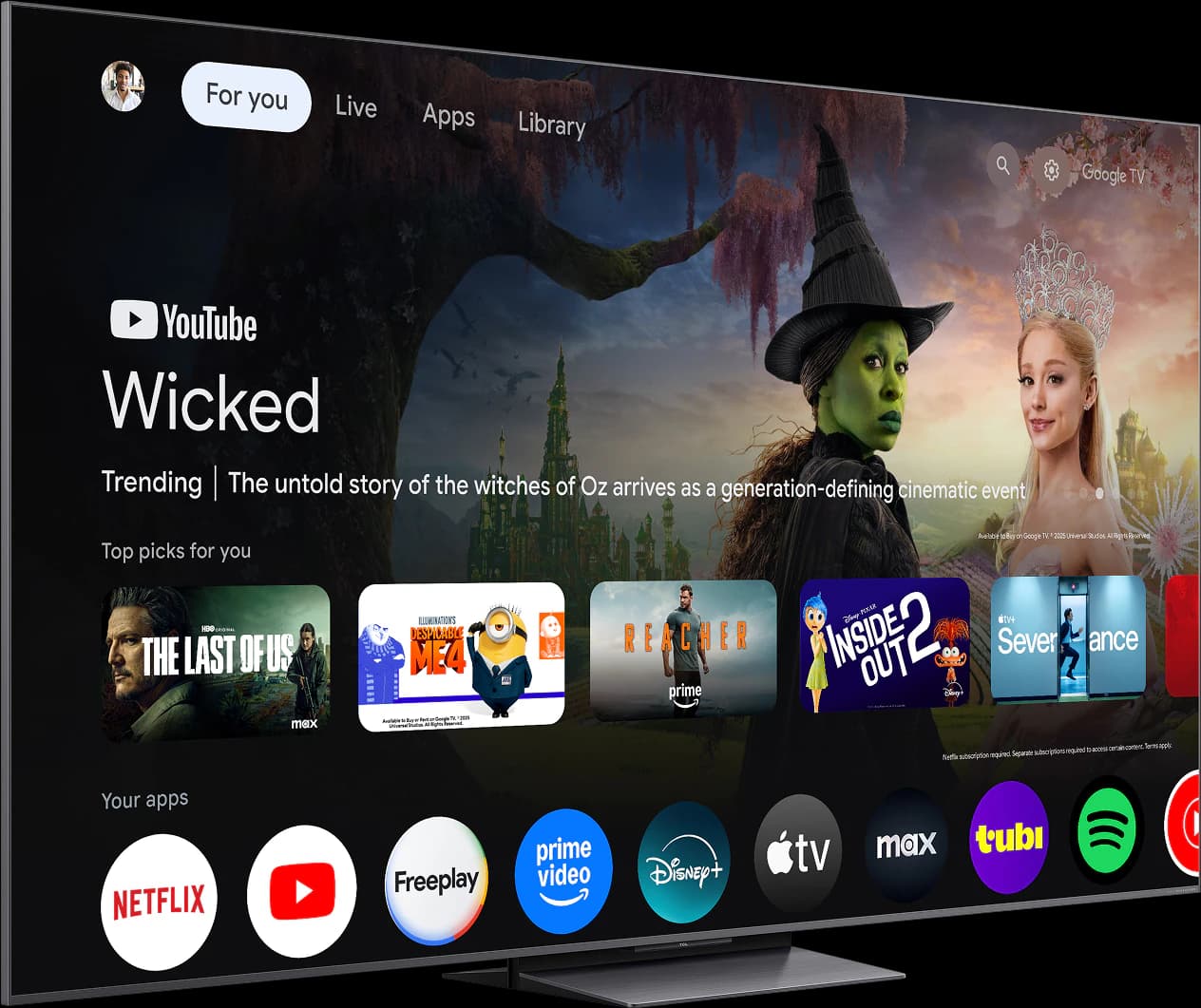
Images: TCL
- Bright room
- 5 out of 5
- Dark room
- 4 out of 5
- Movies
- 4 out of 5
- Sports
- 5 out of 5
- Gaming
- 4 out of 5
- Value
- 5 out of 5
Editorial fit scores, 1–5 — not lab measurements.
Check priceAffiliate link — opens a retailer search.
Do you need a soundbar?
If any of these sound familiar, yes:
- You turn on subtitles because dialogue is hard to follow, or keep riding the volume between quiet scenes and loud ones.
- Your TV is 65 inches or larger and the sound feels small next to the picture.
- You watch a lot of movies or sports with a room full of people.
- Your TV is wall-mounted and the sound seems to come from somewhere behind or below it.
eARC vs ARC: use the right port
Connect the soundbar with an HDMI cable to the TV port labeled ARC or eARC. The TV then sends audio from every source — its own apps, consoles, a streaming box — down that one cable, and one remote controls the volume through HDMI-CEC (LG calls it SimpLink, Samsung Anynet+, and Sony Bravia Sync).
ARC is the older version. It carries standard Dolby Digital surround and Dolby Digital Plus, which is how most streaming services deliver Dolby Atmos. eARC, part of HDMI 2.1, adds the bandwidth for lossless formats like Dolby TrueHD (the Atmos format on most 4K Blu-rays) and multichannel PCM. If you stream and have a mid-range bar, ARC is fine; if you play discs or have a premium system, use eARC on both ends.
- The LG C6 and Samsung S90H have four HDMI 2.1 ports, one of which is eARC. On other TVs, check which port carries eARC before planning your connections.
- Sony's Bravia TVs have only two HDMI 2.1 ports, and one of them is the eARC port — tight if you also have two consoles.
- In the TV's sound settings, set the output to the HDMI/eARC device and set digital audio to Auto or Passthrough so the soundbar receives the original format.
- If voices and lips drift apart, use the TV's or soundbar's AV-sync setting before you start swapping cables.
- Optical (TOSLINK) still works for basic bars, but it can't carry Dolby Atmos and doesn't give you single-remote control.
Dolby Atmos in plain English
Dolby Atmos adds height to surround sound: a helicopter can pass overhead instead of only left to right. Soundbars create the effect with up-firing drivers that bounce sound off the ceiling, with processing that simulates height, or both. Up-firing drivers work best under a flat ceiling of ordinary height; vaulted or very high ceilings weaken the effect.
Model names often include a three-part channel code. In "5.1.2," the first number is ear-level channels, the second is subwoofers, and the third is height channels. A dedicated center channel — the "3" in a 3.1 bar — is what does the most for dialogue, so pay for that before height channels.
What to spend, by tier
We don't test soundbars, so treat these as rough, approximate U.S. price bands rather than recommendations. A sensible rule of thumb is to budget around 15 to 25 percent of what you paid for the TV.
- Entry (roughly $100–$300): a compact 2.0 or 2.1 bar, mostly for clearer dialogue. Fine for bedrooms and smaller TVs; Roku's Streambar line is the easy match for a Roku TV.
- Mid-range (roughly $300–$800): 3.1 or Atmos-capable bars, often with a wireless subwoofer — the sweet spot for a 55- to 65-inch OLED. Samsung's HW-Q series, Sony's Bravia Theater bars, and the Sonos Beam are common places to start.
- Premium (roughly $800 and up): flagship Atmos bars with a subwoofer and optional rear speakers, or a receiver-and-speaker system. Worth it at 75 inches and up or in a dedicated movie room.
- Search by family name on Amazon or the brand's site, check the bar's width against your TV's, and confirm eARC support if you want lossless Atmos.
Matching brands: nice, not necessary
Any soundbar with HDMI ARC or eARC works with any TV that has it. Matching brands adds extras: Samsung's Q-Symphony and LG's WOW Orchestra combine the TV's speakers with a compatible bar, Sony's Acoustic Center Sync uses a Bravia TV as the center channel with supported Sony bars, and Roku TVs set up Roku's own soundbars and wireless speakers with little fuss. Sonos bars work with any brand's TV over eARC or ARC.
Don't pay much extra just to match logos. Get the bar that sounds best to you at your budget, then treat the brand extras as a bonus.
Placement and fit
Measure before you buy. A bar sitting on the console in front of the TV has to clear the bottom edge of the screen, and many TVs sit low on their feet, so check the TV's dimension drawings for the gap under the screen; some stands offer more than one height for exactly this reason. If the TV is wall-mounted, a bar mounted a few inches below it — centered, with nothing blocking its front — usually sounds better than one tucked inside a cabinet.
Keep the bar from covering the TV's IR receiver or light sensor, usually at the bottom center of the frame, or the remote and auto-brightness may stop working properly.
Frequently asked questions
Do I need eARC for a soundbar?
Not for most streaming. ARC carries Dolby Digital Plus, which is how most streaming services deliver Dolby Atmos. You need eARC on both the TV and the soundbar for lossless formats like Dolby TrueHD from 4K Blu-ray.
Can I use a Samsung soundbar with an LG TV?
Yes. Any soundbar with HDMI ARC or eARC works with any TV that has it, and one remote will usually control the volume through HDMI-CEC. You only lose brand-specific extras like Q-Symphony or WOW Orchestra.
Which HDMI port should the soundbar use?
The one labeled ARC or eARC — there's usually only one. Plug consoles and streaming boxes into the TV's other ports and let the TV pass audio to the soundbar, rather than running video through the bar.
How much should I spend on a soundbar?
A rough rule is 15 to 25 percent of the TV's price. For a $1,500 TV, that's roughly $200 to $400 — enough for a clear, dialogue-focused bar with a center channel, and sometimes a subwoofer.
Should I connect my PS5 or Xbox through the soundbar?
Usually not. Connect consoles to the TV's HDMI 2.1 ports so you keep 4K at 120Hz and VRR, and send the audio to the soundbar over eARC. Running video through a soundbar's HDMI input can limit you unless the bar explicitly supports 4K/120 passthrough.
Related guides
Disclosure: Our picks are independent and editorial — a synthesis of public reviews and specs, not our own lab measurements. We may earn a commission from qualifying purchases made through links on this page, at no extra cost to you.