Buying guide
TV Wall Mount Sizing Guide: VESA, Weight, and Height
How to choose and hang a TV wall mount: reading VESA patterns, matching weight ratings, fixed vs tilting vs full-motion, finding studs, and how high to put the screen.
A wall mount is the cheapest part of a TV setup and the one that can do the most damage if you get it wrong. The good news is that sizing one is mostly arithmetic: match the mount to your TV's VESA hole pattern and weight, match the anchors to your wall, and set the height for where you actually sit.
This is an editorial explainer, not a mount review — we don't test mounts. Where we cite a TV's mounting specs, they come from the manufacturer or its official retail listing; always confirm against the manual for your exact model before you drill. TV picks are synthesized from published reviews and manufacturer specs, with rough 65-inch price estimates from our October 5–6, 2026 research.
The short list
| # | Best for | TV | Est. price | |
|---|---|---|---|---|
| 01 | Built for the wall | 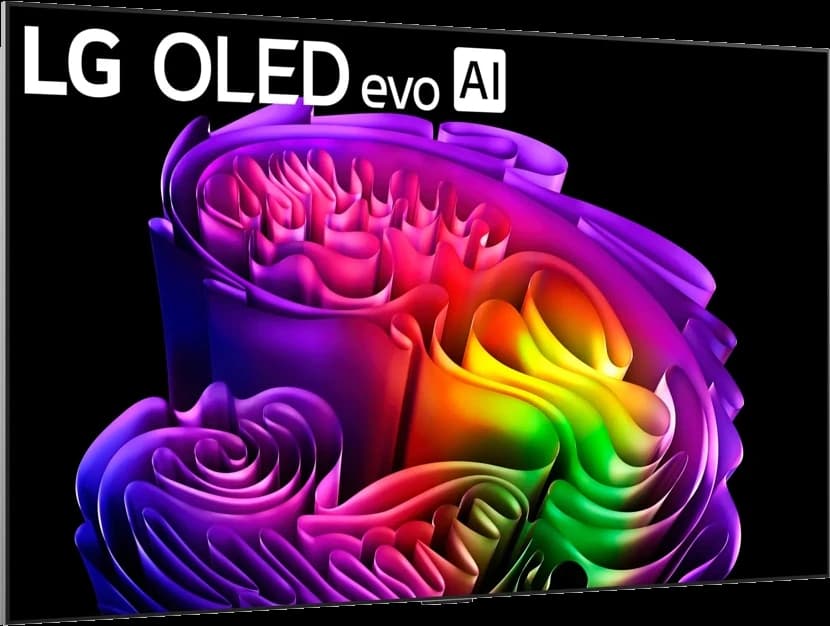 | OLED | ~$3,400 |
| 02 | Best value OLED to mount | 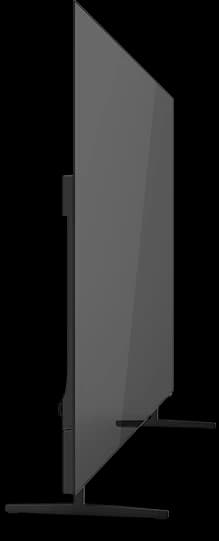 | OLED | ~$1,000 |
| 03 | Biggest screens: plan for the weight | 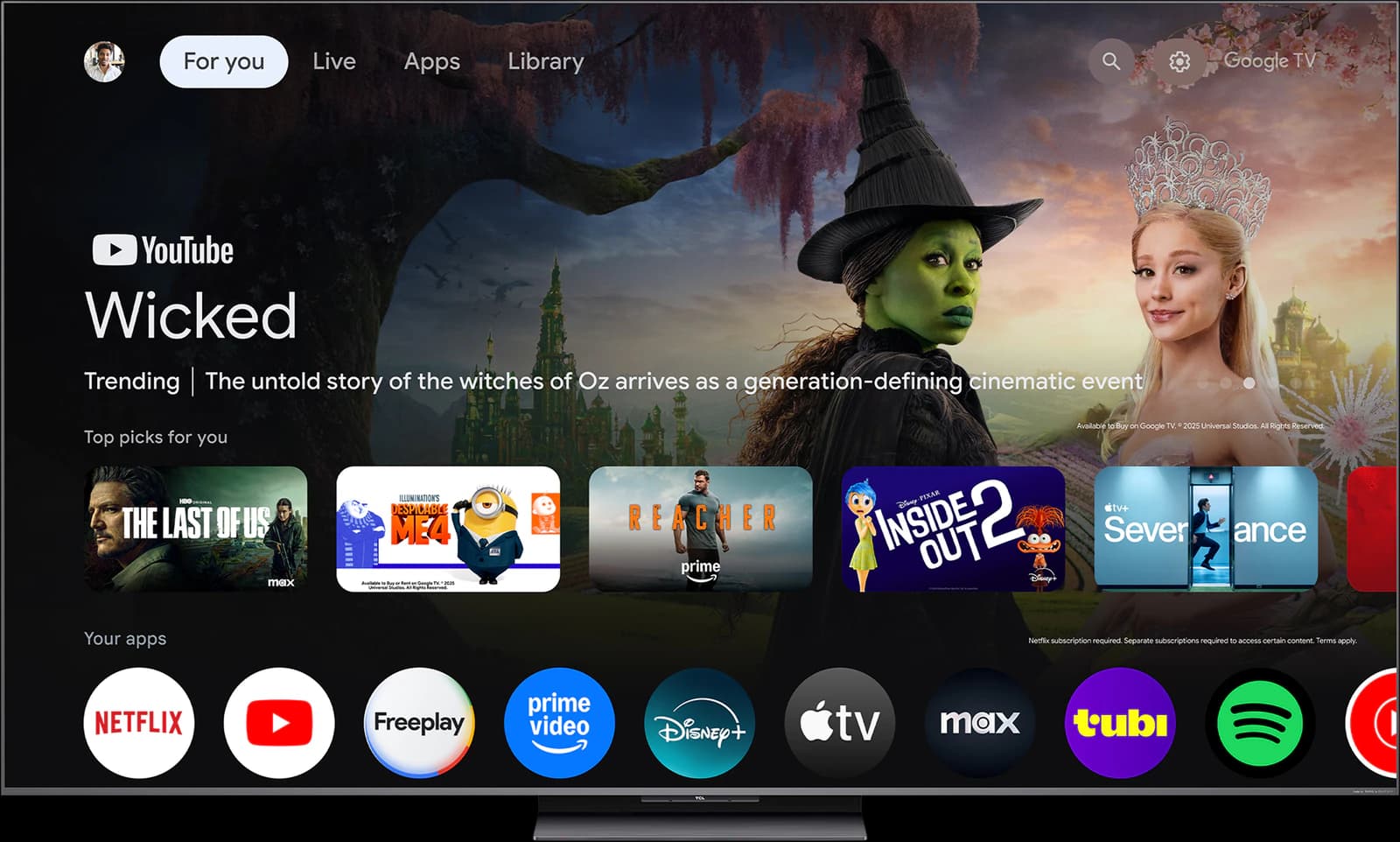 | Mini-LED QLED | ~$1,300 |
Prices are rough street-price estimates, not live quotes.
Ranked
Our picks
- 01
Built for the wall
LG G6 OLED
- OLED
- 2026
- 55–97"
- ~$3,400
LG's gallery-design flagship is made to hang flush, like a picture frame, with LG's brightest OLED panel. If the TV will live on the wall, the G6 is the one designed around it — at a flagship price of roughly $3,400 for 65 inches.
Highlights
- Highlight: Brightness Booster Ultra / four-stack panel tech for the brightest LG OLED picture
- Highlight: Flush gallery design made for wall mounting
- Highlight: Top-tier gaming: high refresh, VRR, and four HDMI 2.1 ports
- Highlight: Premium processing and Dolby Vision / Atmos
Trade-offs
- Trade-off: Expensive versus the C6, which is already excellent for most rooms
- Trade-off: Mini-LED flagships still win on full-screen brightness in harsh daylight
- Trade-off: Overkill if you mostly stream in a controlled dark room
- Bright room
- 4 out of 5
- Dark room
- 5 out of 5
- Movies
- 5 out of 5
- Sports
- 4 out of 5
- Gaming
- 5 out of 5
- Value
- 2 out of 5
Editorial fit scores, 1–5 — not lab measurements.
Check priceAffiliate link — opens a retailer search.
- 02
Best value OLED to mount
Roku Pro Series OLED
- OLED
- 2026
- 55–65"
- ~$1,000
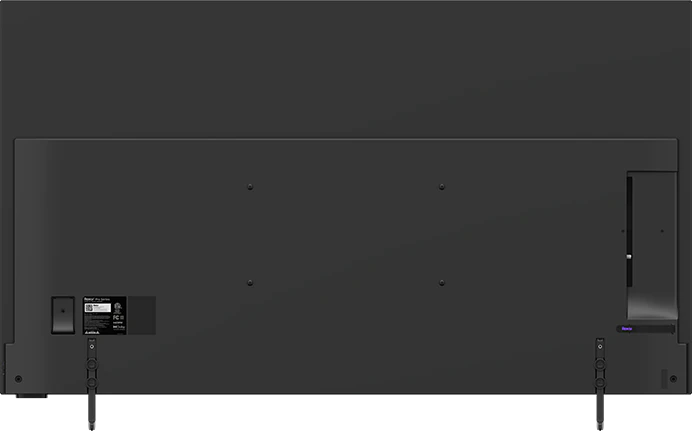
Roku publishes the mounting pattern on its product page — 300 × 200 mm for the 55-inch, 400 × 200 mm for the 65-inch — and Amazon's listing puts the 65-inch at about 36 pounds without its stand, well within the range of common mounts.
Highlights
- Highlight: Self-lit 4K OLED panel with perfect blacks for dark-room movies
- Highlight: Four HDMI 2.1 ports (one with eARC), 120Hz, VRR with FreeSync Premium, and automatic game mode
- Highlight: Dolby Vision and HDR10+, plus the simple, fast Roku OS
- Highlight: Amazon-exclusive and often discounted well below LG and Samsung OLED prices
Trade-offs
- Trade-off: Modest peak brightness — reviewers put it roughly in the 500–650-nit class — so it struggles in bright rooms
- Trade-off: Only 55- and 65-inch sizes
- Trade-off: Picture processing trails the LG C6 and Samsung S90H
- Trade-off: The brighter, 144Hz Pro Series LX OLED is a separate model arriving in October 2026
More views
Images: Roku
- Bright room
- 2 out of 5
- Dark room
- 5 out of 5
- Movies
- 4 out of 5
- Sports
- 3 out of 5
- Gaming
- 5 out of 5
- Value
- 5 out of 5
Editorial fit scores, 1–5 — not lab measurements.
Check priceAffiliate link — opens a retailer search.
- 03
Biggest screens: plan for the weight
TCL QM8L
- Mini-LED QLED
- 2026
- 65–98"
- ~$1,300
Sold up to 98 inches, the QM8L is the TV in our lineup most likely to test a mount. At 85 and 98 inches, choose a heavy-duty mount rated well above the TV's weight, anchor it into at least two studs, and get a second person (or a pro) for the lift.
Highlights
- Highlight: Huge peak brightness and strong local dimming for the money
- Highlight: Available in very large sizes (75/85/98) at aggressive street prices
- Highlight: Good gaming feature set with high refresh and VRR
- Highlight: Google TV with a full streaming app catalog
Trade-offs
- Trade-off: Blooming and viewing angles trail premium OLEDs and Sony processing
- Trade-off: Google TV can feel less polished than webOS on some days
- Trade-off: Build and speakers are value-tier versus flagship brands
More views
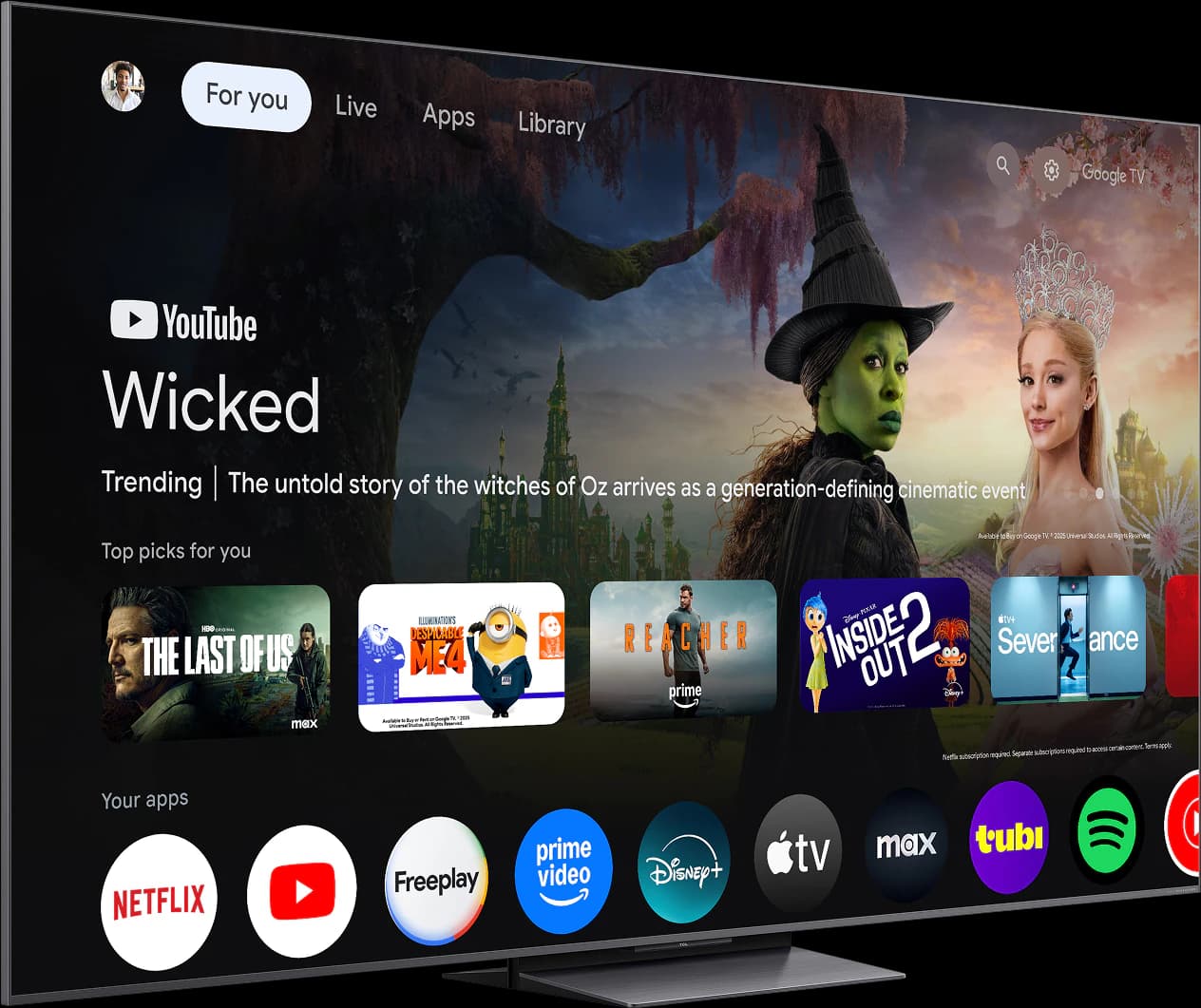
Images: TCL
- Bright room
- 5 out of 5
- Dark room
- 4 out of 5
- Movies
- 4 out of 5
- Sports
- 5 out of 5
- Gaming
- 4 out of 5
- Value
- 5 out of 5
Editorial fit scores, 1–5 — not lab measurements.
Check priceAffiliate link — opens a retailer search.
Step 1: Find your TV's VESA pattern
VESA is the standard for the four threaded holes on the back of a TV. The pattern is written as horizontal spacing × vertical spacing in millimeters: 300 × 200 means the holes are 300 mm apart side to side and 200 mm apart top to bottom. Roku, for example, lists 300 × 200 for the 55-inch Pro Series OLED and 400 × 200 for the 65-inch.
A mount's box lists the VESA patterns it supports, usually as a range, and your TV's pattern has to fall inside it. You'll find the TV's pattern in its manual or on the manufacturer's spec page, or you can measure between the hole centers.
- Screws vary by TV — M6 and M8 are common — and the right length depends on the model. Use what the TV's manual specifies; most mounts include a selection.
- If the back of the TV is curved or has bulging ports, use the mount's spacers so the bracket sits flat.
- Never force a screw that's too long. It can damage the TV's internals.
Step 2: Check the weight rating, with margin
Use the TV's weight without its stand, which is on the spec sheet, and pick a mount rated comfortably above it. Full-motion arms put more leverage on the wall than flat mounts, so leave extra margin there. For reference, Amazon's listing puts the 65-inch Roku Pro Series OLED at 35.8 pounds without its stand; big mini-LEDs at 85 inches and up weigh much more.
A mount's rating only holds if the wall does. A mount rated for 150 pounds, attached to drywall with the wrong anchors, is not a 150-pound mount.
Fixed, tilting, or full-motion?
Choose by where you sit and where the light comes from:
- Fixed (low-profile): the closest to the wall and the least expensive. Best when the TV sits at eye level directly in front of the seating.
- Tilting: angles the screen down a few degrees. Best when the TV has to go above eye level — over a console, or in a bedroom — or to dodge glare from a window or ceiling light.
- Full-motion (articulating): swings out and swivels. Best for corners, open-plan rooms you watch from two places, or easy access to rear ports. It sits farther off the wall when folded and puts the most stress on it.
- Gallery-style TVs like the LG G6 are designed to hang flush; check which mount the manufacturer recommends before buying a third-party one.
Step 3: Find the studs (or the right anchors)
In most U.S. homes with wood framing, studs sit 16 inches apart on center, sometimes 24. A stud finder, a small test hole, or a strong magnet that finds drywall screws will locate them. Most mounts for 55-inch and larger TVs have a wall plate wide enough to span two studs — use both.
Metal studs, brick, and concrete each need their own hardware: masonry anchors for brick and concrete, and anchors specifically rated for metal studs. Drywall anchors aren't a substitute for studs unless the mount maker explicitly approves them for your TV's weight. When in doubt, hire an installer; it costs far less than a cracked panel.
How high to mount a TV
Aim the center of the screen at your eye level when seated. For many sofas, that's roughly 40 to 45 inches off the floor, but sit down and measure your own. A small upward glance is fine; a big one is a sore neck over a two-hour movie, which is why mounting over a fireplace is usually a compromise.
A TV's VESA holes are rarely centered on the screen, so work it out in three measurements: the target height for the screen's center, the distance from the screen's center to the TV's mounting holes, and where those holes land on the mount's wall plate. Mark it all with painter's tape before you drill.
- Bedrooms: you'll usually sit higher and farther back, so a slightly higher mount angled down on a tilting bracket tends to work best.
- Over a fireplace: check the TV maker's guidance on heat, and consider a pull-down mount that lowers the screen toward eye level.
- Leave room below the TV for a soundbar and its cable.
Cables and power
Plan the cables before the TV goes up — it's much easier than fishing them afterward.
- Don't run a standard power cord inside the wall. Use an in-wall power kit made for TVs, or a paintable surface raceway.
- Buy HDMI cables long enough to reach with slack, especially with a full-motion arm. For 4K at 120Hz, use certified Ultra High Speed HDMI cables.
- Samsung's S95H offers an optional Wireless One Connect box (sold separately) that moves the inputs off the TV, leaving only power at the screen.
- Plug in and test everything — every input, the soundbar, the network — before you hang the TV.
Before you drill: a checklist
Run through this list before the first hole:
- The TV's VESA pattern is inside the mount's supported range.
- The mount's weight rating is well above the TV's weight without its stand.
- You have the right screw size and length from the TV's manual.
- Studs (or approved anchors for your wall type) are found and marked.
- The screen-center height is marked and checked from the seat.
- Cables, power, and soundbar placement are planned.
- Two people for the lift, and a pro for anything heavier than you can safely handle.
Frequently asked questions
How do I find my TV's VESA size?
Check the manual or the manufacturer's spec page, or measure between the centers of the four mounting holes on the back, in millimeters, horizontally then vertically. Roku, for example, lists 300 × 200 mm for the 55-inch Pro Series OLED.
How high should I mount my TV?
Put the center of the screen at seated eye level — roughly 40 to 45 inches off the floor for many sofas. Measure from your own seat, and use a tilting mount if the TV has to go higher.
Can I mount a TV on drywall without studs?
Only with anchors the mount maker explicitly rates for your TV's weight, and even then it's a risk for anything large. Studs, or proper masonry or metal-stud anchors, are the safe choice.
Is it OK to mount a TV above a fireplace?
It's usually too high for comfortable viewing, and heat can be a concern. If that's the only spot, check the TV maker's guidance on heat and consider a pull-down mount.
Do I need a full-motion mount?
Only if you'll angle the TV toward different seats, it's going in a corner, or you need regular access to its ports. Otherwise a fixed or tilting mount is simpler, cheaper, and sits closer to the wall.
Related guides
Disclosure: Our picks are independent and editorial — a synthesis of public reviews and specs, not our own lab measurements. We may earn a commission from qualifying purchases made through links on this page, at no extra cost to you.