Buying guide
HDMI 2.1 Gaming Setup: 4K at 120Hz, VRR, and ALLM
How to get 4K at 120Hz, VRR, and automatic game mode working on a PS5 or Xbox Series X: the right TV port, the right cable, TV and console settings, and where the soundbar goes.
Buying a TV with HDMI 2.1 is only half the job. To actually get 4K at 120 frames per second, variable refresh rate, and automatic game mode from a PS5 or Xbox Series X, the console has to be in the right port, on the right cable, with the right settings on both ends. Miss one, and the console quietly falls back to 60Hz.
This guide walks through the setup step by step. TV picks are an editorial synthesis of published reviews and manufacturer specs, not our own lab measurements, and prices are rough 65-inch estimates from our October 5–6, 2026 research. Menu names change with software updates, so treat the setting names below as a guide.
The short list
| # | Best for | TV | Est. price | |
|---|---|---|---|---|
| 01 | Best for multi-console setups | 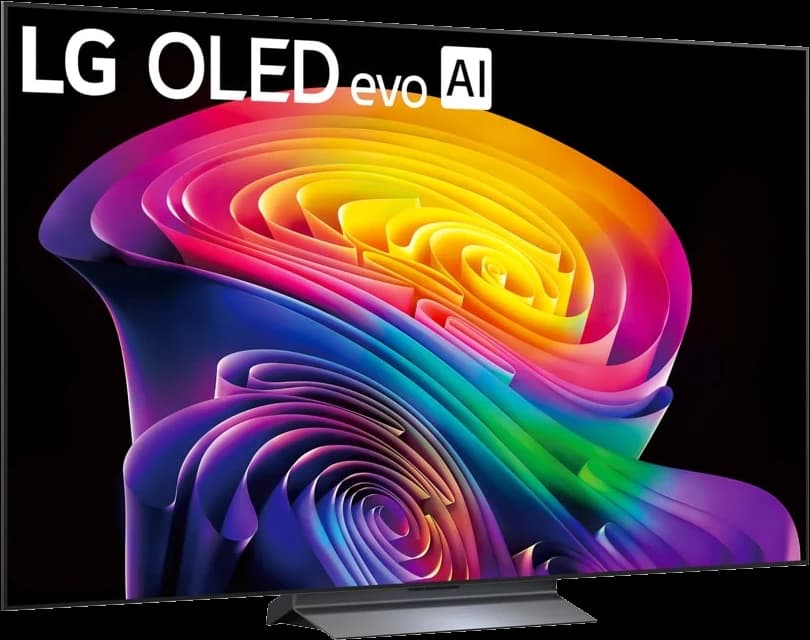 | OLED | ~$1,500 |
| 02 | Best for bright game rooms | 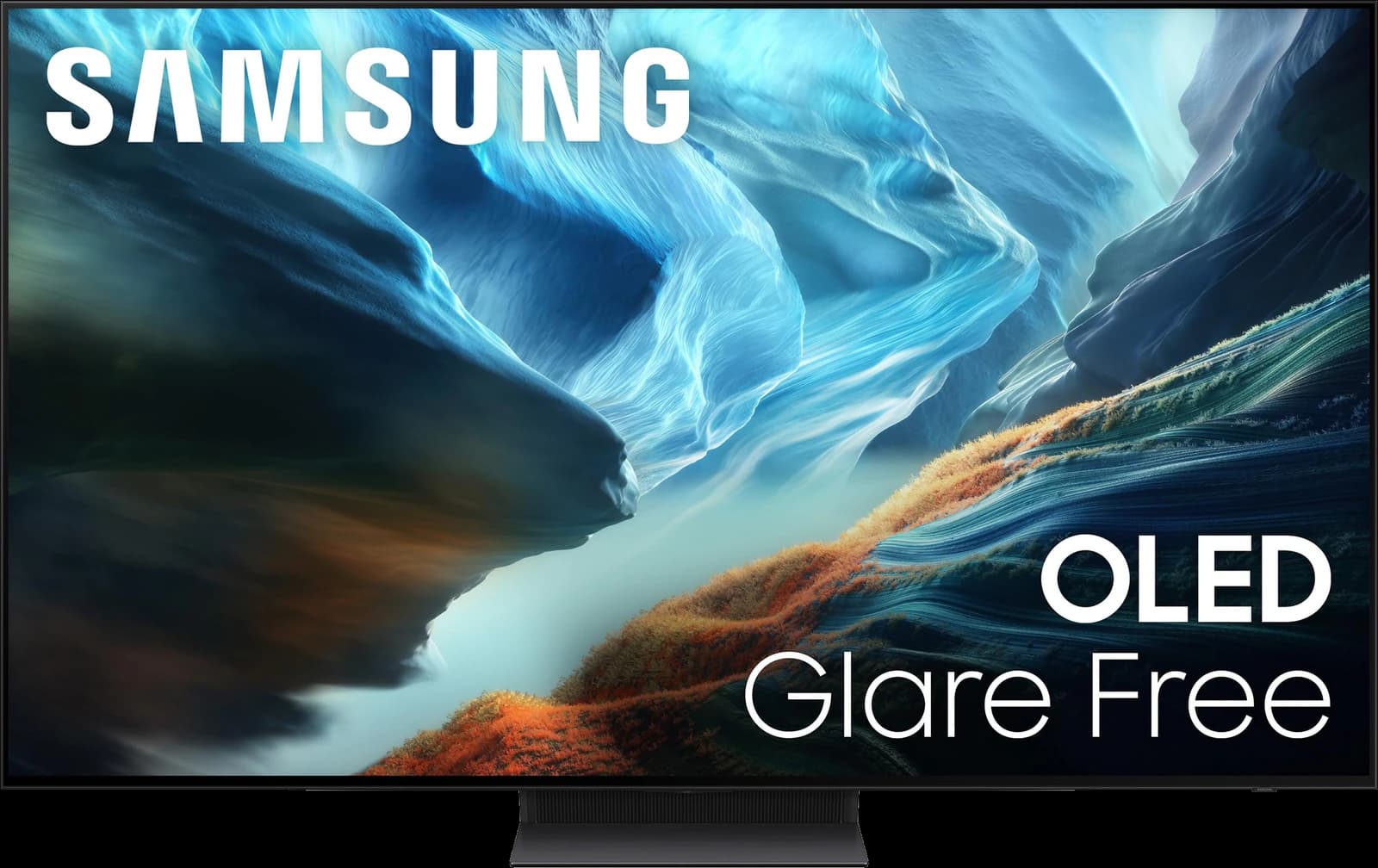 | QD-OLED | ~$2,200 |
| 03 | Best mini-LED for gaming | 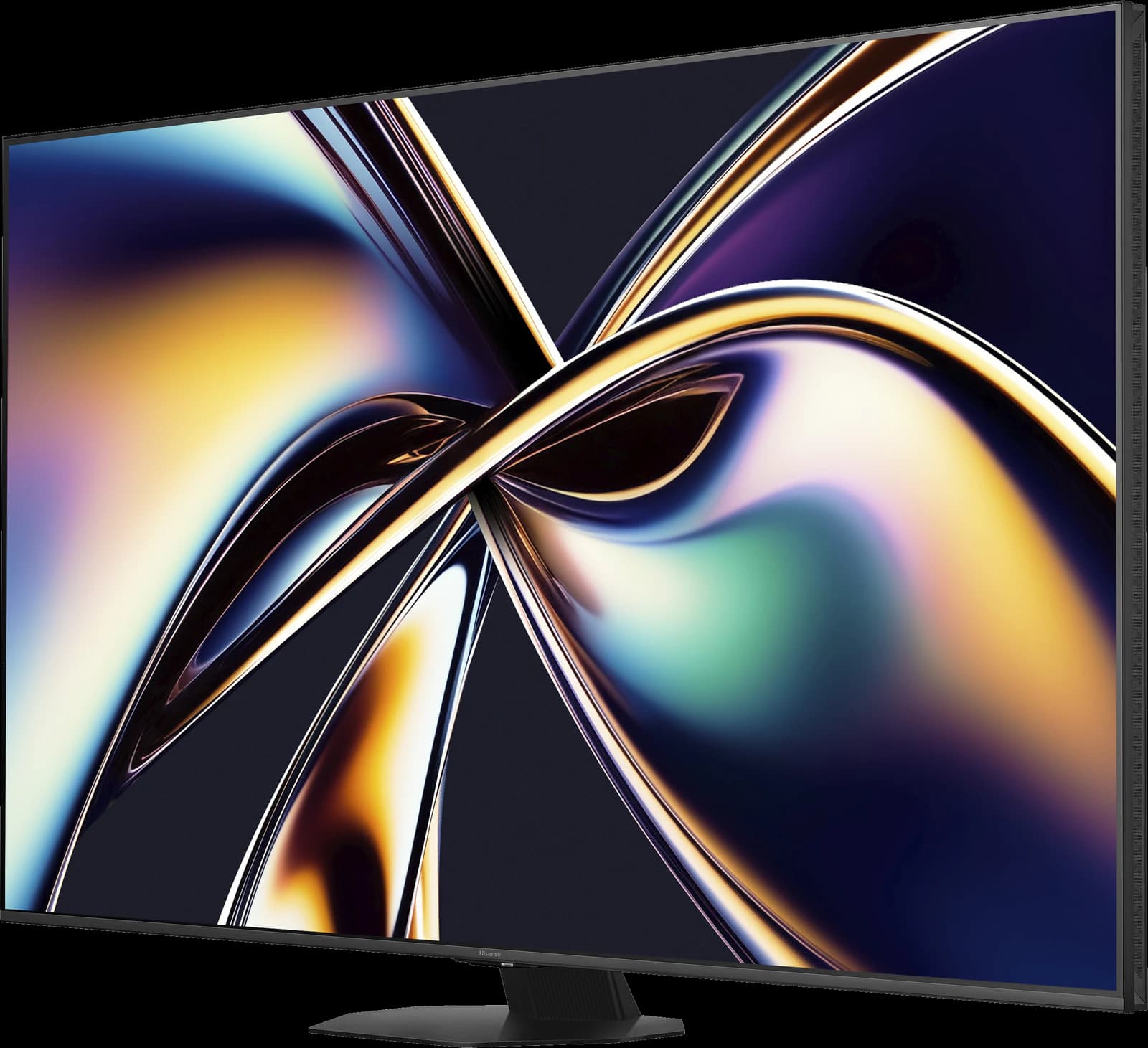 | Mini-LED QLED | ~$1,000 |
| 04 | Best value OLED for consoles |  | OLED | ~$1,000 |
Prices are rough street-price estimates, not live quotes.
Ranked
Our picks
- 01
Best for multi-console setups
LG C6 OLED
- OLED
- 2026
- 42–83"
- ~$1,500
Four HDMI 2.1 ports with up to 165Hz, VRR with G-Sync and FreeSync, and Dolby Vision gaming on Xbox. With the soundbar on eARC, three full-speed ports remain for two consoles and a PC.
Highlights
- Highlight: Per-pixel OLED contrast with perfect blacks for dark-room movies
- Highlight: Four HDMI 2.1 ports with up to 4K/165Hz, VRR, G-Sync, and FreeSync
- Highlight: Dolby Vision (including Dolby Vision gaming on Xbox) plus Filmmaker Mode
- Highlight: Alpha 11 AI Processor Gen3 and a mature webOS platform
Trade-offs
- Trade-off: Not as bright as mini-LED or glare-free QD-OLED rivals in a sun-filled room
- Trade-off: Glossy screen can pick up reflections in bright rooms
- Trade-off: Static logos left on for many hours a day carry a small long-term burn-in risk
- Bright room
- 3 out of 5
- Dark room
- 5 out of 5
- Movies
- 5 out of 5
- Sports
- 4 out of 5
- Gaming
- 5 out of 5
- Value
- 4 out of 5
Editorial fit scores, 1–5 — not lab measurements.
Check priceAffiliate link — opens a retailer search.
- 02
Best for bright game rooms
Samsung S90H OLED
- QD-OLED
- 2026
- 42–83"
- ~$2,200
Four HDMI 2.1 ports, up to 165Hz with G-Sync and FreeSync Premium Pro, a Glare Free screen, and Samsung's Game Bar for checking frame rate and VRR status at a glance. No Dolby Vision, which only matters on Xbox.
Highlights
- Highlight: QD-OLED color volume with Glare Free tech on the S90H
- Highlight: Motion Xcelerator up to 165Hz with G-Sync and FreeSync Premium Pro
- Highlight: Four HDMI 2.1 ports and a polished Game Bar
- Highlight: Strong HDR punch for mixed lighting versus a traditional WOLED
Trade-offs
- Trade-off: No Dolby Vision — HDR10+ and HDR10 only on Samsung sets
- Trade-off: Tizen is polarizing; some prefer webOS or Google TV
- Trade-off: Panel type can vary by size/region historically — confirm the listing
- Bright room
- 4 out of 5
- Dark room
- 5 out of 5
- Movies
- 5 out of 5
- Sports
- 4 out of 5
- Gaming
- 5 out of 5
- Value
- 4 out of 5
Editorial fit scores, 1–5 — not lab measurements.
Check priceAffiliate link — opens a retailer search.
- 03
Best mini-LED for gaming
Hisense U8QG
- Mini-LED QLED
- 2025
- 55–85"
- ~$1,000
A very bright, 165Hz-class mini-LED at around $1,000 for 65 inches, with no burn-in risk from static HUDs — a strong pick if you play the same game for hours a day.
Highlights
- Highlight: Very high peak brightness with dense local dimming for the price
- Highlight: Native high refresh (up to 165Hz class) with strong VRR support
- Highlight: Dolby Vision IQ plus HDR10+
- Highlight: Aggressive street pricing, especially at 65–75 inches
Trade-offs
- Trade-off: Smart-platform polish trails LG/Sony
- Trade-off: Off-angle color shift is more noticeable than wide-angle OLEDs
- Trade-off: Blooming on tough contrast scenes versus OLED
More views
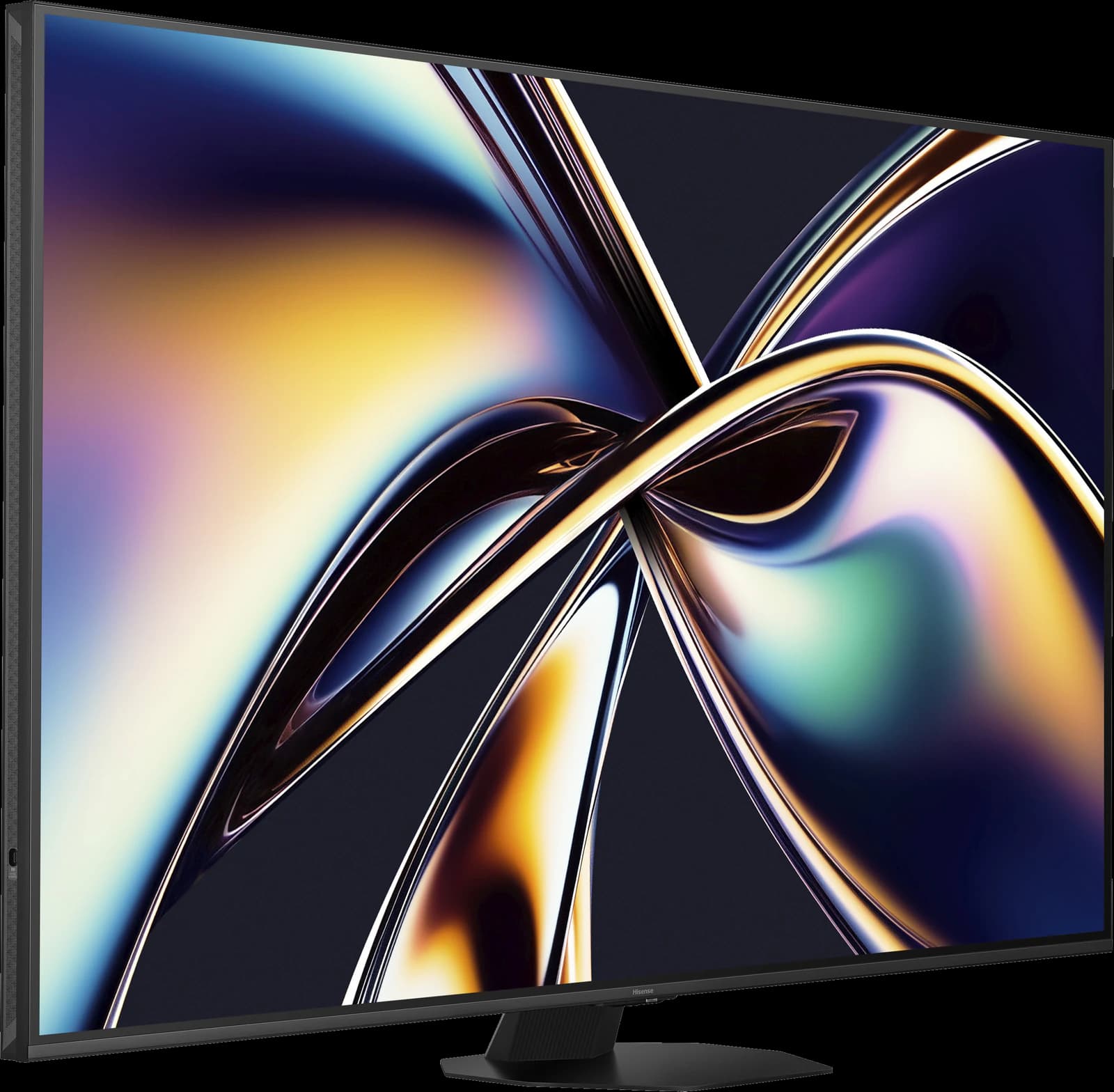
Images: Hisense
- Bright room
- 5 out of 5
- Dark room
- 4 out of 5
- Movies
- 4 out of 5
- Sports
- 5 out of 5
- Gaming
- 5 out of 5
- Value
- 5 out of 5
Editorial fit scores, 1–5 — not lab measurements.
Check priceAffiliate link — opens a retailer search.
- 04
Best value OLED for consoles
Roku Pro Series OLED
- OLED
- 2026
- 55–65"
- ~$1,000
Four HDMI 2.1 ports (one with eARC), 120Hz, VRR with FreeSync Premium, and Automatic Game Mode — everything a PS5 or Xbox can use — at Roku's much lower OLED price. PC gamers who want more than 120Hz should look at the C6.
Highlights
- Highlight: Self-lit 4K OLED panel with perfect blacks for dark-room movies
- Highlight: Four HDMI 2.1 ports (one with eARC), 120Hz, VRR with FreeSync Premium, and automatic game mode
- Highlight: Dolby Vision and HDR10+, plus the simple, fast Roku OS
- Highlight: Amazon-exclusive and often discounted well below LG and Samsung OLED prices
Trade-offs
- Trade-off: Modest peak brightness — reviewers put it roughly in the 500–650-nit class — so it struggles in bright rooms
- Trade-off: Only 55- and 65-inch sizes
- Trade-off: Picture processing trails the LG C6 and Samsung S90H
- Trade-off: The brighter, 144Hz Pro Series LX OLED is a separate model arriving in October 2026
More views
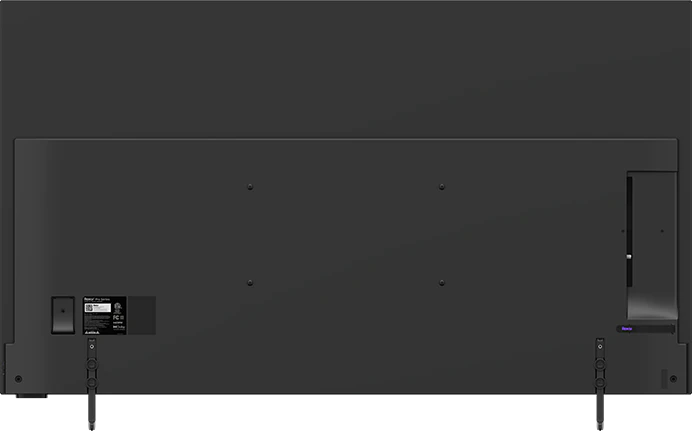
Images: Roku
- Bright room
- 2 out of 5
- Dark room
- 5 out of 5
- Movies
- 4 out of 5
- Sports
- 3 out of 5
- Gaming
- 5 out of 5
- Value
- 5 out of 5
Editorial fit scores, 1–5 — not lab measurements.
Check priceAffiliate link — opens a retailer search.
What HDMI 2.1 actually gets you
HDMI 2.1 raises the connection's maximum bandwidth to 48 Gbps, enough for 4K at 120Hz with HDR. It also brings the gaming features both current consoles use: variable refresh rate (VRR), which smooths frame-rate dips without tearing, and auto low latency mode (ALLM), which switches the TV into game mode when the console wakes up. eARC, for soundbars, is part of HDMI 2.1 too.
One catch: an "HDMI 2.1" label doesn't guarantee every feature. Under HDMI's licensing rules, features like 4K/120 and VRR are optional, so check that the TV specifically lists 4K at 120Hz and VRR on the ports you plan to use. Every TV picked here does.
Step 1: Plan your ports
Not every HDMI port is equal on every TV. The LG C6, Samsung S90H, and Roku Pro Series OLED have four HDMI 2.1 ports, one of which also handles eARC. Sony's Bravia TVs have two HDMI 2.1 ports, and one of them is the eARC port, so two consoles plus a soundbar means compromising or adding a receiver.
- Consoles and gaming PCs go on the ports the TV labels 4K@120Hz, 144Hz/165Hz, or HDMI 2.1.
- The soundbar or receiver goes on the eARC port.
- Streaming sticks and cable boxes don't need HDMI 2.1; give them whatever is left.
Step 2: Use an Ultra High Speed HDMI cable
For 4K at 120Hz, use a certified Ultra High Speed HDMI cable. The cable that came with your PS5 or Xbox Series X qualifies. If you buy one, look for the official Ultra High Speed certification label on the packaging, which you can scan with HDMI's certification app to check it's genuine.
Keep runs short where you can. If the console sits far from the TV, a certified active optical HDMI cable is usually more reliable than a long passive one. If you get a black screen, flicker, or dropouts only at 120Hz, suspect the cable first.
Step 3: TV settings
Most problems are solved here:
- Turn on the port's enhanced signal mode. LG calls it HDMI Deep Color, Samsung calls it Input Signal Plus, and Sony offers an Enhanced format option. Without it, some TVs cap the port at 4K/60.
- Leave ALLM on — it may be called auto game mode or instant game response — so the TV switches to game mode by itself. Roku calls its version Automatic Game Mode.
- Turn on VRR, plus G-Sync or FreeSync if you game on a PC.
- For HDR, use the TV's HGIG mode if it has one, then run the console's HDR calibration.
Step 4: Console settings
Then check the console's side of the handshake:
- PS5 and PS5 Pro: in Settings > Screen and Video > Video Output, set Resolution to Automatic, 120 Hz Output to Automatic, VRR to Automatic, and HDR to On When Supported, then run Adjust HDR.
- Xbox Series X: in Settings > General > TV & display options, set the refresh rate to 120 Hz. Under Video modes, allow 4K, variable refresh rate, and auto low-latency mode, plus Dolby Vision for gaming on a TV that supports it (the LG C6 does; Samsung TVs don't). Then run the HDR Game Calibration app.
- Many games only run at 120fps in a "performance" or "120Hz" mode, often at a lower resolution. That's normal.
Step 5: Add a soundbar without losing 4K at 120Hz
Connect consoles to the TV, not to the soundbar, and let the TV pass audio to the bar over eARC. Routing video through a soundbar's HDMI input only works at full quality if the bar explicitly supports 4K/120 and VRR passthrough, and many don't. Our soundbar pairing guide covers eARC setup.
PC gaming on a TV
A PC with an HDMI 2.1 graphics card can drive the LG C6, Samsung S90H, and Hisense U8QG at up to 165Hz; the Roku Pro Series OLED tops out at 120Hz (Roku's step-up LX model goes to 144Hz). Set the refresh rate in your graphics driver and enable G-Sync or FreeSync. If you'll use the TV as a desktop with static taskbars for hours a day, a mini-LED sidesteps OLED burn-in.
Troubleshooting
When something isn't working, check these in order:
- Stuck at 60Hz: check the port, the enhanced-signal setting, the cable, and that the game has a 120Hz mode.
- Black screen or blinking at 120Hz: try a different certified cable or a shorter run.
- Flicker in dark scenes with VRR on: some displays, OLEDs in particular, can show near-black flicker when frame rates swing. If it bothers you in a specific game, turn VRR off for that game.
- Washed-out or clipped HDR: turn on HGIG and rerun the console's HDR calibration.
- Soundbar audio dropping out: update the TV and soundbar firmware, then toggle eARC off and on.
About the video
The embedded video is RTINGS' review of the LG C6, our top pick for multi-console setups.
Frequently asked questions
Do I need HDMI 2.1 for a PS5 or Xbox Series X?
Only for 4K at 120Hz and HDMI VRR. Both consoles work at 4K/60 over HDMI 2.0, but you'll miss 120Hz performance modes and VRR smoothing.
Are all HDMI 2.1 ports the same?
No. HDMI 2.1 features are optional, and some TVs have only a couple of full-speed ports. Check that the port you use lists 4K at 120Hz and VRR. The LG C6, Samsung S90H, and Roku Pro Series OLED have four HDMI 2.1 ports; Sony's Bravias have two.
Do I need a new HDMI cable for 4K at 120Hz?
Use a certified Ultra High Speed HDMI cable. The one in the PS5 or Xbox Series X box qualifies; older High Speed cables often don't.
Does the Roku Pro Series OLED support 4K at 120Hz?
Yes. Roku lists four HDMI 2.1 ports (one with eARC), 120Hz, VRR with FreeSync Premium, and Automatic Game Mode. It doesn't go above 120Hz, which only matters for PC gaming.
Should I turn VRR on?
Yes, for most games: it smooths frame-rate dips without tearing. If you notice flicker in dark scenes in a particular game, turning VRR off for that game is a reasonable fix.
Related guides
Disclosure: Our picks are independent and editorial — a synthesis of public reviews and specs, not our own lab measurements. We may earn a commission from qualifying purchases made through links on this page, at no extra cost to you.