

Head to head
AOC Q27G3XMN vs ASUS ROG Strix XG27ACS
Two 27-inch 1440p 180Hz gaming monitors for about $230: AOC's Mini-LED Q27G3XMN, RTINGS' budget pick, against ASUS's fast IPS XG27ACS, TechSpot's. Which suits your games.
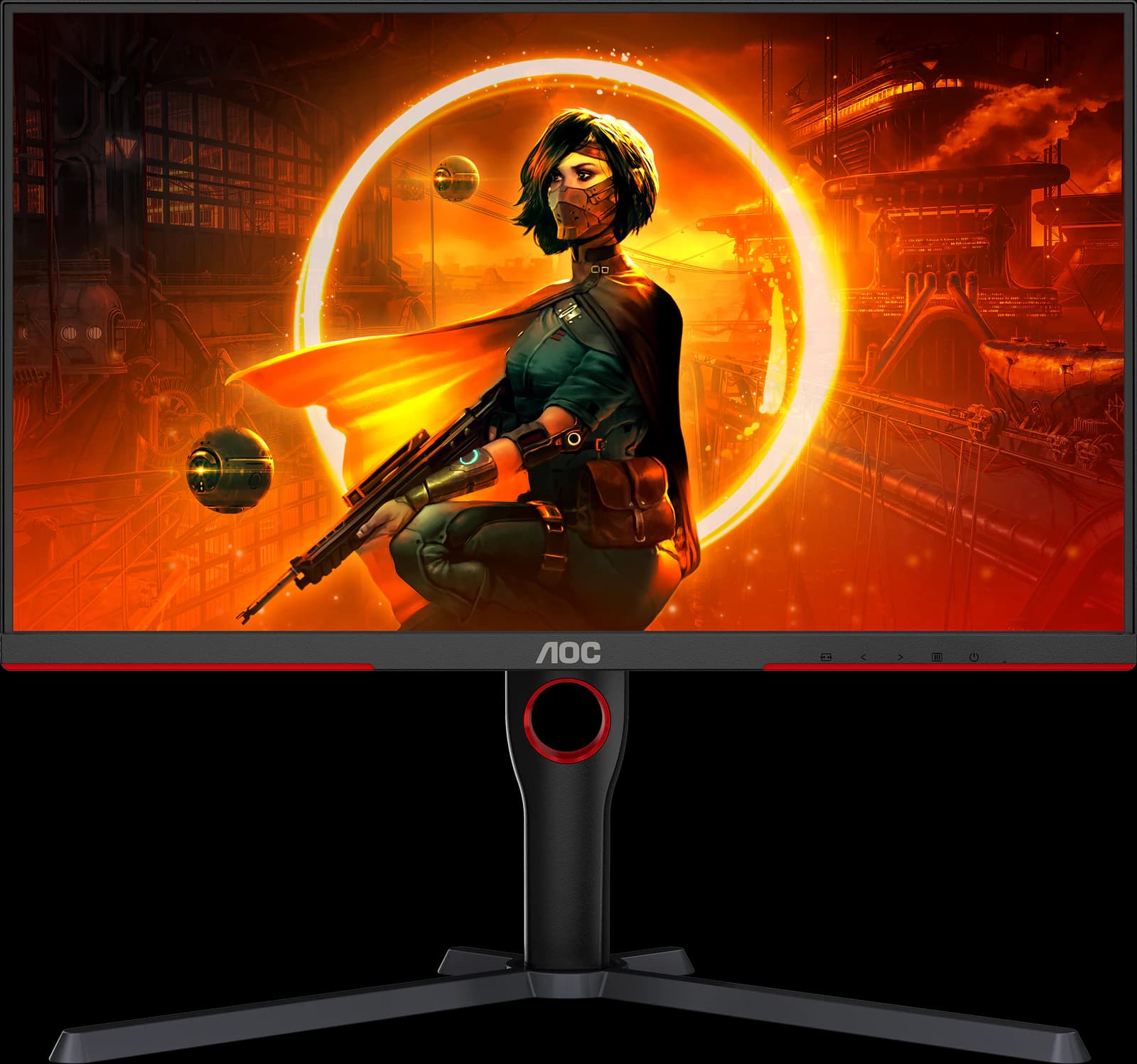
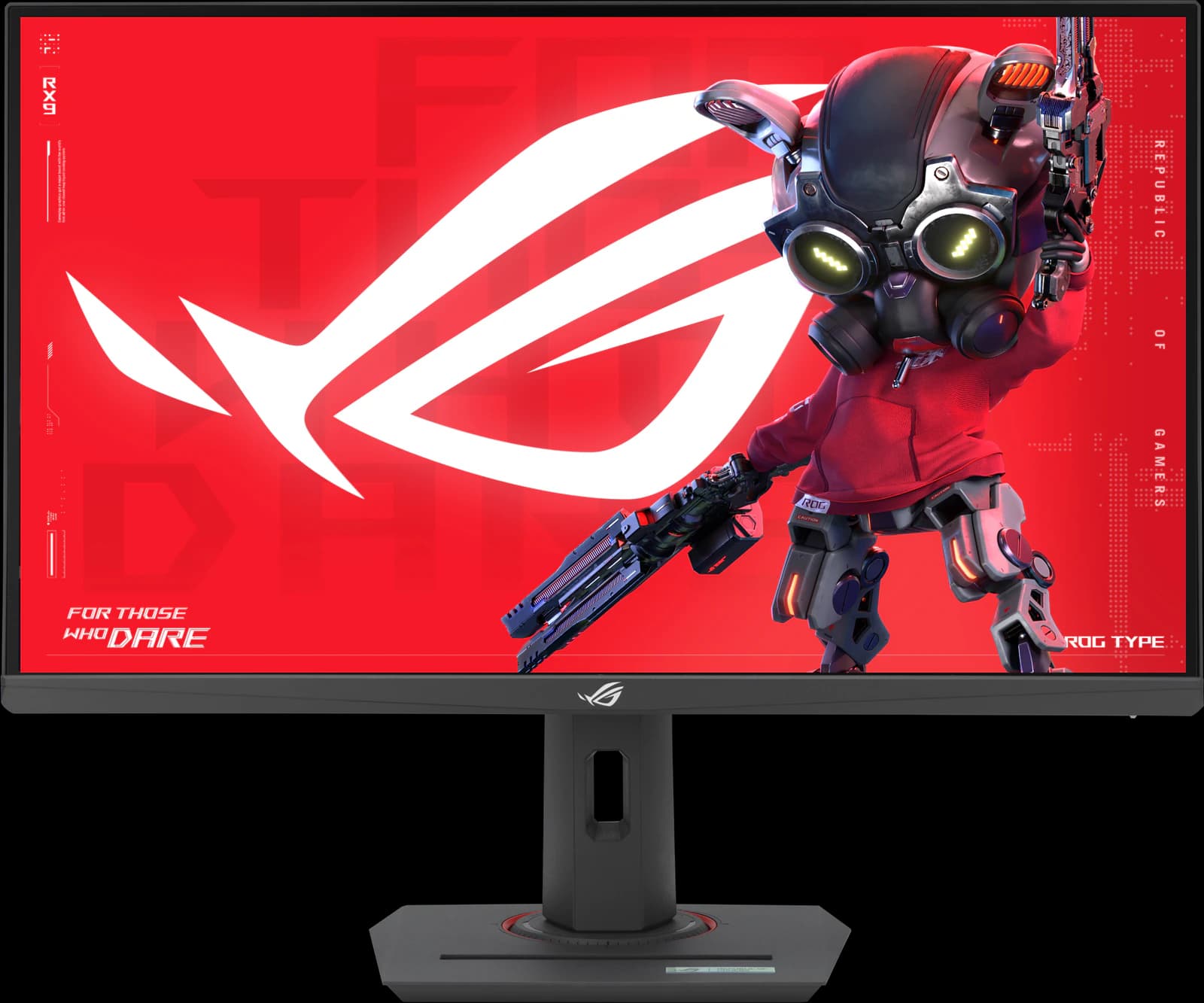
These are the two budget gaming monitors the big reviewers keep recommending, and they make opposite trade-offs. RTINGS names AOC's Q27G3XMN the best budget gaming monitor for its Mini-LED HDR. TechSpot scored ASUS's ROG Strix XG27ACS 90 for the cleanest motion it has measured on a budget 1440p LCD. Both are 27-inch, 1440p, 180Hz, and cost about the same.
This is an editorial comparison built from manufacturer specs and published reviews, not our own testing. Prices are approximate Amazon prices seen October 7, 2026, the last day of Prime Big Deal Days; Prime members saw lower deal prices on both.
Disclosure: As an Amazon Associate we earn from qualifying purchases. “Check price” buttons on this page are affiliate links, at no extra cost to you; they never change the verdict.
Option A
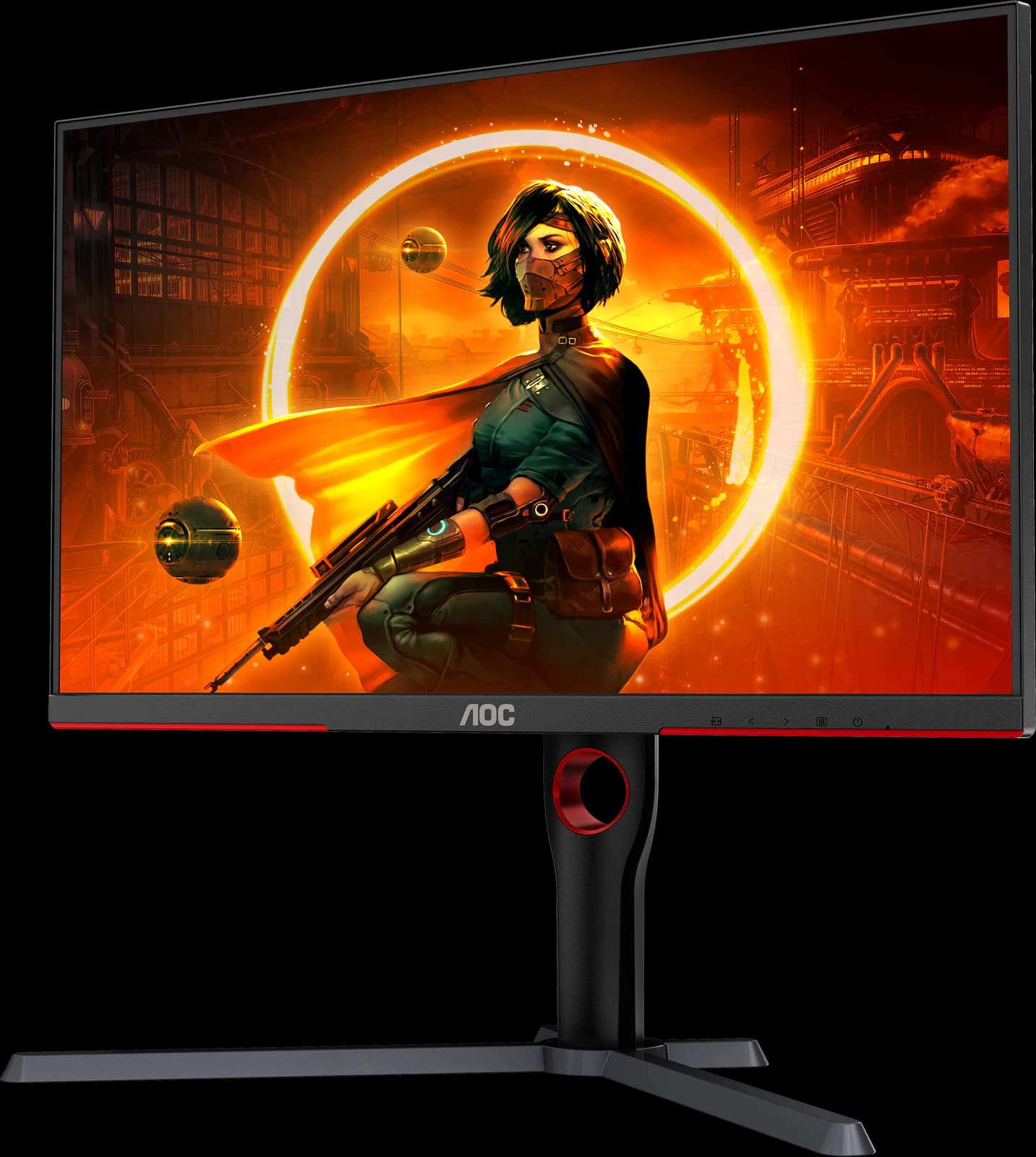
AOC Q27G3XMN
- 27" 1440p
- Mini-LED VA
- 180Hz
- ~$229.99
Real Mini-LED HDR for about $230: the best-looking picture you can get at a budget price.
- Value
- 5 out of 5
- Gaming
- 4 out of 5
- Color
- 4 out of 5
Editorial fit scores, 1–5, from published reviews and specs — not lab measurements.
Option B
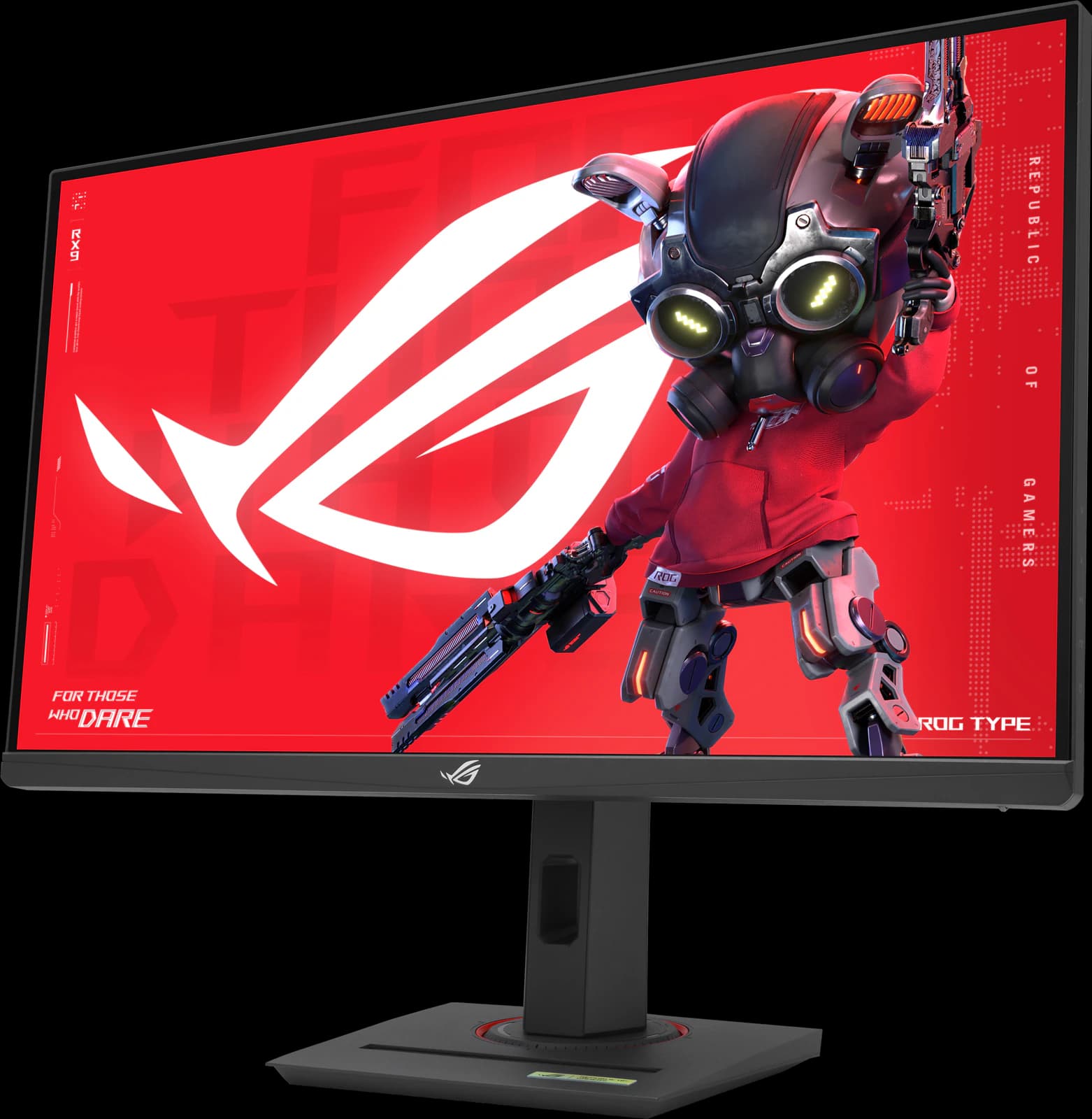
ASUS ROG Strix XG27ACS
- 27" 1440p
- IPS
- 180Hz
- ~$229
The fastest-tuned budget 1440p IPS TechSpot has tested, with a full stand and a USB-C input.
- Value
- 5 out of 5
- Gaming
- 4 out of 5
- Work
- 4 out of 5
Editorial fit scores, 1–5, from published reviews and specs — not lab measurements.
Affiliate link to Amazon. Price approx., seen Oct 2026.
Read the breakdown: ASUS ROG Strix XG27ACSSpec sheet
Side by side
| Feature | Q27G3XMN | ROG Strix XG27ACS |
|---|---|---|
| Approx. Amazon price (Oct 2026) | ~$229.99 (typical) | ~$229 |
| Prime Big Deal Days price | $218.49 | $189Edge |
| Panel | VA with 336-zone Mini-LED backlightEdge | Fast IPS |
| Contrast | 4,000:1 static, plus local dimmingEdge | 1,000:1 |
| HDR | DisplayHDR 1000Edge | DisplayHDR 400 |
| Refresh rate | 180Hz (DisplayPort) | 180Hz (DisplayPort); 144Hz over HDMI |
| Motion | Dark scenes smear (RTINGS, TechSpot) | Best response tuning TechSpot has seen at this priceEdge |
| Viewing angles | Narrow (VA) | Wide (IPS)Edge |
| Color gamut | 101.3% DCI-P3 (AOC, CIE1931) | 97% DCI-P3; calibration report included |
| USB | None | USB-C DisplayPort Alt Mode (7.5W)Edge |
| Stand | Height (130 mm), tilt, swivel, pivot | Height (120 mm), tilt, swivel, pivot; tripod socket |
| Review standing | RTINGS best budget gaming monitor (Aug 2026) | TechSpot 90/100; buy it near $200 (Sep 2026) |
Manufacturer specs and published reviews; prices are approximate Amazon prices seen October 7, 2026. “Edge” marks the side we think comes out ahead on that row.
Fit scores
How they fit, scored
| Scenario | AOC Q27G3XMN | ASUS ROG Strix XG27ACS |
|---|---|---|
| Gaming | 4 out of 5 | 4 out of 5 |
| Work / productivity | 3 out of 5 | 4 out of 5 |
| HDR | 3 out of 5 | 1 out of 5 |
| Color / creative | 4 out of 5 | 4 out of 5 |
| Value | 5 out of 5 | 5 out of 5 |
Editorial fit scores, 1–5 — not lab measurements. Higher score per row highlighted.
Choose the Q27G3XMN if…
- You mostly play single-player games and want real HDR highlights and deep blacks.
- You game or watch films in a dim room, where Mini-LED contrast shines.
- You can live with some blooming and dark-scene smearing.
- You don't need USB.
Choose the XG27ACS if…
- You play fast multiplayer games and want the cleanest motion for the money.
- You want wide viewing angles and accurate, calibrated sRGB color for work too.
- You'd use the USB-C input to plug in a laptop (video only; it won't charge it).
- You can catch it near $200; TechSpot says it's absolutely worth buying there.
Our verdict
It's a tie — your setup decides
Your games decide. For single-player and HDR, buy the AOC Q27G3XMN: nothing this cheap has its contrast and highlights. For competitive and multiplayer games, buy the ASUS ROG Strix XG27ACS: its motion is cleaner and its IPS panel is more versatile for work. At the same ~$230, neither is the wrong answer.
Frequently asked questions
Is Mini-LED HDR on a budget monitor worth it?
On the Q27G3XMN, yes. RTINGS says its local dimming gives deep blacks and bright highlights that most budget monitors can't match. Expect some blooming around bright objects on dark backgrounds, and remember that edge-lit DisplayHDR 400 monitors like the XG27ACS can't show real HDR at all.
Which is better for esports?
The XG27ACS. TechSpot found its overdrive tuned cleanly at every refresh rate, while VA panels like the AOC's smear in dark transitions. Both top out at 180Hz over DisplayPort.
Do I need DisplayPort for 180Hz?
Yes, on both. ASUS limits the XG27ACS to 144Hz over HDMI, and AOC's own Amazon listing specifies DisplayPort 1.4 for 180Hz. Both have HDMI 2.0 rather than 2.1, so neither suits 4K 120Hz console modes.
Disclosure: Independent editorial comparison based on published reviews and manufacturer specs, not our own lab measurements. Prices are approximate Amazon prices seen October 7, 2026. As an Amazon Associate we earn from qualifying purchases made through links on this page, at no extra cost to you.