TV-first tech research

Which TV Should I Buy?
Search

Monitors · 12 models · 6 guides

Which monitor should you buy?

What you play, how much you type, and how deep your desk is matter more than a refresh-rate number. Start with our four picks, or answer four questions and get a shortlist with reasons.

Quick picks

If you just want the answer

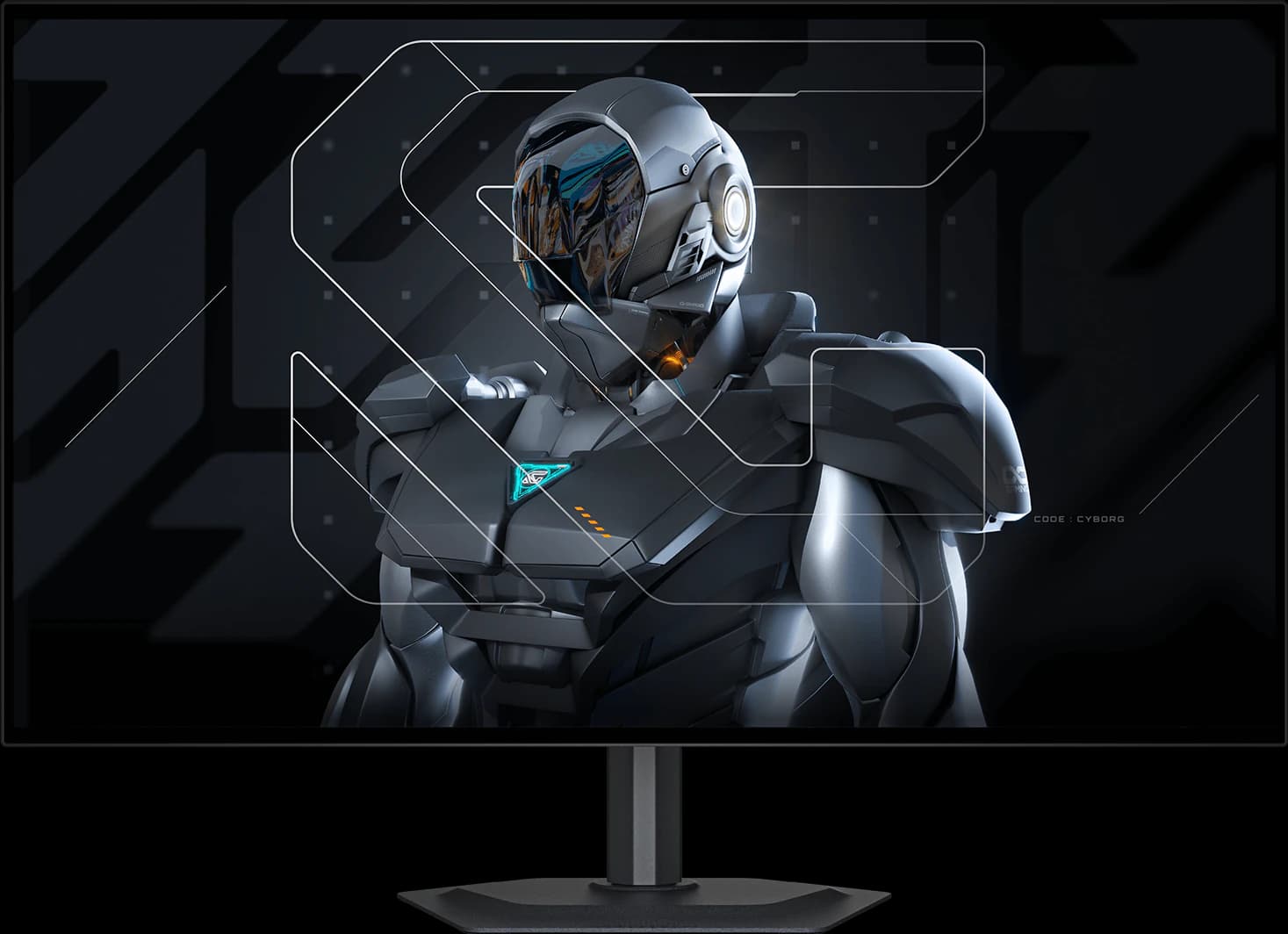
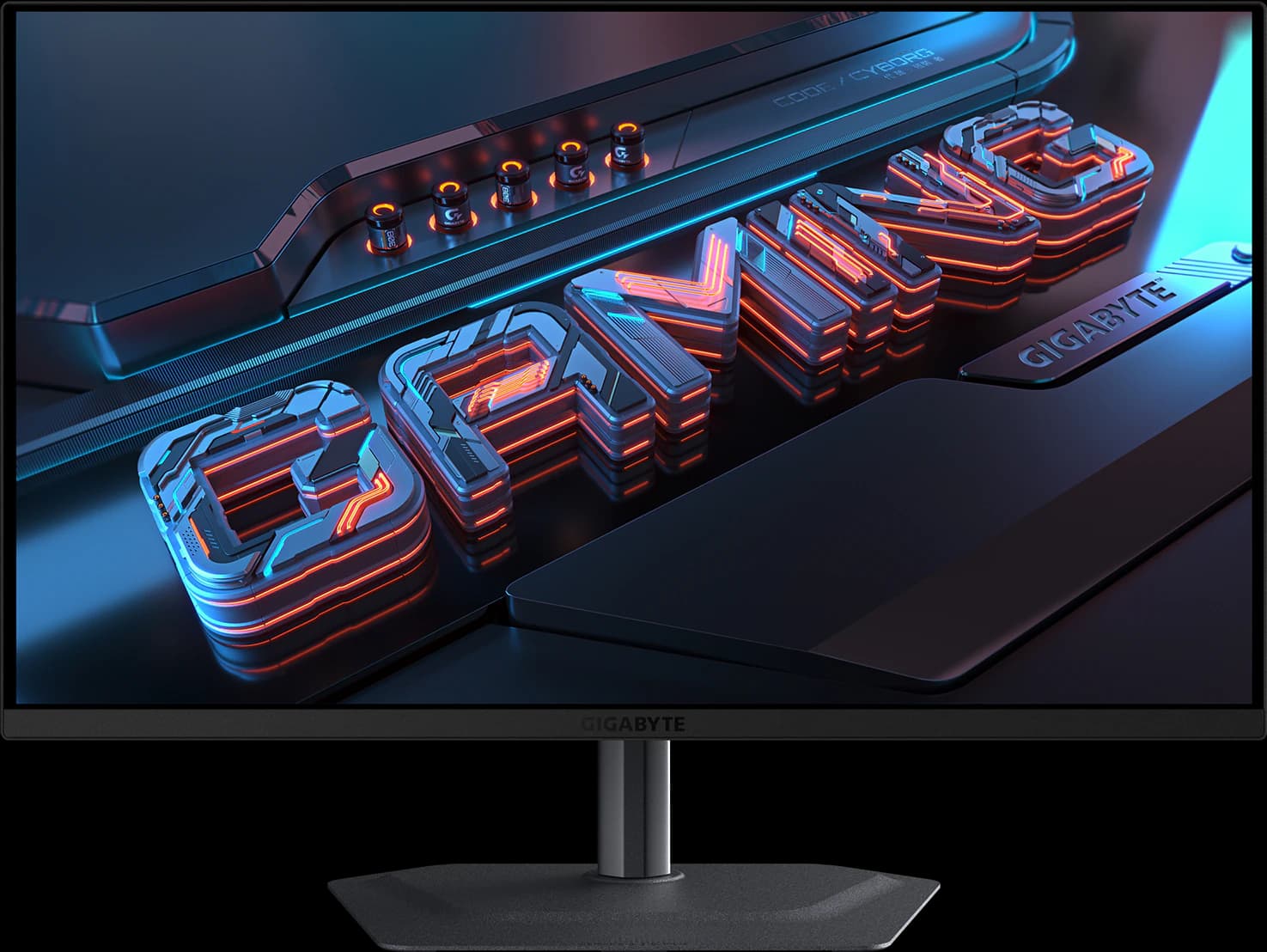
  1. Gigabyte MO27Q28GR 27-inch OLED gaming monitor, front view

    Best overall

    Gigabyte MO27Q28GR

    27" 1440p Tandem WOLED · ~$499.99 (approx., Oct 2026)

    TechSpot's best 1440p OLED and TFTCentral's mid-tier 27-inch pick: a glossy 4th-gen Tandem WOLED with USB-C and a KVM switch, at ~$499.99 against a $599.99 list price.

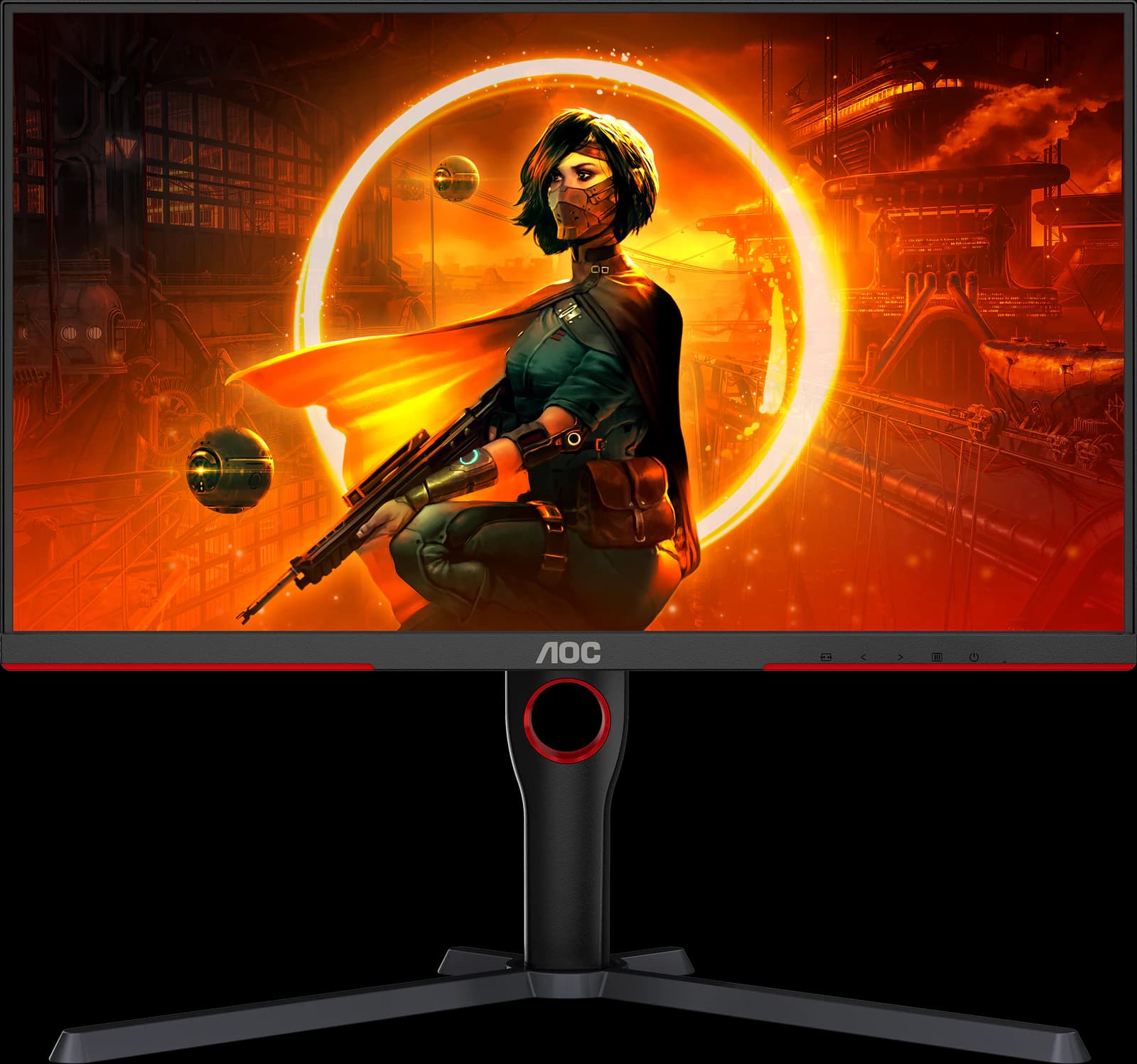
  2. AOC Q27G3XMN 27-inch Mini-LED gaming monitor, front view

    Best budget

    AOC Q27G3XMN

    27" 1440p Mini-LED VA · ~$229.99 (approx., Oct 2026)

    RTINGS' best budget gaming monitor: a 336-zone Mini-LED backlight gives real HDR and deep blacks for ~$229.99. Expect some blooming and dark-scene smearing.

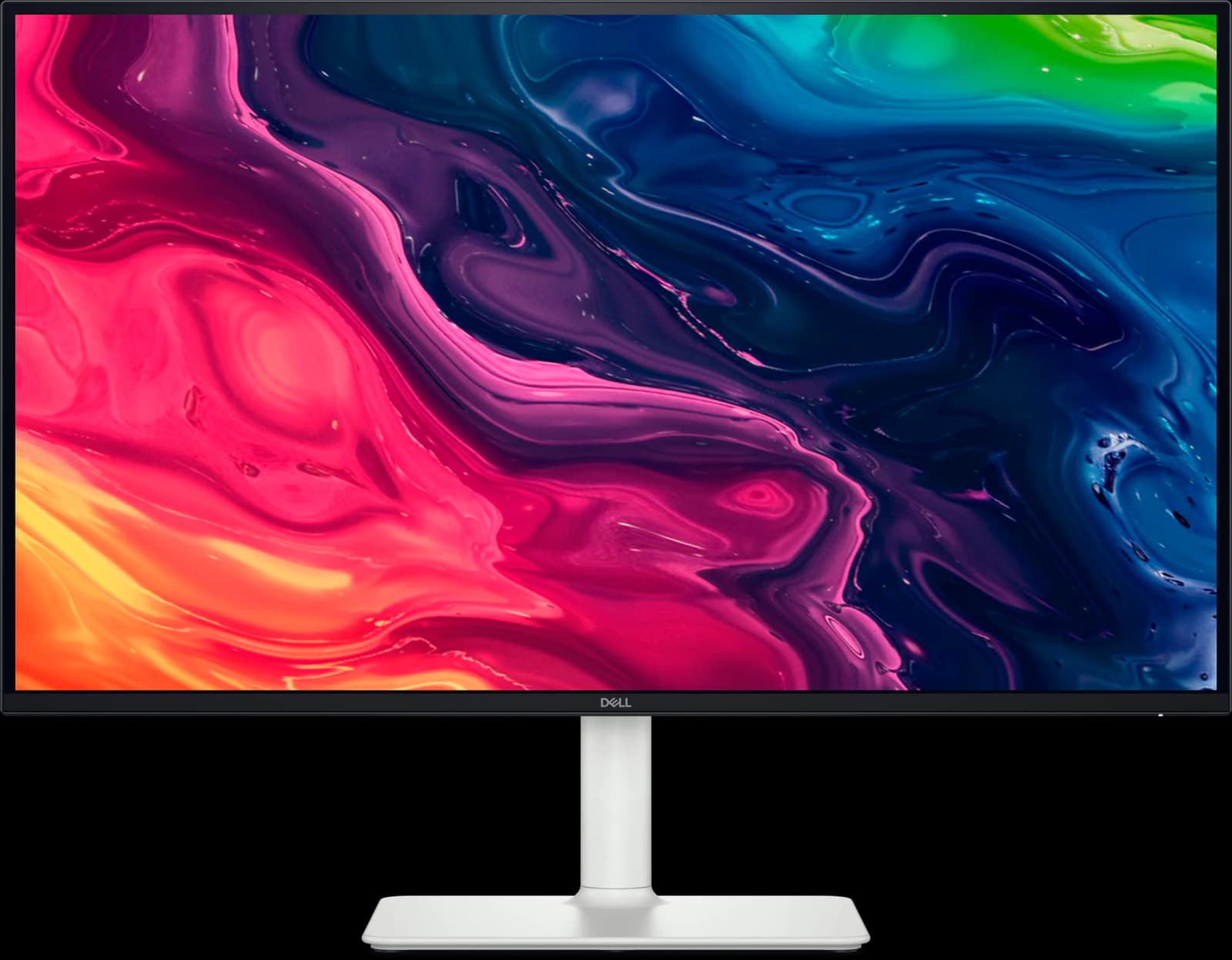
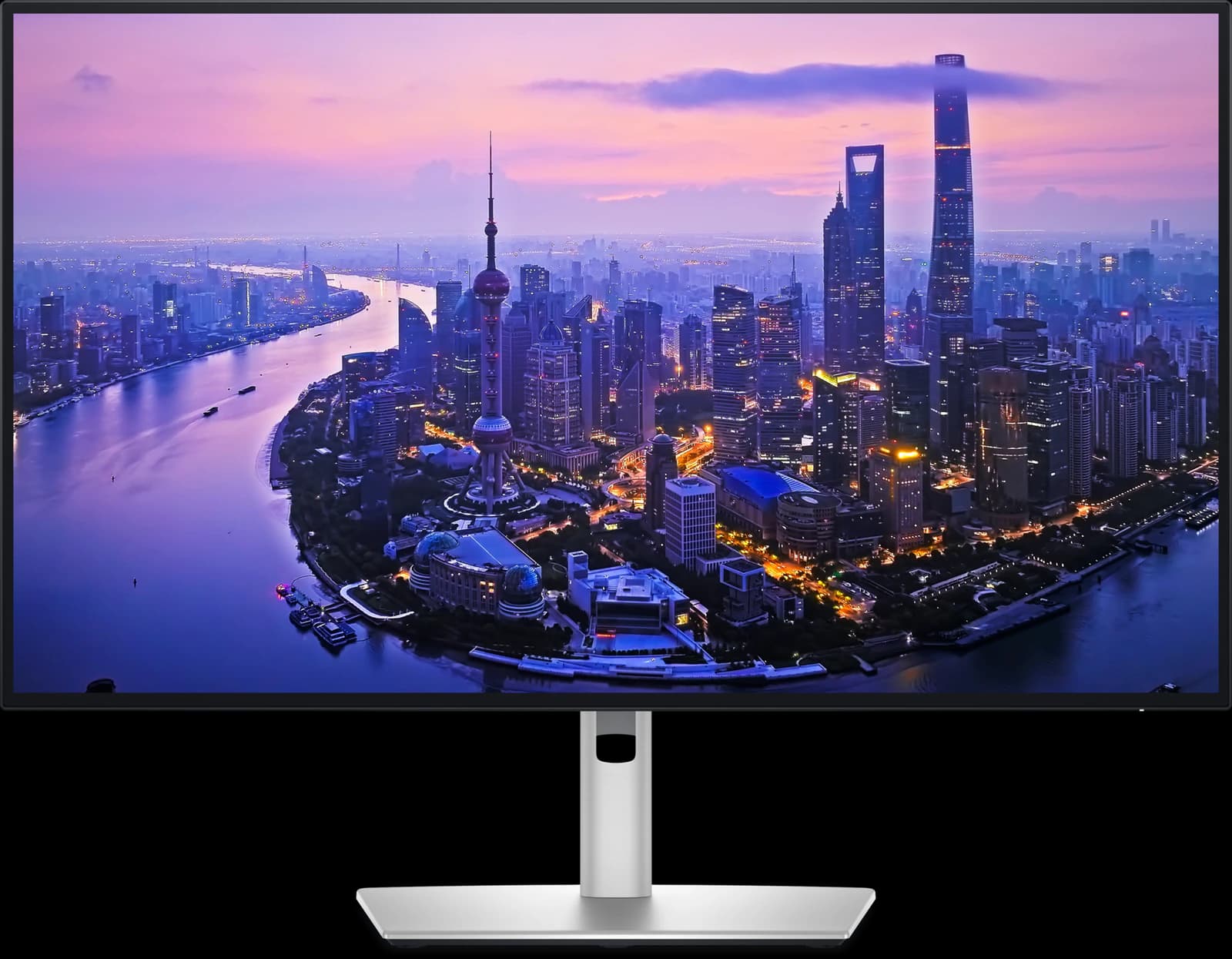
  3. Dell UltraSharp U2725QE 27-inch 4K monitor, front view

    Best for work

    Dell UltraSharp U2725QE

    27" 4K IPS Black · ~$627.69 (approx., Oct 2026)

    Wirecutter's top 4K pick and RTINGS' upper mid-range work pick: a 27-inch 4K screen that doubles as a Thunderbolt 4 dock with a KVM switch. ~$627.69 from a third-party Amazon seller.

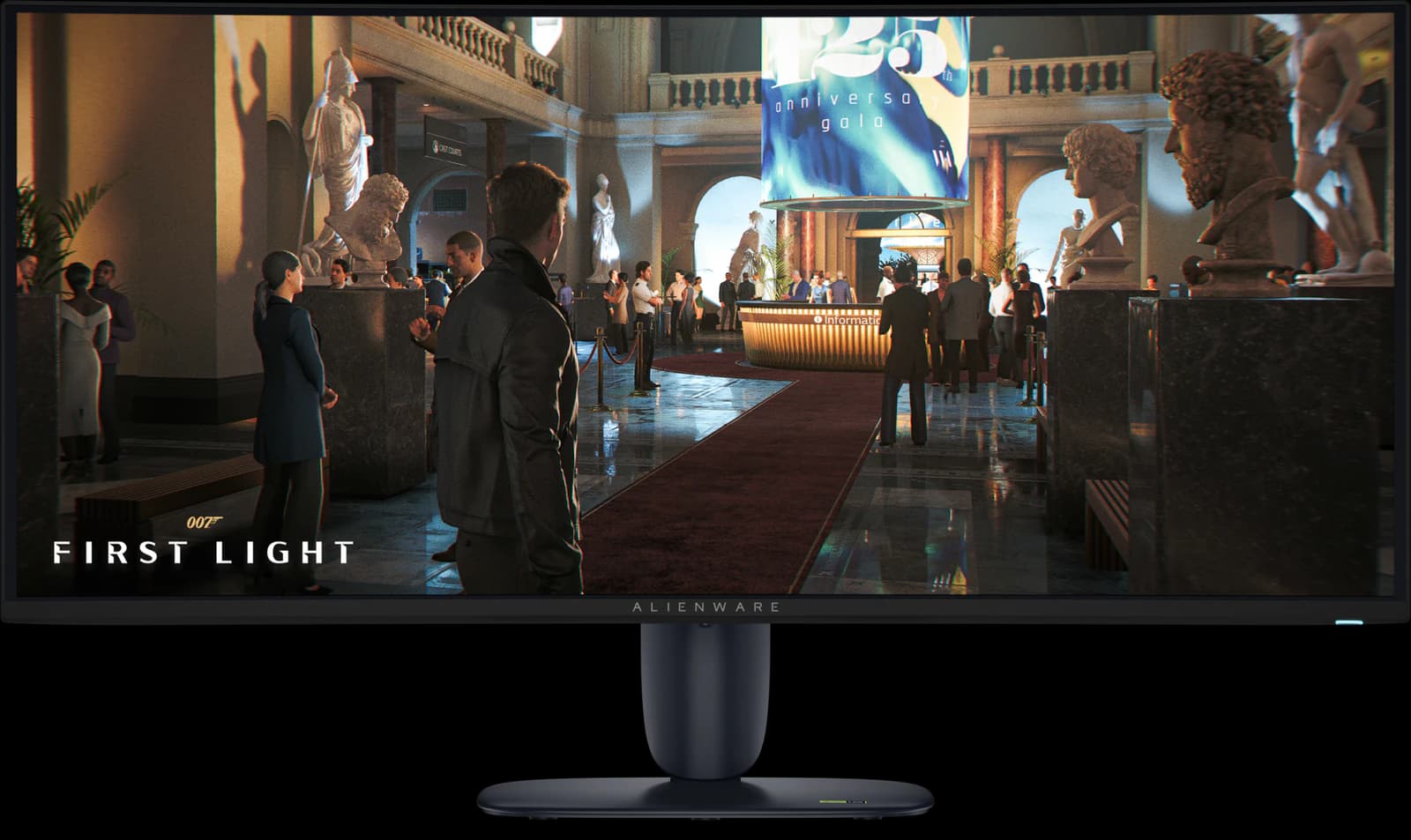
  4. Alienware AW3426DW 34-inch curved QD-OLED ultrawide gaming monitor, front view

    Best ultrawide

    Alienware AW3426DW

    34" 1440p QD-OLED · ~$799.99 (approx., Oct 2026)

    TechSpot's go-to 34-inch ultrawide and RTINGS' best mid-range ultrawide: an RGB-stripe QD-OLED with Dolby Vision and a three-year burn-in warranty for ~$799.99.

Disclosure: “Check price” buttons are Amazon affiliate links. As an Amazon Associate we earn from qualifying purchases, at no extra cost to you; it never changes our picks, which come from published reviews and manufacturer specs, not our own testing. Product images: official manufacturer photos (AOC, Dell, Gigabyte).

The monitor finder

Tell us about your desk

01What's it mostly for?
02What size fits your desk?
03OLED or LCD?
04What's your budget?

Picks update live as you choose. No email, no sign-up.

Your shortlist

Top picks for your setup

A 27-inch monitor for gaming, any panel, under $500: here are your top 3 picks.

  1. 01

    Top pick

    Gigabyte MO27Q28GR

    Screen
    27" 1440p
    Panel
    Tandem WOLED
    Refresh
    280Hz
    Approx. price
    ~$499.99

    The 1440p OLED most gamers should buy: a 4th-gen Tandem WOLED panel with a glossy screen, for about $500.

    • 5/5 for gaming, the top score here. Refresh: 280Hz.
    • 27-inch 1440p Tandem WOLED.
    • ~$499.99 (approx.), inside your $500 budget.

    Top fit scores

    Gaming
    5 out of 5
    Value
    5 out of 5
    Work
    4 out of 5

    Editorial fit scores, 1–5, from published reviews and specs — not lab measurements.

    Check price

    Affiliate link to Amazon. Price approx., seen Oct 2026.

    Read the breakdown: Gigabyte MO27Q28GR
  2. 02

    Gigabyte MO27Q2A

    Screen
    27" 1440p
    Panel
    QD-OLED
    Refresh
    280Hz
    Approx. price
    ~$399.99

    A full-brightness 280Hz QD-OLED with USB-C, a KVM switch, and speakers for about $400.

    • 5/5 for gaming, the top score here. Refresh: 280Hz.
    • 27-inch 1440p QD-OLED.
    • ~$399.99 (approx.), inside your $500 budget.

    Top fit scores

    Gaming
    5 out of 5
    Value
    5 out of 5
    Color
    4 out of 5

    Editorial fit scores, 1–5, from published reviews and specs — not lab measurements.

    Check price

    Affiliate link to Amazon. Price approx., seen Oct 2026.

    Read the breakdown: Gigabyte MO27Q2A
  3. 03

    AOC Q27G3XMN

    Screen
    27" 1440p
    Panel
    Mini-LED VA
    Refresh
    180Hz
    Approx. price
    ~$229.99

    Real Mini-LED HDR for about $230: the best-looking picture you can get at a budget price.

    • 4/5 for gaming. Refresh: 180Hz (DisplayPort).
    • 27-inch 1440p Mini-LED VA.
    • ~$229.99 (approx.), inside your $500 budget.

    Top fit scores

    Value
    5 out of 5
    Gaming
    4 out of 5
    Color
    4 out of 5

    Editorial fit scores, 1–5, from published reviews and specs — not lab measurements.

    Check price

    Affiliate link to Amazon. Price approx., seen Oct 2026.

    Read the breakdown: AOC Q27G3XMN

Ranked on our editorial fit scores (from published reviews and manufacturer specs, not our own tests) and approximate Amazon prices seen Oct 7, 2026. Check price links are affiliate links.

The lineup

Every monitor we cover

12 models from Gigabyte, ASUS, MSI, Alienware, LG, Dell and AOC. Each one has its own page with scores, specs, sources, and who should skip it.

Gaming · 04

Ultrawide · 03

Work and productivity · 03

Budget · 02

Go deeper

Monitor buying guides

  1. 01

    The Best Gaming Monitors of 2026

    Our 2026 gaming monitor picks: Gigabyte's MO27Q28GR for most people, ASUS's XG32UCWMG for 4K, MSI's MAG 321UPX for value, plus the best ultrawide and budget screens.

    Updated Oct 7, 2026

    7 picks

    Read the guide →

  2. 02

    The Best 27-Inch Monitors of 2026

    The best 27-inch monitors for 2026: Gigabyte's MO27Q28GR OLED for gaming, Dell's U2725QE for work, ASUS's ProArt PA279CRV for creators, and three picks around $230.

    Updated Oct 7, 2026

    7 picks

    Read the guide →

  3. 03

    The Best Ultrawide Monitors of 2026

    The best ultrawide monitors for 2026: Alienware's AW3426DW for most people, MSI's 360Hz MPG 341CQR X36, and LG's 39-inch 5K2K UltraGear 39GX950B.

    Updated Oct 7, 2026

    3 picks

    Read the guide →

  4. 04

    The Best Monitors for Productivity in 2026

    The best monitors for working from home in 2026: Dell's U2725QE Thunderbolt hub, ASUS's calibrated ProArt PA279CRV, Dell's $230 S2725QS, and two picks for work and play.

    Updated Oct 7, 2026

    5 picks

    Read the guide →

  5. 05

    The Best Monitors Under $300

    The best monitors under $300 in 2026: AOC's Mini-LED Q27G3XMN for HDR gaming, ASUS's fast ROG Strix XG27ACS, and Dell's 4K S2725QS, all about $230.

    Updated Oct 7, 2026

    3 picks

    Read the guide →

  6. 06

    The Best Monitors Under $500

    The best monitors under $500 in 2026: Gigabyte's MO27Q28GR and MO27Q2A OLEDs, ASUS's ProArt PA279CRV for work, and three excellent picks around $230.

    Updated Oct 7, 2026

    6 picks

    Read the guide →

Head to head

Monitor comparisons

  1. 01

    Gigabyte MO27Q28GR vs Gigabyte MO27Q2A

    Gigabyte's two 27-inch 1440p 280Hz OLEDs: the $500 glossy Tandem WOLED MO27Q28GR, TechSpot's best 1440p OLED, against the $400 QD-OLED MO27Q2A. Is the upgrade worth $100?

    Updated Oct 7, 2026

    Edge: MO27Q28GR

    Read the comparison →

  2. 02

    ASUS ROG Strix XG32UCWMG vs MSI MAG 321UPX

    Two 32-inch 4K 240Hz OLEDs: ASUS's glossy WOLED XG32UCWMG, TechSpot's best overall gaming monitor, against MSI's QD-OLED MAG 321UPX, the value pick. Which to buy.

    Updated Oct 7, 2026

    Edge: MAG 321UPX

    Read the comparison →

  3. 03

    Alienware AW3426DW vs MSI MPG 341CQR X36

    Two 34-inch ultrawides on Samsung's newest RGB-stripe QD-OLED panel: Alienware's $800 280Hz AW3426DW against MSI's 360Hz MPG 341CQR X36. Speed and ports vs price.

    Updated Oct 7, 2026

    Edge: AW3426DW

    Read the comparison →

  4. 04

    LG UltraGear 39GX950B vs MSI MPG 341CQR X36

    A 39-inch 5K2K WOLED against a 34-inch 360Hz QD-OLED: LG's sharp, bright 39GX950B or MSI's faster, cheaper MPG 341CQR X36. Specs, warranties, and a straight pick.

    Updated Oct 7, 2026

    Edge: MPG 341CQR X36

    Read the comparison →

  5. 05

    Dell UltraSharp U2725QE vs ASUS ProArt PA279CRV

    Two 27-inch 4K work monitors: Dell's Thunderbolt-hub UltraSharp U2725QE against ASUS's factory-calibrated ProArt PA279CRV, about $230 cheaper. Which one your desk needs.

    Updated Oct 7, 2026

    Edge: ProArt PA279CRV

    Read the comparison →

  6. 06

    AOC Q27G3XMN vs ASUS ROG Strix XG27ACS

    Two 27-inch 1440p 180Hz gaming monitors for about $230: AOC's Mini-LED Q27G3XMN, RTINGS' budget pick, against ASUS's fast IPS XG27ACS, TechSpot's. Which suits your games.

    Updated Oct 7, 2026

    Verdict: depends on your setup

    Read the comparison →

Methodology

How we score monitors

Every model gets five editorial fit scores from 1 to 5. They're our synthesis of published reviews (RTINGS, TechSpot and Monitors Unboxed, TFTCentral, Tom's Hardware, PCMag and others, credited on each page) and manufacturer specs. We don't run a test bench, and we never claim measurements we didn't take.

Value is judged at the approximate Amazon price we saw on October 7, 2026, so it moves when prices do. No brand pays for placement.

Want one big OLED for console, PC, and work? Try a desk TV — our best desk TVs guide covers 42- and 48-inch stations.

Read the full methodology
01Gaming
Motion clarity, refresh rate, VRR, and input-lag reputation.
02Work / productivity
Text clarity, screen space, ergonomics, and USB-C or KVM docking.
03HDR
HDR highlight brightness, contrast, and how consistently it holds up in games and films.
04Color / creative
Gamut, factory calibration, and uniformity for photo, video, and design work.
05Value
What you get at the approximate street price.