

Head to head
ASUS ROG Strix XG32UCWMG vs MSI MAG 321UPX
Two 32-inch 4K 240Hz OLEDs: ASUS's glossy WOLED XG32UCWMG, TechSpot's best overall gaming monitor, against MSI's QD-OLED MAG 321UPX, the value pick. Which to buy.
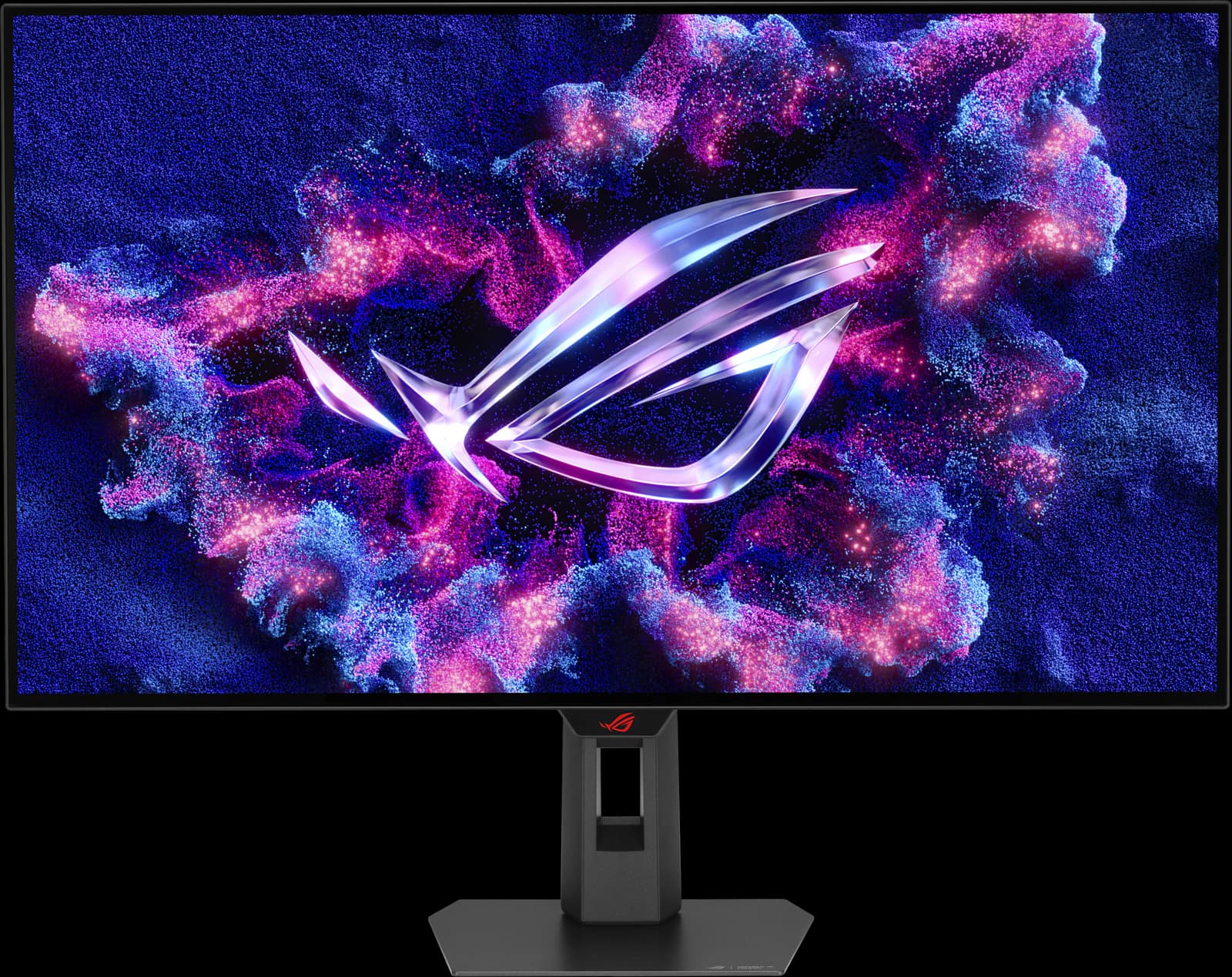
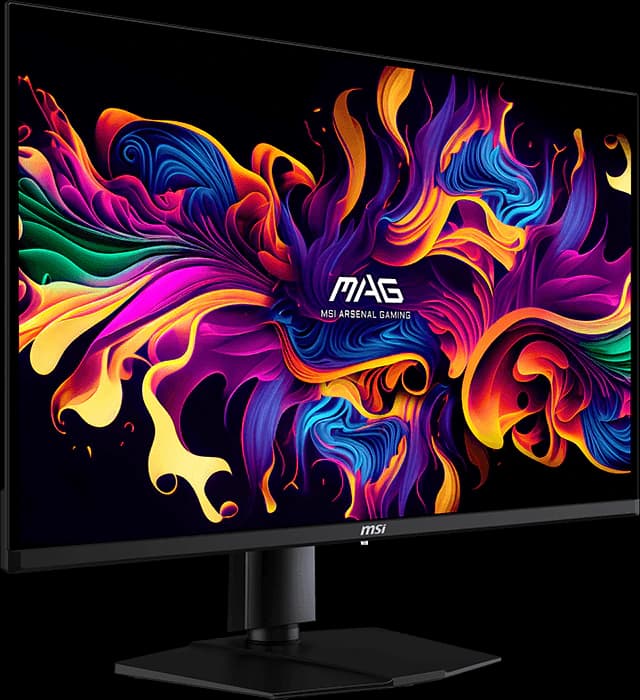
This is the 32-inch 4K OLED decision in one page: LG Display's WOLED panel against Samsung Display's QD-OLED. TechSpot names the ASUS ROG Strix OLED XG32UCWMG its best overall gaming monitor of 2026, and in its July 2026 4K guide calls MSI's MAG 321UPX the 32-inch QD-OLED it recommends in most situations. Both run 4K at 240Hz with near-instant response and carry three-year burn-in warranties; the differences are your room, a 480Hz mode, and about $280.
This is an editorial comparison built from manufacturer specs and published reviews, not our own testing. Prices are approximate Amazon prices seen October 7, 2026, the last day of Prime Big Deal Days, so check the live price before you buy.
Disclosure: As an Amazon Associate we earn from qualifying purchases. “Check price” buttons on this page are affiliate links, at no extra cost to you; they never change the verdict.
Option A
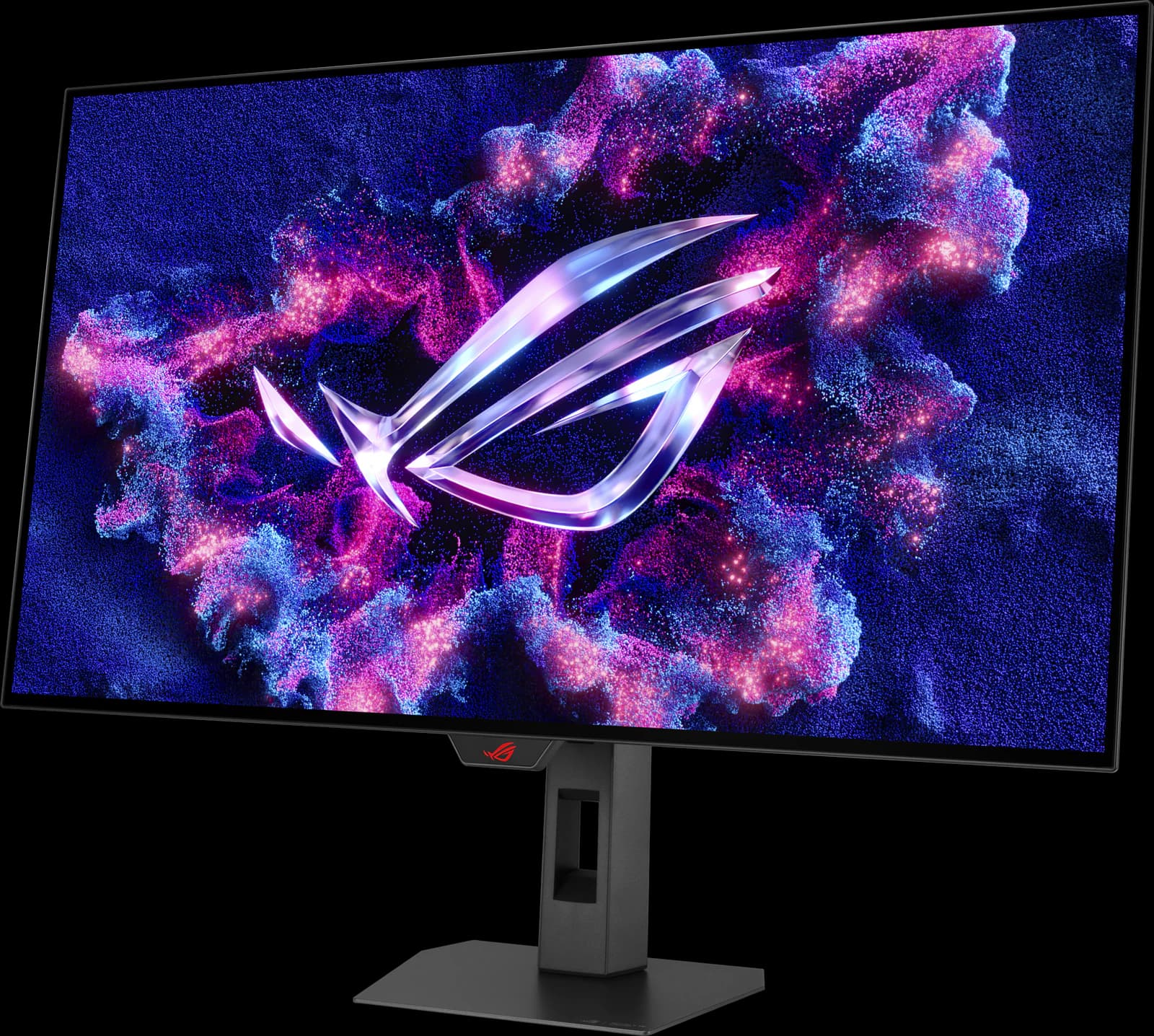
ASUS ROG Strix OLED XG32UCWMG
- 32" 4K
- WOLED
- 240Hz
- ~$977.19
TechSpot's best overall gaming monitor: a glossy 32-inch 4K OLED that switches to 1080p at 480Hz.
- Gaming
- 5 out of 5
- Work
- 4 out of 5
- HDR
- 4 out of 5
Editorial fit scores, 1–5, from published reviews and specs — not lab measurements.
Affiliate link to Amazon. Price approx., seen Oct 2026.
Read the breakdown: ASUS ROG Strix OLED XG32UCWMG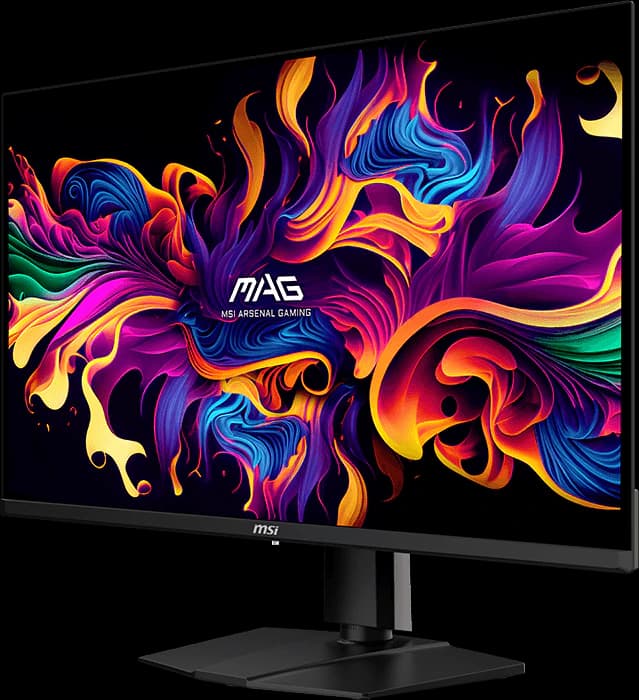
Option B
MSI MAG 321UPX QD-OLED
- 32" 4K
- QD-OLED
- 240Hz
- ~$699.99
The value 32-inch 4K 240Hz OLED: the same panel as MSI's pricier MPG model, for about $700.
- Gaming
- 5 out of 5
- Value
- 5 out of 5
- HDR
- 4 out of 5
Editorial fit scores, 1–5, from published reviews and specs — not lab measurements.
Affiliate link to Amazon. Price approx., seen Oct 2026.
Read the breakdown: MSI MAG 321UPX QD-OLEDSpec sheet
Side by side
| Feature | ROG Strix XG32UCWMG | MAG 321UPX |
|---|---|---|
| Approx. Amazon price (Oct 2026) | ~$977.19 | ~$699.99 (typical $749.99)Edge |
| List price | $999 (ASUS Store) | $899.99 at launchEdge |
| Panel | 3rd-gen WOLED (LG Display) | QD-OLED (Samsung Display) |
| Screen finish | Glossy (TrueBlack Glossy) | Semi-glossy anti-reflection |
| Blacks in a lit room | Stay deep (TechSpot)Edge | Turn gray-purple under strong light (RTINGS, on the same panel in the MPG 321URX) |
| Refresh rate | 240Hz; 480Hz at 1080p (dual mode)Edge | 240Hz |
| HDR certification | DisplayHDR True Black 400 | DisplayHDR True Black 400 |
| Color gamut | 99% DCI-P3; ΔE < 2 | 99% DCI-P3, 97.5% Adobe RGB |
| USB-C | DisplayPort Alt Mode; 15W | DisplayPort Alt Mode; 15W |
| USB hub / KVM | 3x USB-A; Auto KVMEdge | No hub; no KVM |
| Stand | Height (80 mm), tilt, swivel; no pivot | Height (100 mm), tilt, swivel, slight pivotEdge |
| Warranty | 3 years, including burn-in | 3 years, including burn-in |
| Review standing | TechSpot best overall (Sep 2026) | TechSpot's recommended 32-inch QD-OLED for most buyers (Jul 2026) |
Manufacturer specs and published reviews; prices are approximate Amazon prices seen October 7, 2026. “Edge” marks the side we think comes out ahead on that row.
Fit scores
How they fit, scored
| Scenario | ASUS ROG Strix OLED XG32UCWMG | MSI MAG 321UPX QD-OLED |
|---|---|---|
| Gaming | 5 out of 5 | 5 out of 5 |
| Work / productivity | 4 out of 5 | 3 out of 5 |
| HDR | 4 out of 5 | 4 out of 5 |
| Color / creative | 4 out of 5 | 4 out of 5 |
| Value | 4 out of 5 | 5 out of 5 |
Editorial fit scores, 1–5 — not lab measurements. Higher score per row highlighted.
Choose the XG32UCWMG if…
- Your room is bright. The glossy WOLED keeps blacks deep where QD-OLED blacks turn gray.
- You play competitive shooters too: the 1080p 480Hz mode is a second monitor in one.
- You'll use the KVM switch and USB hub to share the screen with a laptop.
- You want TechSpot's overall pick and don't mind paying about $280 more for it.
Choose the MAG 321UPX if…
- You want the cheapest good 32-inch 4K OLED: ~$699.99 against ~$977.19.
- You game in a dim or moderately lit room, where QD-OLED looks its best.
- You don't need a USB hub, KVM switch, or laptop charging.
- You'd rather take TechSpot's advice and save the money for a GPU that can drive 4K.
Our verdict
MSI MAG 321UPX QD-OLED
For most people, the MAG 321UPX: it's about $280 cheaper and delivers the same 4K 240Hz OLED experience in a typical room, which is why TechSpot recommends it in most situations. Pay up for the XG32UCWMG if your desk faces a window or bright lamps, you want the 480Hz mode for shooters, or you'll use the KVM and USB hub.
Frequently asked questions
Is WOLED or QD-OLED better for a 32-inch 4K monitor?
Each wins somewhere. QD-OLED panels like the MAG 321UPX's have no polarizer, so blacks look gray or slightly purple under strong room light. Glossy WOLEDs like the XG32UCWMG keep blacks deeper in a lit room, and TechSpot finds WOLED HDR brightness more consistent. In a dim room the difference shrinks, which is why the cheaper MSI is our default pick.
Do both monitors have a burn-in warranty?
Yes. ASUS and MSI both list three-year warranties that include burn-in for these models. Both also have pixel-refresh and screen-saving features; leaving them on and hiding static taskbars helps.
Can either monitor charge my laptop over USB-C?
Not really. Both USB-C ports carry video but supply only 15W. If you want one-cable laptop charging on a 32-inch 4K OLED, MSI's MPG 321URX family (90W) is the version to look for.
Disclosure: Independent editorial comparison based on published reviews and manufacturer specs, not our own lab measurements. Prices are approximate Amazon prices seen October 7, 2026. As an Amazon Associate we earn from qualifying purchases made through links on this page, at no extra cost to you.