

Research · 32" 4K QD-OLED
MSI MAG 321UPX QD-OLED: what the testing says
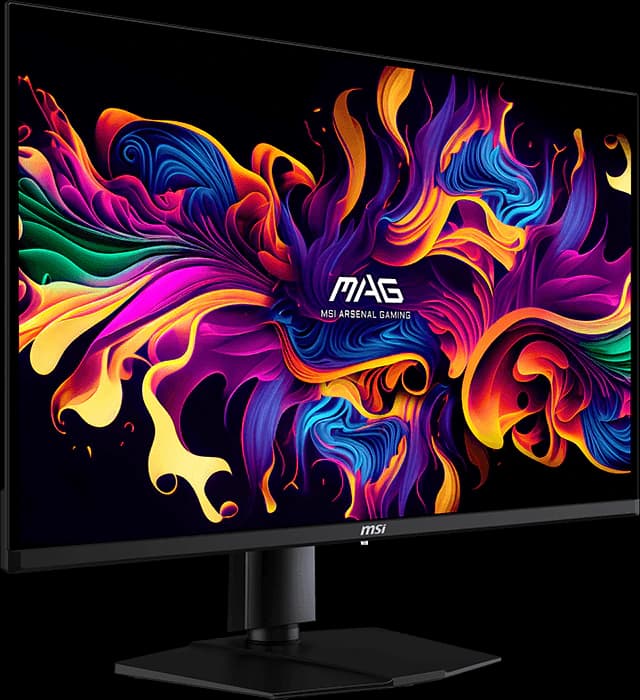
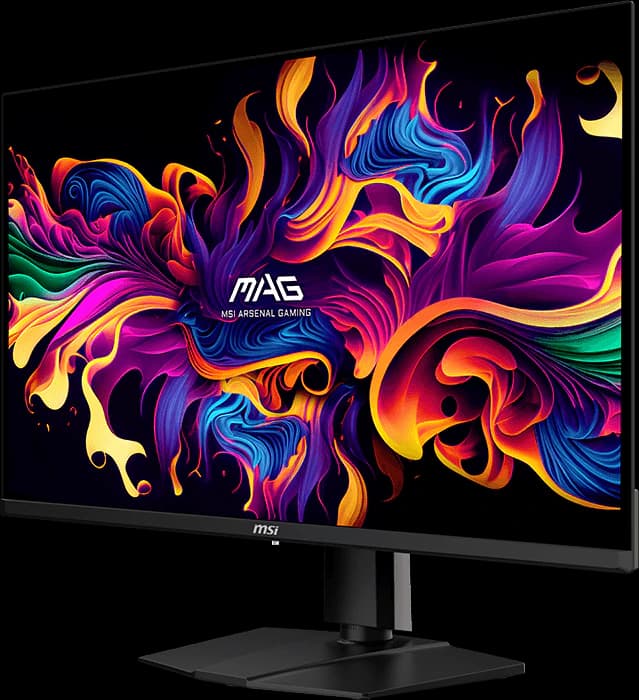
The MAG 321UPX is the cheapest way into a good 32-inch 4K OLED. It uses the same 240Hz QD-OLED panel as MSI's well-reviewed MPG 321URX, and TechSpot says it's the 32-inch QD-OLED it recommends in most situations. You give up the pricier model's USB hub, KVM switch, and laptop charging, and QD-OLED blacks turn gray-purple under bright room light.
Our take
The short version
MSI's MAG 321UPX is the stripped-down sibling of the MPG 321URX, one of the most praised 32-inch OLEDs of 2024. TFTCentral's launch coverage confirms they share the same 3rd-gen Samsung QD-OLED panel, stand, cooling, and three-year burn-in warranty. The MAG drops the USB hub, the KVM switch, and the 90W USB-C charging, and keeps everything that affects the picture. TechSpot's July 2026 4K guide calls it the 32-inch QD-OLED it recommends in most situations because it keeps turning up at a great price.
Because the panel is shared, reviews of the MPG 321URX describe what you'll see: RTINGS called that model remarkable for PC gaming, with outstanding HDR, exceptional color accuracy, and less VRR flicker than many OLEDs. TechSpot argues the 2026 panels with True Black 500 certification are only slightly better, writing that it "would save the $300 and buy the older 321UPX" over MSI's $1,100 MPG 322UR X24.
The usual QD-OLED caveats apply. With no polarizer, blacks look gray or slightly purple under strong room light (RTINGS noted this on the 321URX), and large HDR highlights dim while small ones pop. The single USB-C port supplies only 15W and there's no USB hub. At $699.99 from Amazon on October 7, about $280 less than the glossy ASUS XG32UCWMG, it's the value pick for a 4K OLED.
Pros and cons
What we like
- TechSpot's recommended 32-inch QD-OLED for most buyers
- Same QD-OLED panel as the well-reviewed MPG 321URX
- 4K at 240Hz with near-instant response
- Three-year burn-in warranty and fanless cooling
- About $700: the cheapest 32-inch 4K 240Hz OLED in our lineup
Trade-offs
- Blacks look gray-purple under bright room light (QD-OLED)
- Large HDR highlights dim; small ones are bright
- No USB hub or KVM switch; USB-C supplies only 15W
- DisplayPort 1.4 with compression, not DP 2.1
Who it's for
Buy it if…
- Gamers who want the cheapest good 32-inch 4K OLED
- PC and console players in dim to moderately lit rooms
- Anyone who doesn't need the monitor to double as a laptop dock
Skip it if…
- Bright rooms: the glossy WOLED ASUS XG32UCWMG holds its blacks better
- Laptop users who want one-cable charging
- Competitive players who want a 480Hz dual mode
Spec sheet
MAG 321UPX specs
| Screen size | 31.5" |
|---|---|
| Resolution | 3840 x 2160 |
| Refresh rate | 240Hz |
| Panel | QD-OLED (Samsung Display) |
| Response time | 0.03ms GtG |
| Brightness | 250 nits typical (SDR) |
| Contrast | 1,500,000:1 |
| HDR certification | VESA DisplayHDR True Black 400 |
| Color gamut | 99% DCI-P3, 97.5% Adobe RGB |
| Adaptive sync | Adaptive-Sync |
| Ports | 1x DisplayPort 1.4a, 2x HDMI 2.1, USB-C, headphone out; no USB-A hub |
| USB-C / Thunderbolt | DisplayPort Alt Mode; 15W power delivery |
| KVM switch | No |
| Stand | Height (100 mm), tilt, swivel, slight pivot |
| VESA mount | 100 x 100 mm |
| Curvature | Flat |
| Screen finish | Semi-glossy anti-reflection |
| Weight | 9.1 kg |
| Warranty | 3 years, including burn-in |
| Also notable | OLED Care 2.0; graphene film heatsink (fanless); no speakers |
From the manufacturer sources listed below. “Not specified” means those sources don't state it.
Watch
MAG 321UPX on video
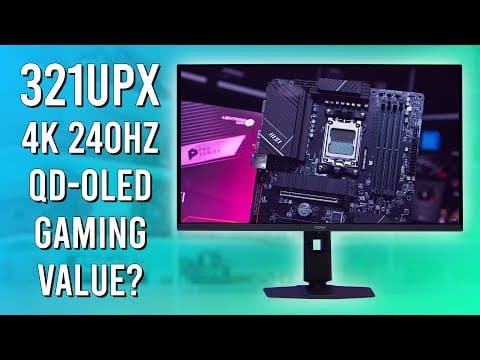
Video by Monitors Unboxed on YouTube. Their views are their own.
Cross-shop
Alternatives to consider
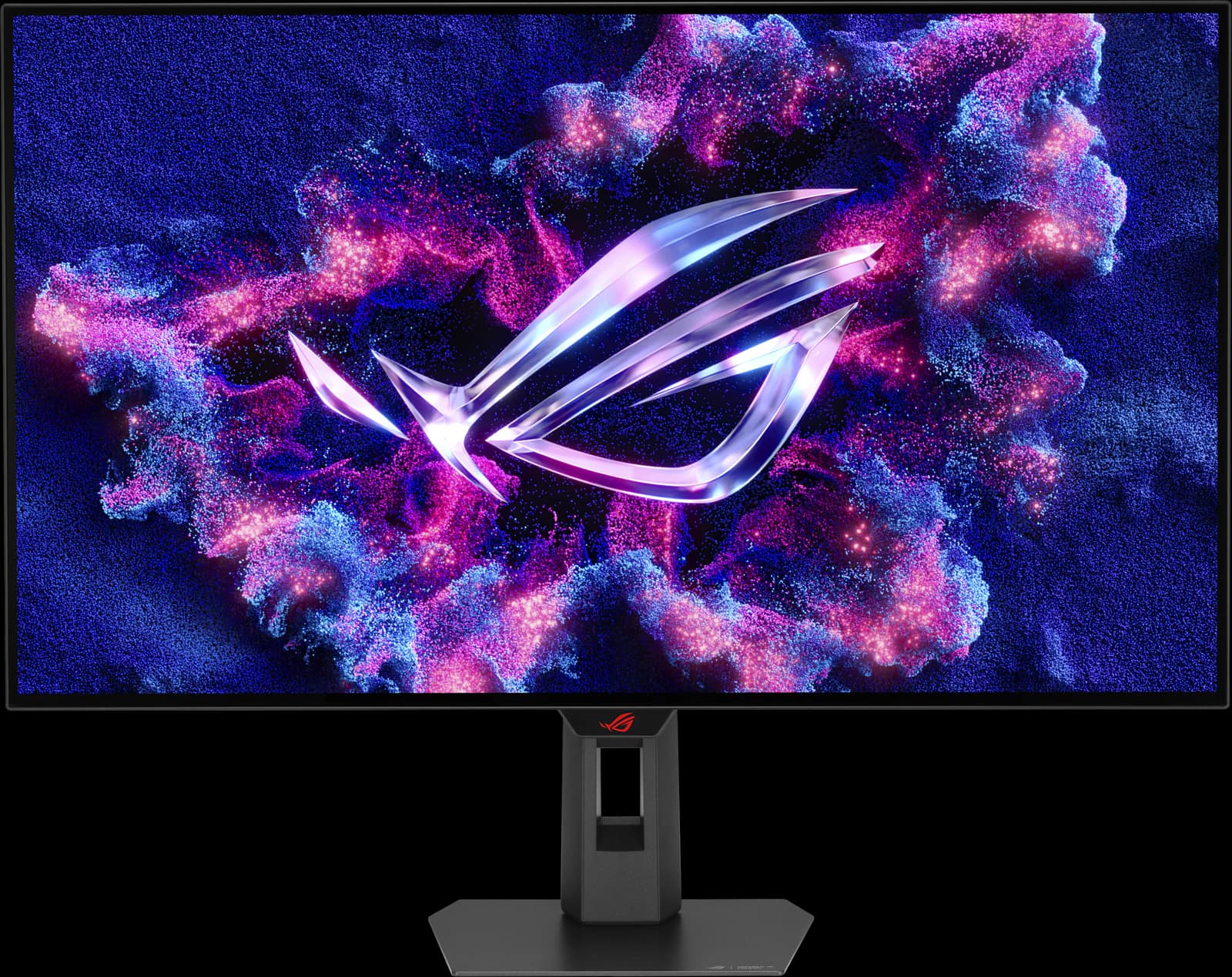
ASUS ROG Strix OLED XG32UCWMG
- 32" 4K
- WOLED
- 240Hz
- ~$977.19
TechSpot's best overall gaming monitor: a glossy 32-inch 4K OLED that switches to 1080p at 480Hz.
Pros
- Pro: TechSpot's best overall gaming monitor (Sep 2026) and best 32-inch 4K HDR (Jul 2026)
- Pro: Glossy TrueBlack coating keeps blacks deep in a lit room
- Pro: Dual mode: 4K at 240Hz or 1080p at 480Hz
Trade-offs
- Trade-off: Glossy screen mirrors lamps and windows; not bright enough for intense glare (RTINGS)
- Trade-off: Noticeable VRR flicker when frame rates swing (RTINGS)
- Gaming
- 5 out of 5
- Work
- 4 out of 5
- HDR
- 4 out of 5
Editorial fit scores, 1–5, from published reviews and specs — not lab measurements.
Check priceAffiliate link to Amazon. Price approx., seen Oct 2026.
Read the breakdown: ASUS ROG Strix OLED XG32UCWMGGigabyte MO27Q28GR
- 27" 1440p
- Tandem WOLED
- 280Hz
- ~$499.99
The 1440p OLED most gamers should buy: a 4th-gen Tandem WOLED panel with a glossy screen, for about $500.
Pros
- Pro: TechSpot's best 1440p OLED and TFTCentral's mid-tier 27-inch pick
- Pro: 4th-gen Tandem WOLED: brighter than QD-OLED, without heavy full-screen dimming
- Pro: Glossy coating keeps blacks deep in a lit room
Trade-offs
- Trade-off: Glossy screen mirrors windows and lamps; the matte MO27Q28G suits bright rooms
- Trade-off: Some Tandem WOLED units show dark-gray banding, per TFTCentral and TechSpot
- Gaming
- 5 out of 5
- Value
- 5 out of 5
- Work
- 4 out of 5
Editorial fit scores, 1–5, from published reviews and specs — not lab measurements.
Check priceAffiliate link to Amazon. Price approx., seen Oct 2026.
Read the breakdown: Gigabyte MO27Q28GRAlienware AW3426DW
- 34" 3440x1440
- QD-OLED
- 280Hz
- ~$799.99
The newest RGB-stripe QD-OLED ultrawide panel at 280Hz, for hundreds less than the 360Hz flagships.
Pros
- Pro: TechSpot 90 and its go-to 34-inch ultrawide; RTINGS best mid-range ultrawide
- Pro: 5th-gen RGB-stripe QD-OLED: clean text, no color fringing
- Pro: Dolby Vision plus DisplayHDR True Black 500
Trade-offs
- Trade-off: USB-C is data only: no single-cable laptop setup, and no KVM switch
- Trade-off: 280Hz versus 360Hz on the pricier flagships
- Gaming
- 5 out of 5
- Color
- 5 out of 5
- HDR
- 4 out of 5
Editorial fit scores, 1–5, from published reviews and specs — not lab measurements.
Check priceAffiliate link to Amazon. Price approx., seen Oct 2026.
Read the breakdown: Alienware AW3426DW
Related guides and comparisons
Sources
Manufacturer specs
- MSI MAG 321UPX QD-OLED specifications (opens in a new tab) — Panel, brightness, gamut, ports, stand, and warranty
Published testing and reviews
- TechSpot (opens in a new tab) — The Best 4K Gaming Monitors (Jul 28, 2026): the 32-inch QD-OLED it recommends in most situations
- TFTCentral (opens in a new tab) — MAG 321UPX vs MPG 321URX differences (Apr 3, 2024)
- RTINGS — Review of the MPG 321URX, which uses the same panel
Published reviews and manufacturer specs, researched October 7, 2026. We didn't test these monitors ourselves; judgments credited to an outlet are that outlet's.
Disclosure: Our picks are independent and editorial — a synthesis of published reviews and manufacturer specs, not our own lab measurements. Prices are approximate Amazon prices seen October 7, 2026, not live quotes. As an Amazon Associate we earn from qualifying purchases made through links on this page, at no extra cost to you.