

Desk TV buying guide
The Best Desk TVs for Gaming and Work in 2026
How to build the ultimate console, PC, and work station on a 42- or 48-inch OLED TV: our five picks, led by LG's 42-inch C6, plus desk depth, burn-in, HDMI 2.1, mounting, and sound.
A 42- or 48-inch OLED TV on a desk does something no monitor quite does: one 4K screen with perfect blacks and four HDMI 2.1 inputs, so an Xbox Series X, a PS5 Pro, and a gaming PC can all stay plugged in, with room for four windows side by side when it's time to work. RTINGS' video on the 48-inch LG C6 calls it the best gaming monitor that isn't a monitor. It's also a TV doing a monitor's job, with trade-offs a monitor doesn't have: no DisplayPort, a wide stand, weak speakers, and a burn-in risk that static desktop elements make worse.
These picks and fit scores are an editorial synthesis of published reviews and manufacturer specs, not our own testing; where an outlet measured a different size of the same TV, we say so. Prices are approximate Amazon prices seen on October 7, 2026, not live quotes, so check the current price before you buy.
Disclosure: As an Amazon Associate we earn from qualifying purchases. “Check price” buttons on this page are affiliate links, at no extra cost to you; they never change the ranking.
The short list
| # | Best for | Model | Approx. price | |
|---|---|---|---|---|
| 01 | Best overall | 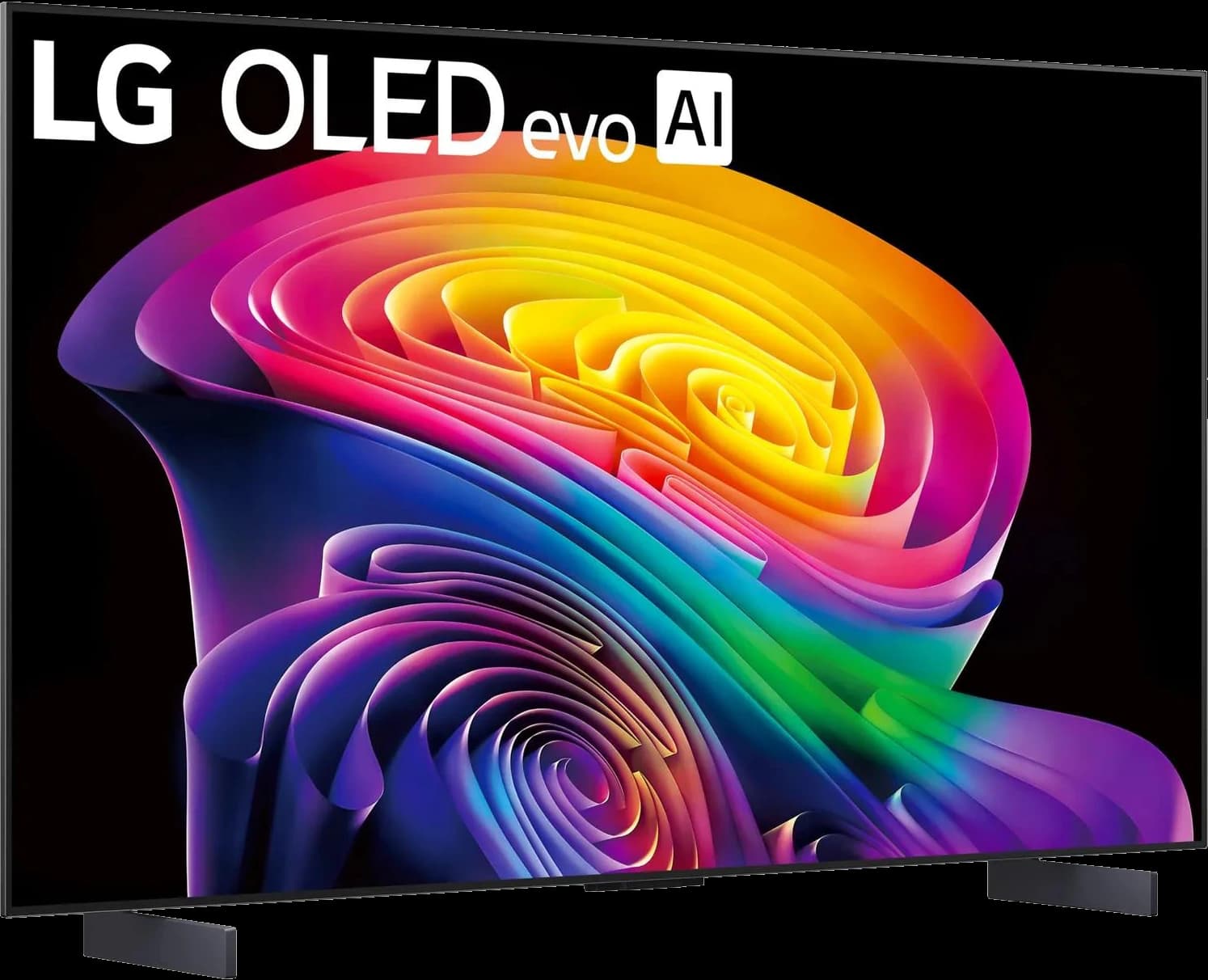 | 42" 4K OLED TV, 165Hz | ~$999.99 |
| 02 | Best for deep desks | 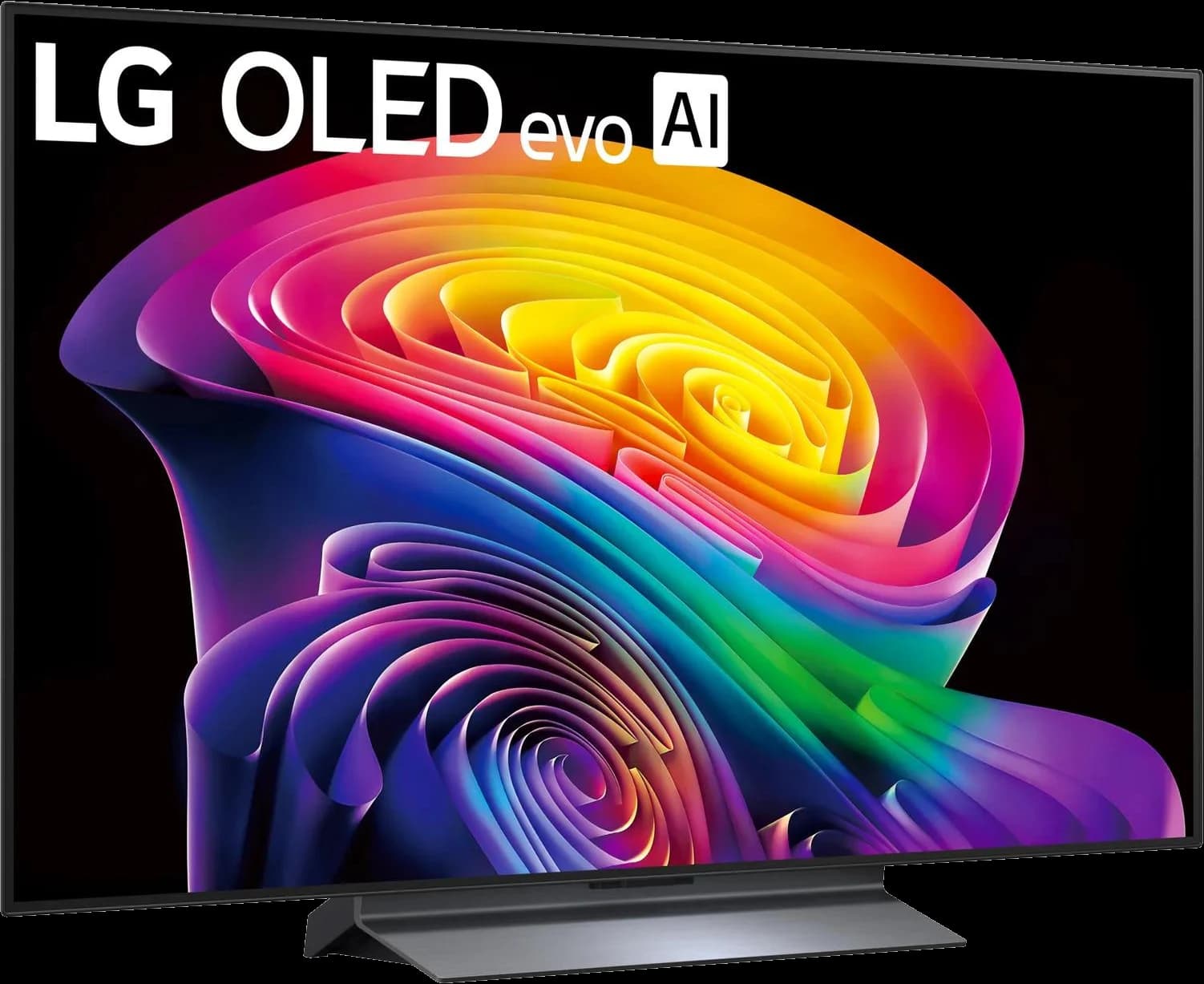 | 48" 4K OLED TV, 165Hz | ~$1,099 |
| 03 | Best for bright rooms | 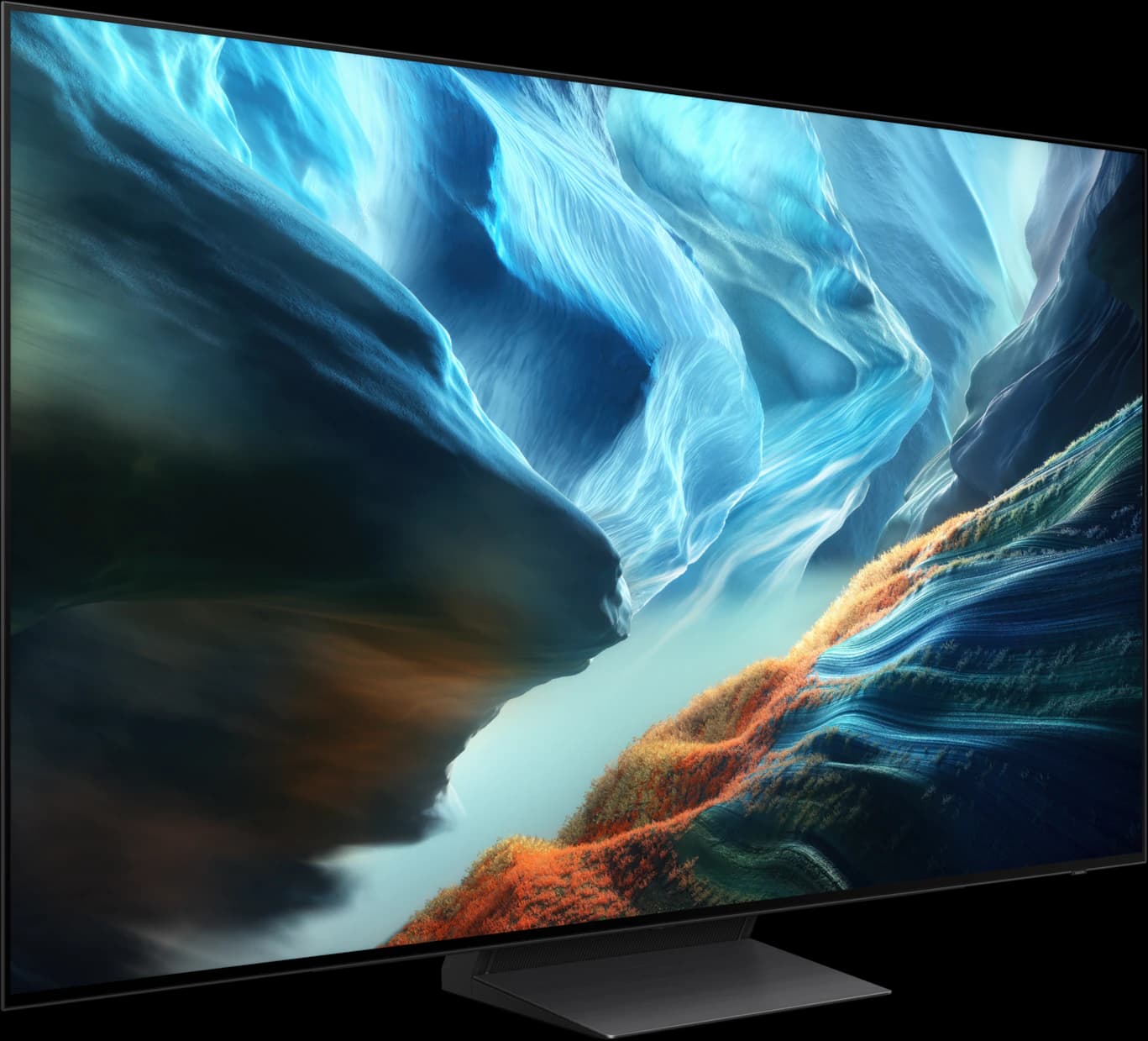 | 48" 4K matte OLED TV, 165Hz | ~$1,097.99 |
| 04 | Best value 42-inch | 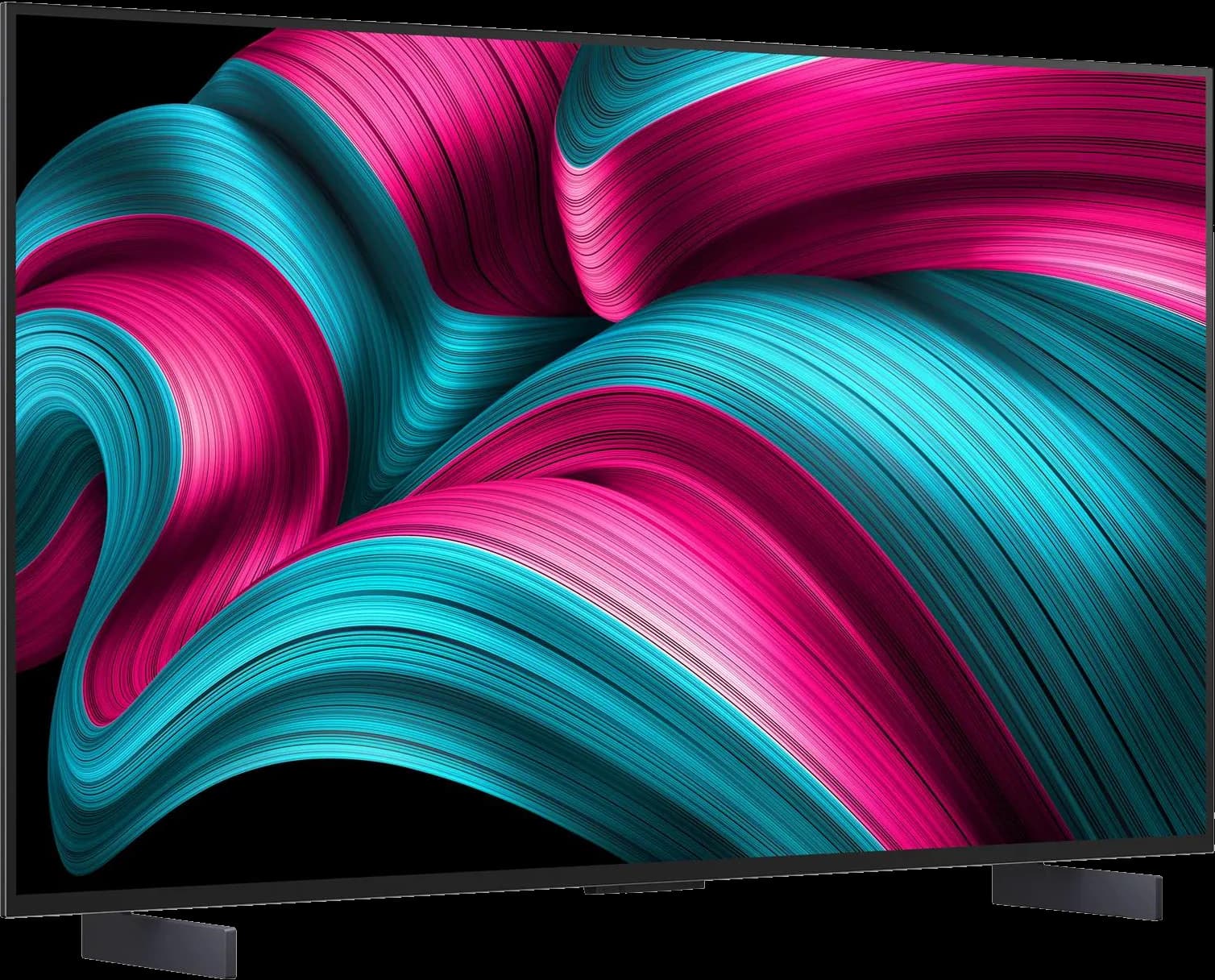 | 42" 4K OLED TV, 144Hz | ~$849.95 |
| 05 | Best budget 48-inch (console-first) | 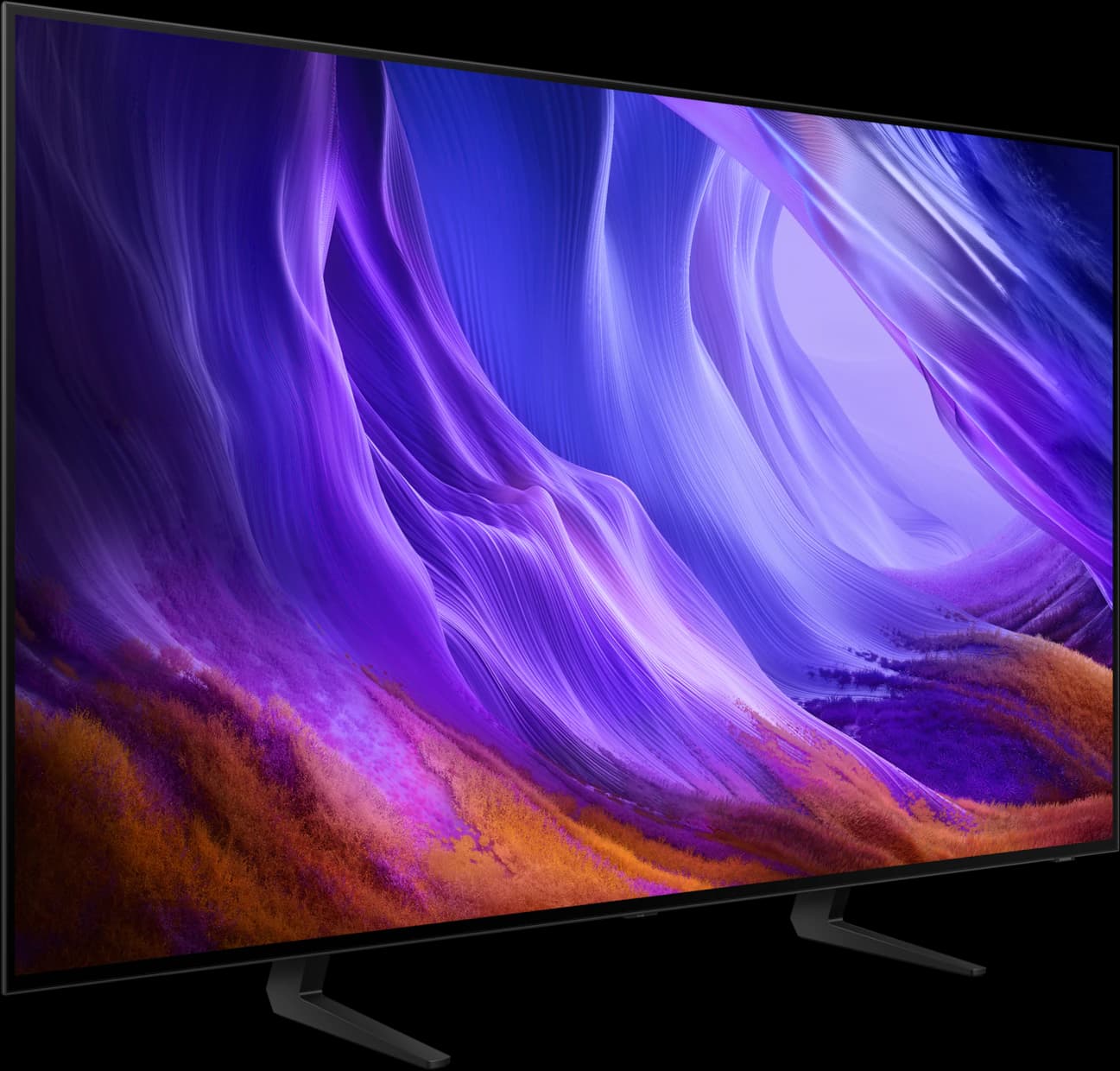 | 48" 4K OLED TV, 120Hz | ~$797.99 |
Approximate Amazon prices seen October 7, 2026, not live quotes.
Ranked
Our picks
- 01
Best overall
LG C6 42-inch OLED
- 42" 4K OLED
- 165Hz
- 4 ports
- ~$999.99
RTINGS' top TV for PC use (September 2026), at the size that fits most desks. Four HDMI 2.1 inputs take an Xbox, a PS5 Pro, and a PC at once; a PC can run it at up to 165Hz with G-Sync or FreeSync; and at about 105 pixels per inch, text is close to a 27-inch 1440p monitor. ~$999.99 from Amazon, $400 under list. The 42-inch misses LG's Brightness Booster and the screen is glossy.
Pros
- Pro: RTINGS' top TV for use as a PC monitor (Sep 2026)
- Pro: Four HDMI 2.1 inputs: an Xbox, a PS5 Pro, and a PC plugged in at once
- Pro: Up to 165Hz from a PC, with G-Sync, FreeSync, and HDMI VRR
Trade-offs
- Trade-off: No Brightness Booster at 42 inches (LG); RTINGS says it isn't as bright as bigger C6 sizes
- Trade-off: Glossy screen reflects windows and lamps behind you
- Gaming
- 5 out of 5
- Desk fit
- 5 out of 5
- Work
- 4 out of 5
Editorial fit scores, 1–5, from published reviews and specs — not lab measurements.
Check priceAffiliate link to Amazon. Price approx., seen Oct 2026.
Read the breakdown: LG C6 42-inch OLED - 02
Best for deep desks
LG C6 48-inch OLED
- 48" 4K OLED
- 165Hz
- 4 ports
- ~$1,099
RTINGS reviewed the 48-inch C6 as a monitor and found it clearly brighter and more colorful than the 42-inch C5, thanks to a tandem panel, with very low input lag at 165Hz. ~$1,099, about $100 more than the 42-inch. It needs a deep desk or a wall mount, text is softer at about 92 pixels per inch, and the 9.1-inch-deep pedestal doesn't adjust.
Pros
- Pro: RTINGS: clearly brighter and more colorful than the C5 42, thanks to a tandem panel
- Pro: Four HDMI 2.1 inputs, 165Hz from a PC, G-Sync and FreeSync; macOS works at 165Hz
- Pro: Very low input lag at 165Hz with the PC label (RTINGS)
Trade-offs
- Trade-off: Needs a deep desk or a wall mount; text is softer at about 92 PPI
- Trade-off: Fixed 9.1-inch-deep pedestal that RTINGS says wobbles
- Gaming
- 5 out of 5
- HDR
- 5 out of 5
- Value
- 4 out of 5
Editorial fit scores, 1–5, from published reviews and specs — not lab measurements.
Check priceAffiliate link to Amazon. Price approx., seen Oct 2026.
Read the breakdown: LG C6 48-inch OLED - 03
Best for bright rooms
Samsung S90H 48-inch OLED
- 48" 4K OLED
- 165Hz
- 4 ports
- ~$1,097.99
The only matte screen here. RTINGS says the S90H's Glare Free coating is its biggest advantage over the LG C6 in bright rooms, and the 48-inch adds 165Hz on all four HDMI ports, FreeSync Premium Pro, and 40W 2.1-channel speakers. ~$1,097.99 from Amazon. No Dolby Vision, blacks look slightly gray in a lit room, and no outlet has reviewed the 48-inch yet.
Pros
- Pro: Matte Glare Free coating: RTINGS' pick for bright rooms over the LG C6
- Pro: 165Hz on all four HDMI 2.1 ports; FreeSync Premium Pro and G-Sync
- Pro: RGB tandem panel at 48 inches, per RTINGS
Trade-offs
- Trade-off: No outlet has reviewed the 48-inch yet; measurements come from 55- and 65-inch sets
- Trade-off: Matte coating lifts blacks slightly in a lit room (Tom's Guide, CNET)
- Gaming
- 5 out of 5
- HDR
- 4 out of 5
- Value
- 4 out of 5
Editorial fit scores, 1–5, from published reviews and specs — not lab measurements.
Check priceAffiliate link to Amazon. Price approx., seen Oct 2026.
Read the breakdown: Samsung S90H 48-inch OLED - 04
Best value 42-inch
LG C5 42-inch OLED
- 42" 4K OLED
- 144Hz
- 4 ports
- ~$849.95
What Hi-Fi's best 42-inch OLED of 2025, which RTINGS also reviewed as a monitor: four full-speed HDMI 2.1 ports, 144Hz, and the same desk-friendly feet as the C6 42 for ~$849.95 from a third-party seller. It's dimmer than the C6, so if the gap shrinks below about $100, buy the C6.
Pros
- Pro: What Hi-Fi's best 42-inch OLED (a 2025 award winner)
- Pro: Four full-bandwidth HDMI 2.1 ports; 144Hz from a PC
- Pro: Low input lag at 144Hz (RTINGS)
Trade-offs
- Trade-off: Dimmer than the C6: about 240 to 250 nits in PC mode (RTINGS)
- Trade-off: Sold by a third party on Amazon; LG.com was out of stock
- Desk fit
- 5 out of 5
- Gaming
- 4 out of 5
- Work
- 4 out of 5
Editorial fit scores, 1–5, from published reviews and specs — not lab measurements.
Check priceAffiliate link to Amazon. Price approx., seen Oct 2026.
Read the breakdown: LG C5 42-inch OLED - 05
Best budget 48-inch (console-first)
Samsung S85H 48-inch OLED
- 48" 4K OLED
- 120Hz
- 4 ports
- ~$797.99
The cheapest 48-inch OLED we'd put behind a desk: 4K 120Hz on all four HDMI ports for ~$797.99 from Amazon, about $300 less than the other 48s. It stops at 120Hz, has a glossy screen and no Dolby Vision, and no outlet has reviewed the 48-inch size, so it suits consoles more than a high-refresh PC.
Pros
- Pro: Cheapest 48-inch OLED here: $797.99, sold by Amazon
- Pro: 4K 120Hz on all four HDMI ports, with VRR, G-Sync, and FreeSync
- Pro: Brighter than earlier entry OLEDs and the LG B6 (What Hi-Fi, 55-inch)
Trade-offs
- Trade-off: 120Hz maximum, the lowest here
- Trade-off: Glossy, reportedly polarizer-free panel; no Glare Free coating
- Value
- 5 out of 5
- Gaming
- 4 out of 5
- HDR
- 3 out of 5
Editorial fit scores, 1–5, from published reviews and specs — not lab measurements.
Check priceAffiliate link to Amazon. Price approx., seen Oct 2026.
Read the breakdown: Samsung S85H 48-inch OLED
Disclosure: “Check price” buttons are Amazon affiliate links; we may earn a commission at no extra cost to you. It never changes the ranking.
How we chose
We started from what a desk asks of a TV: HDMI 2.1 on every input for 4K at 120Hz with VRR, a size you can take in from about arm's length, text you can work with, and a stand or VESA pattern that suits a desk. Then HDR, then value at the price we saw. RTINGS' guide to the best TVs for PC use (updated September 23, 2026) and its monitor-style reviews of the 48-inch C6 and 42-inch C5 carried the most weight, because they test these TVs as desk displays. Reviews from What Hi-Fi, Tom's Guide, and CNET filled in, and we note which size each outlet tested.
Amazon availability decided the rest. We only link a model with a verified Amazon listing and a live buy box on October 7. That ruled out the monitor-style Gigabyte AORUS FO48U and the ASUS ROG Swift PG42UQ and PG48UQ, which all showed as unavailable, and the matte 42-inch Samsung S90H, which had one unit left from a third-party seller. They're under Also consider.
42 or 48 inches?
For most desks, 42 inches. A 4K screen that size has about 105 pixels per inch, close to a 27-inch 1440p monitor, so text is reasonably crisp from about arm's length and the whole screen stays in view without turning your head. TechSpot, reviewing the 42-inch LG C2, recommended the 42-inch over the 48-inch for desk use, and TFTCentral called the 48-inch too big for most desks.
A 48-inch has about 92 pixels per inch, roughly a 24-inch 1080p monitor, and is about 42 inches wide. It's great if you sit back: a deep desk, a keyboard tray, or a wall mount behind the desk. In exchange you get the brightest panels in this lineup; RTINGS found tandem panels in the 48-inch LG C6 and Samsung S90H.
- Desk under about 30 inches deep, or you sit close: get a 42-inch.
- Desk 30 inches deep or more, a keyboard tray, or a wall mount: a 48-inch works.
- Mostly console games from a chair pushed back: a 48-inch is the more immersive choice.
HDMI 2.1 for consoles and your PC
TVs don't have DisplayPort, so everything connects over HDMI. Every pick here has four inputs that take 4K at 120Hz with VRR, the most an Xbox Series X or a PS5 Pro sends. Xbox also supports Dolby Vision gaming, which only the LG TVs here offer. A PC needs a graphics card with HDMI 2.1 (NVIDIA's RTX 30 series and newer, for example) to reach 4K at 120Hz and above; the LG C6s and Samsung S90H go to 165Hz from a PC, the C5 to 144Hz, and the S85H stops at 120Hz.
Two settings matter. On the LG TVs, label the PC's input as “PC”: RTINGS measured far lower input lag with that label in Filmmaker Mode. And turn on each console's 120Hz and VRR options; the TVs' auto low-latency mode switches them into game mode when a console starts a game.
Burn-in: how to use an OLED as a monitor
Burn-in is the real trade-off. RTINGS' long-term test, run for more than 10,000 hours mostly on cable news, found that 2020–2023 OLED TVs didn't consistently burn in less than a 2017 LG C7. In August 2026 it named desktop users among the people for whom burn-in remains a real consideration. A taskbar, dock, or spreadsheet grid on screen eight hours a day is exactly that kind of static content.
It's manageable. Every TV here has pixel refresh and pixel shift, and good habits do the rest. Know the warranty position, though: neither LG nor Samsung says its one-year TV warranty covers burn-in, and LG's excludes use outside a normal household (it names offices). Many OLED monitors, by contrast, carry warranties that cover burn-in.
- Auto-hide the Windows taskbar or the macOS dock, and use dark mode.
- Use a dark or rotating wallpaper and a short screen-off timer.
- Let the TV run its pixel refresh in standby; LG's runs after use when the TV is switched off, so don't cut its power at the wall every night.
- Turn SDR brightness down for desktop work; RTINGS suggests lower brightness reduces wear.
- Mix in games and video. If your days are ten hours of static spreadsheets, a regular monitor is the safer screen for work.
Glossy or matte?
Four of our five picks are glossy, which keeps blacks deep in a dim room but turns a window behind you into a mirror. Samsung's S90H is the matte exception: RTINGS says its Glare Free coating does an amazing job handling glare and names the S90H the C6's alternative for bright rooms. The cost is slightly grayer blacks in a lit room, which Tom's Guide and CNET both observed.
If you're coming from monitor shopping, note that Samsung's 42- and 48-inch OLED TVs aren't QD-OLED. RTINGS and Tom's Guide report that the 42- and 48-inch S90F use WOLED panels, and RTINGS says the S90H uses WOLED in most North American sizes, with an RGB tandem panel at 48 inches. At these sizes the coating matters more than the panel brand.
Stands, arms, and wall mounts
TV stands are built for a media console, not a desk. The 42-inch LGs stand on two feet 28.3 inches apart and just 6.7 inches deep. The 48-inch models use a center pedestal (9.1 inches deep on the LG C6, 10.4 inches on the Samsung S90H) or wide blade feet (the S85H). None adjusts for height or tilt; a monitor riser or an arm fixes that.
All five use a 300 x 200mm VESA pattern and weigh 21.6 to 32.8 pounds without the stand. That's beyond typical single-monitor arms: Ergotron's LX, for example, is rated for 7 to 25 pounds and 75 or 100mm plates. A heavy-duty arm such as Ergotron's HX (rated to 42 pounds) can work if it supports or adapts to 300 x 200, so check before you buy. A wall mount behind the desk is the simplest way to gain viewing distance with a 48-inch.
Plan for sound
TV speakers sound thin at a desk. The 20W speakers on the LG 42s and the S85H are fine for calls and videos, not for games. The S90H 48's 40W 2.1-channel system and the LG C6 48's 2.2-channel speakers are better on paper, but at arm's length a pair of powered desktop speakers, a compact soundbar, or a headset will sound far better. Every pick has eARC and optical audio out; What Hi-Fi notes that the C5's low feet mean a soundbar placed in front blocks the bottom of the screen.
Windows and macOS settings
At 42 inches, 100% scaling in Windows gives you the most desktop space, the same as four 1080p screens in a grid. For the 42-inch LG C2, TFTCentral recommended 100% scaling, the TV's PC mode, and sharpness at zero, and said to expect minor color fringing on text. At 48 inches, or if you sit back, 125% is easier to read. RTINGS notes that Windows ClearType doesn't render properly on these subpixel layouts, so run the ClearType tuner and pick what looks cleanest to you. Macs work too: RTINGS ran the 48-inch C6 at 165Hz with VRR from macOS over HDMI.
Also consider
- Gigabyte AORUS FO48U: the 48-inch OLED monitor many desk-TV setups started with, adding DisplayPort, a USB hub, and a KVM switch to two HDMI 2.1 ports. RTINGS (2021) found it was basically an LG 48-inch C1 with monitor ports. On October 7, Amazon listed new and renewed units as currently unavailable, with no word on a restock, so we don't link it, and we found no sign of a successor.
- ASUS ROG Swift PG42UQ and PG48UQ: 42- and 48-inch OLED monitors with DisplayPort, a matte coating, and a two-year warranty that ASUS says includes panel burn-in. Neither had a buy box on Amazon US on October 7.
- Samsung S90H 42-inch: the same matte Glare Free screen and 165Hz at the sweet-spot size, and RTINGS' named alternative to the LG C6. On October 7 it was $997.99 on Amazon from a third-party seller with one unit left. If Amazon has it in stock again, it's the 42-inch to get for a bright room.
- Samsung S90F 42-inch (2025): a glossy 144Hz WOLED, $897.95 from a third-party seller on October 7. The LG C5 42 costs less and has been reviewed at this size.
- Samsung Odyssey Neo G7 43-inch: a Mini-LED gaming monitor with DisplayPort and Samsung's smart TV apps, and no burn-in risk, for desks full of static windows. About $799.99 from a third-party seller on Amazon on October 7; we haven't researched it in depth.
Head to head
Compare these picks
- LG C6 42-inch vs LG C6 48-inchBoth are picks here: the LG C6 42-inch OLED (Best overall) and the LG C6 48-inch OLED (Best for deep desks).
- LG C6 42-inch vs LG C5 42-inchBoth are picks here: the LG C6 42-inch OLED (Best overall) and the LG C5 42-inch OLED (Best value 42-inch).
- LG C6 48-inch vs Samsung S90H 48-inchBoth are picks here: the LG C6 48-inch OLED (Best for deep desks) and the Samsung S90H 48-inch OLED (Best for bright rooms).
Frequently asked questions
Can you use an OLED TV as a computer monitor?
Yes. A 42- or 48-inch OLED TV makes an excellent desk display for gaming and everyday work, and RTINGS names the LG C6 its top TV for PC use. Connect over HDMI 2.1 (TVs don't have DisplayPort), label the input as a PC where the TV offers it, and manage burn-in by hiding static elements like the taskbar.
Is a 42- or 48-inch TV better for a desk?
A 42-inch for most desks: about 105 pixels per inch, and easier to take in from arm's length. Choose a 48-inch if your desk is deep, you use a keyboard tray, or you'll wall-mount it and sit back. RTINGS found brighter tandem panels in the 48-inch LG C6 and Samsung S90H.
Will an OLED TV burn in if I use it for work?
It can. RTINGS' long-term testing found recent OLED TVs still burn in with static content, and it names desktop users as a group for whom burn-in remains a real consideration. Auto-hiding the taskbar, dark mode, a dark wallpaper, letting the TV run its pixel refresh, and mixing in games and video all reduce the risk. Neither LG nor Samsung says its TV warranty covers burn-in.
Do I need HDMI 2.1 for a PS5 Pro or Xbox Series X?
For 4K at 120Hz with VRR, yes. Every TV on this list has four HDMI 2.1 inputs, so a PS5 Pro, an Xbox Series X, and a PC can all stay connected.
Can I put a 42-inch TV on a monitor arm?
Yes, with the right arm. The 42-inch LGs weigh 21.6 pounds without the stand and use a 300 x 200 VESA pattern. That's too much for many standard arms (Ergotron's LX tops out at 25 pounds with 75 or 100mm plates), so look for a heavy-duty arm rated for the weight that supports or adapts to 300 x 200.
What's the best desk TV for a bright room?
The Samsung S90H. RTINGS says its matte Glare Free coating is its biggest advantage over the glossy LG C6 in bright rooms. Expect slightly grayer blacks with the lights on.
Related guides
Disclosure: Our picks are independent and editorial — a synthesis of published reviews and manufacturer specs, not our own lab measurements. Prices are approximate Amazon prices seen October 7, 2026. As an Amazon Associate we earn from qualifying purchases made through links on this page, at no extra cost to you.