

Head to head
Gigabyte MO27Q28GR vs Gigabyte MO27Q2A
Gigabyte's two 27-inch 1440p 280Hz OLEDs: the $500 glossy Tandem WOLED MO27Q28GR, TechSpot's best 1440p OLED, against the $400 QD-OLED MO27Q2A. Is the upgrade worth $100?
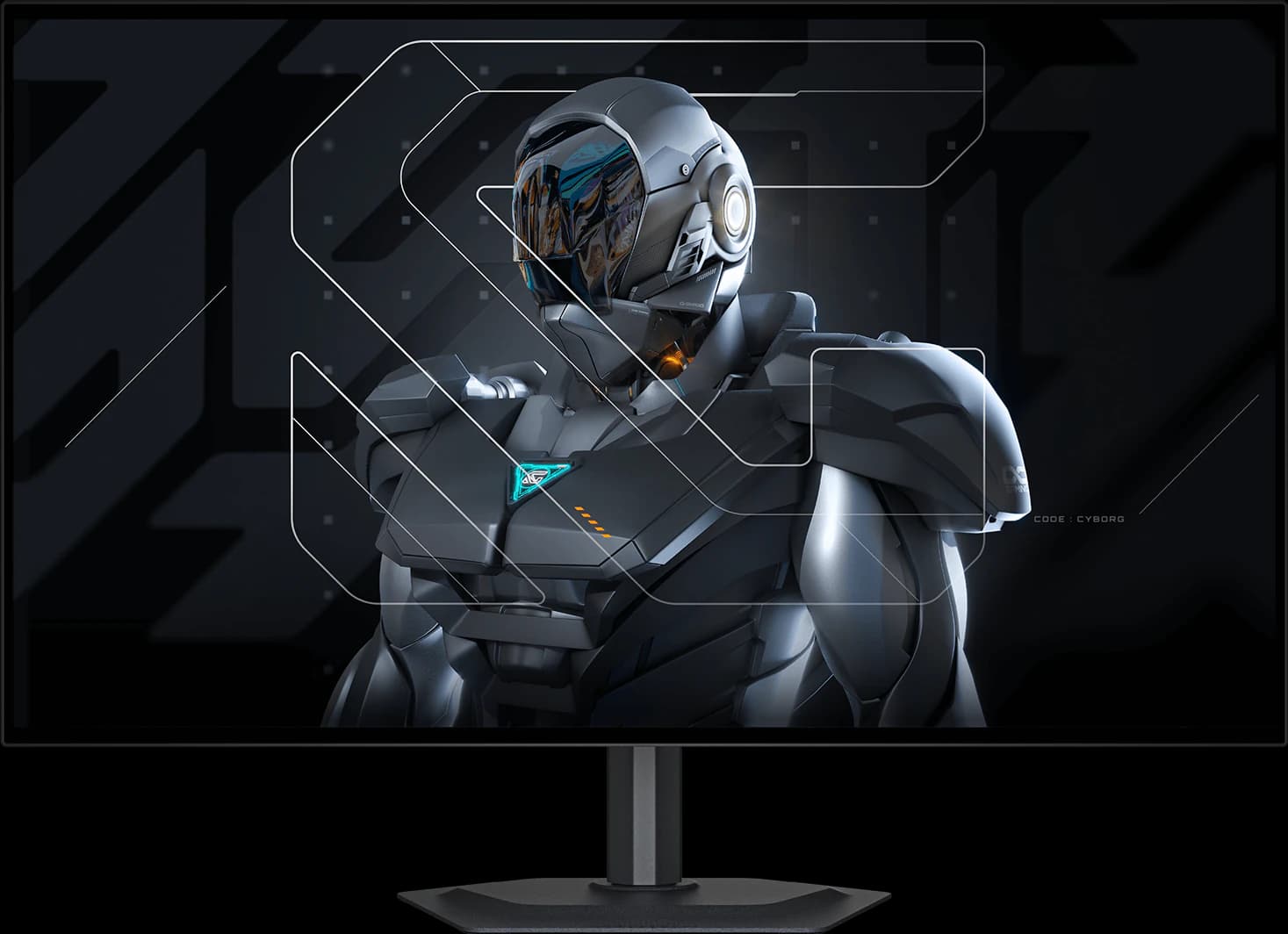
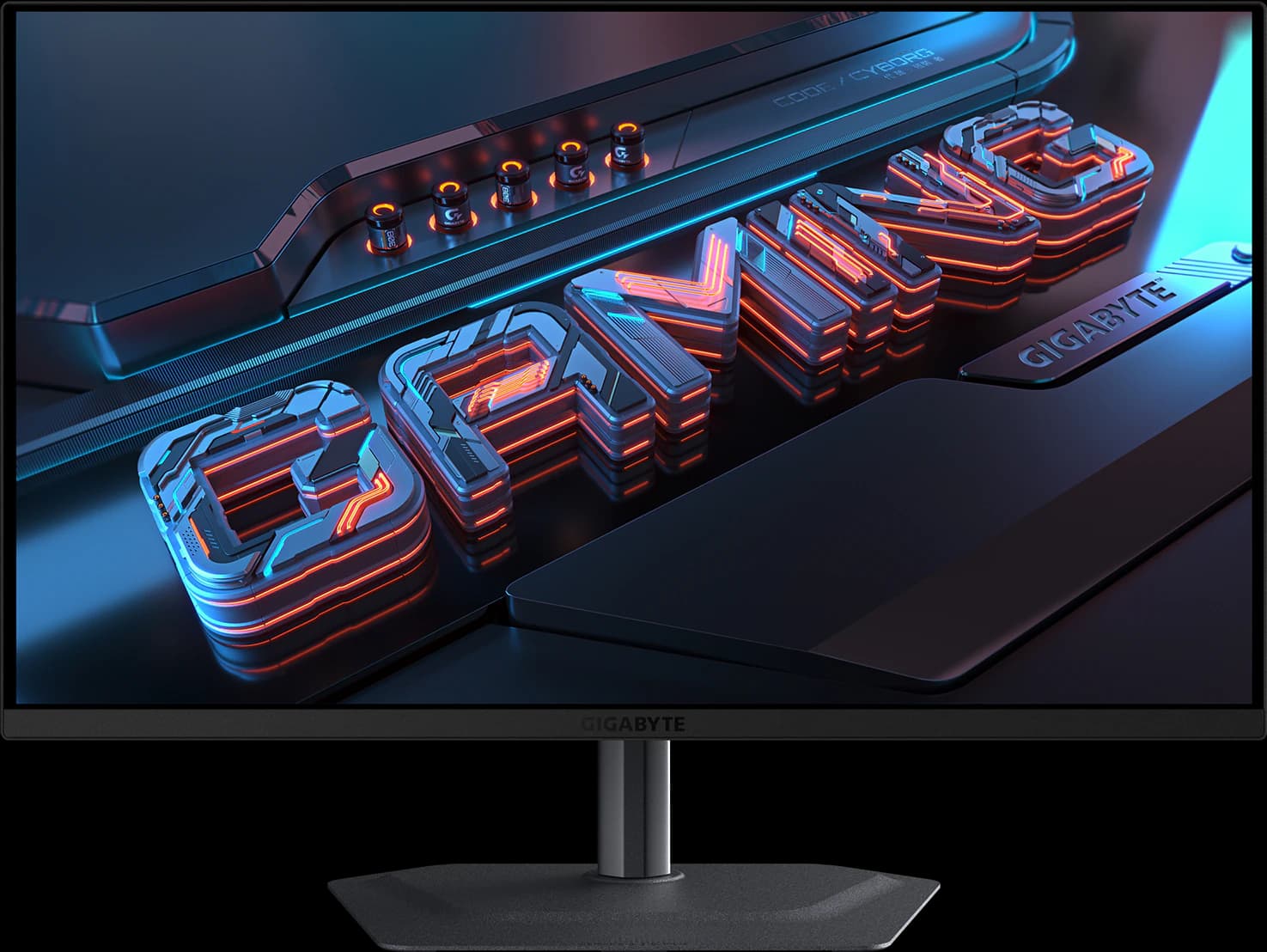
Gigabyte sells two 27-inch 1440p 280Hz OLEDs that look almost identical: the same stand, the same USB-C, USB hub, KVM switch, and speakers, and the same three-year burn-in warranty. The difference is the panel. The MO27Q28GR uses LG Display's 4th-gen Tandem WOLED with a glossy coating, and TechSpot calls it the best 1440p OLED. The MO27Q2A uses Samsung Display's 3rd-gen QD-OLED and costs about $100 less.
This is an editorial comparison built from manufacturer specs and published reviews, not our own testing. TechSpot tested the MO27Q2A's predecessor, the MO27Q2, rather than the A itself; TweakTown reviewed the A. Prices are approximate Amazon prices seen October 7, 2026; neither was a Prime-only deal.
Disclosure: As an Amazon Associate we earn from qualifying purchases. “Check price” buttons on this page are affiliate links, at no extra cost to you; they never change the verdict.
Option A
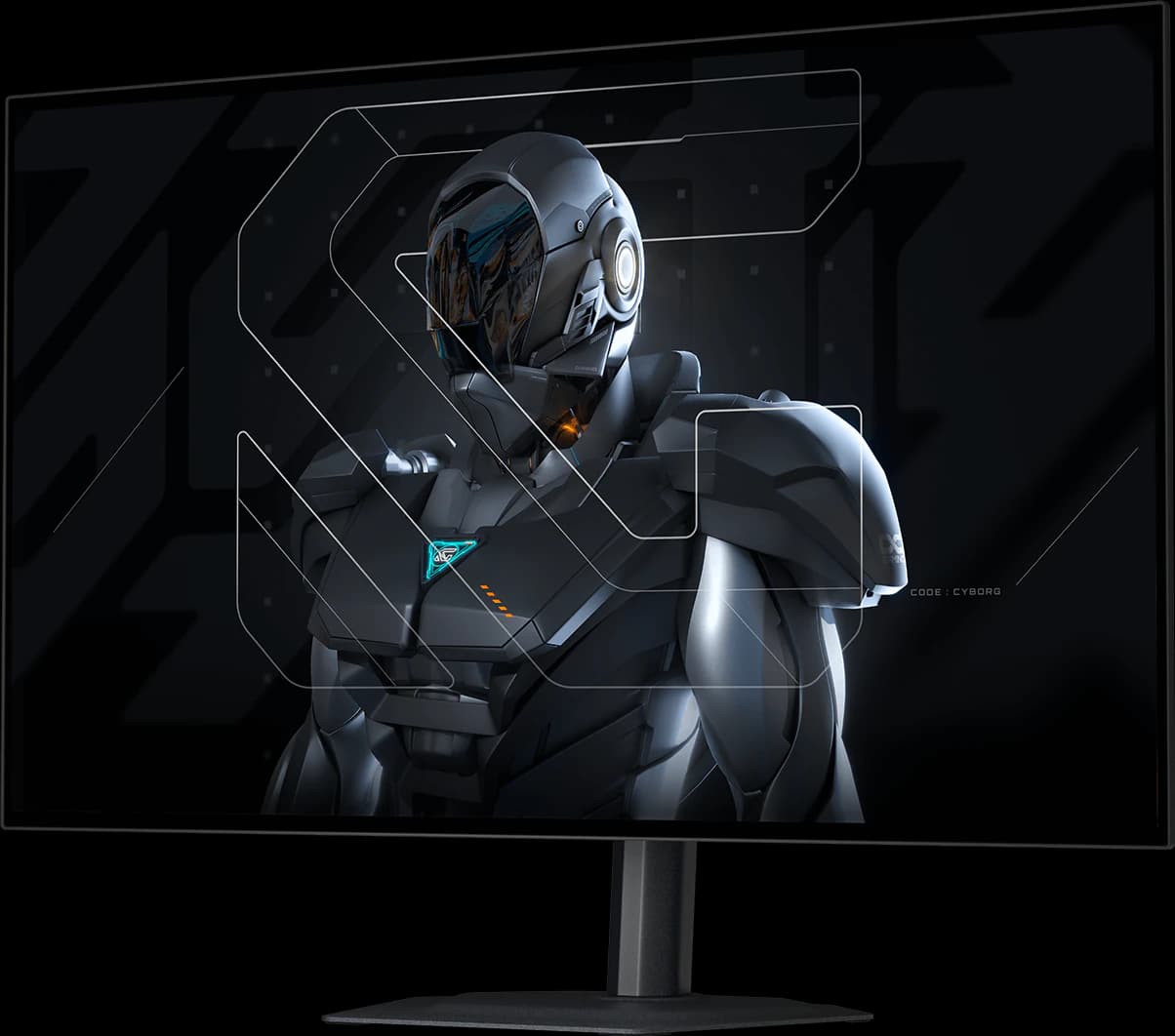
Gigabyte MO27Q28GR
- 27" 1440p
- Tandem WOLED
- 280Hz
- ~$499.99
The 1440p OLED most gamers should buy: a 4th-gen Tandem WOLED panel with a glossy screen, for about $500.
- Gaming
- 5 out of 5
- Value
- 5 out of 5
- Work
- 4 out of 5
Editorial fit scores, 1–5, from published reviews and specs — not lab measurements.
Affiliate link to Amazon. Price approx., seen Oct 2026.
Read the breakdown: Gigabyte MO27Q28GR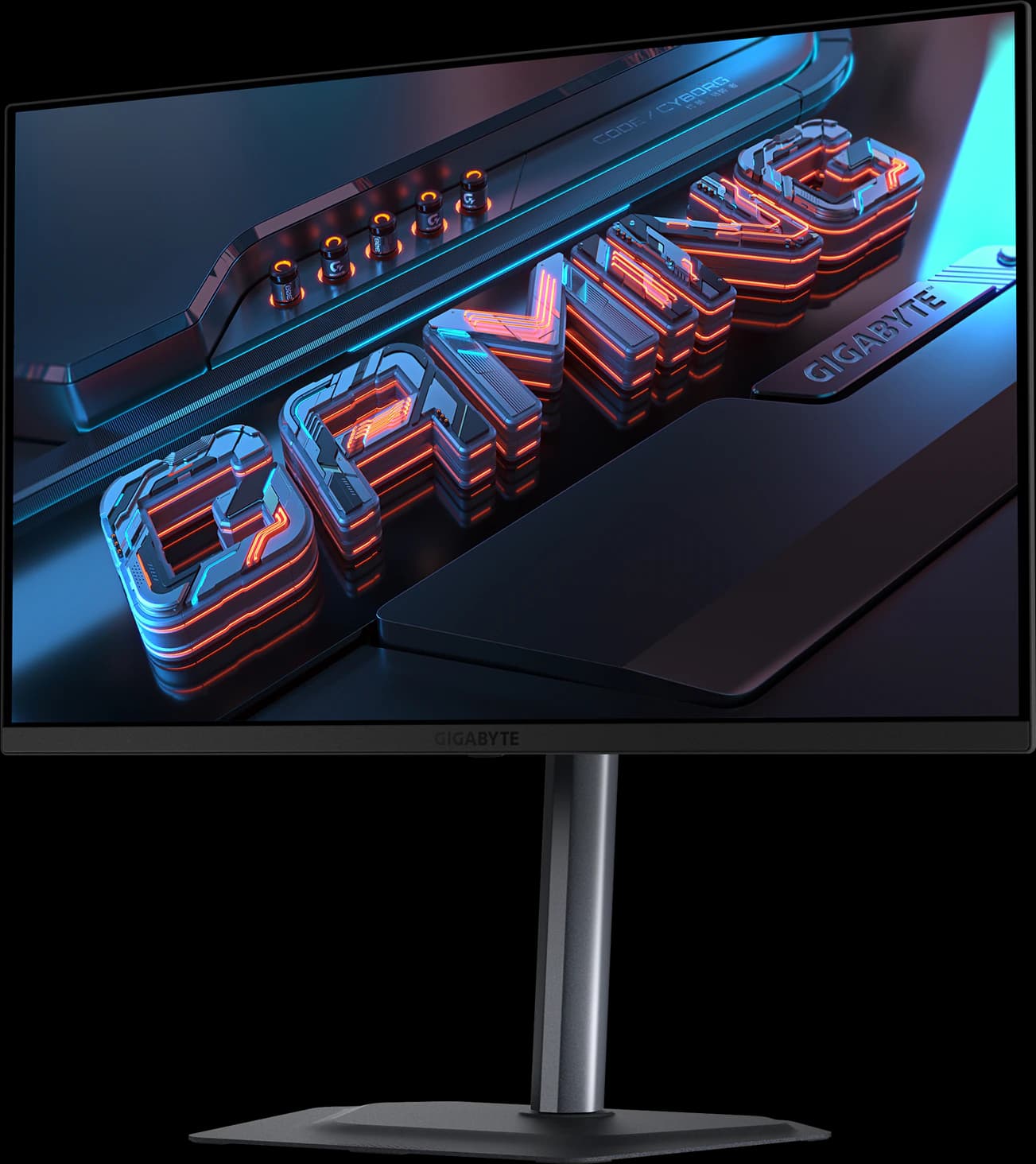
Option B
Gigabyte MO27Q2A
- 27" 1440p
- QD-OLED
- 280Hz
- ~$399.99
A full-brightness 280Hz QD-OLED with USB-C, a KVM switch, and speakers for about $400.
- Gaming
- 5 out of 5
- Value
- 5 out of 5
- Color
- 4 out of 5
Editorial fit scores, 1–5, from published reviews and specs — not lab measurements.
Affiliate link to Amazon. Price approx., seen Oct 2026.
Read the breakdown: Gigabyte MO27Q2ASpec sheet
Side by side
| Feature | MO27Q28GR | MO27Q2A |
|---|---|---|
| Approx. Amazon price (Oct 2026) | ~$499.99 | ~$399.99Edge |
| List price | $599.99 at launch | $499 suggested (mid-2025)Edge |
| Panel | 4th-gen Tandem WOLED (LG Display) | 3rd-gen QD-OLED (Samsung Display) |
| Refresh rate | 280Hz | 280Hz |
| Brightness | 335 nits typical; 1,500 nits peak (1.5% window)Edge | 250 nits typical; 1,000 nits (3% window) |
| HDR certification | DisplayHDR True Black 500Edge | DisplayHDR True Black 400 |
| Blacks in a lit room | Stay deep under the glossy coating (TechSpot)Edge | Turn purple-gray; TechPowerUp found little protection from room light |
| Text clarity | Updated subpixel layout improves text (TFTCentral)Edge | Triangular subpixels leave color fringing |
| Color gamut | 99.5% DCI-P3; ΔE < 2 | 99% DCI-P3; ΔE < 2 |
| USB-C, hub, KVM | 18W USB-C, 2x USB-A, KVM | 18W USB-C, 2x USB-A, KVM |
| Speakers | 2x 5W | 2x 5W |
| Known caveat | Dark-gray banding on some Tandem WOLED units | QD-OLED raised blacks in bright rooms |
| Warranty | 3 years, including burn-in (Gigabyte global terms) | 3 years, including burn-in (Gigabyte global terms) |
| Review standing | TechSpot best 1440p OLED; TFTCentral mid-tier pickEdge | TweakTown 96%; TechSpot tested the MO27Q2 predecessor |
Manufacturer specs and published reviews; prices are approximate Amazon prices seen October 7, 2026. “Edge” marks the side we think comes out ahead on that row.
Fit scores
How they fit, scored
| Scenario | Gigabyte MO27Q28GR | Gigabyte MO27Q2A |
|---|---|---|
| Gaming | 5 out of 5 | 5 out of 5 |
| Work / productivity | 4 out of 5 | 3 out of 5 |
| HDR | 4 out of 5 | 3 out of 5 |
| Color / creative | 4 out of 5 | 4 out of 5 |
| Value | 5 out of 5 | 5 out of 5 |
Editorial fit scores, 1–5 — not lab measurements. Higher score per row highlighted.
Choose the MO27Q28GR if…
- Your room has daylight or lamps on; the glossy WOLED keeps blacks deep where QD-OLED goes gray.
- You want brighter SDR and HDR: 335 nits typical and 1,500-nit highlights against 250 and 1,000.
- You'll read text on it too; TFTCentral says the newer subpixel layout improves clarity.
- You want the model the big reviewers actually tested and recommend.
Choose the MO27Q2A if…
- You want the cheapest OLED we'd buy on Amazon: ~$399.99.
- You game in a dim room, where QD-OLED's color and contrast look their best.
- You'd still like USB-C, a KVM switch, and speakers, which it keeps.
- You're fine with some text fringing on the desktop.
Our verdict
Gigabyte MO27Q28GR
If you can spend the extra $100, buy the MO27Q28GR: it's brighter, holds its blacks in a lit room, renders text more cleanly, and it's the one TechSpot and TFTCentral recommend. The MO27Q2A is a very good OLED for ~$399.99 if you game in a dim room and want every dollar for your GPU.
Frequently asked questions
Are the MO27Q28GR and MO27Q2A the same monitor with different panels?
Nearly. Both are 27-inch 1440p 280Hz OLEDs with two HDMI 2.1 ports, DisplayPort 1.4, 18W USB-C, a two-port USB hub, a KVM switch, two 5W speakers, and a stand that adjusts for height, tilt, swivel, and pivot. The MO27Q28GR uses a brighter 4th-gen Tandem WOLED; the MO27Q2A uses a 3rd-gen QD-OLED.
What about the matte MO27Q28G?
It's the MO27Q28GR's panel with a matte anti-glare coating instead of glossy. Pick it if your desk faces a window. It had no featured Amazon offer when we checked on October 7, 2026.
Do both have a burn-in warranty?
Gigabyte's global pages list a three-year warranty including panel burn-in for both, and note that terms may vary by region; check the US warranty card before you rely on it.
Disclosure: Independent editorial comparison based on published reviews and manufacturer specs, not our own lab measurements. Prices are approximate Amazon prices seen October 7, 2026. As an Amazon Associate we earn from qualifying purchases made through links on this page, at no extra cost to you.