

Research · 27" 1440p Tandem WOLED
Gigabyte MO27Q28GR: what the testing says
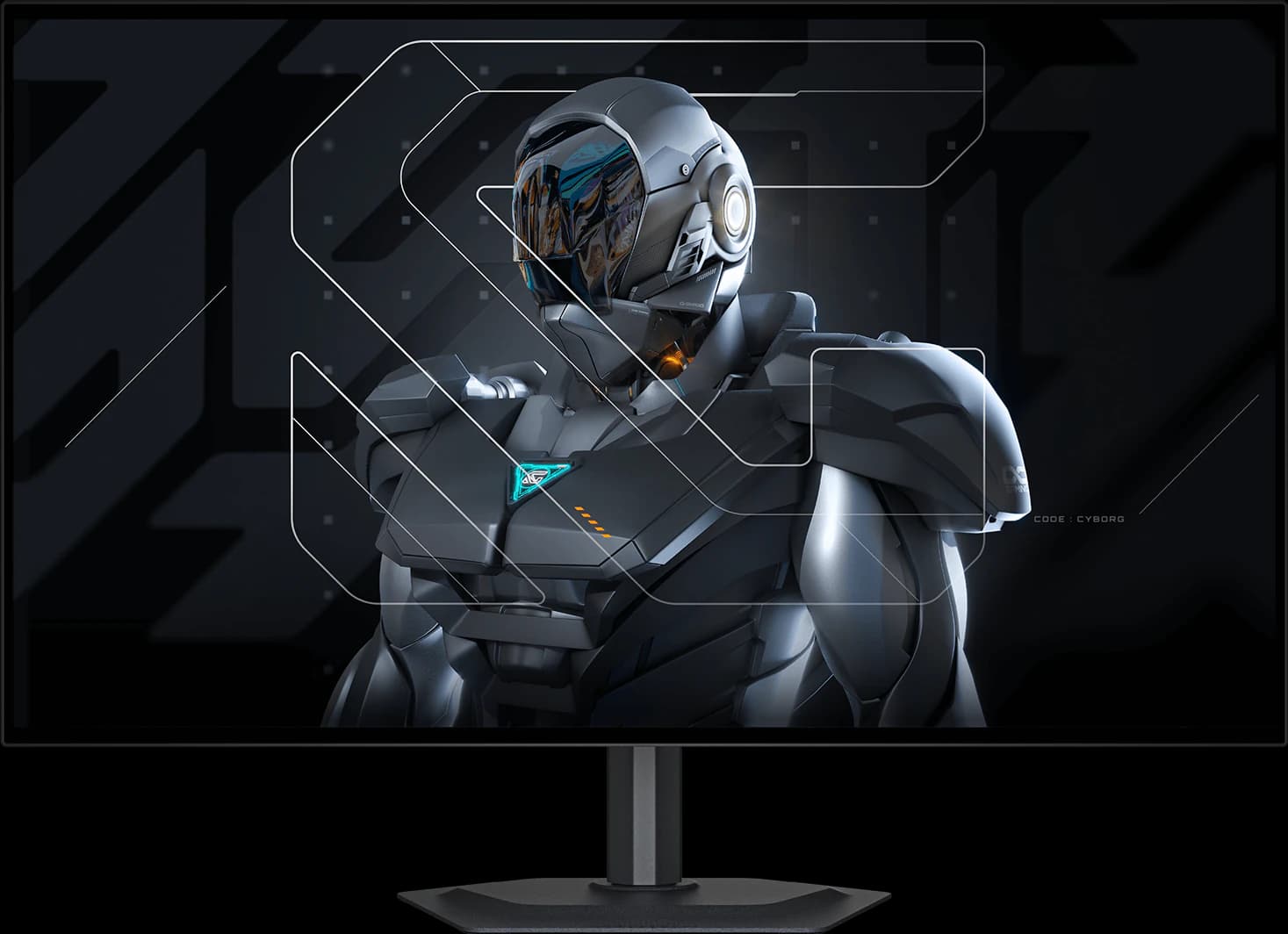
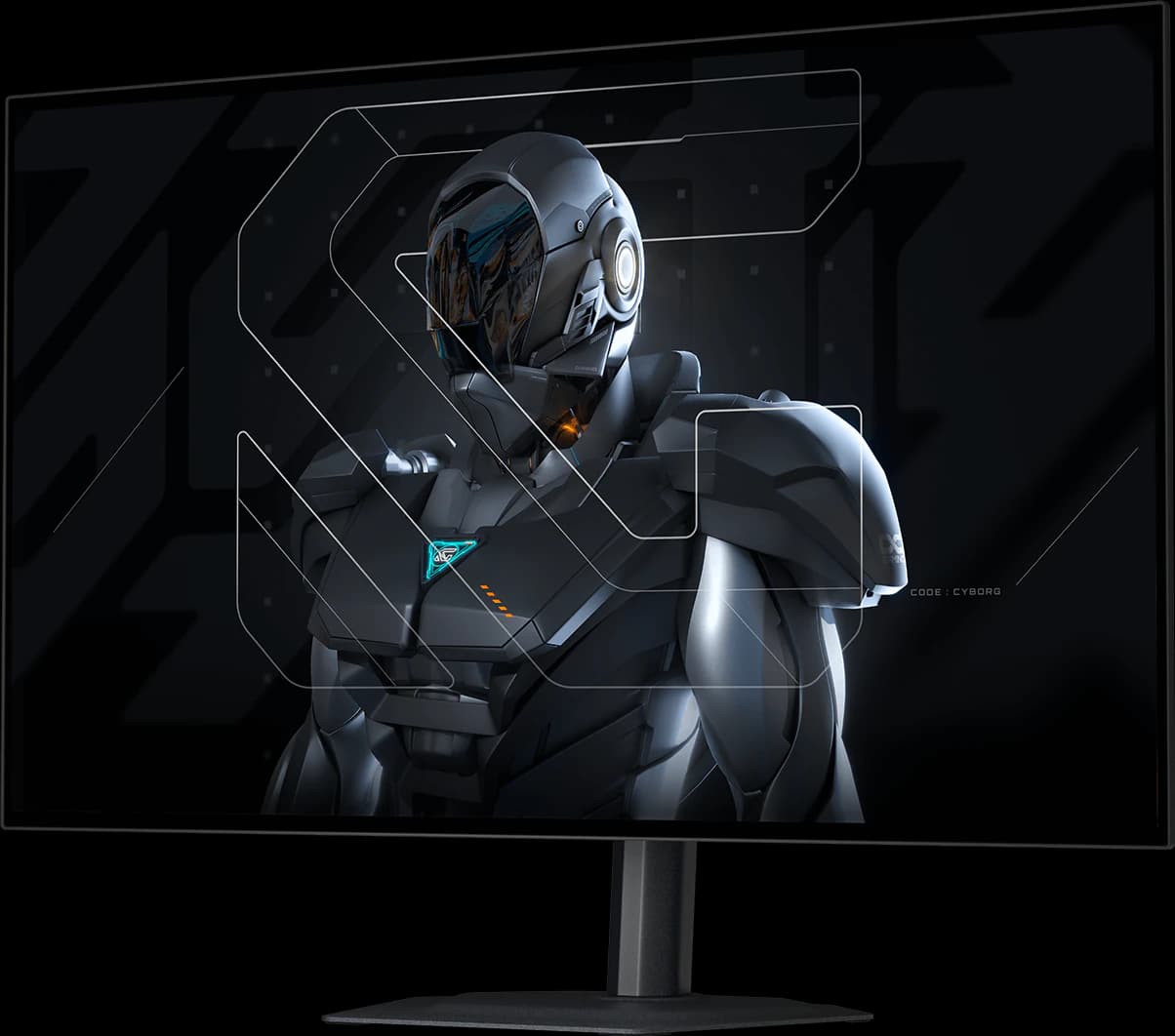
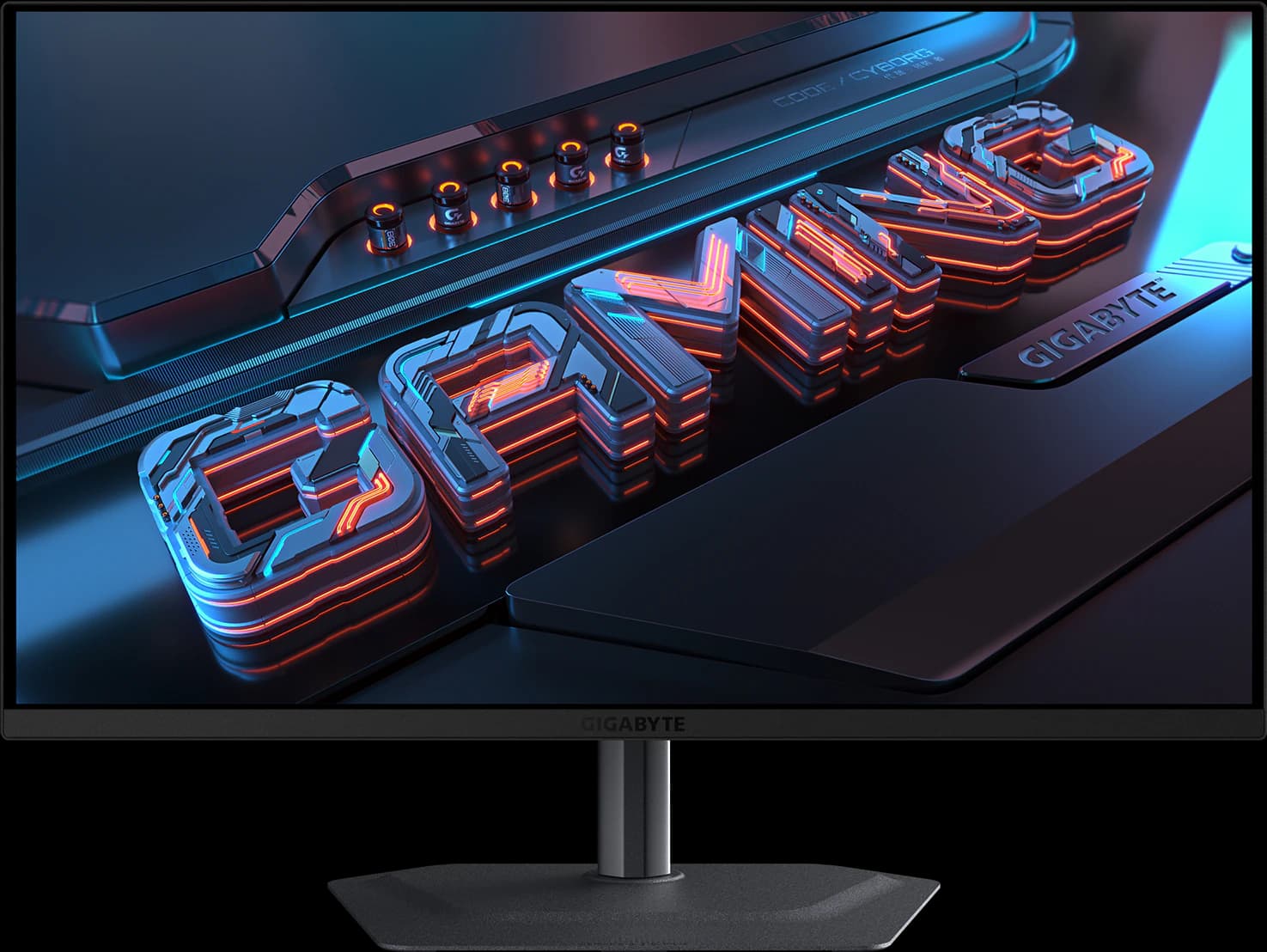
The MO27Q28GR is the 1440p OLED we'd point most gamers to. TechSpot names it the best 1440p OLED and TFTCentral picks it (with its matte twin) as the mid-tier 27-inch choice. You get LG Display's newest Tandem WOLED panel, a glossy coating that keeps blacks deep, and USB-C, a KVM switch, and speakers that pricier rivals skip, at $499.99. The catches: mirror-like reflections, 280Hz rather than 500Hz-plus, and the dark-gray banding some Tandem WOLED units show.
Our take
The short version
Gigabyte's MO27Q28GR is where we'd start for a 27-inch 1440p gaming monitor in late 2026. TechSpot's best OLED gaming monitors guide (June 23, 2026) calls it the best 1440p OLED, and TFTCentral's August 2026 recommendations pick the MO27Q28G "or GR model" as its mid-tier 27-inch choice. Both point to the same thing: the 4th-gen Tandem WOLED panel inside is brighter in SDR and HDR than the QD-OLEDs it competes with, without the full-screen dimming those panels are known for.
The GR is the glossy version. Gigabyte's matte MO27Q28G uses the same 280Hz panel with an anti-glare coating; the GR's "RealBlack Glossy" finish keeps blacks inky in a lit room and avoids the grain matte coatings add, but it mirrors windows and lamps behind you. If your desk faces a window, the matte G is the better buy. Either way, Gigabyte rates it for 335 nits full-screen in SDR and 1,500 nits on small HDR highlights, with DisplayHDR True Black 500 certification and a factory calibration report in the box.
The extras are what set it apart at the price. There's USB-C with DisplayPort Alt Mode (18W charging), a KVM switch to share a keyboard and mouse between a laptop and a desktop, two 5W speakers, and black frame insertion. It launched at $599.99 and was $499.99 from Amazon on October 7. TechSpot considers ASUS's ROG Strix XG27AQWMG "arguably the slightly better monitor overall" but notes it usually costs more. The main risk reviewers flag is the dark-gray banding some Tandem WOLED panels show, which varies from unit to unit.
Pros and cons
What we like
- TechSpot's best 1440p OLED and TFTCentral's mid-tier 27-inch pick
- 4th-gen Tandem WOLED: brighter than QD-OLED, without heavy full-screen dimming
- Glossy coating keeps blacks deep in a lit room
- USB-C, KVM switch, speakers, and black frame insertion at about $500
- Factory calibrated (ΔE < 2) with a report in the box
Trade-offs
- Glossy screen mirrors windows and lamps; the matte MO27Q28G suits bright rooms
- Some Tandem WOLED units show dark-gray banding, per TFTCentral and TechSpot
- 280Hz trails the 480–540Hz flagships for esports
- USB-C charging is only 18W, so it won't power most laptops
Who it's for
Buy it if…
- Most PC gamers who want a high-quality 1440p OLED for around $500
- HDR gamers who want brightness that holds up in bright scenes
- Anyone sharing one desk between a laptop and a desktop, thanks to the KVM switch
Skip it if…
- Desks facing a window: get the matte MO27Q28G instead
- Competitive players who routinely push 400+ fps
- Anyone who wants sharper text for spreadsheets: a 27-inch 4K screen is denser
Spec sheet
MO27Q28GR specs
| Screen size | 27" (26.5" viewable) |
|---|---|
| Resolution | 2560 x 1440 |
| Refresh rate | 280Hz |
| Panel | 4th-gen Tandem WOLED (LG Display) |
| Response time | 0.03ms GtG |
| Brightness | 335 nits typical (SDR); 1,500 nits peak (HDR, 1.5% window) |
| Contrast | 1,500,000:1 |
| HDR certification | VESA DisplayHDR True Black 500 |
| Color gamut | 99.5% DCI-P3; factory calibrated, ΔE < 2 |
| Adaptive sync | G-Sync Compatible; AMD FreeSync Premium Pro |
| Ports | 2x HDMI 2.1, 1x DisplayPort 1.4, USB-C, 2x USB-A downstream, headphone jack |
| USB-C / Thunderbolt | DisplayPort Alt Mode; 18W power delivery |
| KVM switch | Yes |
| Stand | Height (130 mm), tilt, swivel, pivot |
| VESA mount | 100 x 100 mm |
| Curvature | Flat |
| Screen finish | Glossy (RealBlack Glossy) |
| Weight | 6 kg with stand |
| Warranty | 3 years, including burn-in (Gigabyte global page; confirm US terms) |
| Also notable | 2x 5W speakers; black frame insertion; PiP/PbP |
From the manufacturer sources listed below. “Not specified” means those sources don't state it.
Watch
MO27Q28GR on video
Video by Monitors Unboxed on YouTube. Their views are their own.
Cross-shop
Alternatives to consider
Gigabyte MO27Q2A
- 27" 1440p
- QD-OLED
- 280Hz
- ~$399.99
A full-brightness 280Hz QD-OLED with USB-C, a KVM switch, and speakers for about $400.
Pros
- Pro: Full-brightness 280Hz QD-OLED for about $400, the class TechSpot recommends
- Pro: USB-C video, a USB hub, and a KVM switch: the best ports at the price
- Pro: Rated for about 1,000-nit HDR highlights (DisplayHDR True Black 400)
Trade-offs
- Trade-off: TechSpot tested its predecessor, the MO27Q2, not this exact model
- Trade-off: Glossy QD-OLED: purple-gray blacks and reflections in a bright room (TechPowerUp)
- Gaming
- 5 out of 5
- Value
- 5 out of 5
- Color
- 4 out of 5
Editorial fit scores, 1–5, from published reviews and specs — not lab measurements.
Check priceAffiliate link to Amazon. Price approx., seen Oct 2026.
Read the breakdown: Gigabyte MO27Q2AASUS ROG Strix OLED XG32UCWMG
- 32" 4K
- WOLED
- 240Hz
- ~$977.19
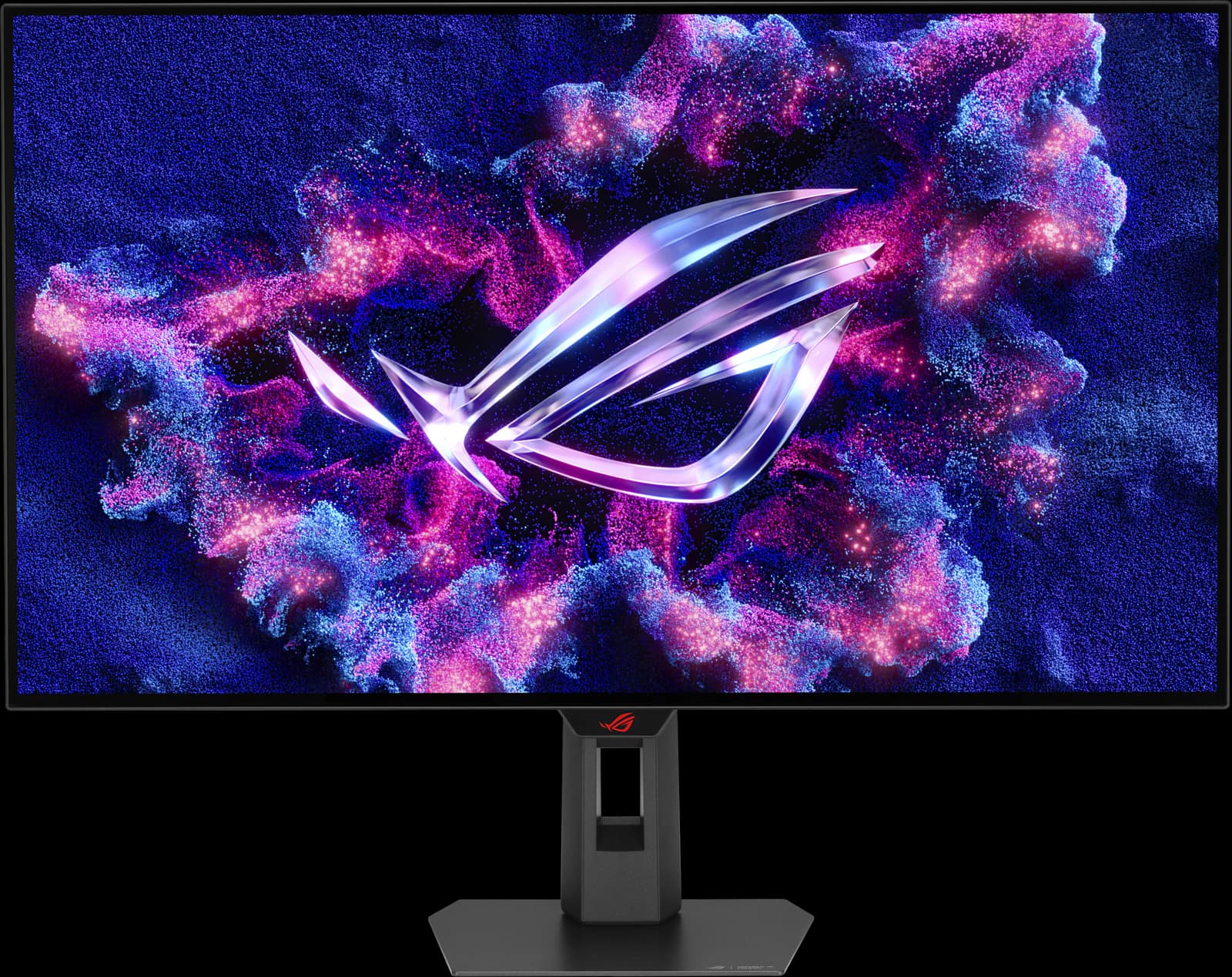
TechSpot's best overall gaming monitor: a glossy 32-inch 4K OLED that switches to 1080p at 480Hz.
Pros
- Pro: TechSpot's best overall gaming monitor (Sep 2026) and best 32-inch 4K HDR (Jul 2026)
- Pro: Glossy TrueBlack coating keeps blacks deep in a lit room
- Pro: Dual mode: 4K at 240Hz or 1080p at 480Hz
Trade-offs
- Trade-off: Glossy screen mirrors lamps and windows; not bright enough for intense glare (RTINGS)
- Trade-off: Noticeable VRR flicker when frame rates swing (RTINGS)
- Gaming
- 5 out of 5
- Work
- 4 out of 5
- HDR
- 4 out of 5
Editorial fit scores, 1–5, from published reviews and specs — not lab measurements.
Check priceAffiliate link to Amazon. Price approx., seen Oct 2026.
Read the breakdown: ASUS ROG Strix OLED XG32UCWMGAOC Q27G3XMN
- 27" 1440p
- Mini-LED VA
- 180Hz
- ~$229.99
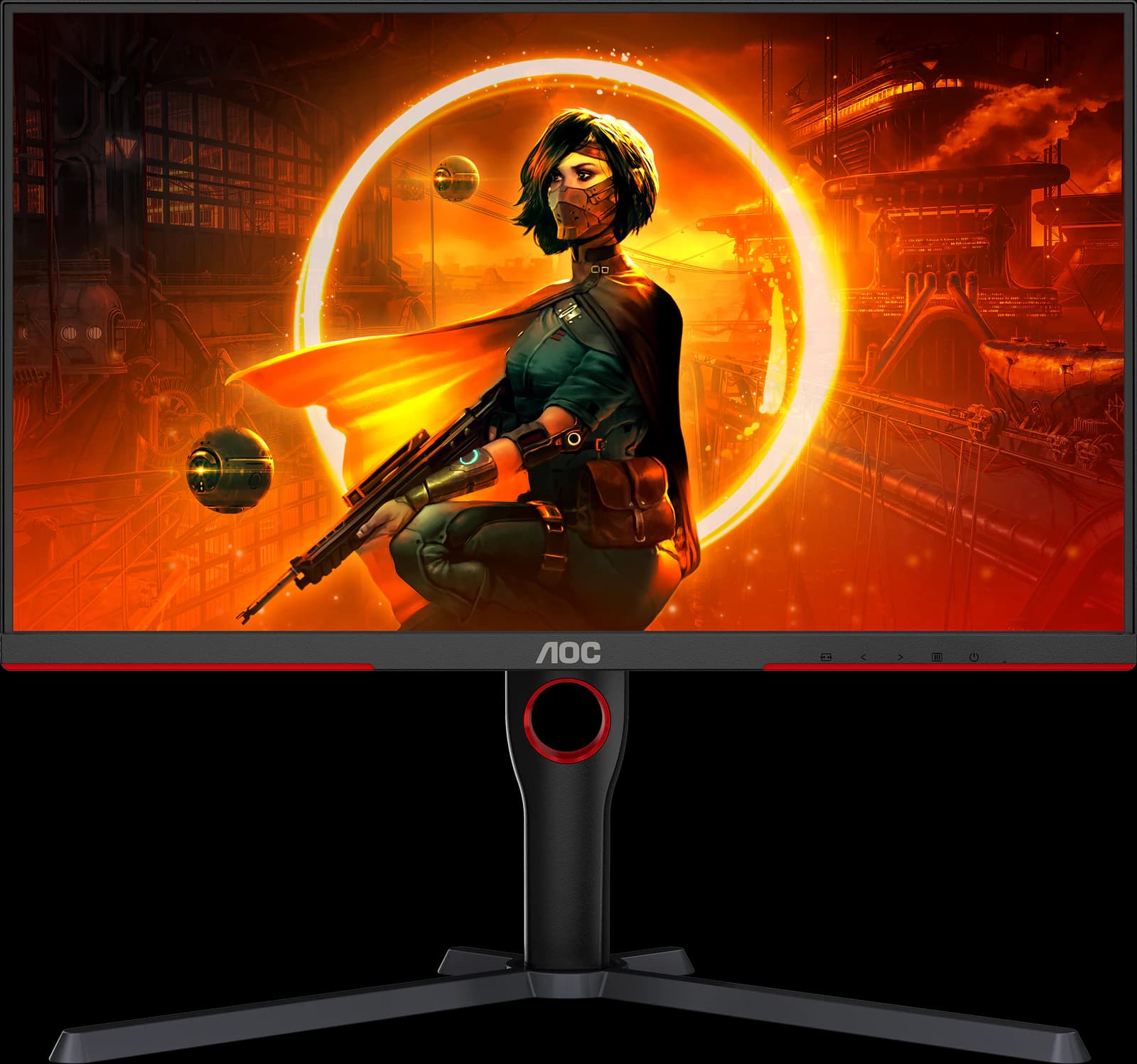
Real Mini-LED HDR for about $230: the best-looking picture you can get at a budget price.
Pros
- Pro: RTINGS' best budget gaming monitor and best under $300 (2026)
- Pro: 336-zone Mini-LED backlight: real local dimming at a budget price
- Pro: DisplayHDR 1000 and high VA contrast for deep blacks
Trade-offs
- Trade-off: Dark scenes smear, as on most VA panels
- Trade-off: Blooming around bright objects (Reviewed)
- Value
- 5 out of 5
- Gaming
- 4 out of 5
- Color
- 4 out of 5
Editorial fit scores, 1–5, from published reviews and specs — not lab measurements.
Related guides and comparisons
Sources
Manufacturer specs
- Gigabyte MO27Q28GR specifications (opens in a new tab) — Panel, brightness, HDR, gamut, ports, stand, and finish
Published testing and reviews
- TechSpot (opens in a new tab) — The Best OLED Gaming Monitors 2026 (Jun 23, 2026): best 1440p OLED
- TFTCentral (opens in a new tab) — The Best OLED Gaming Monitors to Buy in 2026 (Aug 28, 2026): 27-inch 1440p mid-tier pick
- RTINGS — Review of the matte MO27Q28G twin (Jan 2026)
Published reviews and manufacturer specs, researched October 7, 2026. We didn't test these monitors ourselves; judgments credited to an outlet are that outlet's.
Disclosure: Our picks are independent and editorial — a synthesis of published reviews and manufacturer specs, not our own lab measurements. Prices are approximate Amazon prices seen October 7, 2026, not live quotes. As an Amazon Associate we earn from qualifying purchases made through links on this page, at no extra cost to you.