

Research · 27" 1440p QD-OLED
Gigabyte MO27Q2A: what the testing says
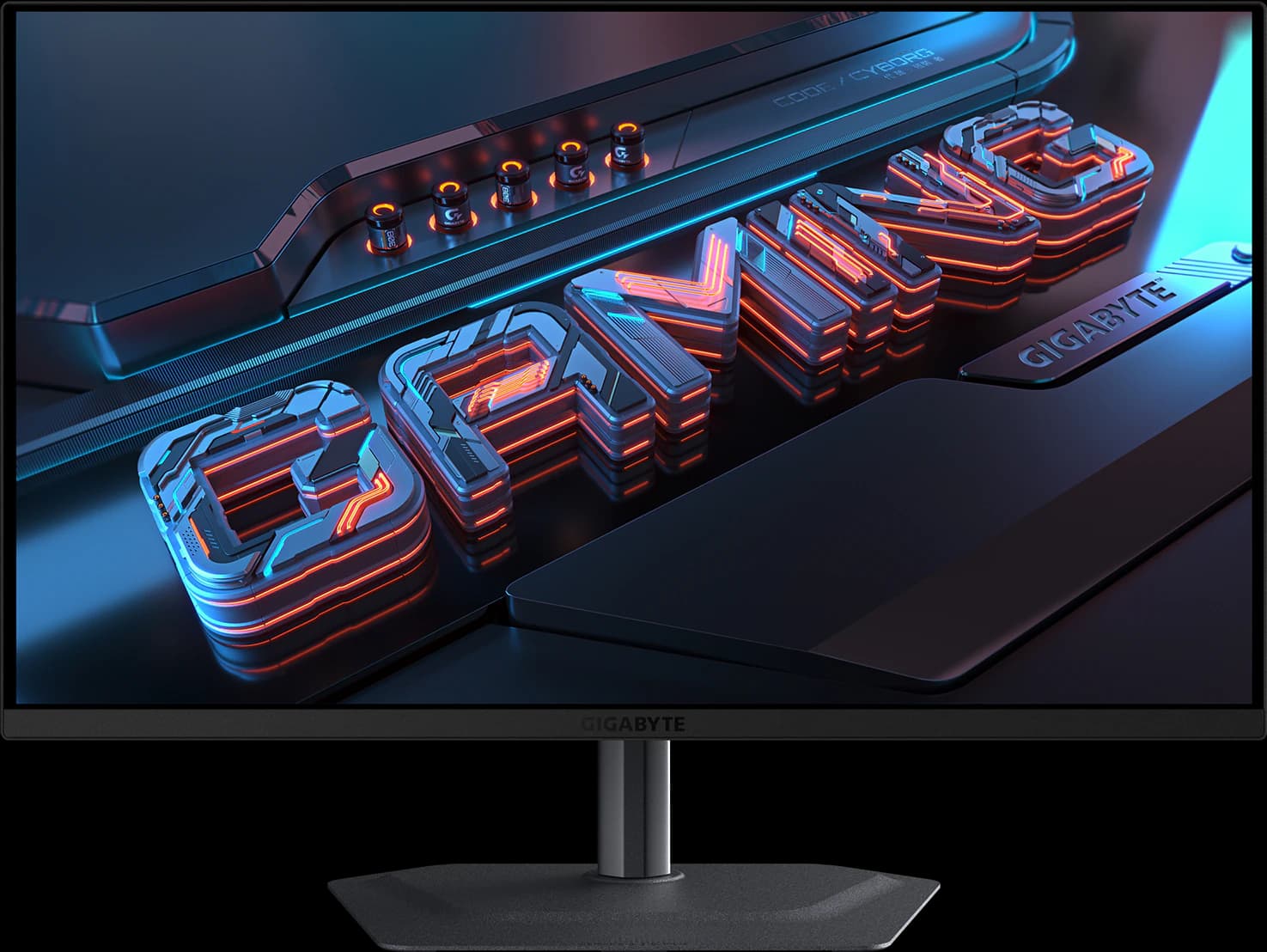
The MO27Q2A is the cheapest OLED we'd buy on Amazon. It uses the full-brightness 280Hz QD-OLED panel that TechSpot's October 2026 budget OLED roundup says is simply better than the dimmer panels in $300 OLEDs, and it keeps the best port selection in that class. TechSpot tested its predecessor rather than this exact model, and QD-OLED's purple-gray blacks in a bright room and text fringing still apply.
Our take
The short version
Sub-$400 OLEDs come in two kinds, and TechSpot's roundup of 11 budget 1440p OLEDs (October 4, 2026) explains the difference: cheaper models such as Dell's Alienware AW2726DM use a limited-brightness QD-OLED panel rated for about 200 nits, while full-brightness models are rated for 250 nits and about 1,000-nit HDR highlights. TechSpot says the full-brightness panel is simply better, and that around $400 for one is an excellent deal. Gigabyte's MO27Q2A is a full-brightness 280Hz model, and it was $399.99 from Amazon on October 7.
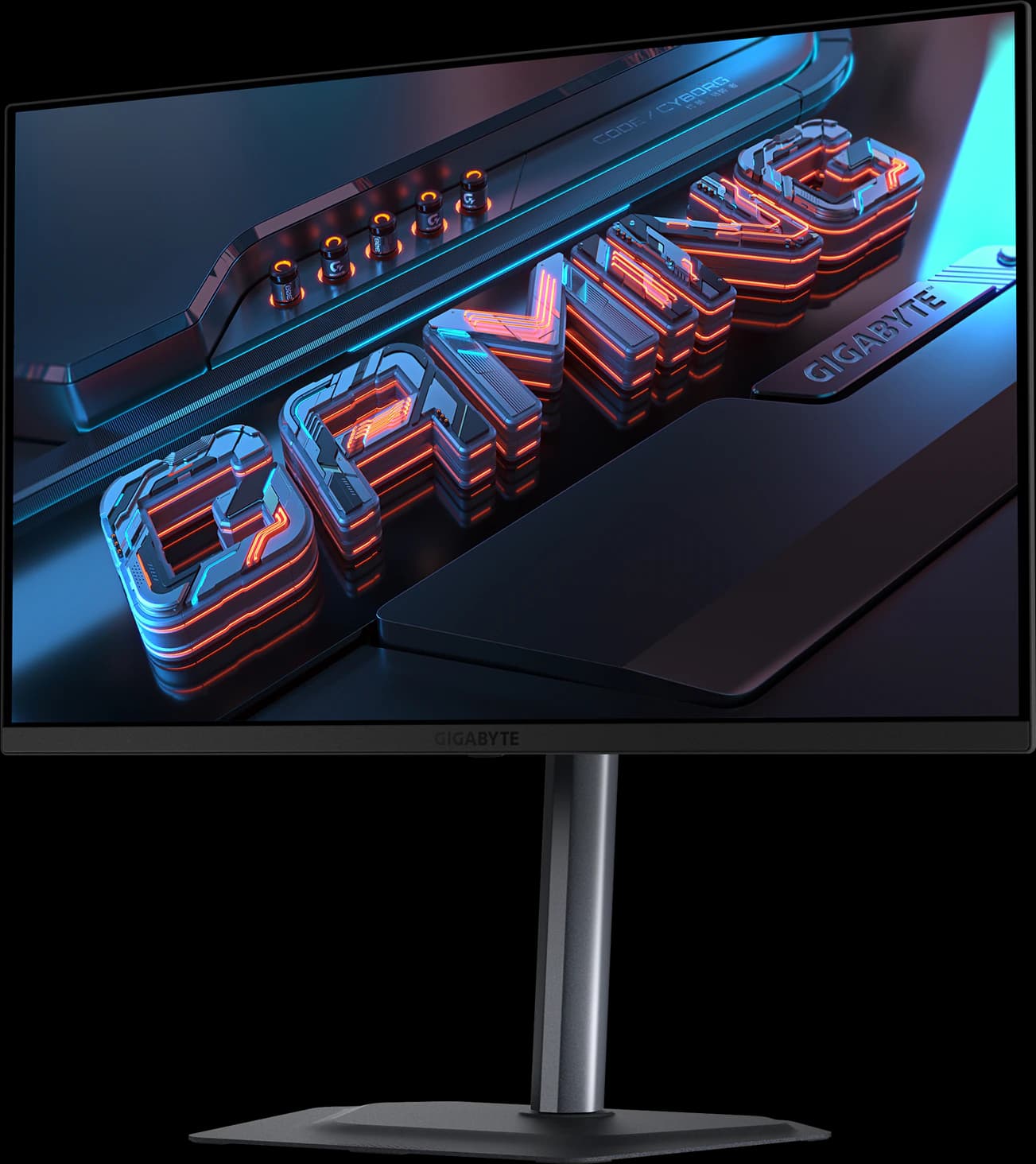
It's the successor to the MO27Q2, which TechSpot rated the best-connected monitor in that roundup: the only one combining USB-C video, a USB hub, and a KVM switch. The A keeps all of that, adds 280Hz, and lists a Peak 1000 HDR mode, which addresses TechSpot's main complaint about the MO27Q2 (TweakTown and Glitched both measured about 1,000 nits; TechSpot hasn't retested). TweakTown scored it 96% and called it hard to beat at $400. There are also two 5W speakers, a joystick, and a stand that adjusts for height, tilt, swivel, and pivot.
Be clear about what it isn't. It uses an older 3rd-gen QD-OLED panel with triangular subpixels, so text shows colored fringing that newer RGB-stripe panels avoid. TechPowerUp found its glossy surface the least protective against room light of any monitor it reviewed that cycle, so it's best in a dim room. Its USB-C port supplies 18W, not enough for most laptops. If you can stretch to about $500, the MO27Q28GR's Tandem WOLED panel is brighter and holds its blacks better in a lit room.
Pros and cons
What we like
- Full-brightness 280Hz QD-OLED for about $400, the class TechSpot recommends
- USB-C video, a USB hub, and a KVM switch: the best ports at the price
- Rated for about 1,000-nit HDR highlights (DisplayHDR True Black 400)
- Factory calibrated with a report; two 5W speakers
- Three-year warranty including burn-in (Gigabyte global terms)
Trade-offs
- TechSpot tested its predecessor, the MO27Q2, not this exact model
- Glossy QD-OLED: purple-gray blacks and reflections in a bright room (TechPowerUp)
- Triangular subpixels give text visible color fringing
- USB-C supplies only 18W
Who it's for
Buy it if…
- Gamers who want a real OLED, with genuine HDR highlights, for about $400
- Dim or controlled-light rooms
- Anyone switching between a desktop and a laptop, thanks to the KVM switch
Skip it if…
- Bright rooms: the glossy WOLED MO27Q28GR (about $100 more) holds its blacks better
- Text-heavy office work: an IPS or an RGB-stripe panel is cleaner
- Budgets closer to $230: the AOC Q27G3XMN's Mini-LED gets you HDR for less
Spec sheet
MO27Q2A specs
| Screen size | 27" |
|---|---|
| Resolution | 2560 x 1440 |
| Refresh rate | 280Hz |
| Panel | QD-OLED (Samsung Display, 3rd gen) |
| Response time | 0.03ms GtG |
| Brightness | 250 nits typical (SDR); 1,000 nits (HDR, 3% window) |
| Contrast | 1,500,000:1 |
| HDR certification | VESA DisplayHDR True Black 400 |
| Color gamut | 99% DCI-P3; factory calibrated, ΔE < 2, with report |
| Adaptive sync | G-Sync Compatible; AMD FreeSync Premium Pro |
| Ports | 2x HDMI 2.1, 1x DisplayPort 1.4, USB-C, 2x USB-A downstream, headphone jack |
| USB-C / Thunderbolt | DisplayPort Alt Mode; 18W power delivery |
| KVM switch | Yes |
| Stand | Height (130 mm), tilt, swivel, pivot |
| VESA mount | 100 x 100 mm |
| Curvature | Flat |
| Screen finish | Glossy (Gigabyte lists anti-reflection) |
| Weight | 6.09 kg with stand |
| Warranty | 3 years, including burn-in (Gigabyte global terms; may vary by region) |
| Also notable | 2x 5W speakers; black frame insertion (Ultra Clear); fanless |
From the manufacturer sources listed below. “Not specified” means those sources don't state it.
Cross-shop
Alternatives to consider
Gigabyte MO27Q28GR
- 27" 1440p
- Tandem WOLED
- 280Hz
- ~$499.99
The 1440p OLED most gamers should buy: a 4th-gen Tandem WOLED panel with a glossy screen, for about $500.
Pros
- Pro: TechSpot's best 1440p OLED and TFTCentral's mid-tier 27-inch pick
- Pro: 4th-gen Tandem WOLED: brighter than QD-OLED, without heavy full-screen dimming
- Pro: Glossy coating keeps blacks deep in a lit room
Trade-offs
- Trade-off: Glossy screen mirrors windows and lamps; the matte MO27Q28G suits bright rooms
- Trade-off: Some Tandem WOLED units show dark-gray banding, per TFTCentral and TechSpot
- Gaming
- 5 out of 5
- Value
- 5 out of 5
- Work
- 4 out of 5
Editorial fit scores, 1–5, from published reviews and specs — not lab measurements.
Check priceAffiliate link to Amazon. Price approx., seen Oct 2026.
Read the breakdown: Gigabyte MO27Q28GRAOC Q27G3XMN
- 27" 1440p
- Mini-LED VA
- 180Hz
- ~$229.99
Real Mini-LED HDR for about $230: the best-looking picture you can get at a budget price.
Pros
- Pro: RTINGS' best budget gaming monitor and best under $300 (2026)
- Pro: 336-zone Mini-LED backlight: real local dimming at a budget price
- Pro: DisplayHDR 1000 and high VA contrast for deep blacks
Trade-offs
- Trade-off: Dark scenes smear, as on most VA panels
- Trade-off: Blooming around bright objects (Reviewed)
- Value
- 5 out of 5
- Gaming
- 4 out of 5
- Color
- 4 out of 5
Editorial fit scores, 1–5, from published reviews and specs — not lab measurements.
ASUS ROG Strix XG27ACS
- 27" 1440p
- IPS
- 180Hz
- ~$229
The fastest-tuned budget 1440p IPS TechSpot has tested, with a full stand and a USB-C input.
Pros
- Pro: TechSpot 90/100: the best response-time tuning it has seen on a 1440p 180Hz LCD
- Pro: Overdrive needs no tweaking; accurate factory sRGB calibration
- Pro: Fully adjustable stand plus a tripod socket
Trade-offs
- Trade-off: No real HDR (DisplayHDR 400, no local dimming)
- Trade-off: Ordinary 1,000:1 IPS contrast
- Value
- 5 out of 5
- Gaming
- 4 out of 5
- Work
- 4 out of 5
Editorial fit scores, 1–5, from published reviews and specs — not lab measurements.
Check priceAffiliate link to Amazon. Price approx., seen Oct 2026.
Read the breakdown: ASUS ROG Strix XG27ACS
Related guides and comparisons
Sources
Manufacturer specs
- Gigabyte MO27Q2A specifications (opens in a new tab) — Panel, brightness, HDR, ports, stand, and warranty
Published testing and reviews
- TechSpot (opens in a new tab) — The Best 1440p OLED Gaming Monitors Under $500 (Oct 4, 2026): full- vs limited-brightness panels; tested the predecessor MO27Q2
- TweakTown (opens in a new tab) — Review (Aug 20, 2026): 96%
- TechPowerUp — Review: glossy surface and room-light handling
Published reviews and manufacturer specs, researched October 7, 2026. We didn't test these monitors ourselves; judgments credited to an outlet are that outlet's.
Disclosure: Our picks are independent and editorial — a synthesis of published reviews and manufacturer specs, not our own lab measurements. Prices are approximate Amazon prices seen October 7, 2026, not live quotes. As an Amazon Associate we earn from qualifying purchases made through links on this page, at no extra cost to you.