

Monitor buying guide
The Best Gaming Monitors of 2026
Our 2026 gaming monitor picks: Gigabyte's MO27Q28GR for most people, ASUS's XG32UCWMG for 4K, MSI's MAG 321UPX for value, plus the best ultrawide and budget screens.
OLED has taken over gaming monitors. In 2026 a good 1440p OLED costs about $400 to $500 and a 32-inch 4K OLED about $700, and every OLED on this list carries a three-year warranty that its maker says covers burn-in. For most people, the right gaming monitor is a 27-inch 1440p OLED; the picks below cover bigger screens, ultrawides, and the best LCDs if your budget is closer to $230.
These picks and fit scores are an editorial synthesis of published reviews and manufacturer specs, not our own testing. Prices are approximate Amazon prices seen on October 7, 2026, the last day of Amazon's Prime Big Deal Days, not live quotes; where only Prime members got a deal, we show the regular price and note the deal. Prices move often, so check the current price before you buy.
Disclosure: As an Amazon Associate we earn from qualifying purchases. “Check price” buttons on this page are affiliate links, at no extra cost to you; they never change the ranking.
The short list
| # | Best for | Model | Approx. price | |
|---|---|---|---|---|
| 01 | Best overall | 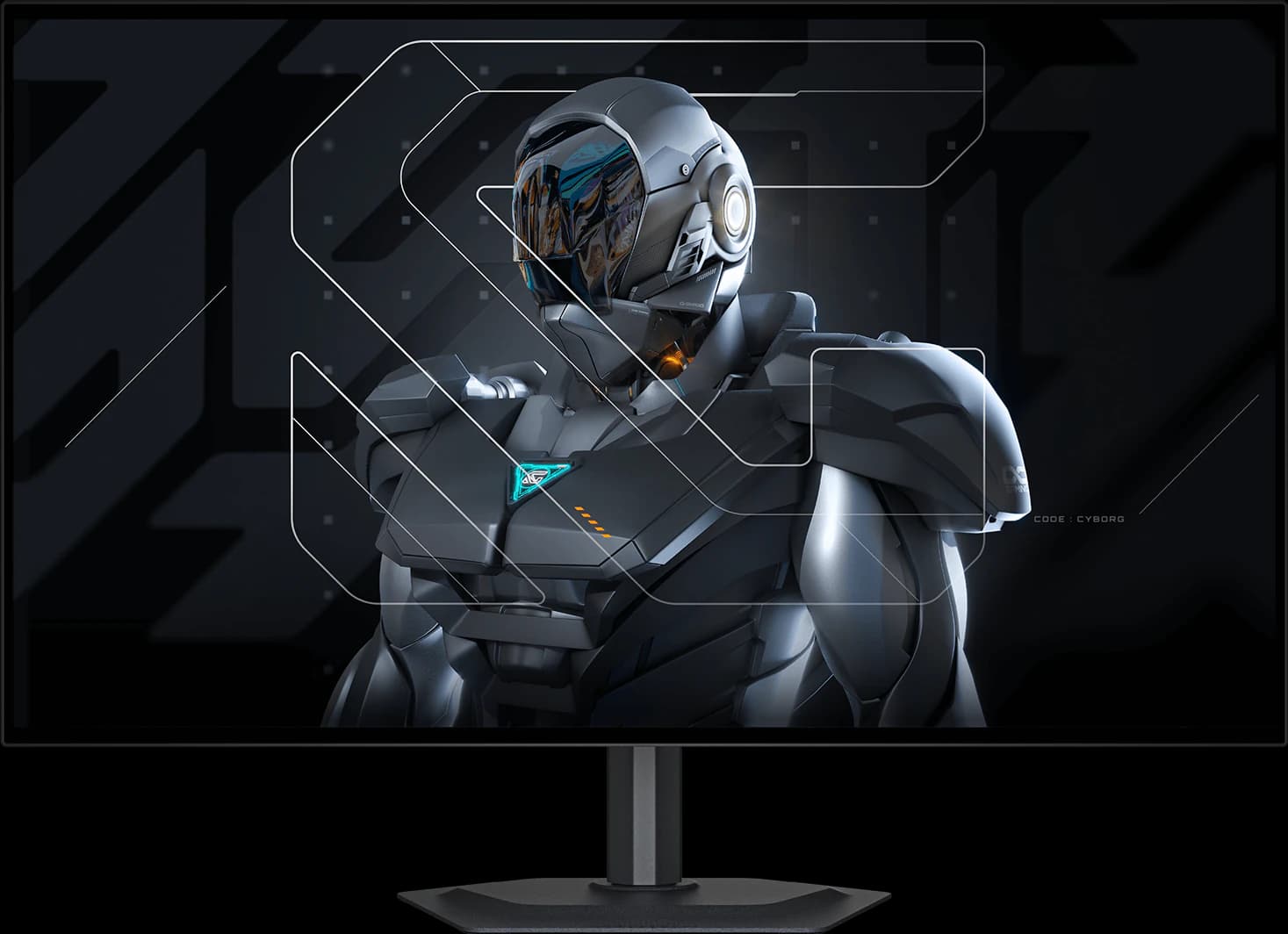 | 27" 1440p Tandem WOLED | ~$499.99 |
| 02 | Best 4K gaming monitor | 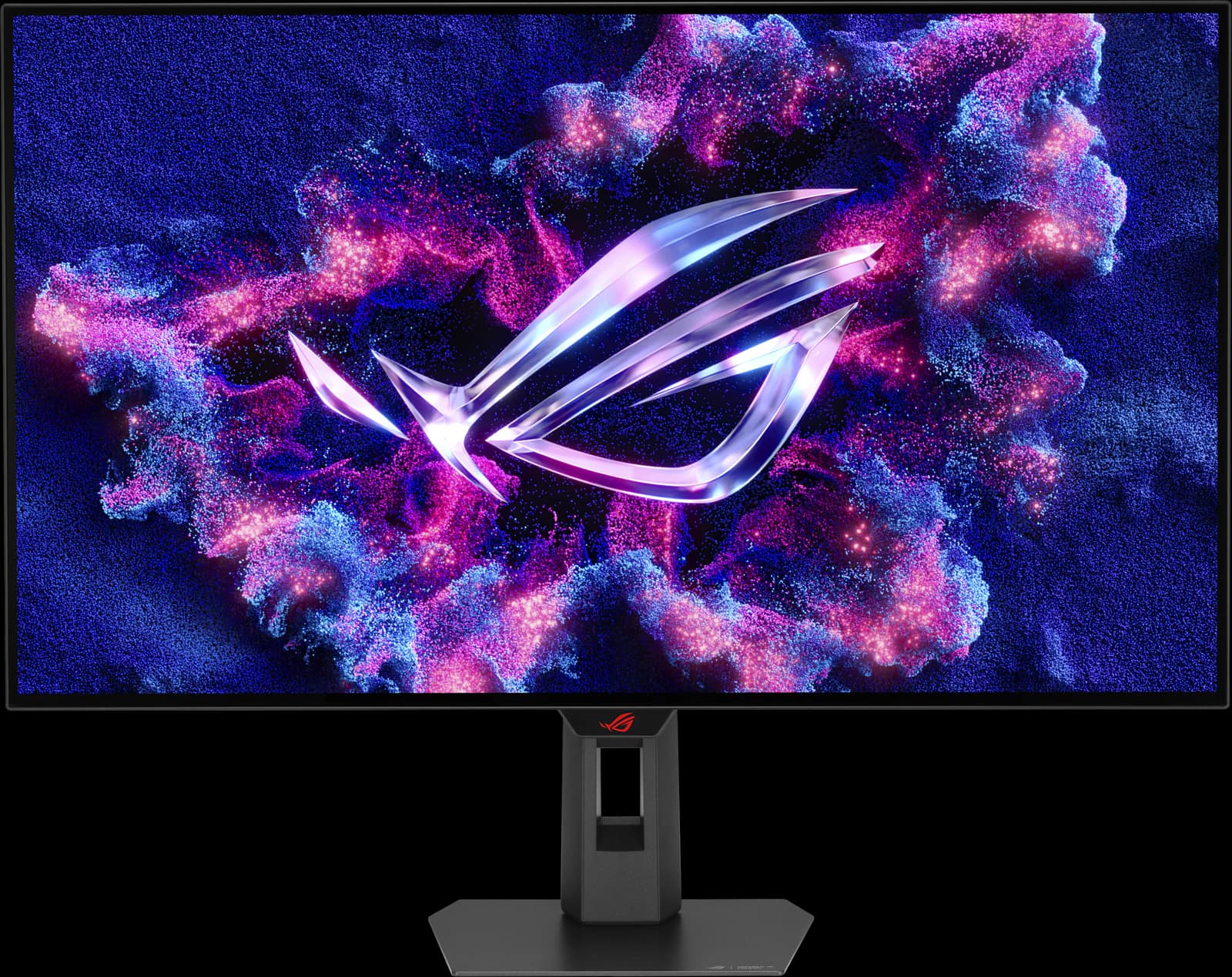 | 32" 4K WOLED | ~$977.19 |
| 03 | Best value 4K OLED | 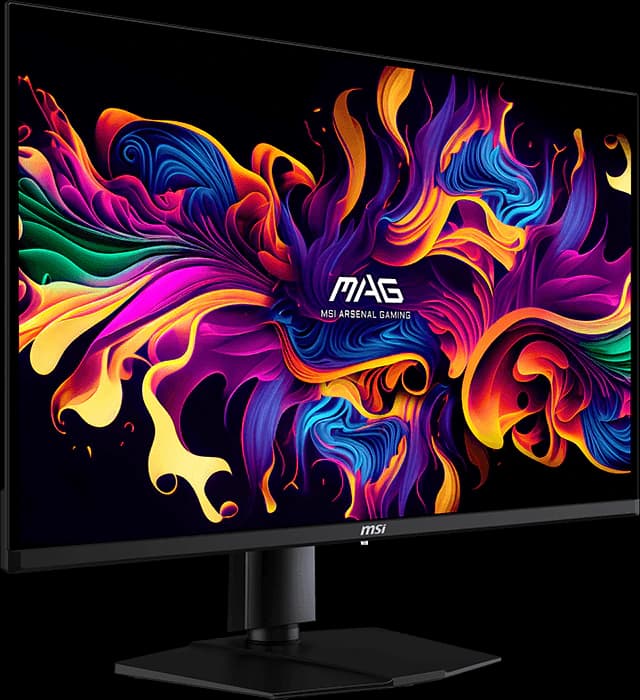 | 32" 4K QD-OLED | ~$699.99 |
| 04 | Best OLED under $400 | 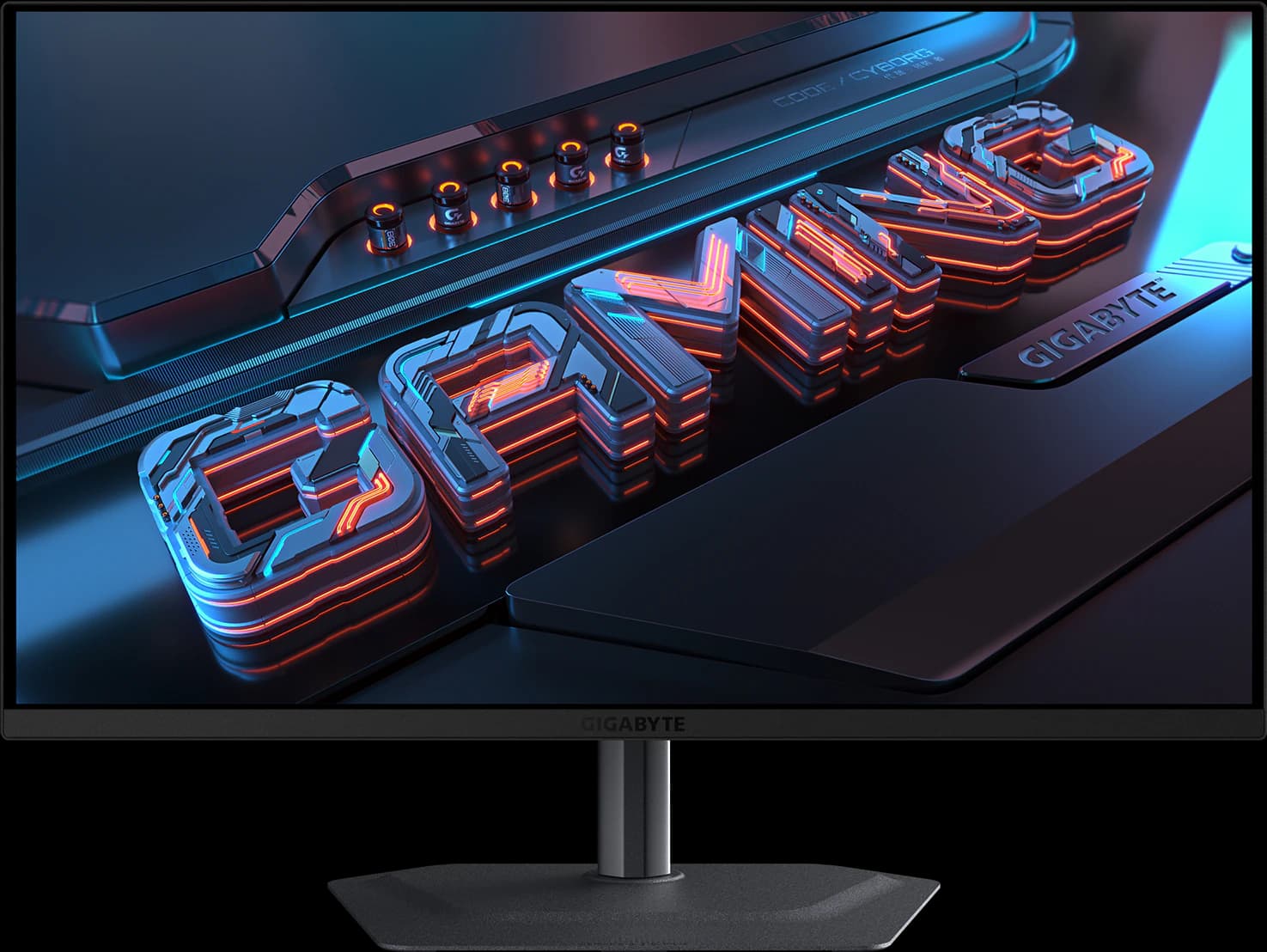 | 27" 1440p QD-OLED | ~$399.99 |
| 05 | Best ultrawide | 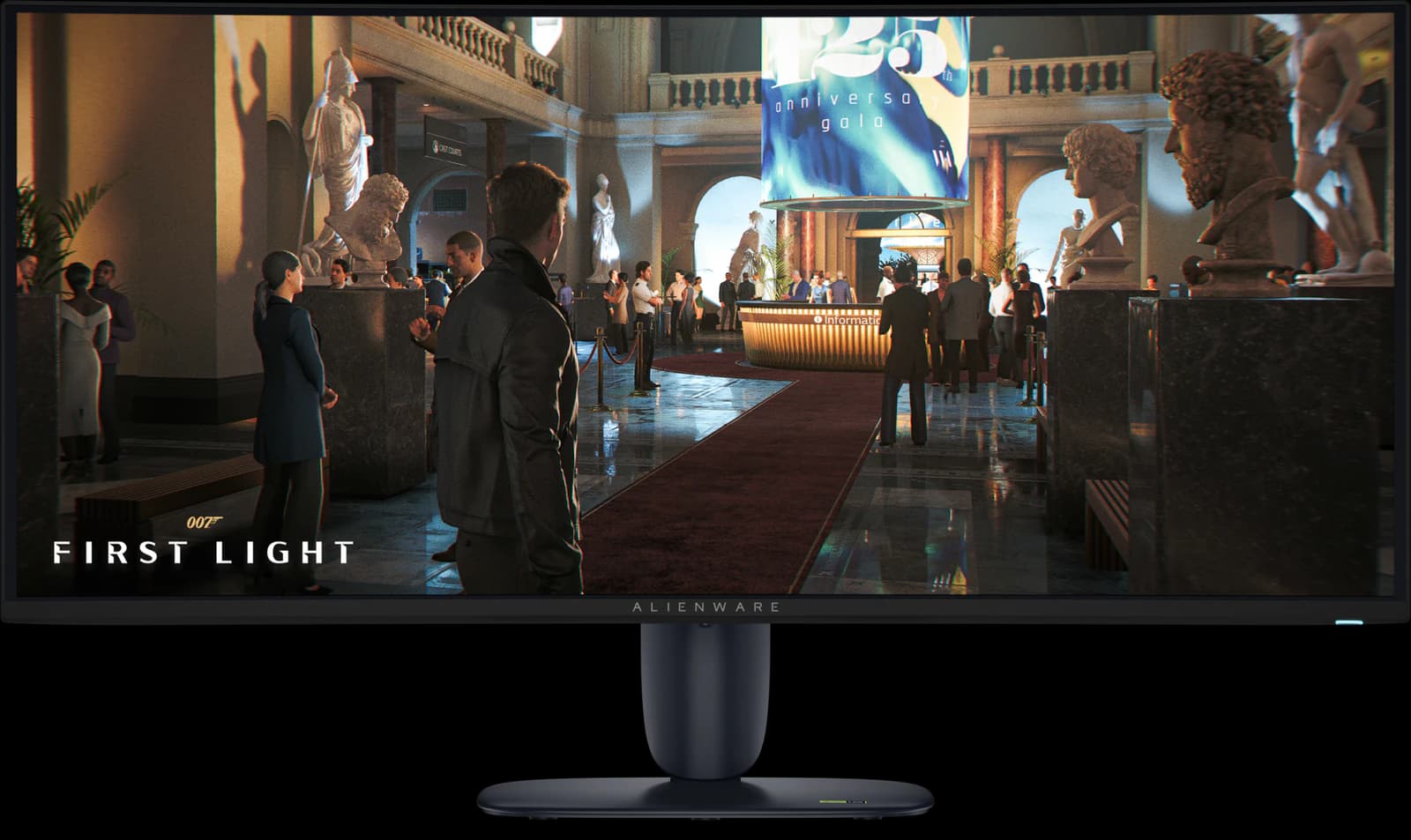 | 34" 1440p QD-OLED | ~$799.99 |
| 06 | Best budget (HDR) | 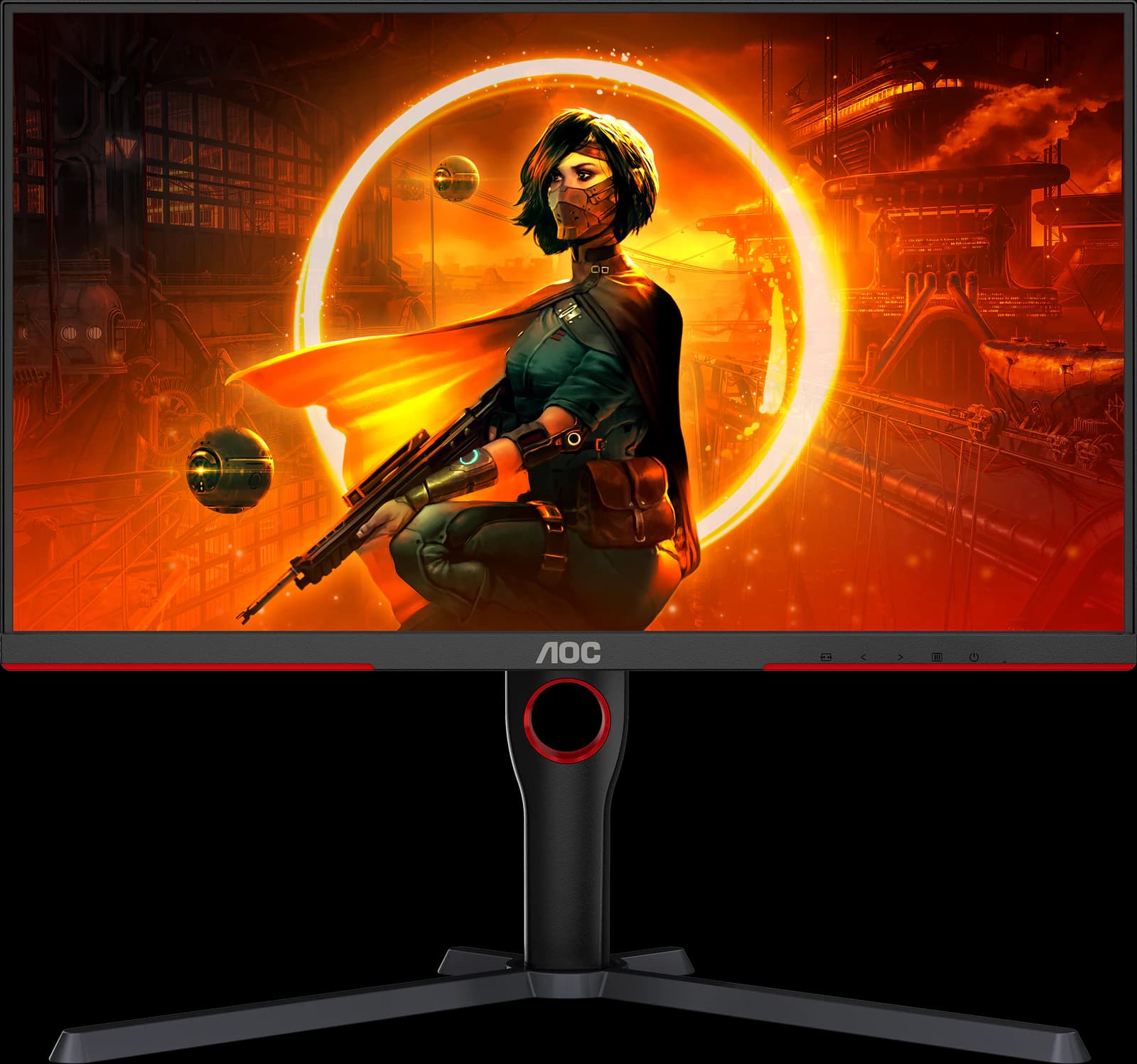 | 27" 1440p Mini-LED VA | ~$229.99 |
| 07 | Best budget (fast games) | 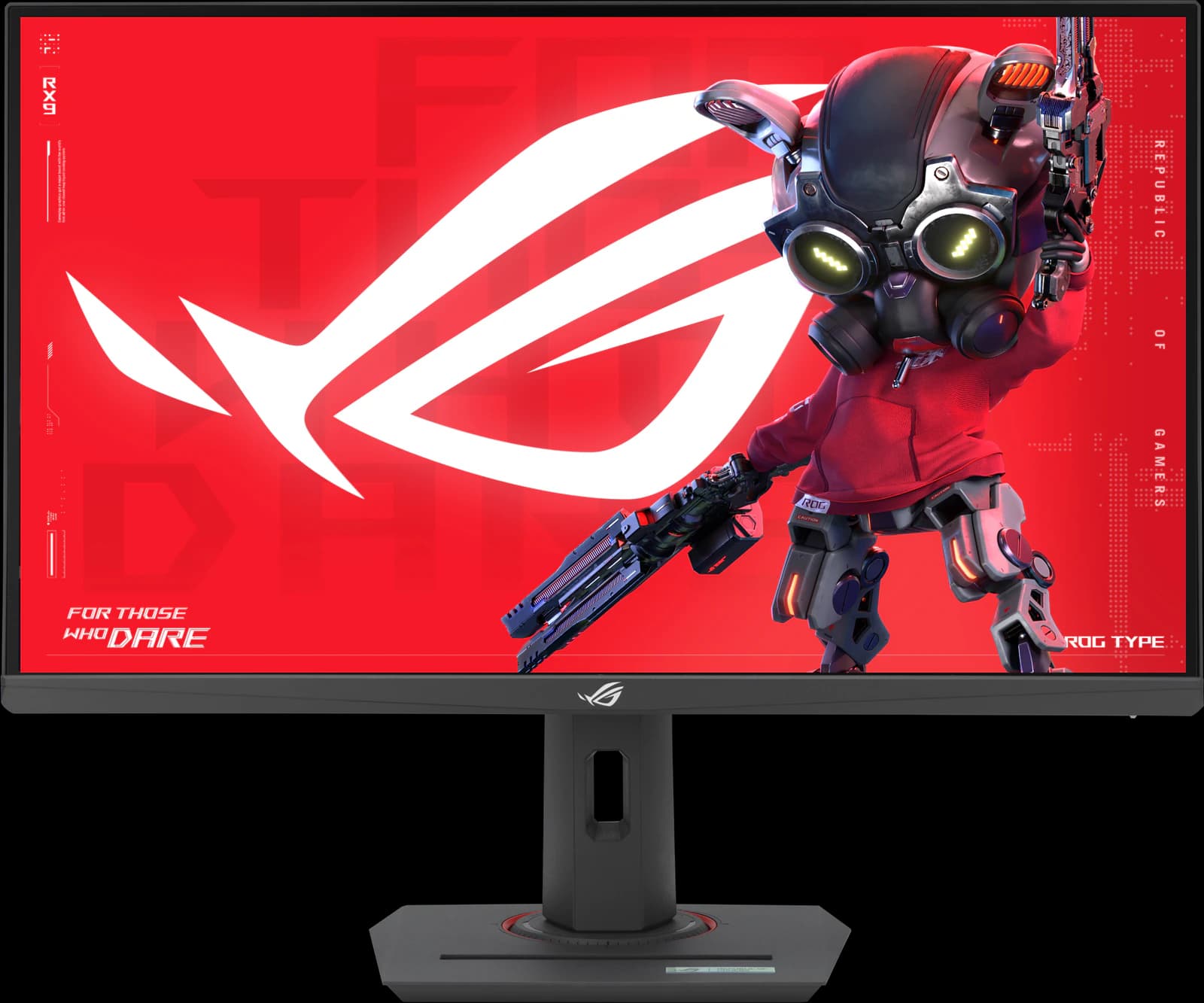 | 27" 1440p Fast IPS | ~$229 |
Approximate Amazon prices seen October 7, 2026, not live quotes.
Ranked
Our picks
- 01
Best overall
Gigabyte MO27Q28GR
- 27" 1440p
- Tandem WOLED
- 280Hz
- ~$499.99
TechSpot's best 1440p OLED (June 2026) and TFTCentral's mid-tier 27-inch pick. Its 4th-gen Tandem WOLED panel is brighter than QD-OLED without heavy full-screen dimming, the glossy coating keeps blacks deep, and it adds USB-C, a KVM switch, and speakers. At ~$499.99 it's the 1440p OLED we'd buy; mind the reflections and the dark-gray banding some Tandem WOLED units show.
Pros
- Pro: TechSpot's best 1440p OLED and TFTCentral's mid-tier 27-inch pick
- Pro: 4th-gen Tandem WOLED: brighter than QD-OLED, without heavy full-screen dimming
- Pro: Glossy coating keeps blacks deep in a lit room
Trade-offs
- Trade-off: Glossy screen mirrors windows and lamps; the matte MO27Q28G suits bright rooms
- Trade-off: Some Tandem WOLED units show dark-gray banding, per TFTCentral and TechSpot
- Gaming
- 5 out of 5
- Value
- 5 out of 5
- Work
- 4 out of 5
Editorial fit scores, 1–5, from published reviews and specs — not lab measurements.
Check priceAffiliate link to Amazon. Price approx., seen Oct 2026.
Read the breakdown: Gigabyte MO27Q28GR - 02
Best 4K gaming monitor
ASUS ROG Strix OLED XG32UCWMG
- 32" 4K
- WOLED
- 240Hz
- ~$977.19
TechSpot's best overall gaming monitor of 2026: a glossy 32-inch WOLED that runs 4K at 240Hz for single-player games and 1080p at 480Hz for shooters. A KVM switch, proximity sensor, and three-year burn-in warranty round it out. At ~$977.19 it costs about $280 more than the MSI below; RTINGS flags noticeable VRR flicker.
Pros
- Pro: TechSpot's best overall gaming monitor (Sep 2026) and best 32-inch 4K HDR (Jul 2026)
- Pro: Glossy TrueBlack coating keeps blacks deep in a lit room
- Pro: Dual mode: 4K at 240Hz or 1080p at 480Hz
Trade-offs
- Trade-off: Glossy screen mirrors lamps and windows; not bright enough for intense glare (RTINGS)
- Trade-off: Noticeable VRR flicker when frame rates swing (RTINGS)
- Gaming
- 5 out of 5
- Work
- 4 out of 5
- HDR
- 4 out of 5
Editorial fit scores, 1–5, from published reviews and specs — not lab measurements.
Check priceAffiliate link to Amazon. Price approx., seen Oct 2026.
Read the breakdown: ASUS ROG Strix OLED XG32UCWMG - 03
Best value 4K OLED
MSI MAG 321UPX QD-OLED
- 32" 4K
- QD-OLED
- 240Hz
- ~$699.99
The 32-inch QD-OLED TechSpot recommends in most situations, with the same panel as MSI's well-reviewed MPG 321URX. It drops that model's USB hub, KVM, and laptop charging but keeps the picture, for ~$699.99. In a bright room its blacks turn gray-purple, which is where the ASUS earns its premium.
Pros
- Pro: TechSpot's recommended 32-inch QD-OLED for most buyers
- Pro: Same QD-OLED panel as the well-reviewed MPG 321URX
- Pro: 4K at 240Hz with near-instant response
Trade-offs
- Trade-off: Blacks look gray-purple under bright room light (QD-OLED)
- Trade-off: Large HDR highlights dim; small ones are bright
- Gaming
- 5 out of 5
- Value
- 5 out of 5
- HDR
- 4 out of 5
Editorial fit scores, 1–5, from published reviews and specs — not lab measurements.
Check priceAffiliate link to Amazon. Price approx., seen Oct 2026.
Read the breakdown: MSI MAG 321UPX QD-OLED - 04
Best OLED under $400
Gigabyte MO27Q2A
- 27" 1440p
- QD-OLED
- 280Hz
- ~$399.99
A full-brightness 280Hz QD-OLED for ~$399.99, the panel class TechSpot's October 2026 budget roundup says is simply better than the dimmer one in $300 OLEDs. It keeps the best ports in that class (USB-C video, hub, KVM). TechSpot tested its predecessor rather than this model, and older QD-OLED text fringing applies.
Pros
- Pro: Full-brightness 280Hz QD-OLED for about $400, the class TechSpot recommends
- Pro: USB-C video, a USB hub, and a KVM switch: the best ports at the price
- Pro: Rated for about 1,000-nit HDR highlights (DisplayHDR True Black 400)
Trade-offs
- Trade-off: TechSpot tested its predecessor, the MO27Q2, not this exact model
- Trade-off: Glossy QD-OLED: purple-gray blacks and reflections in a bright room (TechPowerUp)
- Gaming
- 5 out of 5
- Value
- 5 out of 5
- Color
- 4 out of 5
Editorial fit scores, 1–5, from published reviews and specs — not lab measurements.
Check priceAffiliate link to Amazon. Price approx., seen Oct 2026.
Read the breakdown: Gigabyte MO27Q2A - 05
Best ultrawide
Alienware AW3426DW
- 34" 3440x1440
- QD-OLED
- 280Hz
- ~$799.99
TechSpot's go-to 34-inch ultrawide for 2026 and RTINGS' best mid-range ultrawide. Its 5th-gen RGB-stripe QD-OLED panel performs almost identically to the 360Hz flagships, adds Dolby Vision, and comes with a three-year burn-in warranty, at ~$799.99. No KVM, no USB-C video input.
Pros
- Pro: TechSpot 90 and its go-to 34-inch ultrawide; RTINGS best mid-range ultrawide
- Pro: 5th-gen RGB-stripe QD-OLED: clean text, no color fringing
- Pro: Dolby Vision plus DisplayHDR True Black 500
Trade-offs
- Trade-off: USB-C is data only: no single-cable laptop setup, and no KVM switch
- Trade-off: 280Hz versus 360Hz on the pricier flagships
- Gaming
- 5 out of 5
- Color
- 5 out of 5
- HDR
- 4 out of 5
Editorial fit scores, 1–5, from published reviews and specs — not lab measurements.
Check priceAffiliate link to Amazon. Price approx., seen Oct 2026.
Read the breakdown: Alienware AW3426DW - 06
Best budget (HDR)
AOC Q27G3XMN
- 27" 1440p
- Mini-LED VA
- 180Hz
- ~$229.99
RTINGS' best budget gaming monitor. A 336-zone Mini-LED backlight and high-contrast VA panel give real HDR highlights and deep blacks for ~$229.99. Dark scenes smear a little, and there's no USB.
Pros
- Pro: RTINGS' best budget gaming monitor and best under $300 (2026)
- Pro: 336-zone Mini-LED backlight: real local dimming at a budget price
- Pro: DisplayHDR 1000 and high VA contrast for deep blacks
Trade-offs
- Trade-off: Dark scenes smear, as on most VA panels
- Trade-off: Blooming around bright objects (Reviewed)
- Value
- 5 out of 5
- Gaming
- 4 out of 5
- Color
- 4 out of 5
Editorial fit scores, 1–5, from published reviews and specs — not lab measurements.
- 07
Best budget (fast games)
ASUS ROG Strix XG27ACS
- 27" 1440p
- IPS
- 180Hz
- ~$229
TechSpot scored it 90 for the cleanest response-time tuning it has seen on a 1440p 180Hz LCD, and says it's absolutely worth buying near $200. It's ~$229 regular ($189 for Prime members on Oct 7). No real HDR; get the AOC for that.
Pros
- Pro: TechSpot 90/100: the best response-time tuning it has seen on a 1440p 180Hz LCD
- Pro: Overdrive needs no tweaking; accurate factory sRGB calibration
- Pro: Fully adjustable stand plus a tripod socket
Trade-offs
- Trade-off: No real HDR (DisplayHDR 400, no local dimming)
- Trade-off: Ordinary 1,000:1 IPS contrast
- Value
- 5 out of 5
- Gaming
- 4 out of 5
- Work
- 4 out of 5
Editorial fit scores, 1–5, from published reviews and specs — not lab measurements.
Check priceAffiliate link to Amazon. Price approx., seen Oct 2026.
Read the breakdown: ASUS ROG Strix XG27ACS
Disclosure: “Check price” buttons are Amazon affiliate links; we may earn a commission at no extra cost to you. It never changes the ranking.
How we chose
Gaming fit came first: motion clarity, refresh rate, input lag, and how cleanly variable refresh rate works. HDR mattered next, because it's where OLED and Mini-LED pull away from ordinary LCDs, then value at the price we saw. We also weighed what reviewers flagged as deal-breakers: VRR flicker, raised blacks in lit rooms, banding, and missing ports.
TechSpot's 2026 guides (best OLED monitors, June 23; best 4K monitors, July 28; best gaming monitors, September 10; budget OLED roundup, October 4) set much of the ranking, alongside TFTCentral's August 28, 2026 OLED recommendations and RTINGS' 2026 best-of lists. Specs come from manufacturer pages, and every Check price button points to an Amazon listing we verified on October 7. A few strong models didn't make the list only because Amazon US had no new stock or no listing; they're under Also consider.
OLED or LCD?
For gaming, OLED is the better picture: every pixel lights itself, so blacks are perfect, contrast is effectively infinite, and pixel response is near-instant, which makes motion look clearer than on any LCD at the same refresh rate. The costs are price, a risk of burn-in from static content, and lower full-screen brightness.
LCDs still make sense below about $300, for very bright rooms, or for desks that show the same spreadsheet and taskbar for ten hours a day. A Mini-LED LCD like the AOC Q27G3XMN gets surprisingly close to OLED contrast for the money; an edge-lit IPS like the ASUS XG27ACS gives cleaner motion than VA but can't do real HDR.
WOLED vs QD-OLED
Monitor OLED panels come from two suppliers. LG Display makes WOLED, used in the Gigabyte MO27Q28GR, ASUS XG32UCWMG, and LG 39GX950B; Samsung Display makes QD-OLED, used in the MSI and Alienware models here and the Gigabyte MO27Q2A. TFTCentral's summary: WOLED keeps blacks deeper in a bright room, while QD-OLED's lack of a polarizer makes blacks look gray or purple under room light, though 2026 coatings such as MSI's DarkArmor reduce that.
Text clarity used to favor neither: both used unusual subpixel layouts that left colored fringes on text. Newer panels fix it. Samsung's 5th-gen 34-inch QD-OLED (in the AW3426DW and MSI 341CQR X36) uses an RGB stripe, and LG's 4th-gen Tandem WOLED has an updated layout TFTCentral says improves text. High pixel density, as on a 27-inch 4K screen, helps too.
How much refresh rate do you need?
More refresh only helps if your PC can deliver the frames. TechSpot's advice on ASUS's 540Hz ROG Swift PG27AQWP-W is that it's only worth the premium if you regularly exceed 280 frames per second. For most gamers, 240 to 280Hz on an OLED is plenty; 360Hz and up is for competitive players with fast GPUs.
- 1440p at 240–280Hz: the sweet spot for most PC gamers and mid-range GPUs.
- 4K at 240Hz: for high-end GPUs and single-player games; dual-mode monitors like the XG32UCWMG can drop to 1080p at 480Hz for shooters.
- Consoles top out at 120Hz, so HDMI 2.1 and 4K 120Hz support matter more than 240Hz-plus.
Burn-in: how worried should you be?
Burn-in is permanent image retention from static content such as taskbars, HUDs, and spreadsheets. Modern OLED monitors fight it with pixel-shift and refresh routines, and TFTCentral notes that three-year warranties covering burn-in are now common. Every OLED on this list has one according to its maker, though Gigabyte notes terms may vary by region.
If you'll mostly work on the screen for hours with static windows, an LCD is still the safer choice; if you'll mostly game and watch video, burn-in isn't a reason to avoid OLED in 2026.
Also consider
- ASUS ROG Swift OLED PG27AQWP-W (~$1,099 on Amazon): a 540Hz 1440p Tandem WOLED that RTINGS calls the best 1440p gaming monitor and TFTCentral its top-tier 27-inch pick. TechSpot says it's only worth roughly double the MO27Q28GR's price if you regularly push past 280 fps.
- Alienware AW2726DM: TechSpot's best budget OLED and Wirecutter's pick for most gamers, at $319.99 on Dell.com. On October 7, Amazon had no new unit sold by Amazon, only used ones and a third-party seller at $539.83, so we don't link it. Its limited-brightness panel makes it an SDR monitor first.
- ASUS ROG Swift OLED PG27UCDM (~$1,006.65 regular on Amazon): a 27-inch 4K QD-OLED that RTINGS names the best 27-inch monitor and TFTCentral its 27-inch 4K pick. Excellent but pricey; TechSpot points to cheaper 27-inch 4K QD-OLEDs.
- ASUS ROG Strix XG32UQWMS: TFTCentral's current 32-inch pick, with a brighter Tandem WOLED panel than the XG32UCWMG but no USB-C or KVM. We couldn't find it on Amazon US on October 7.
Head to head
Compare these picks
- Gigabyte MO27Q28GR vs Gigabyte MO27Q2ABoth are picks here: the Gigabyte MO27Q28GR (Best overall) and the Gigabyte MO27Q2A (Best OLED under $400).
- ASUS ROG Strix XG32UCWMG vs MSI MAG 321UPXBoth are picks here: the ASUS ROG Strix OLED XG32UCWMG (Best 4K gaming monitor) and the MSI MAG 321UPX QD-OLED (Best value 4K OLED).
- AOC Q27G3XMN vs ASUS ROG Strix XG27ACSBoth are picks here: the AOC Q27G3XMN (Best budget (HDR)) and the ASUS ROG Strix XG27ACS (Best budget (fast games)).
Frequently asked questions
What is the best gaming monitor in 2026?
For most people, the Gigabyte MO27Q28GR: TechSpot's best 1440p OLED and TFTCentral's mid-tier 27-inch pick, at ~$499.99. If you want 4K and can spend about $1,000, TechSpot's overall pick is the ASUS ROG Strix XG32UCWMG; for 4K on a tighter budget, the MSI MAG 321UPX is ~$699.99.
Is OLED worth it for gaming?
Yes, if you can spend $400 or more. OLED's per-pixel contrast and near-instant response make games look and move better than on any LCD at the same refresh rate. The trade-offs are burn-in risk (every OLED here has a three-year warranty its maker says covers it), lower full-screen brightness, and, on QD-OLED, grayer blacks in a bright room.
Should I buy a 1440p or 4K gaming monitor?
1440p if you have a mid-range GPU or want high frame rates in competitive games; it's far easier to drive. 4K if you have a high-end GPU, play single-player games, or also want sharper text for work. At 32 inches, 4K is the norm; at 27 inches, 1440p OLEDs are much cheaper.
What's the best cheap gaming monitor?
Around $230, it depends on your games. The AOC Q27G3XMN is RTINGS' best budget gaming monitor, with Mini-LED HDR for single-player games. The ASUS ROG Strix XG27ACS (TechSpot 90) has cleaner motion for competitive play. Our under-$300 guide covers both, plus a 4K option.
Do I need HDMI 2.1 for a PS5 or Xbox?
For 4K at 120Hz, yes. All four OLEDs at the top of this list have HDMI 2.1 ports. The AOC Q27G3XMN and ASUS XG27ACS have HDMI 2.0, which is fine for 1440p consoles at lower refresh rates but won't do 4K 120Hz.
Related guides
Disclosure: Our picks are independent and editorial — a synthesis of published reviews and manufacturer specs, not our own lab measurements. Prices are approximate Amazon prices seen October 7, 2026. As an Amazon Associate we earn from qualifying purchases made through links on this page, at no extra cost to you.