

Research · 27" 4K IPS
ASUS ProArt PA279CRV: what the testing says
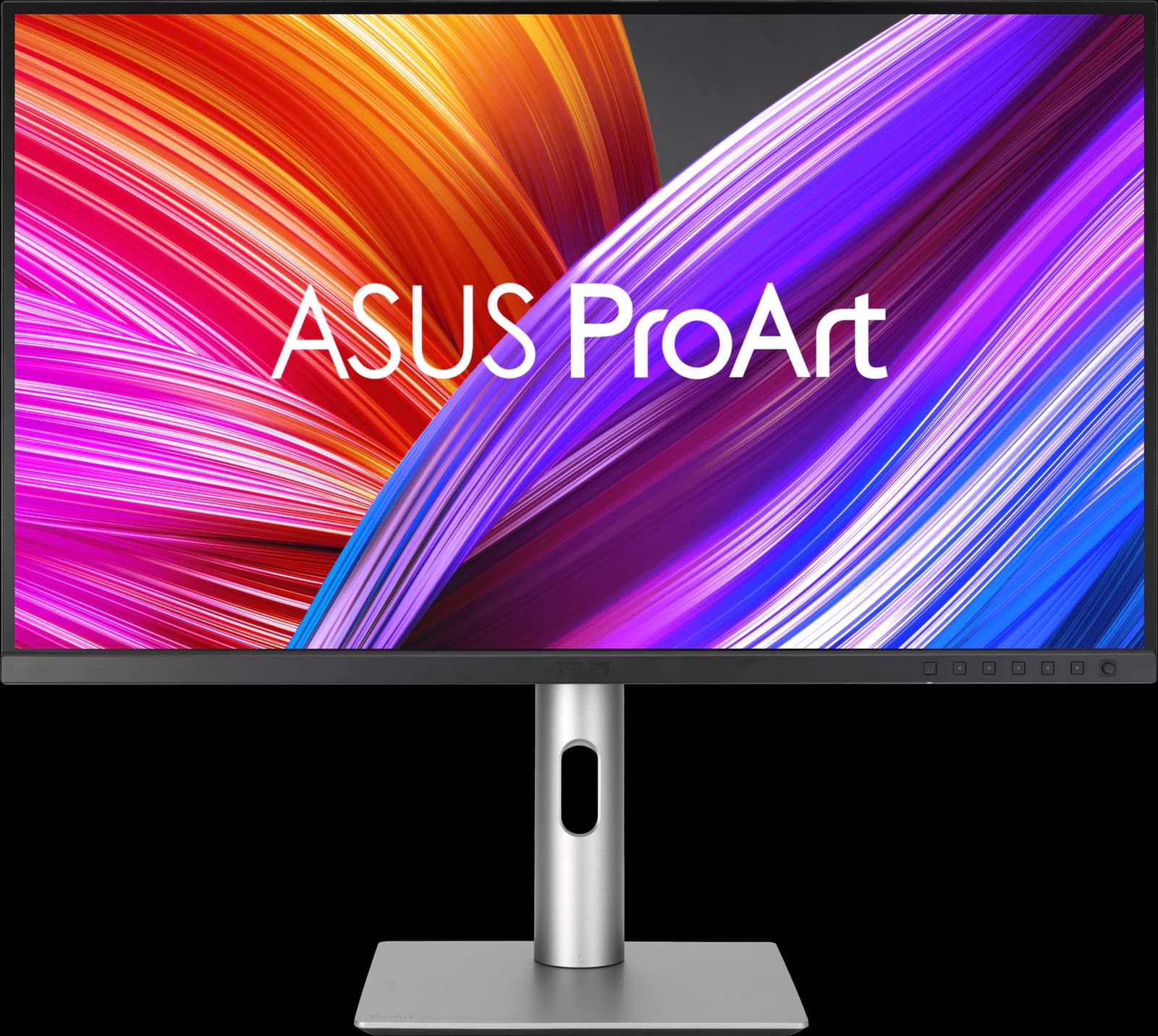
The ProArt PA279CRV is the monitor to buy if accurate color matters more than speed. It ships Calman Verified with an accurate sRGB mode and wide-gamut presets, adds 96W USB-C charging, and costs about $400. RTINGS makes it its best mid-range work monitor. The trade-offs are plain: 60Hz, slow response, gray blacks, and no KVM switch.

Our take
The short version
ASUS's ProArt PA279CRV has stayed on recommendation lists for three years for a simple reason: it gives you color you can trust without buying a calibrator. Each unit is factory calibrated and Calman Verified, with ASUS rating it at ΔE under 2, and it covers 99% of both DCI-P3 and Adobe RGB, with presets for sRGB, DCI-P3, Adobe RGB, and Rec. 2020. RTINGS calls its sRGB mode remarkably accurate and names it the best mid-range work monitor of 2026; TechRadar gave it 4.5 out of 5.
It's also an easy laptop monitor. A single USB-C cable carries video and up to 96W of charging (ASUS's figure), there's a small USB hub, and a DisplayPort output for daisy-chaining a second screen. The stand adjusts for height, tilt, swivel, and pivot. What you don't get is a KVM switch, Thunderbolt, or Ethernet; for that, Dell's U2725QE costs about $230 more.
Don't buy it for games. It runs at 60Hz with a narrow variable refresh range, RTINGS describes its response time as slow, and contrast is ordinary IPS, so blacks look gray in a dark room. HDR is nominal (DisplayHDR 400). TechRadar also found the build slightly plasticky. At $399 from Amazon on October 7, $70 under its launch price, it's still the value pick for creators.
Pros and cons
What we like
- Factory calibrated and Calman Verified; very accurate sRGB mode (RTINGS)
- 99% DCI-P3 and Adobe RGB, with presets up to Rec. 2020
- USB-C with 96W charging, a small USB hub, and DisplayPort daisy chaining
- Sharp 27-inch 4K text and a fully adjustable stand
- RTINGS' best mid-range work monitor at about $400
Trade-offs
- 60Hz only, with slow response: not for games
- Low contrast: blacks look gray in a dark room
- No KVM switch, Thunderbolt, or Ethernet
- HDR is nominal (DisplayHDR 400)
Who it's for
Buy it if…
- Photo, design, and video hobbyists who want accurate color without calibrating
- MacBook and USB-C laptop owners who want one-cable charging for about $400
- Office workers who want 4K text clarity on a budget
Skip it if…
- Gamers: 60Hz and slow response
- Anyone who needs a dock with Ethernet or a KVM switch: get the Dell U2725QE
- People who want deep blacks or real HDR: look at OLED
Spec sheet
ProArt PA279CRV specs
| Screen size | 27" |
|---|---|
| Resolution | 3840 x 2160 (163 PPI) |
| Refresh rate | 60Hz |
| Panel | IPS |
| Response time | 5ms GtG |
| Brightness | 350 nits typical; 400 nits peak (HDR) |
| Contrast | 1,000:1 |
| HDR certification | VESA DisplayHDR 400 |
| Color gamut | 100% sRGB, 99% Adobe RGB, 99% DCI-P3; Calman Verified, ΔE < 2 |
| Adaptive sync | Adaptive-Sync (48–60Hz) |
| Ports | USB-C, 2x DisplayPort 1.4 (one for daisy chain), 2x HDMI 2.0, USB-C + 3x USB-A hub, headphone jack |
| USB-C / Thunderbolt | DisplayPort Alt Mode; 96W power delivery |
| KVM switch | No |
| Stand | Height (130 mm), tilt, swivel, pivot |
| VESA mount | 100 x 100 mm |
| Curvature | Flat |
| Screen finish | Anti-glare |
| Weight | 5.78 kg with stand |
| Warranty | 3 years, including zero bright dot |
| Also notable | 2x 2W speakers; PiP/PbP |
From the manufacturer sources listed below. “Not specified” means those sources don't state it.
Cross-shop
Alternatives to consider
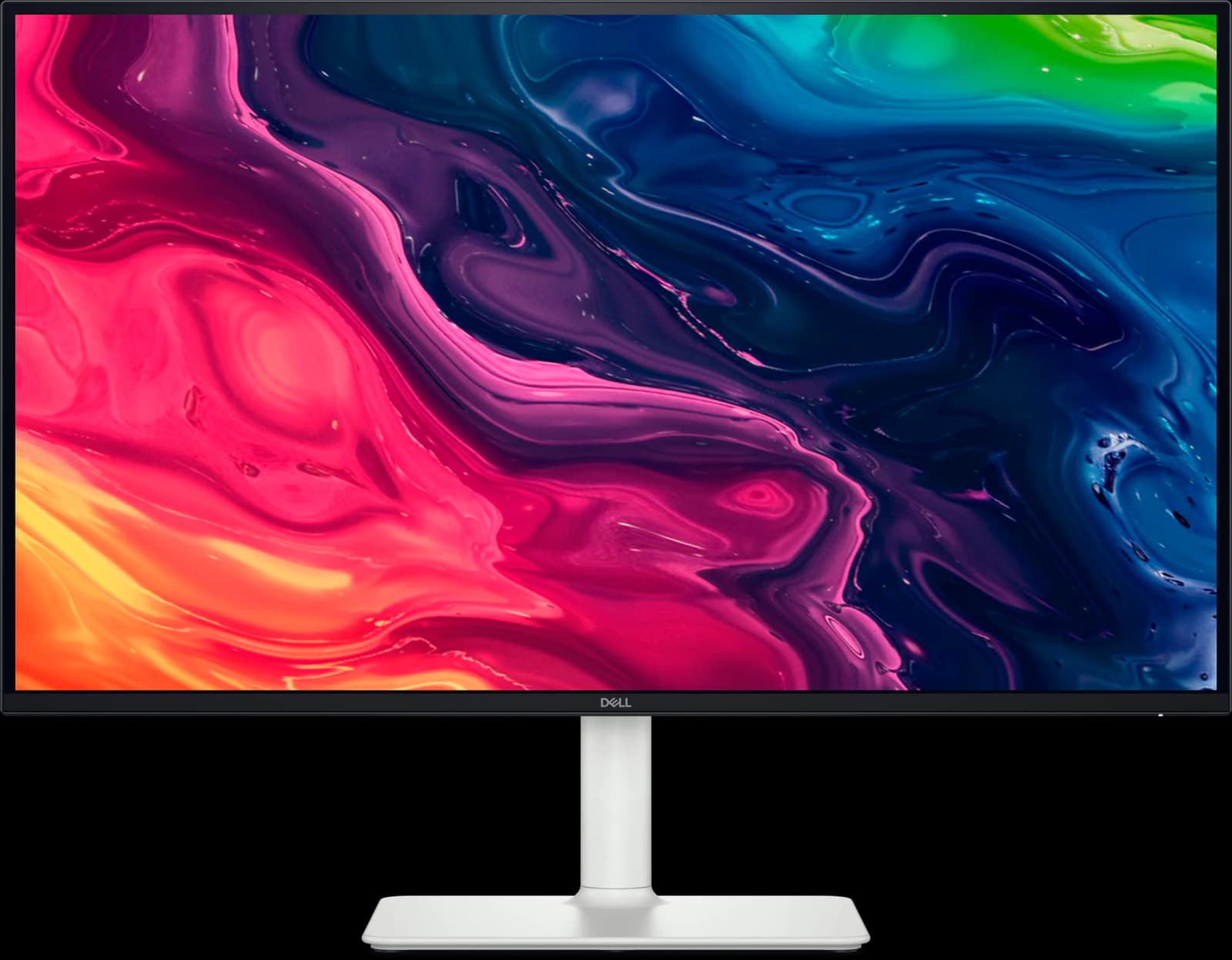
Dell UltraSharp U2725QE
- 27" 4K
- IPS Black
- 120Hz
- ~$627.69
A 27-inch 4K work monitor that doubles as a Thunderbolt dock, with better contrast than ordinary IPS.
Pros
- Pro: Wirecutter's top 4K pick and RTINGS' upper mid-range work pick
- Pro: Thunderbolt 4 with up to 140W charging (EPR laptops), 2.5GbE, and a big USB hub
- Pro: Built-in KVM switch and Thunderbolt daisy chaining
Trade-offs
- Trade-off: Slow response time: fast games blur (RTINGS)
- Trade-off: Weak HDR despite the DisplayHDR 600 certification
- Work
- 5 out of 5
- Color
- 4 out of 5
- Value
- 4 out of 5
Editorial fit scores, 1–5, from published reviews and specs — not lab measurements.
Check priceAffiliate link to Amazon. Price approx., seen Oct 2026.
Read the breakdown: Dell UltraSharp U2725QEDell S2725QS
- 27" 4K
- IPS
- 120Hz
- ~$229.99
4K at 120Hz for about $230: the cheapest way to get genuinely sharp text on a 27-inch screen.
Pros
- Pro: RTINGS' best budget 4K monitor and Wirecutter's budget 4K pick
- Pro: 4K text clarity and 120Hz for about $230
- Pro: Two HDMI 2.1 ports run consoles at 4K 120Hz
Trade-offs
- Trade-off: No USB ports at all: no USB-C charging or hub
- Trade-off: Motion blurs in fast games (RTINGS)
- Value
- 5 out of 5
- Work
- 4 out of 5
- Color
- 3 out of 5
Editorial fit scores, 1–5, from published reviews and specs — not lab measurements.
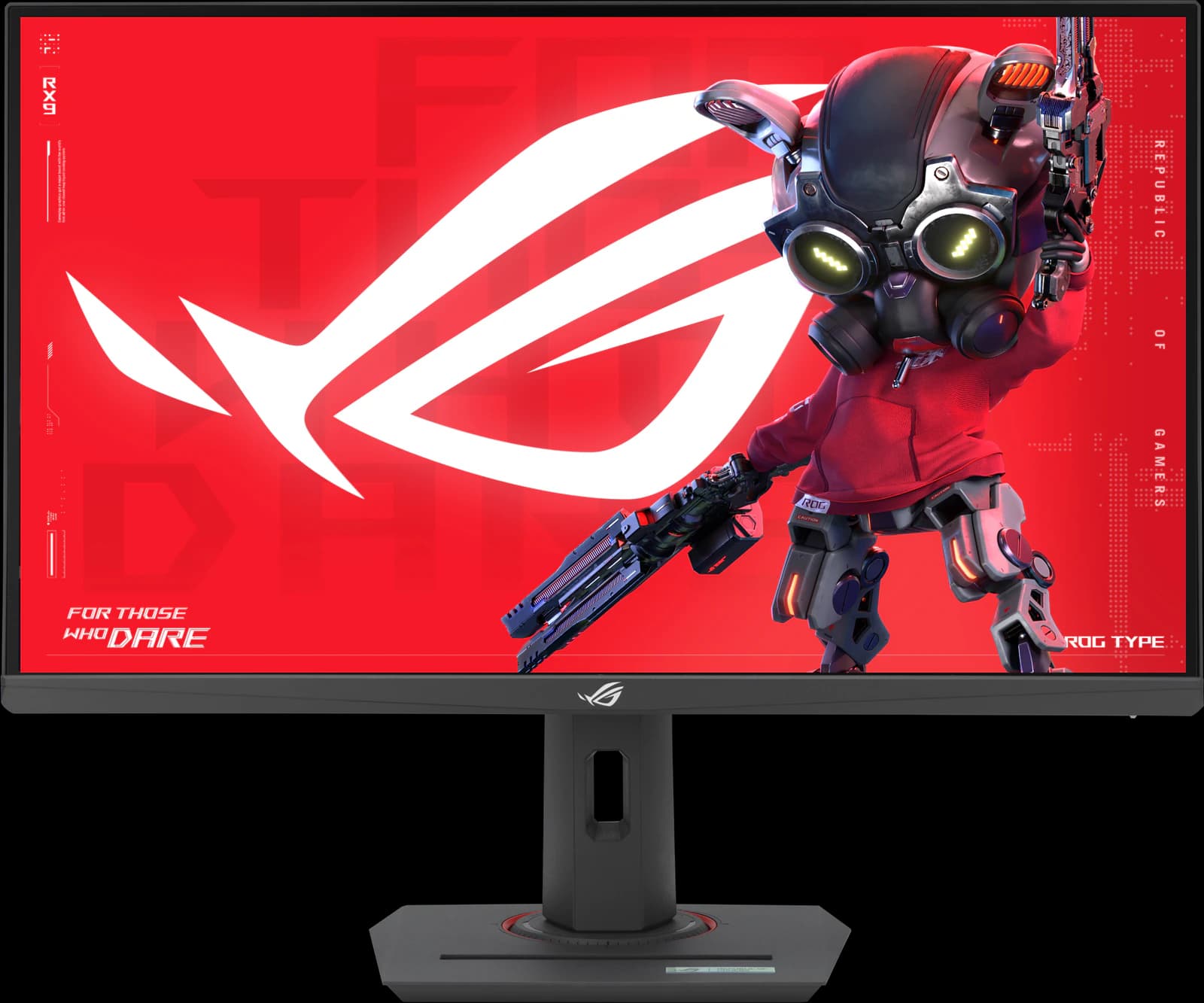
ASUS ROG Strix XG27ACS
- 27" 1440p
- IPS
- 180Hz
- ~$229
The fastest-tuned budget 1440p IPS TechSpot has tested, with a full stand and a USB-C input.
Pros
- Pro: TechSpot 90/100: the best response-time tuning it has seen on a 1440p 180Hz LCD
- Pro: Overdrive needs no tweaking; accurate factory sRGB calibration
- Pro: Fully adjustable stand plus a tripod socket
Trade-offs
- Trade-off: No real HDR (DisplayHDR 400, no local dimming)
- Trade-off: Ordinary 1,000:1 IPS contrast
- Value
- 5 out of 5
- Gaming
- 4 out of 5
- Work
- 4 out of 5
Editorial fit scores, 1–5, from published reviews and specs — not lab measurements.
Check priceAffiliate link to Amazon. Price approx., seen Oct 2026.
Read the breakdown: ASUS ROG Strix XG27ACS

Related guides and comparisons
Sources
Manufacturer specs
- ASUS ProArt Display PA279CRV tech specs (opens in a new tab) — Panel, gamut, calibration, ports, and stand
Published testing and reviews
- RTINGS (opens in a new tab) — Review; Best Work Monitors of 2026: best mid-range
- TechRadar — Review (Jun 22, 2023): 4.5/5
- PCWorld — Review (Apr 2023): launch price and creator verdict
Published reviews and manufacturer specs, researched October 7, 2026. We didn't test these monitors ourselves; judgments credited to an outlet are that outlet's.
Disclosure: Our picks are independent and editorial — a synthesis of published reviews and manufacturer specs, not our own lab measurements. Prices are approximate Amazon prices seen October 7, 2026, not live quotes. As an Amazon Associate we earn from qualifying purchases made through links on this page, at no extra cost to you.