

Monitor buying guide
The Best Monitors for Productivity in 2026
The best monitors for working from home in 2026: Dell's U2725QE Thunderbolt hub, ASUS's calibrated ProArt PA279CRV, Dell's $230 S2725QS, and two picks for work and play.
A good work monitor is sharp, comfortable to look at for eight hours, and easy to plug a laptop into. That means 4K at 27 inches for crisp text, a stand that adjusts properly, and, if you use a laptop, USB-C or Thunderbolt that carries video and charging over one cable. Gaming features barely matter here; text clarity and ports do.
These picks and fit scores are an editorial synthesis of published reviews and manufacturer specs, not our own testing. Prices are approximate Amazon prices seen on October 7, 2026, the last day of Amazon's Prime Big Deal Days, not live quotes; where only Prime members got a deal, we show the regular price and note the deal. Prices move often, so check the current price before you buy.
Disclosure: As an Amazon Associate we earn from qualifying purchases. “Check price” buttons on this page are affiliate links, at no extra cost to you; they never change the ranking.
The short list
| # | Best for | Model | Approx. price | |
|---|---|---|---|---|
| 01 | Best overall | 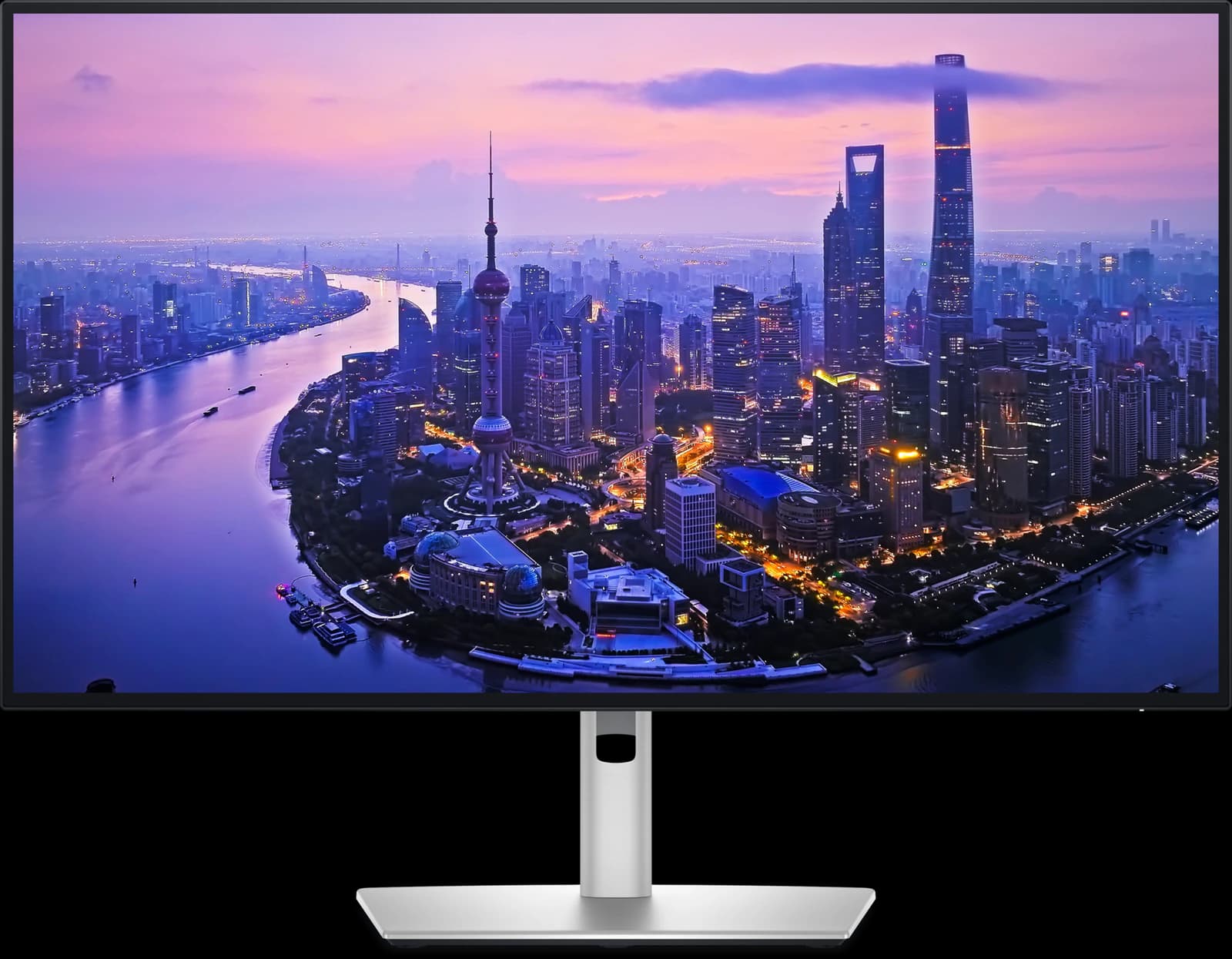 | 27" 4K IPS Black | ~$627.69 |
| 02 | Best value, best for creators | 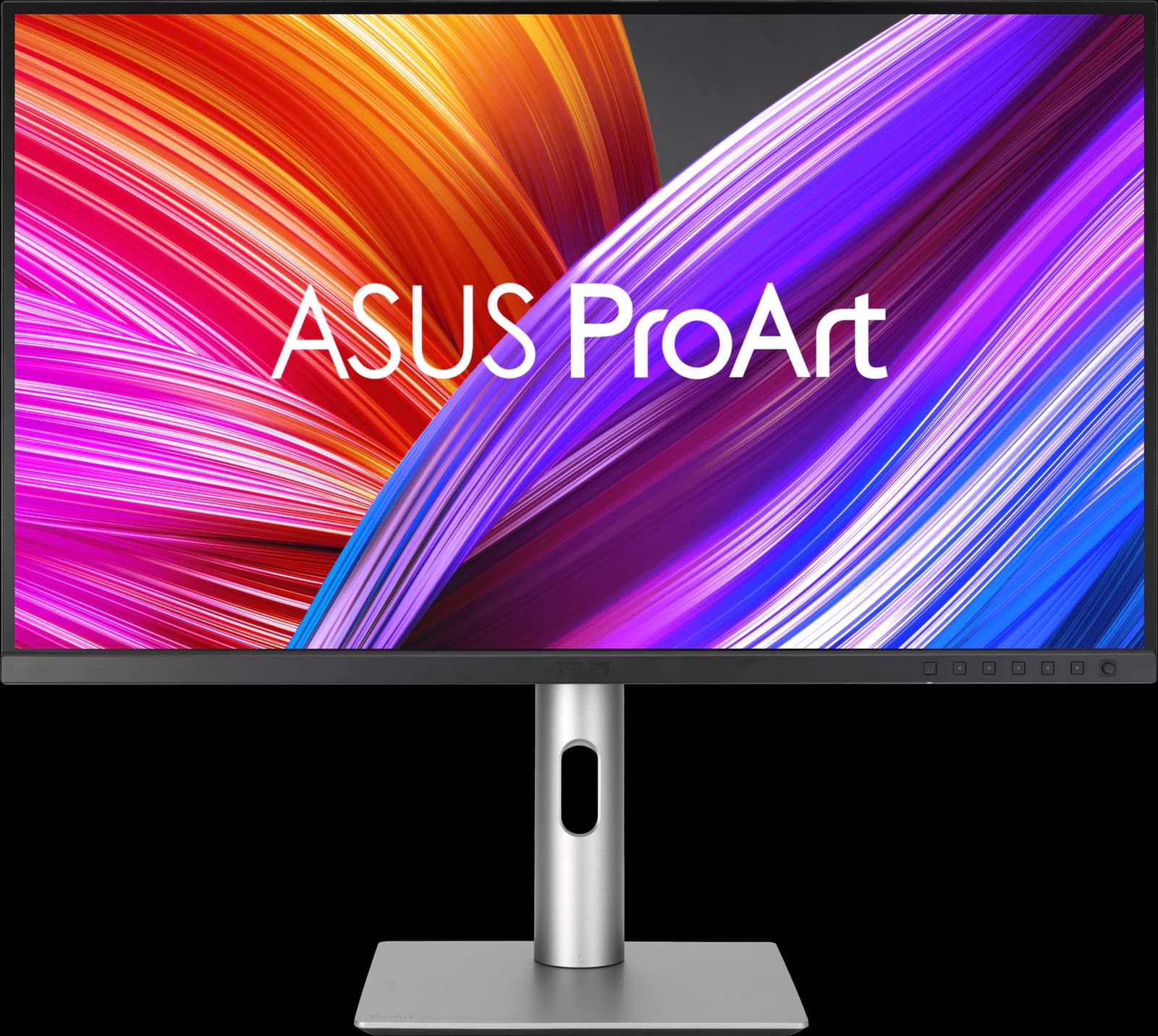 | 27" 4K IPS | ~$399 |
| 03 | Best budget | 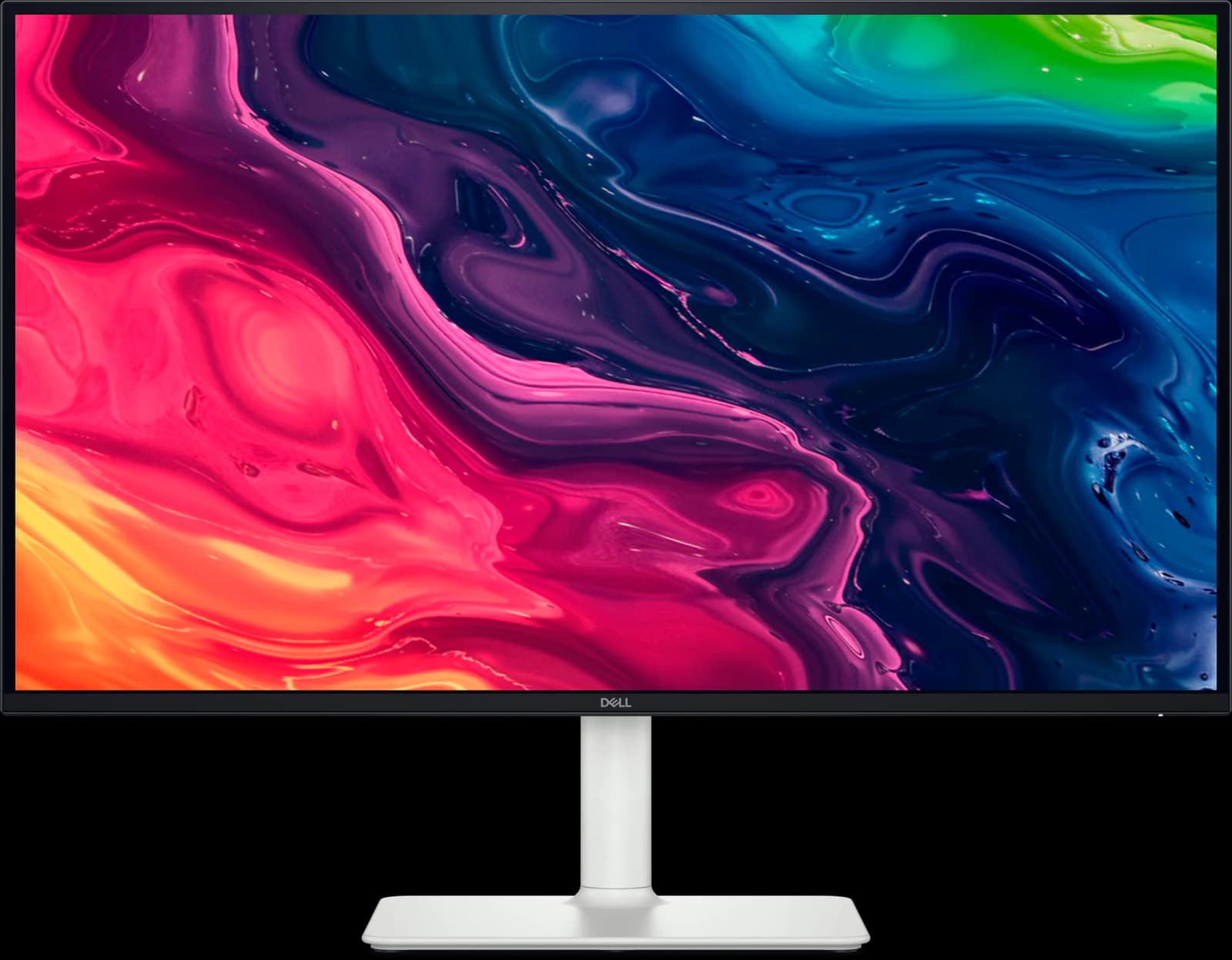 | 27" 4K IPS | ~$229.99 |
| 04 | Most screen space |  | 39" 5K2K Tandem WOLED | ~$1,399.99 |
| 05 | Best for work and play |  | 27" 1440p Tandem WOLED | ~$499.99 |
Approximate Amazon prices seen October 7, 2026, not live quotes.

Ranked
Our picks
- 01
Best overall
Dell UltraSharp U2725QE
- 27" 4K
- IPS Black
- 120Hz
- ~$627.69
Wirecutter's top 4K pick and RTINGS' best upper mid-range work monitor. One Thunderbolt 4 cable carries video, up to 140W of charging (on laptops that support EPR), 2.5Gb Ethernet, and a hub of seven USB ports; a KVM switch shares it with a second computer. IPS Black contrast and 120Hz help all day. ~$627.69 from a third-party Amazon seller ($849.99 at Dell).
Pros
- Pro: Wirecutter's top 4K pick and RTINGS' upper mid-range work pick
- Pro: Thunderbolt 4 with up to 140W charging (EPR laptops), 2.5GbE, and a big USB hub
- Pro: Built-in KVM switch and Thunderbolt daisy chaining
Trade-offs
- Trade-off: Slow response time: fast games blur (RTINGS)
- Trade-off: Weak HDR despite the DisplayHDR 600 certification
- Work
- 5 out of 5
- Color
- 4 out of 5
- Value
- 4 out of 5
Editorial fit scores, 1–5, from published reviews and specs — not lab measurements.
Check priceAffiliate link to Amazon. Price approx., seen Oct 2026.
Read the breakdown: Dell UltraSharp U2725QE - 02
Best value, best for creators
ASUS ProArt PA279CRV
- 27" 4K
- IPS
- 60Hz
- ~$399
RTINGS' best mid-range work monitor: Calman Verified factory calibration, sharp 4K text, 96W USB-C, and a full stand for ~$399. It's 60Hz and has no KVM or Ethernet, but for one laptop and accurate color it's the smart buy.
Pros
- Pro: Factory calibrated and Calman Verified; very accurate sRGB mode (RTINGS)
- Pro: 99% DCI-P3 and Adobe RGB, with presets up to Rec. 2020
- Pro: USB-C with 96W charging, a small USB hub, and DisplayPort daisy chaining
Trade-offs
- Trade-off: 60Hz only, with slow response: not for games
- Trade-off: Low contrast: blacks look gray in a dark room
- Color
- 5 out of 5
- Work
- 4 out of 5
- Value
- 4 out of 5
Editorial fit scores, 1–5, from published reviews and specs — not lab measurements.
Check priceAffiliate link to Amazon. Price approx., seen Oct 2026.
Read the breakdown: ASUS ProArt PA279CRV - 03
Best budget
Dell S2725QS
- 27" 4K
- IPS
- 120Hz
- ~$229.99
RTINGS' best lower mid-range work monitor and Wirecutter's budget 4K pick: 4K at 120Hz with an accurate sRGB mode and a fully adjustable stand for ~$229.99. No USB at all, so it suits desktops; laptop users should look at the USB-C S2725QC.
Pros
- Pro: RTINGS' best budget 4K monitor and Wirecutter's budget 4K pick
- Pro: 4K text clarity and 120Hz for about $230
- Pro: Two HDMI 2.1 ports run consoles at 4K 120Hz
Trade-offs
- Trade-off: No USB ports at all: no USB-C charging or hub
- Trade-off: Motion blurs in fast games (RTINGS)
- Value
- 5 out of 5
- Work
- 4 out of 5
- Color
- 3 out of 5
Editorial fit scores, 1–5, from published reviews and specs — not lab measurements.
- 04
Most screen space
LG UltraGear 39GX950B
- 39" 5K2K
- Tandem WOLED
- 165Hz
- ~$1,399.99
A 39-inch 5K2K ultrawide has the pixels of more than two 1440p monitors in one curved screen, with 90W USB-C and a matte coating. It's a gaming OLED at heart: ~$1,399.99, no KVM, and static desktop work raises burn-in concerns.
Pros
- Pro: 5K2K on 39 inches: about 27-inch-1440p sharpness, much wider
- Pro: Brightest HDR TechSpot has seen on an ultrawide OLED
- Pro: Matte coating suits bright rooms
Trade-offs
- Trade-off: Dell's Alienware AW3926QW is $300 cheaper at Dell.com with a better warranty
- Trade-off: Two-year warranty; burn-in coverage isn't stated on LG.com
- HDR
- 5 out of 5
- Gaming
- 4 out of 5
- Work
- 4 out of 5
Editorial fit scores, 1–5, from published reviews and specs — not lab measurements.
Check priceAffiliate link to Amazon. Price approx., seen Oct 2026.
Read the breakdown: LG UltraGear 39GX950B - 05
Best for work and play
Gigabyte MO27Q28GR
- 27" 1440p
- Tandem WOLED
- 280Hz
- ~$499.99
If your monitor is for spreadsheets by day and games by night, this 1440p OLED has the work extras most gaming monitors skip: USB-C, a KVM switch, and speakers. TFTCentral says its updated subpixel layout improves text, though 1440p is less crisp than 4K, and it's ~$499.99.
Pros
- Pro: TechSpot's best 1440p OLED and TFTCentral's mid-tier 27-inch pick
- Pro: 4th-gen Tandem WOLED: brighter than QD-OLED, without heavy full-screen dimming
- Pro: Glossy coating keeps blacks deep in a lit room
Trade-offs
- Trade-off: Glossy screen mirrors windows and lamps; the matte MO27Q28G suits bright rooms
- Trade-off: Some Tandem WOLED units show dark-gray banding, per TFTCentral and TechSpot
- Gaming
- 5 out of 5
- Value
- 5 out of 5
- Work
- 4 out of 5
Editorial fit scores, 1–5, from published reviews and specs — not lab measurements.
Check priceAffiliate link to Amazon. Price approx., seen Oct 2026.
Read the breakdown: Gigabyte MO27Q28GR
Disclosure: “Check price” buttons are Amazon affiliate links; we may earn a commission at no extra cost to you. It never changes the ranking.
How we chose
Productivity fit led: text clarity, screen space, stand adjustment, and how well the monitor works as a laptop dock (USB-C power, hub, Ethernet, KVM). Color accuracy came next for creative work, then value. Gaming performance only broke ties.
RTINGS' 2026 best work monitors and best monitors for programming lists, Wirecutter's best monitors (June 10, 2026) and best 4K monitors (April 13, 2026) guides, and individual reviews from TechRadar, PCWorld, Expert Reviews, and PC Monitors shaped the ranking. Specs come from manufacturer pages.
USB-C, Thunderbolt, and KVM, explained
USB-C with DisplayPort Alt Mode carries video from a laptop; power delivery (PD) is how much it can charge in return. Most laptops want 65W or more, so 96W (ASUS PA279CRV) or Thunderbolt 4 up to 140W (Dell U2725QE) is enough for a single-cable desk, while 7.5W to 18W ports on gaming monitors aren't. Thunderbolt also carries faster data, Ethernet, and a second display.
A KVM switch lets two computers, say a work laptop and a personal desktop, share the keyboard, mouse, and webcam plugged into the monitor, switching along with the video input.
- One laptop, accurate color, a budget: ASUS ProArt PA279CRV.
- Laptop plus desktop, Ethernet, lots of peripherals: Dell UltraSharp U2725QE.
- Desktop only: Dell S2725QS.
Should you use an OLED for office work?
You can, with care. OLED's contrast is lovely for photos and video, and newer panels have fixed most of the text fringing older ones had. But static content (taskbars, toolbars, spreadsheets) for many hours a day is the hardest case for burn-in, even with modern protection and three-year warranties. For a pure work monitor, IPS is still the safer, cheaper choice; for a mixed work and gaming screen, an OLED with a burn-in warranty is reasonable.
27-inch 4K, 32-inch 4K, or ultrawide?
27-inch 4K is the sharpest common option (163 pixels per inch) and fits any desk. A 32-inch 4K screen shows the same pixels larger, which some people prefer at default scaling. Ultrawides trade sharpness or height for width, replacing two monitors side by side.
Also consider
- ASUS ProArt Display 6K PA32QCV (~$1,199 on Amazon): RTINGS' best work monitor of 2026, a 32-inch 6K screen with Thunderbolt 4, an auto KVM switch, and a big hub. RTINGS likes its glare handling but notes the matte coating makes text slightly hazy.
- Dell S2725QC: the S2725QS with USB-C (65W charging) and a small hub, RTINGS' lower mid-range pick for a Mac mini. Prime members saw $264.99 on October 7; the list price is $349.99.
- Dell UltraSharp U3425WE: Wirecutter's top ultrawide pick for work, a 34-inch LCD. We haven't researched it in depth yet.
Head to head
Compare these picks
- Dell UltraSharp U2725QE vs ASUS ProArt PA279CRVBoth are picks here: the Dell UltraSharp U2725QE (Best overall) and the ASUS ProArt PA279CRV (Best value, best for creators).
- LG UltraGear 39GX950B vs MSI MPG 341CQR X36The LG UltraGear 39GX950B (Most screen space here) against the MSI MPG 341CQR QD-OLED X36.
- Gigabyte MO27Q28GR vs Gigabyte MO27Q2AThe Gigabyte MO27Q28GR (Best for work and play here) against the Gigabyte MO27Q2A.
Frequently asked questions
What is the best monitor for working from home?
If you work from a laptop and want one-cable docking, the Dell UltraSharp U2725QE, Wirecutter's top 4K pick. If you want to spend about $400, the ASUS ProArt PA279CRV, RTINGS' best mid-range work monitor. Around $230, the Dell S2725QS.
Is 4K worth it for office work?
Yes. On a 27-inch screen, 4K gives text about 50% more pixels per inch than 1440p, so documents, code, and spreadsheets look noticeably crisper. Every work pick here is 4K or 5K2K for that reason.
How much USB-C power delivery do I need?
Enough for your laptop's charger: check its wattage. Many thin laptops use 45W to 65W; larger ones use 90W or more. The ASUS PA279CRV supplies 96W and the Dell U2725QE up to 140W over Thunderbolt 4 (the full 140W needs a laptop that supports Extended Power Range).
Do I need a KVM switch?
Only if two computers share your desk. A KVM switch in the monitor moves your keyboard, mouse, and other USB devices between them when you switch inputs. The Dell U2725QE, MSI MPG 341CQR X36, and Gigabyte OLEDs here have one; the ASUS PA279CRV and Dell S2725QS don't.
Related guides
Disclosure: Our picks are independent and editorial — a synthesis of published reviews and manufacturer specs, not our own lab measurements. Prices are approximate Amazon prices seen October 7, 2026. As an Amazon Associate we earn from qualifying purchases made through links on this page, at no extra cost to you.