

Research · 27" 4K IPS Black
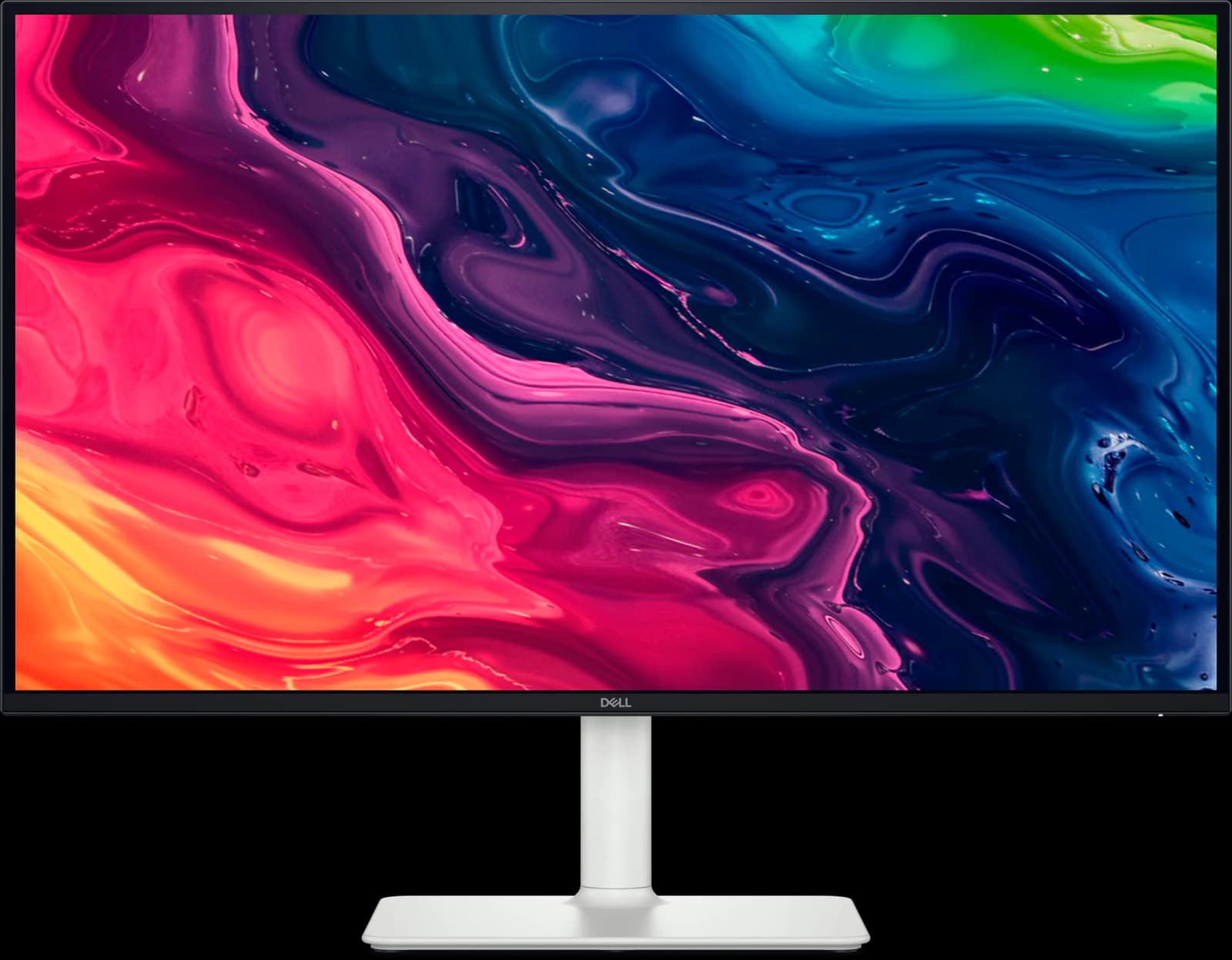
Dell UltraSharp U2725QE: what the testing says
The U2725QE is the work monitor to buy if your laptop lives on a desk: one Thunderbolt 4 cable carries video, up to 140W of charging, 2.5Gb Ethernet, and a big USB hub, and a KVM switch shares it all with a second computer. Wirecutter makes it its top 4K pick and RTINGS its upper mid-range work pick. It's not a gaming monitor, and on Amazon it was only sold by a third party.
Our take
The short version
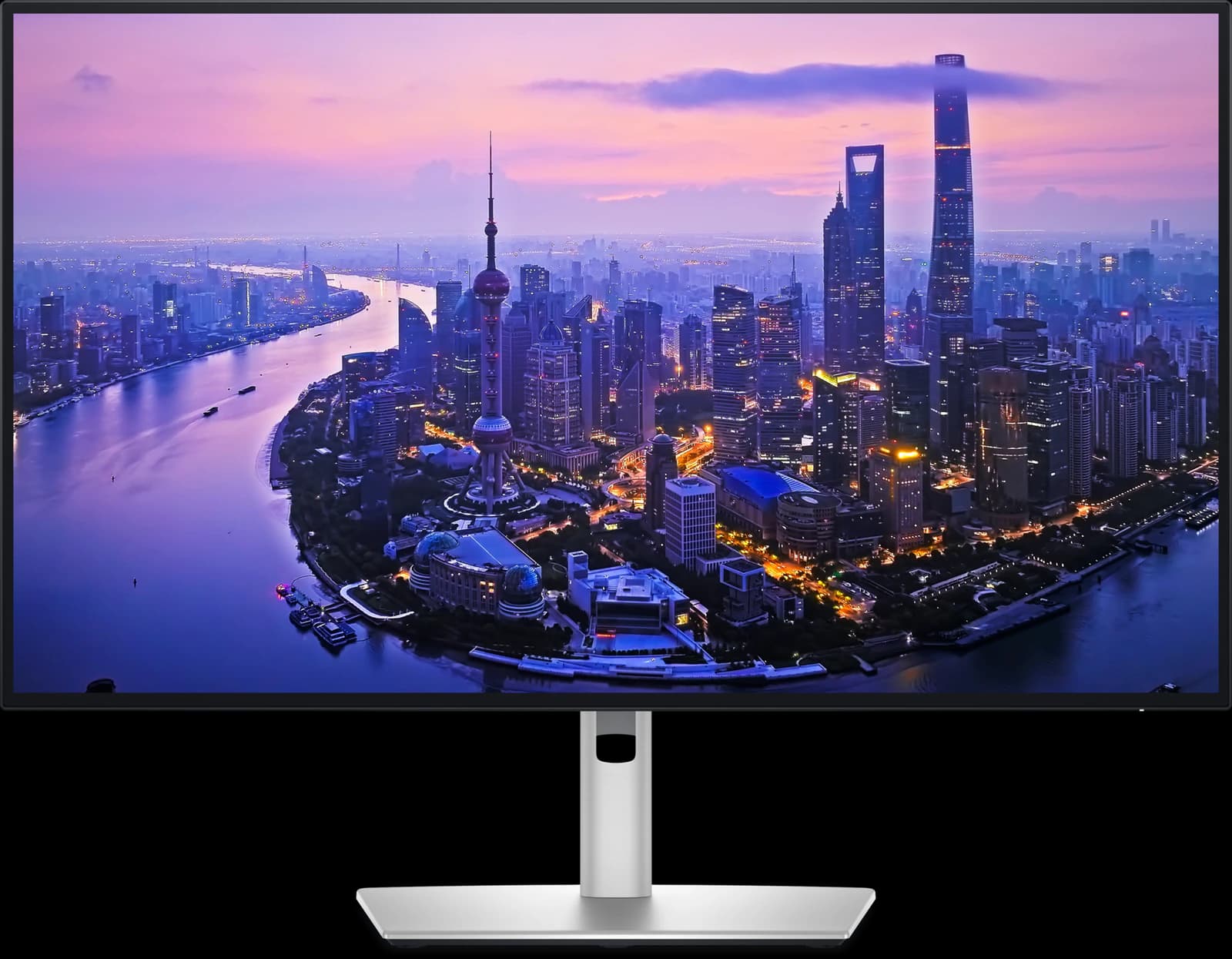
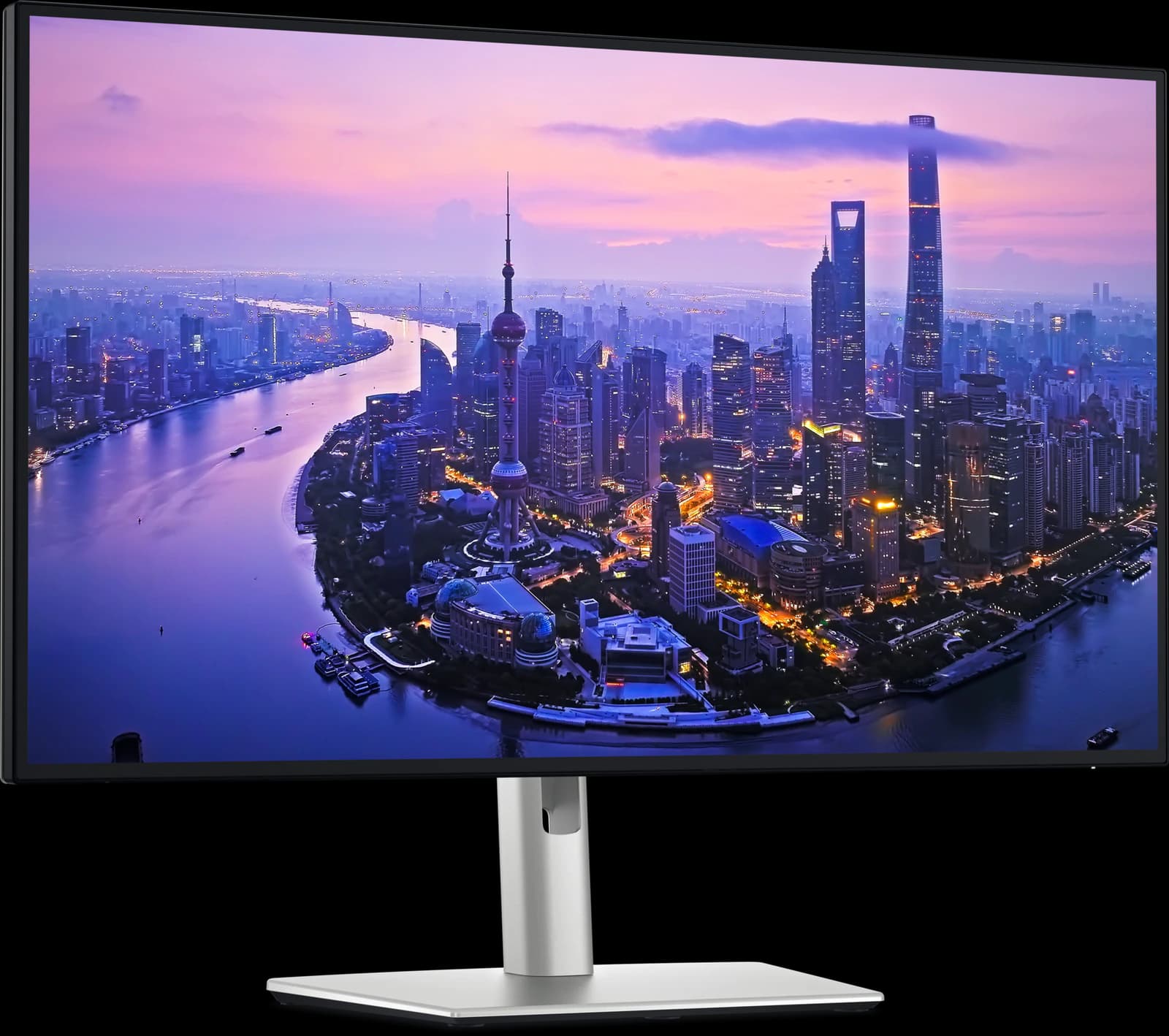
Dell's UltraSharp U2725QE is the safest expensive work monitor you can buy. Wirecutter names it the top pick in both its best monitors (June 2026) and best 4K monitors (April 2026) guides, and RTINGS makes it the best upper mid-range work monitor and best mid-range monitor for programming in its 2026 lists. RTINGS calls it a significant upgrade over the old U2723QE, adding Thunderbolt 4, 120Hz, and variable refresh rate.
Its real job is replacing a dock. One Thunderbolt 4 cable to a laptop carries 4K video, up to 140W of charging for laptops that support Extended Power Range (EPR), 2.5Gb Ethernet, and a hub of five USB-A and two USB-C ports. A second Thunderbolt port daisy-chains another monitor, and a built-in KVM switch lets a desktop share the keyboard, mouse, and webcam. Dell's IPS Black panel is rated for 3,000:1 contrast, about three times ordinary IPS, which Wirecutter says makes text look crisper on white and shows more shadow detail.
Know what it isn't. RTINGS calls its response time bad, so fast games blur, and its HDR is mediocre despite the DisplayHDR 600 badge. RTINGS also found the white balance off out of the box, so color-critical work needs a calibration. Wirecutter's main gripe is a slightly wobbly stand. On October 7 Amazon's listing was $627.69 from a third-party seller, about $220 under Dell.com's $849.99; buy from a seller you trust, or from Dell.
Pros and cons
What we like
- Wirecutter's top 4K pick and RTINGS' upper mid-range work pick
- Thunderbolt 4 with up to 140W charging (EPR laptops), 2.5GbE, and a big USB hub
- Built-in KVM switch and Thunderbolt daisy chaining
- IPS Black: 3,000:1 contrast, crisper than ordinary IPS
- 120Hz makes scrolling smoother than older 60Hz office monitors
Trade-offs
- Slow response time: fast games blur (RTINGS)
- Weak HDR despite the DisplayHDR 600 certification
- White balance needs calibrating for color-critical work (RTINGS)
- On Amazon, sold by a third party rather than Amazon
Who it's for
Buy it if…
- Laptop users, MacBook owners included, who want a one-cable desk setup
- Anyone switching between a work laptop and a personal desktop
- Office workers who want the best text clarity and contrast you can get in a 27-inch LCD
Skip it if…
- Gamers: an OLED will look and move far better
- Anyone happy with fewer ports: the ASUS ProArt PA279CRV is about $230 less
- Creators who need accuracy out of the box without calibrating: the PA279CRV ships calibrated
Spec sheet
U2725QE specs
| Screen size | 27" |
|---|---|
| Resolution | 3840 x 2160 (163 PPI) |
| Refresh rate | 120Hz |
| Panel | IPS Black |
| Response time | 5ms GtG (Fast mode) |
| Brightness | 450 nits typical; 600 nits peak |
| Contrast | 3,000:1 |
| HDR certification | VESA DisplayHDR 600 |
| Color gamut | 100% sRGB, 99% DCI-P3; ΔE < 1.5 average |
| Adaptive sync | VRR over HDMI 2.1 (48–120Hz) |
| Ports | 1x DisplayPort 1.4 in, 1x DisplayPort out, 1x HDMI 2.1, 2x Thunderbolt 4 (up/down), USB-C upstream, 5x USB-A, 2x USB-C downstream, 2.5GbE, audio out |
| USB-C / Thunderbolt | Thunderbolt 4; up to 140W power delivery (EPR) |
| KVM switch | Yes |
| Stand | Height (150 mm), tilt, swivel, pivot |
| VESA mount | 100 x 100 mm |
| Curvature | Flat |
| Screen finish | Anti-glare, anti-reflective |
| Weight | 15.56 lb with stand |
| Warranty | 3 years, Advanced Exchange |
| Also notable | Ambient light sensor; PiP/PbP; no speakers |
From the manufacturer sources listed below. “Not specified” means those sources don't state it.
Watch
U2725QE on video
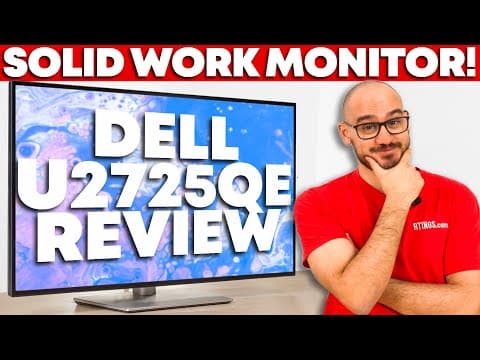
Video by RTINGS Computer on YouTube. Their views are their own.
Cross-shop
Alternatives to consider
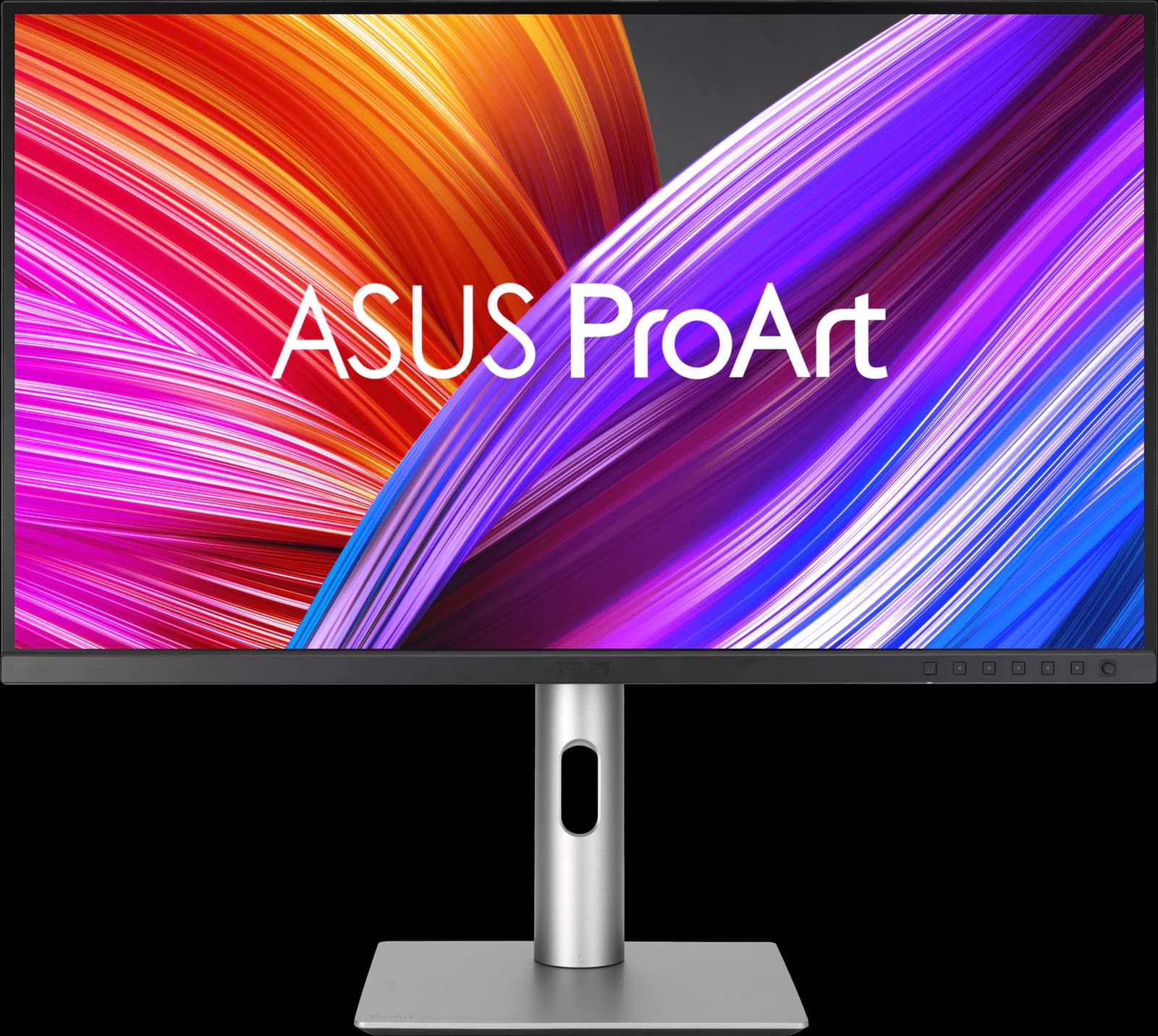
ASUS ProArt PA279CRV
- 27" 4K
- IPS
- 60Hz
- ~$399
A factory-calibrated 4K monitor with 96W USB-C for about $400: the creator's pick on a budget.
Pros
- Pro: Factory calibrated and Calman Verified; very accurate sRGB mode (RTINGS)
- Pro: 99% DCI-P3 and Adobe RGB, with presets up to Rec. 2020
- Pro: USB-C with 96W charging, a small USB hub, and DisplayPort daisy chaining
Trade-offs
- Trade-off: 60Hz only, with slow response: not for games
- Trade-off: Low contrast: blacks look gray in a dark room
- Color
- 5 out of 5
- Work
- 4 out of 5
- Value
- 4 out of 5
Editorial fit scores, 1–5, from published reviews and specs — not lab measurements.
Check priceAffiliate link to Amazon. Price approx., seen Oct 2026.
Read the breakdown: ASUS ProArt PA279CRVDell S2725QS
- 27" 4K
- IPS
- 120Hz
- ~$229.99
4K at 120Hz for about $230: the cheapest way to get genuinely sharp text on a 27-inch screen.
Pros
- Pro: RTINGS' best budget 4K monitor and Wirecutter's budget 4K pick
- Pro: 4K text clarity and 120Hz for about $230
- Pro: Two HDMI 2.1 ports run consoles at 4K 120Hz
Trade-offs
- Trade-off: No USB ports at all: no USB-C charging or hub
- Trade-off: Motion blurs in fast games (RTINGS)
- Value
- 5 out of 5
- Work
- 4 out of 5
- Color
- 3 out of 5
Editorial fit scores, 1–5, from published reviews and specs — not lab measurements.
Gigabyte MO27Q28GR
- 27" 1440p
- Tandem WOLED
- 280Hz
- ~$499.99
The 1440p OLED most gamers should buy: a 4th-gen Tandem WOLED panel with a glossy screen, for about $500.
Pros
- Pro: TechSpot's best 1440p OLED and TFTCentral's mid-tier 27-inch pick
- Pro: 4th-gen Tandem WOLED: brighter than QD-OLED, without heavy full-screen dimming
- Pro: Glossy coating keeps blacks deep in a lit room
Trade-offs
- Trade-off: Glossy screen mirrors windows and lamps; the matte MO27Q28G suits bright rooms
- Trade-off: Some Tandem WOLED units show dark-gray banding, per TFTCentral and TechSpot
- Gaming
- 5 out of 5
- Value
- 5 out of 5
- Work
- 4 out of 5
Editorial fit scores, 1–5, from published reviews and specs — not lab measurements.
Check priceAffiliate link to Amazon. Price approx., seen Oct 2026.
Read the breakdown: Gigabyte MO27Q28GR

Related guides and comparisons
Sources
Manufacturer specs
- Dell UltraSharp 27 4K Thunderbolt Hub Monitor (U2725QE) (opens in a new tab) — Dell.com specs, price, and warranty
Published testing and reviews
- Wirecutter — The Best 4K Monitors (Apr 13, 2026) and The Best Monitors (Jun 10, 2026): top pick
- RTINGS (opens in a new tab) — Review; Best Work Monitors of 2026: best upper mid-range
- Expert Reviews — Review (Aug 15, 2025): 4/5
Published reviews and manufacturer specs, researched October 7, 2026. We didn't test these monitors ourselves; judgments credited to an outlet are that outlet's.
Disclosure: Our picks are independent and editorial — a synthesis of published reviews and manufacturer specs, not our own lab measurements. Prices are approximate Amazon prices seen October 7, 2026, not live quotes. As an Amazon Associate we earn from qualifying purchases made through links on this page, at no extra cost to you.