

Research · 27" 4K IPS
Dell S2725QS: what the testing says
The S2725QS is the budget 4K monitor to buy. RTINGS names it the best budget 4K monitor and Wirecutter its budget 4K pick: sharp 163-pixel-per-inch text, 120Hz, HDMI 2.1 for consoles, and a stand that adjusts every way, for about $230. It has no USB ports at all, so laptop users should look at the USB-C version, and motion blurs in fast games.
Our take
The short version
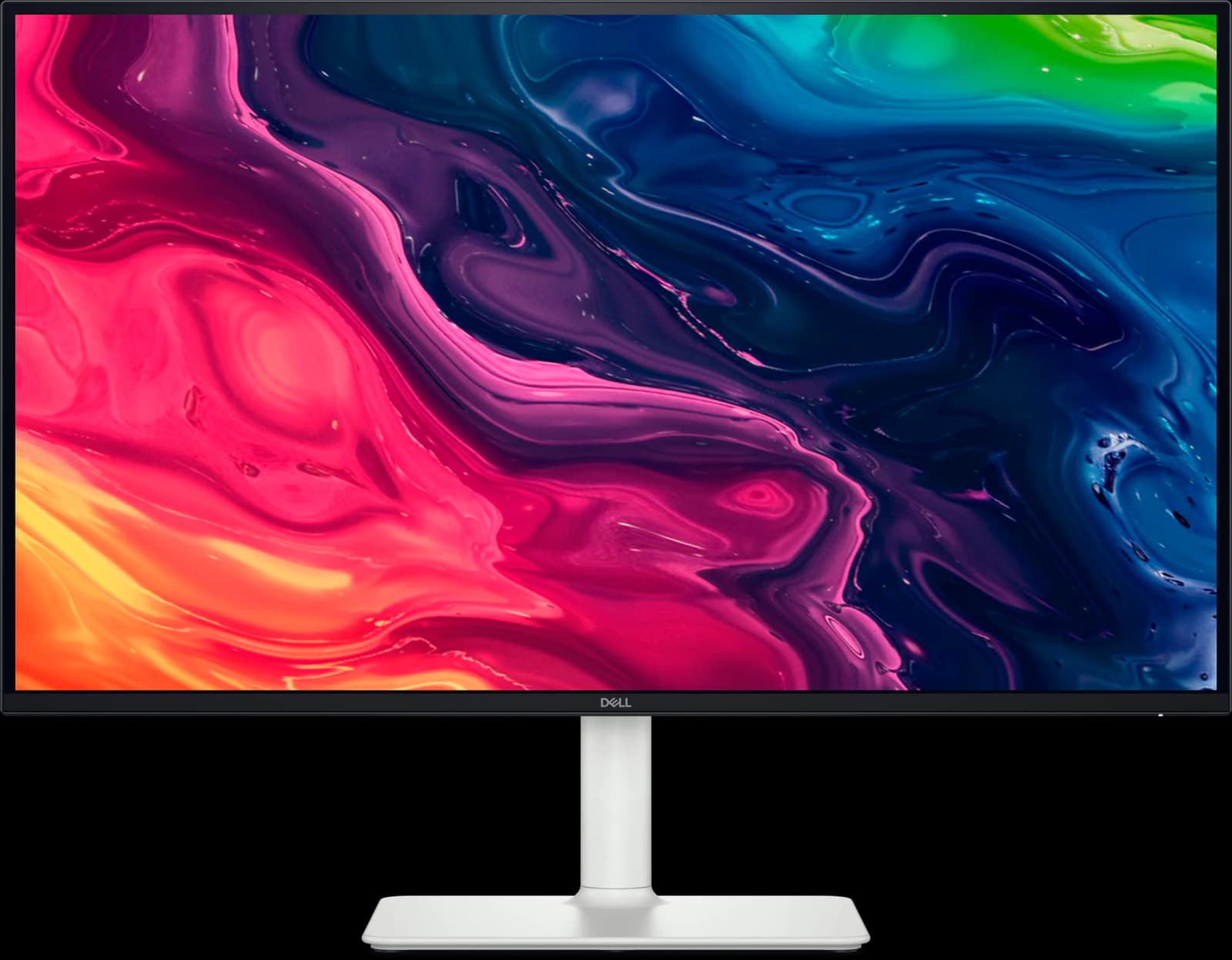
Dell's S2725QS (sold as the Dell 27 Plus 4K) brings 4K resolution and a 120Hz refresh rate to a price that used to buy a 60Hz 1440p screen. RTINGS makes it the best budget 4K monitor and the best lower mid-range work monitor of 2026, and Wirecutter names it the budget pick in its best 4K monitors guide. At 163 pixels per inch, text is noticeably crisper than on a 27-inch 1440p screen, which matters if you read and write all day.
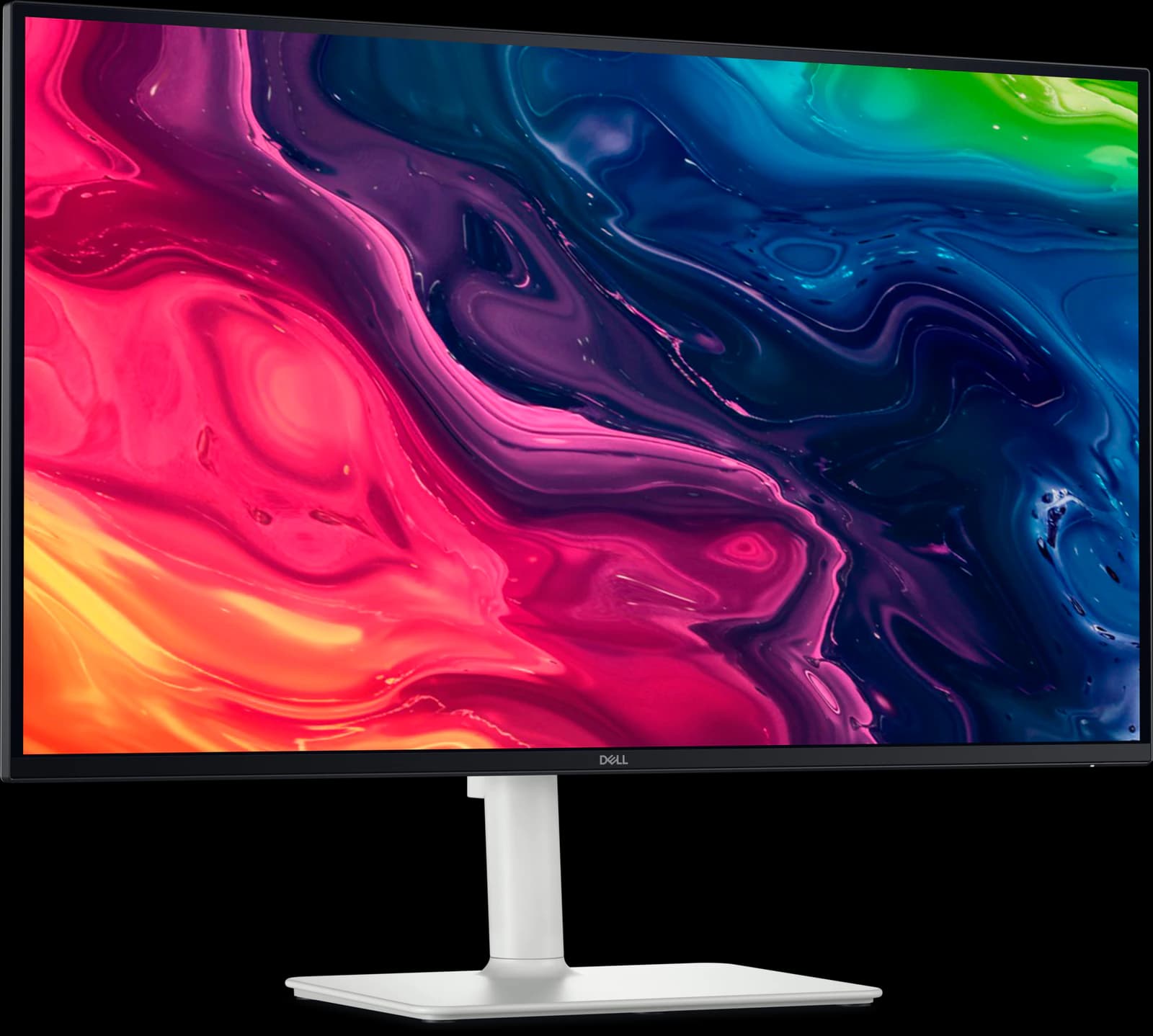
The rest of the spec sheet is generous for the money: an accurate sRGB mode (RTINGS calls it very accurate), a stand that adjusts for height, tilt, swivel, and pivot, two 5W speakers, and two HDMI 2.1 ports that run a PS5 or Xbox Series X at 4K 120Hz. PC Monitors measured about 1,500:1 contrast, a little better than typical IPS.
The compromises are real. There are no USB ports of any kind, so there's no single-cable laptop setup; Dell's S2725QC adds USB-C with 65W charging and a small hub for more money. RTINGS says motion blurs at any refresh rate, so it's a work monitor that games rather than a gaming monitor, and HDR is poor. Amazon sold it at $229.99 on October 7 ($218.49 for Prime members), $70 under its list price.
Pros and cons
What we like
- RTINGS' best budget 4K monitor and Wirecutter's budget 4K pick
- 4K text clarity and 120Hz for about $230
- Two HDMI 2.1 ports run consoles at 4K 120Hz
- Accurate sRGB mode and a fully adjustable stand
- Built-in 2x 5W speakers
Trade-offs
- No USB ports at all: no USB-C charging or hub
- Motion blurs in fast games (RTINGS)
- Poor HDR and grayish blacks
- sRGB-class gamut, not wide gamut
Who it's for
Buy it if…
- Desktop PC users who want sharp 4K text cheaply
- Budget home offices and second screens
- Console players who want 4K 120Hz on a desk
Skip it if…
- Laptop users who want one-cable charging: get the S2725QC or the ASUS ProArt PA279CRV
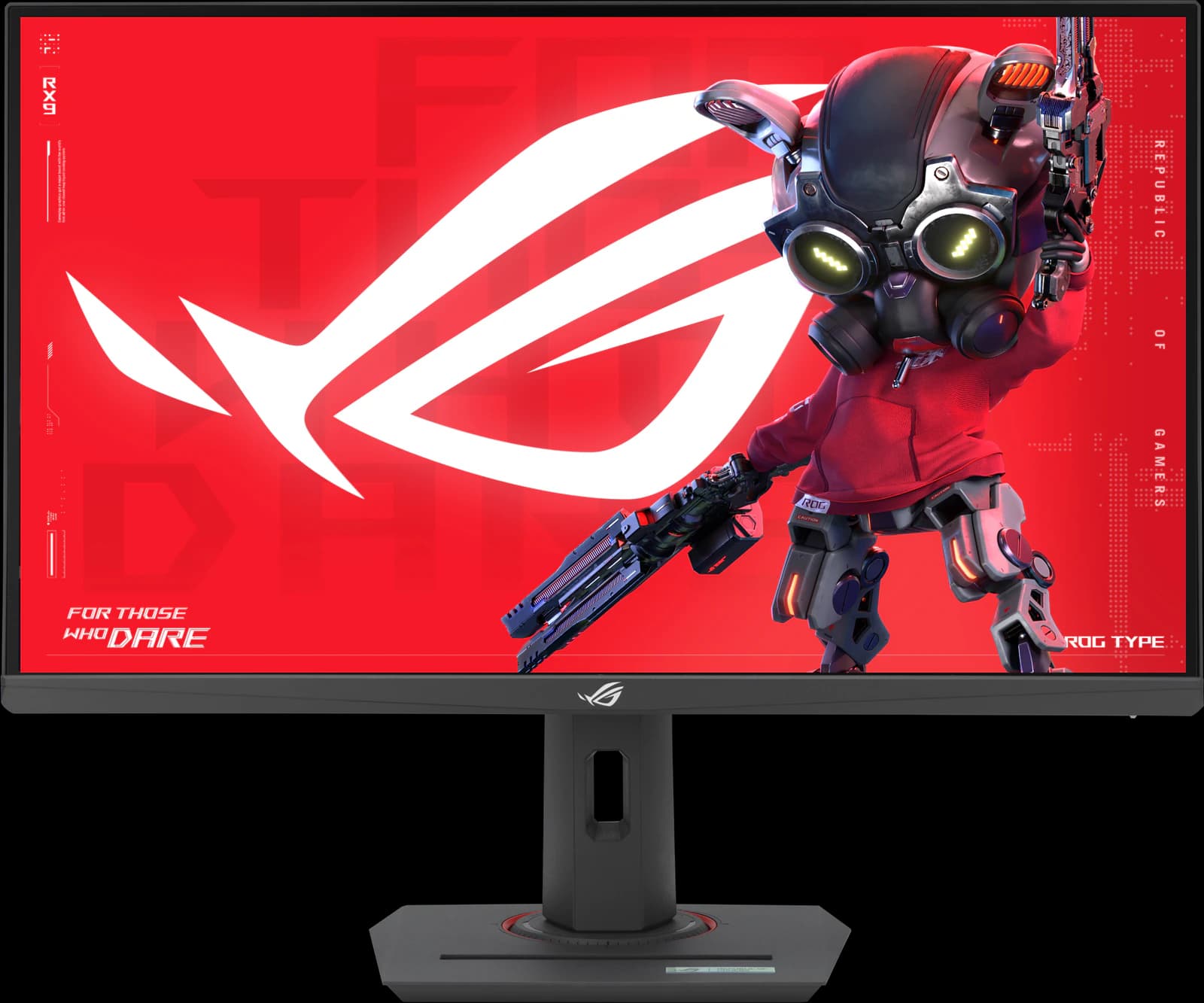
- Competitive gamers: the ASUS ROG Strix XG27ACS is much faster
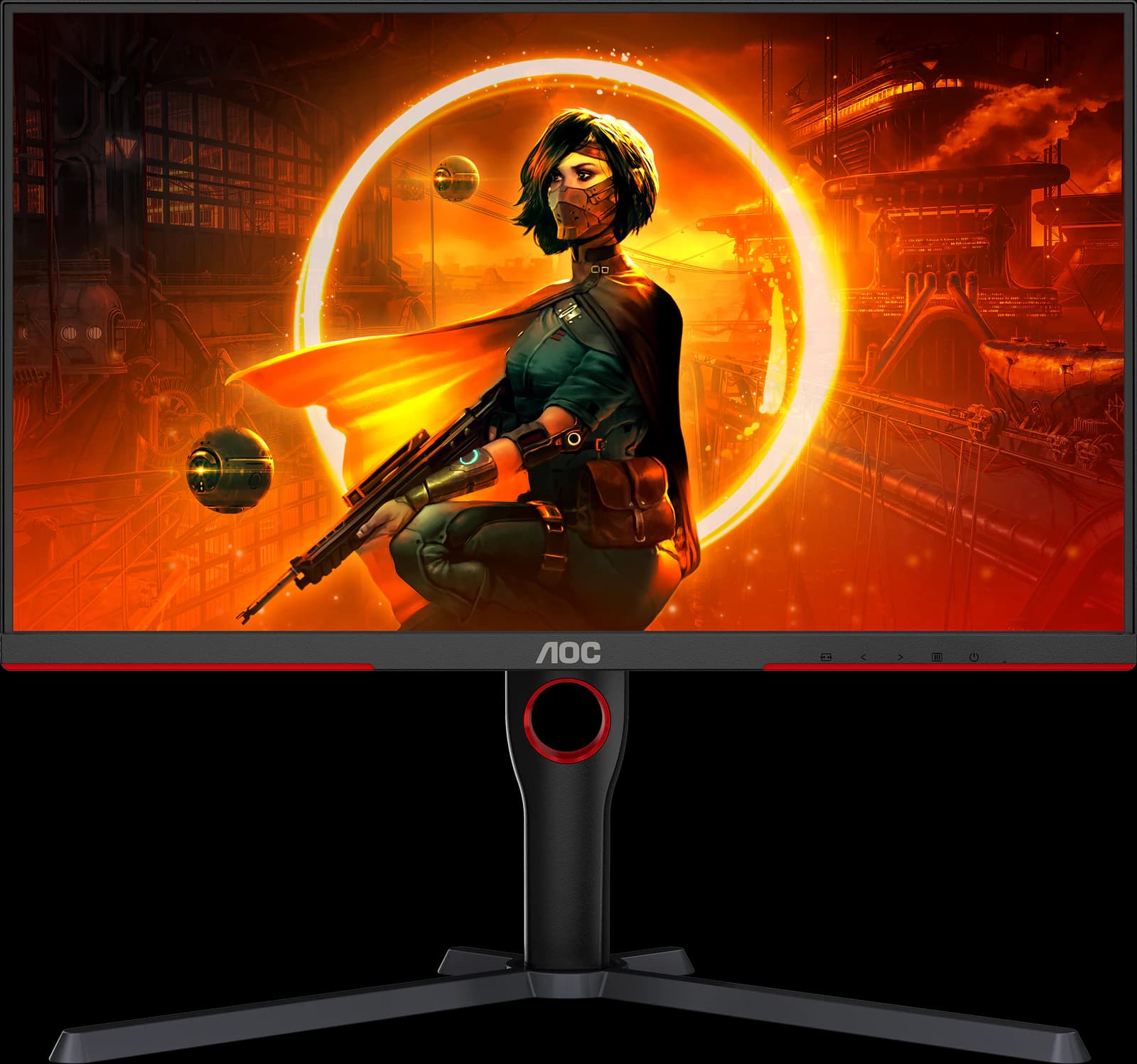
- Anyone who wants HDR: the AOC Q27G3XMN costs about the same
Spec sheet
S2725QS specs
| Screen size | 27" |
|---|---|
| Resolution | 3840 x 2160 (163 PPI) |
| Refresh rate | 120Hz |
| Panel | IPS |
| Response time | 4ms / 5ms / 8ms GtG (by mode) |
| Brightness | 350 nits |
| Contrast | 1,500:1 |
| HDR certification | HDR via HDMI 2.1; no VESA DisplayHDR certification |
| Color gamut | 99% sRGB |
| Adaptive sync | AMD FreeSync Premium |
| Ports | 2x HDMI 2.1 (4K 120Hz), 1x DisplayPort 1.4; no USB |
| USB-C / Thunderbolt | None |
| KVM switch | No |
| Stand | Height (130 mm), tilt, swivel, pivot |
| VESA mount | 100 x 100 mm |
| Curvature | Flat |
| Screen finish | Anti-glare, 3H |
| Weight | 14.26 lb with stand |
| Warranty | Not specified |
| Also notable | 2x 5W speakers; Ash White finish |
From the manufacturer sources listed below. “Not specified” means those sources don't state it.
Watch
S2725QS on video
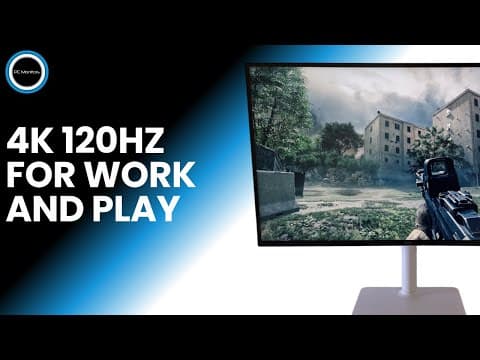
Video by PC Monitors on YouTube. Their views are their own.
Cross-shop
Alternatives to consider
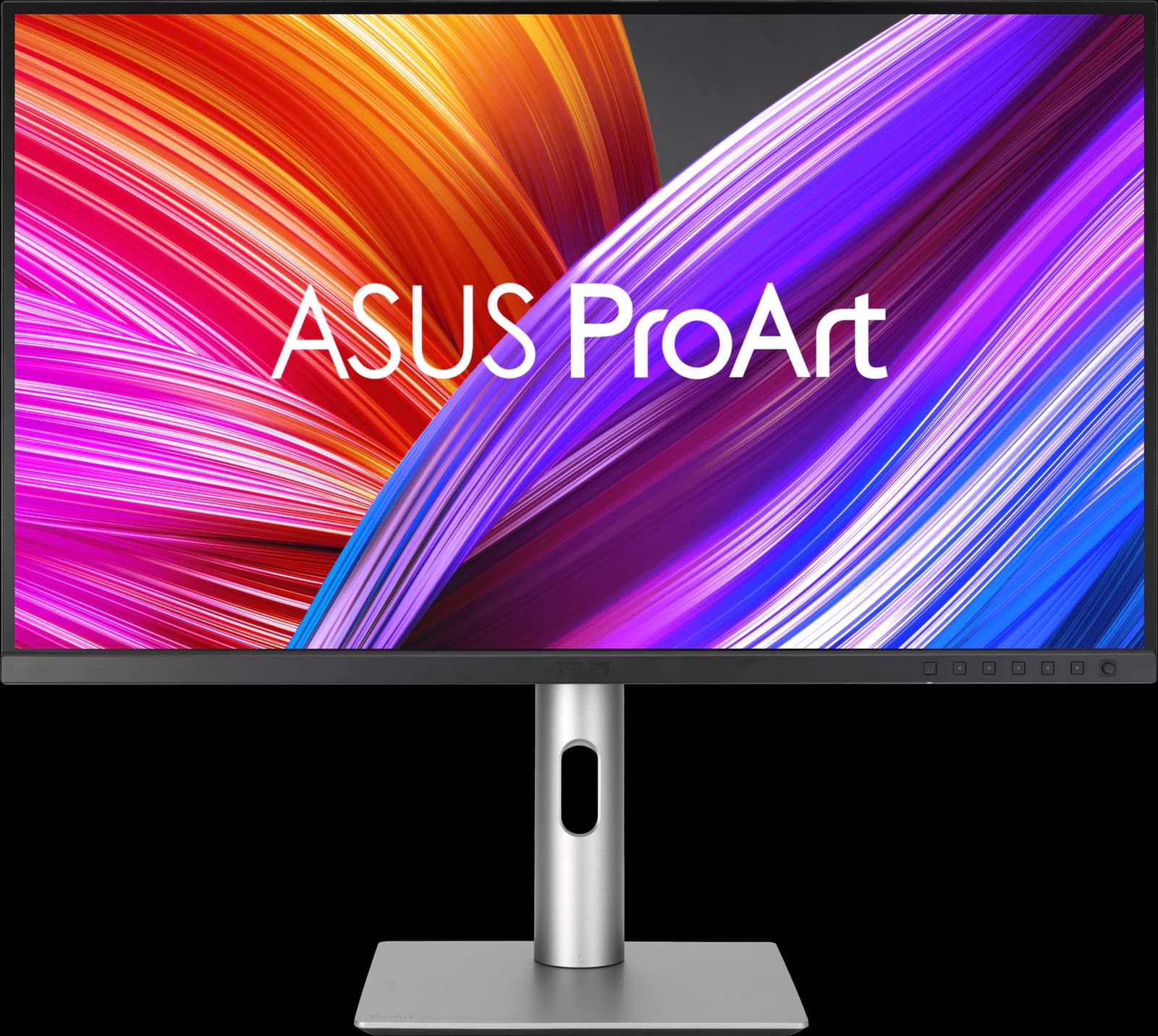
ASUS ProArt PA279CRV
- 27" 4K
- IPS
- 60Hz
- ~$399
A factory-calibrated 4K monitor with 96W USB-C for about $400: the creator's pick on a budget.
Pros
- Pro: Factory calibrated and Calman Verified; very accurate sRGB mode (RTINGS)
- Pro: 99% DCI-P3 and Adobe RGB, with presets up to Rec. 2020
- Pro: USB-C with 96W charging, a small USB hub, and DisplayPort daisy chaining
Trade-offs
- Trade-off: 60Hz only, with slow response: not for games
- Trade-off: Low contrast: blacks look gray in a dark room
- Color
- 5 out of 5
- Work
- 4 out of 5
- Value
- 4 out of 5
Editorial fit scores, 1–5, from published reviews and specs — not lab measurements.
Check priceAffiliate link to Amazon. Price approx., seen Oct 2026.
Read the breakdown: ASUS ProArt PA279CRVASUS ROG Strix XG27ACS
- 27" 1440p
- IPS
- 180Hz
- ~$229
The fastest-tuned budget 1440p IPS TechSpot has tested, with a full stand and a USB-C input.
Pros
- Pro: TechSpot 90/100: the best response-time tuning it has seen on a 1440p 180Hz LCD
- Pro: Overdrive needs no tweaking; accurate factory sRGB calibration
- Pro: Fully adjustable stand plus a tripod socket
Trade-offs
- Trade-off: No real HDR (DisplayHDR 400, no local dimming)
- Trade-off: Ordinary 1,000:1 IPS contrast
- Value
- 5 out of 5
- Gaming
- 4 out of 5
- Work
- 4 out of 5
Editorial fit scores, 1–5, from published reviews and specs — not lab measurements.
Check priceAffiliate link to Amazon. Price approx., seen Oct 2026.
Read the breakdown: ASUS ROG Strix XG27ACSAOC Q27G3XMN
- 27" 1440p
- Mini-LED VA
- 180Hz
- ~$229.99
Real Mini-LED HDR for about $230: the best-looking picture you can get at a budget price.
Pros
- Pro: RTINGS' best budget gaming monitor and best under $300 (2026)
- Pro: 336-zone Mini-LED backlight: real local dimming at a budget price
- Pro: DisplayHDR 1000 and high VA contrast for deep blacks
Trade-offs
- Trade-off: Dark scenes smear, as on most VA panels
- Trade-off: Blooming around bright objects (Reviewed)
- Value
- 5 out of 5
- Gaming
- 4 out of 5
- Color
- 4 out of 5
Editorial fit scores, 1–5, from published reviews and specs — not lab measurements.
Related guides and comparisons
Sources
Manufacturer specs
- Dell 27 Plus 4K Monitor (S2725QS) (opens in a new tab) — Dell.com specs and price
Published testing and reviews
- RTINGS (opens in a new tab) — Review; best budget 4K and best lower mid-range work monitor (2026)
- Wirecutter — The Best 4K Monitors (Apr 13, 2026): budget pick
- PC Monitors (opens in a new tab) — Dell S2725QS (S2725QC) review (Oct 19, 2025)
Published reviews and manufacturer specs, researched October 7, 2026. We didn't test these monitors ourselves; judgments credited to an outlet are that outlet's.
Disclosure: Our picks are independent and editorial — a synthesis of published reviews and manufacturer specs, not our own lab measurements. Prices are approximate Amazon prices seen October 7, 2026, not live quotes. As an Amazon Associate we earn from qualifying purchases made through links on this page, at no extra cost to you.