

Monitor buying guide
The Best 27-Inch Monitors of 2026
The best 27-inch monitors for 2026: Gigabyte's MO27Q28GR OLED for gaming, Dell's U2725QE for work, ASUS's ProArt PA279CRV for creators, and three picks around $230.
Twenty-seven inches is the size most desks are built around, and it's where you get the most choice. The big decision is resolution: 1440p is cheaper and easier on a GPU, while 4K puts 163 pixels in every inch for far sharper text. The second is panel type: OLED for gaming, IPS for long workdays, Mini-LED if you want HDR on a budget.
These picks and fit scores are an editorial synthesis of published reviews and manufacturer specs, not our own testing. Prices are approximate Amazon prices seen on October 7, 2026, the last day of Amazon's Prime Big Deal Days, not live quotes; where only Prime members got a deal, we show the regular price and note the deal. Prices move often, so check the current price before you buy.
Disclosure: As an Amazon Associate we earn from qualifying purchases. “Check price” buttons on this page are affiliate links, at no extra cost to you; they never change the ranking.
The short list
| # | Best for | Model | Approx. price | |
|---|---|---|---|---|
| 01 | Best overall | 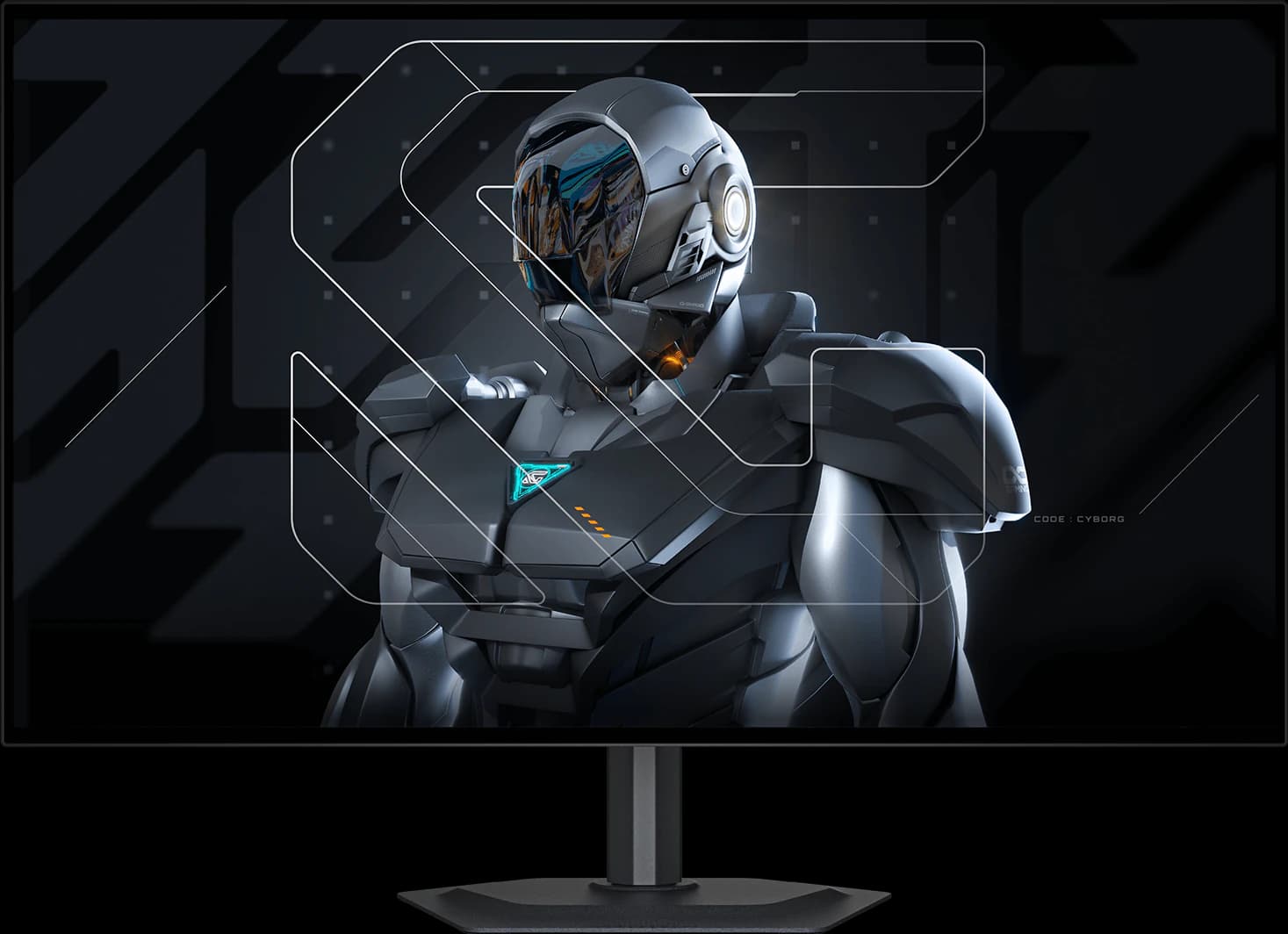 | 27" 1440p Tandem WOLED | ~$499.99 |
| 02 | Best value OLED | 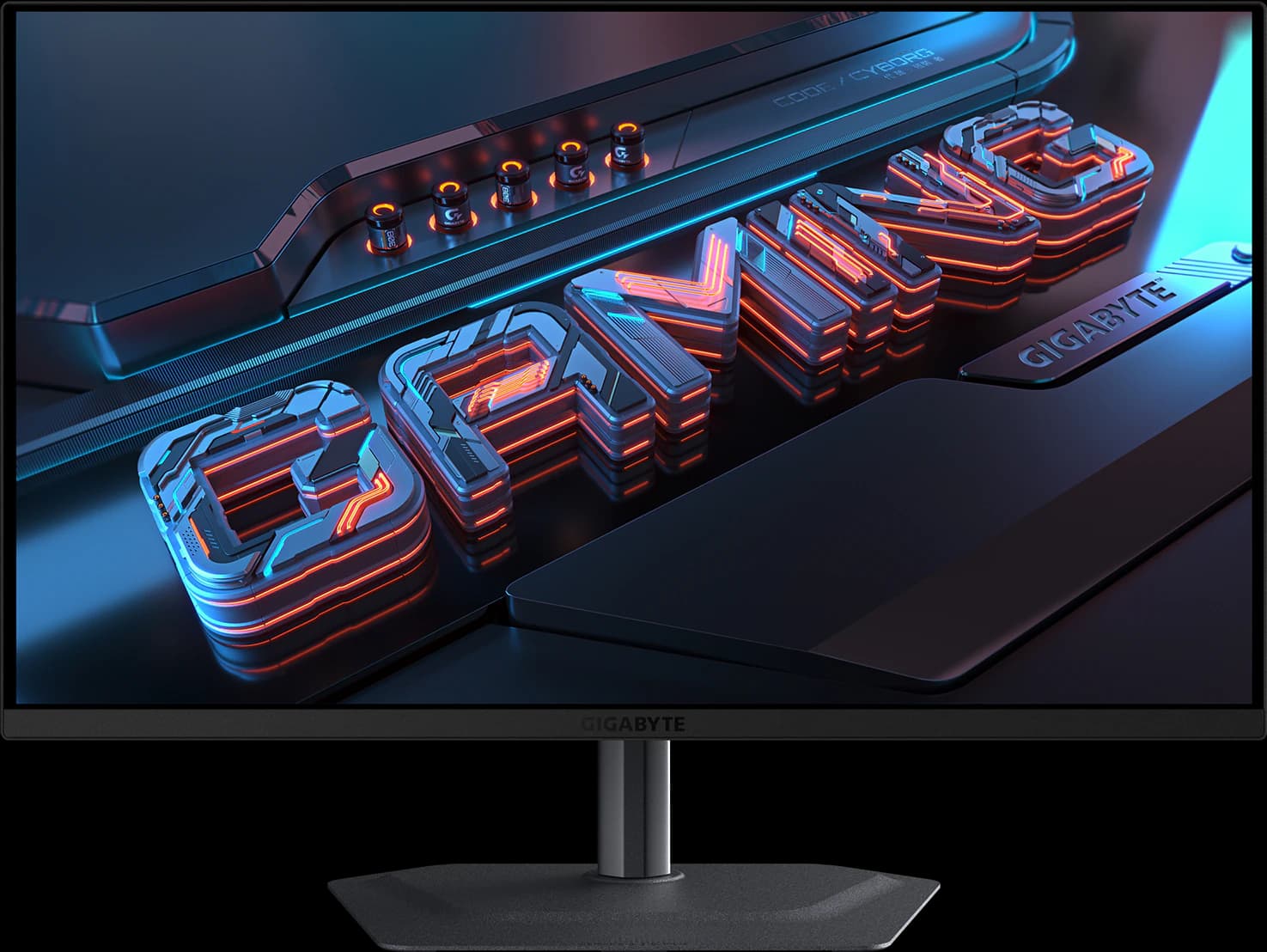 | 27" 1440p QD-OLED | ~$399.99 |
| 03 | Best for work | 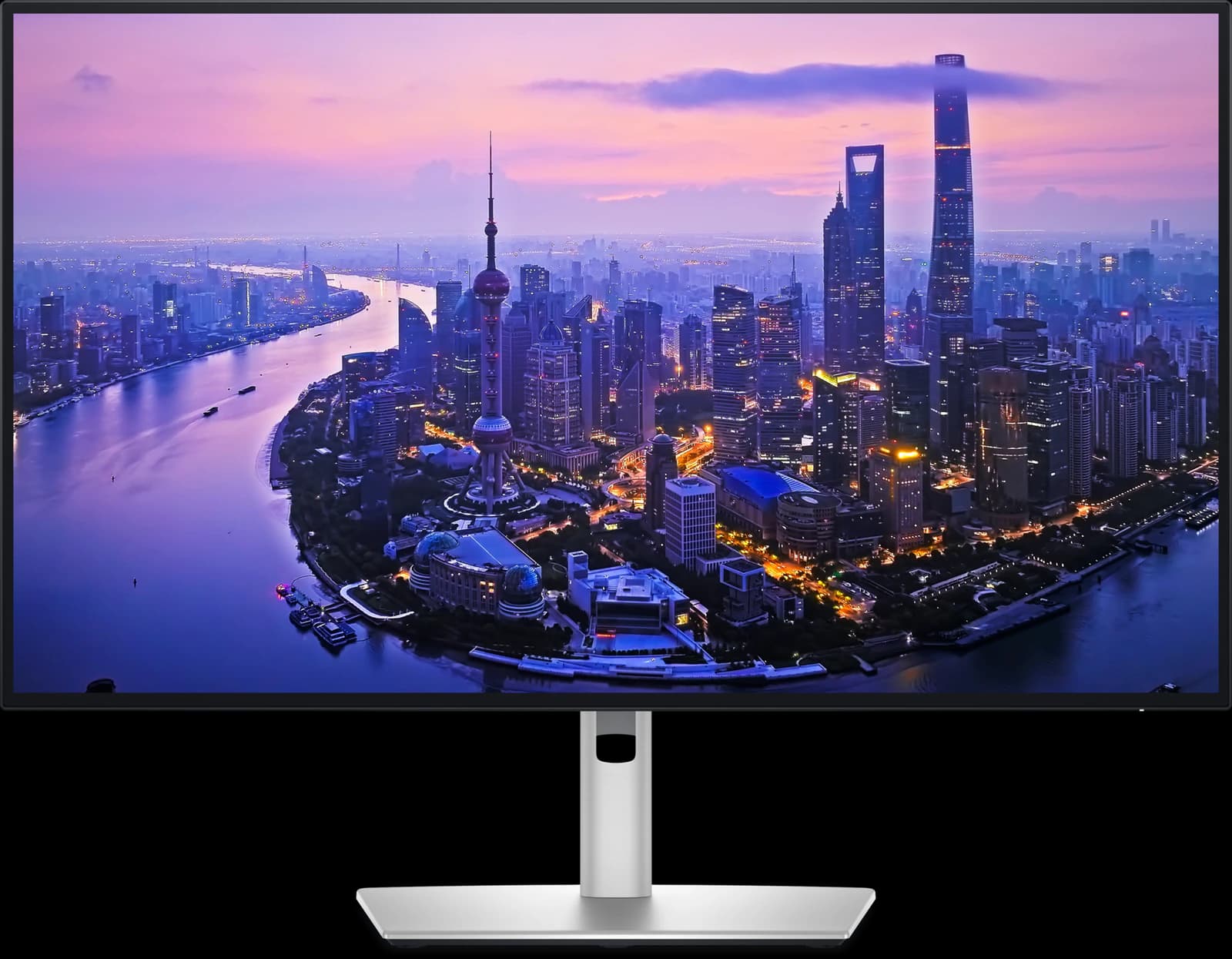 | 27" 4K IPS Black | ~$627.69 |
| 04 | Best for creators | 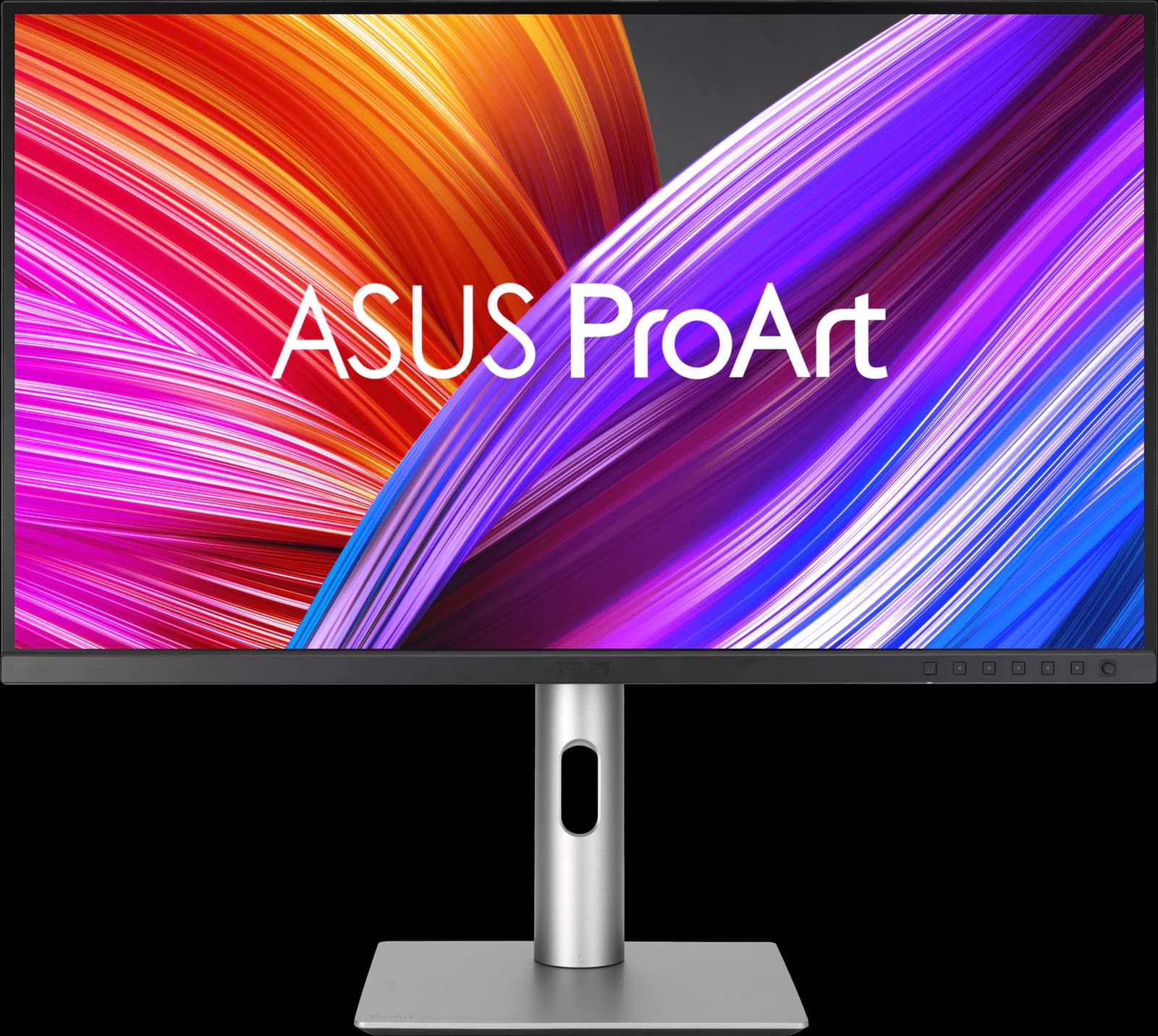 | 27" 4K IPS | ~$399 |
| 05 | Best budget 4K | 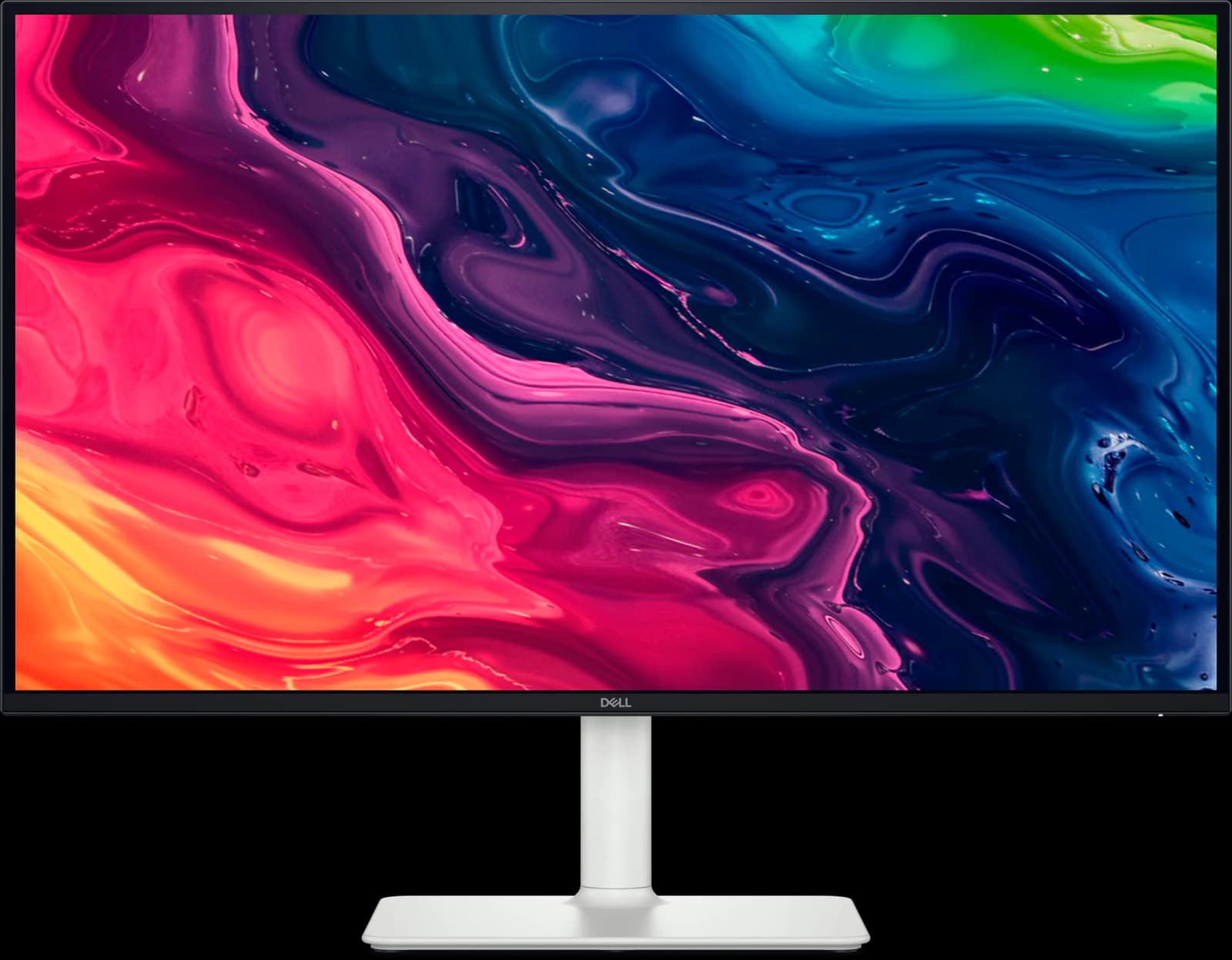 | 27" 4K IPS | ~$229.99 |
| 06 | Best budget for HDR | 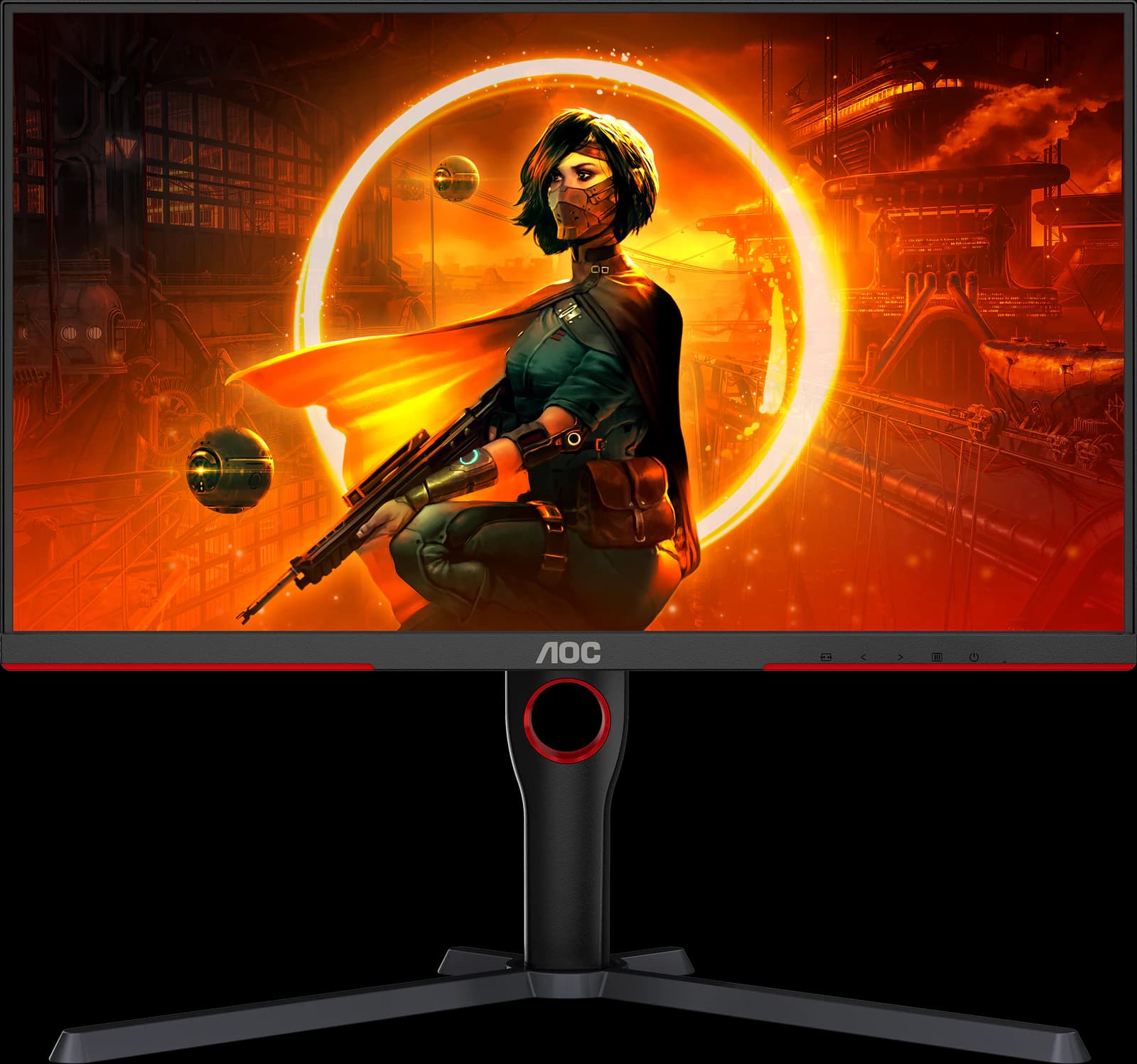 | 27" 1440p Mini-LED VA | ~$229.99 |
| 07 | Best budget for fast games | 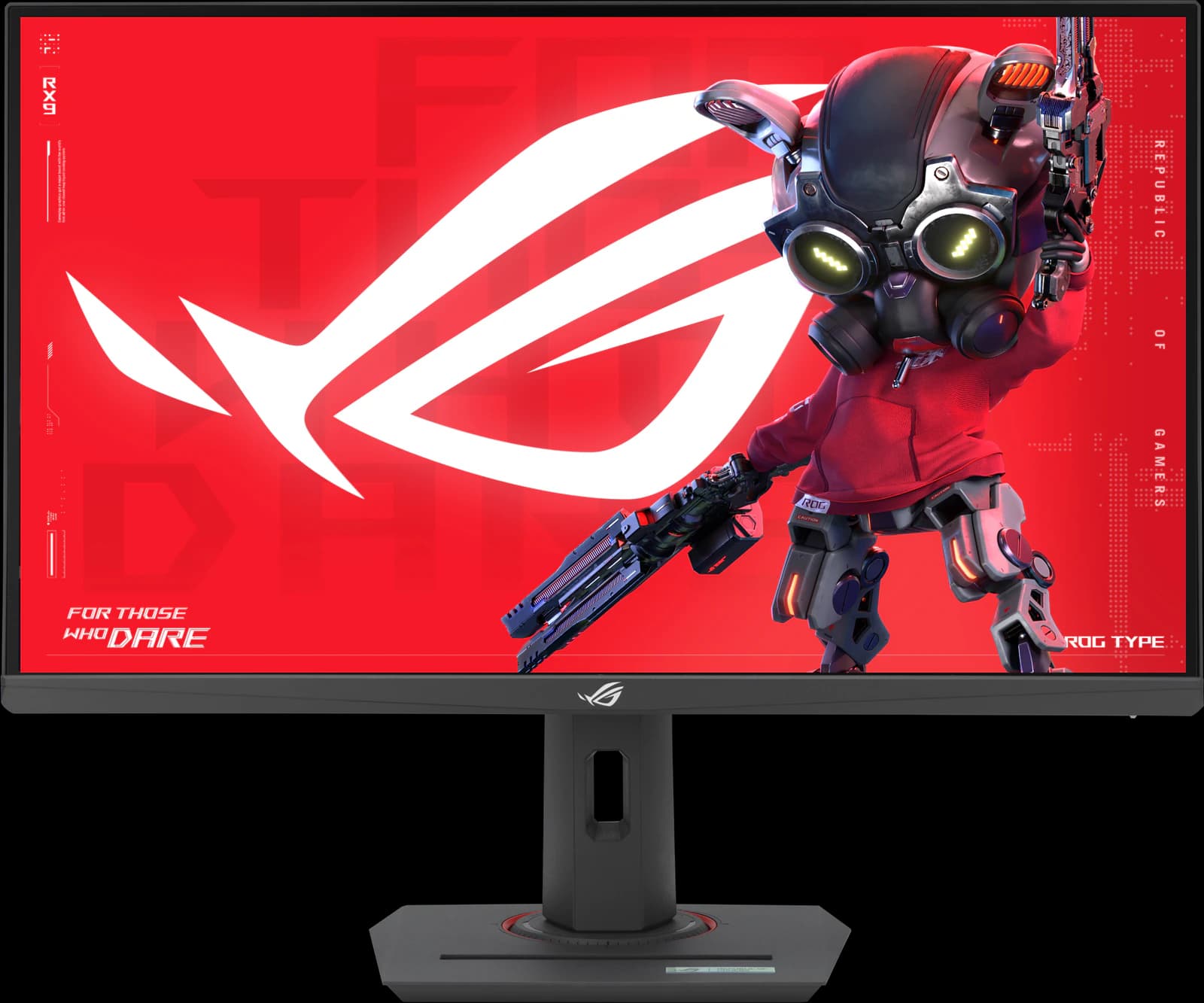 | 27" 1440p Fast IPS | ~$229 |
Approximate Amazon prices seen October 7, 2026, not live quotes.
Ranked
Our picks
- 01
Best overall
Gigabyte MO27Q28GR
- 27" 1440p
- Tandem WOLED
- 280Hz
- ~$499.99
The 27-inch OLED most gamers should buy: TechSpot's best 1440p OLED and TFTCentral's mid-tier pick, with a glossy 4th-gen Tandem WOLED panel and USB-C, KVM, and speakers for ~$499.99. It's a good work screen too, but 1440p text isn't as crisp as 4K, and glossy means reflections.
Pros
- Pro: TechSpot's best 1440p OLED and TFTCentral's mid-tier 27-inch pick
- Pro: 4th-gen Tandem WOLED: brighter than QD-OLED, without heavy full-screen dimming
- Pro: Glossy coating keeps blacks deep in a lit room
Trade-offs
- Trade-off: Glossy screen mirrors windows and lamps; the matte MO27Q28G suits bright rooms
- Trade-off: Some Tandem WOLED units show dark-gray banding, per TFTCentral and TechSpot
- Gaming
- 5 out of 5
- Value
- 5 out of 5
- Work
- 4 out of 5
Editorial fit scores, 1–5, from published reviews and specs — not lab measurements.
Check priceAffiliate link to Amazon. Price approx., seen Oct 2026.
Read the breakdown: Gigabyte MO27Q28GR - 02
Best value OLED
Gigabyte MO27Q2A
- 27" 1440p
- QD-OLED
- 280Hz
- ~$399.99
A full-brightness 280Hz QD-OLED for ~$399.99, with the same USB-C, hub, and KVM extras as the MO27Q28GR. TechSpot's budget OLED roundup says about $400 is an excellent price for this panel class (it tested the MO27Q2 predecessor). Best in a dim room.
Pros
- Pro: Full-brightness 280Hz QD-OLED for about $400, the class TechSpot recommends
- Pro: USB-C video, a USB hub, and a KVM switch: the best ports at the price
- Pro: Rated for about 1,000-nit HDR highlights (DisplayHDR True Black 400)
Trade-offs
- Trade-off: TechSpot tested its predecessor, the MO27Q2, not this exact model
- Trade-off: Glossy QD-OLED: purple-gray blacks and reflections in a bright room (TechPowerUp)
- Gaming
- 5 out of 5
- Value
- 5 out of 5
- Color
- 4 out of 5
Editorial fit scores, 1–5, from published reviews and specs — not lab measurements.
Check priceAffiliate link to Amazon. Price approx., seen Oct 2026.
Read the breakdown: Gigabyte MO27Q2A - 03
Best for work
Dell UltraSharp U2725QE
- 27" 4K
- IPS Black
- 120Hz
- ~$627.69
Wirecutter's top 4K pick and RTINGS' best upper mid-range work monitor. IPS Black contrast, 120Hz, and a Thunderbolt 4 hub with up to 140W charging, 2.5Gb Ethernet, and a KVM switch make it a one-cable desk. ~$627.69 from a third-party Amazon seller; not for fast games.
Pros
- Pro: Wirecutter's top 4K pick and RTINGS' upper mid-range work pick
- Pro: Thunderbolt 4 with up to 140W charging (EPR laptops), 2.5GbE, and a big USB hub
- Pro: Built-in KVM switch and Thunderbolt daisy chaining
Trade-offs
- Trade-off: Slow response time: fast games blur (RTINGS)
- Trade-off: Weak HDR despite the DisplayHDR 600 certification
- Work
- 5 out of 5
- Color
- 4 out of 5
- Value
- 4 out of 5
Editorial fit scores, 1–5, from published reviews and specs — not lab measurements.
Check priceAffiliate link to Amazon. Price approx., seen Oct 2026.
Read the breakdown: Dell UltraSharp U2725QE - 04
Best for creators
ASUS ProArt PA279CRV
- 27" 4K
- IPS
- 60Hz
- ~$399
Factory calibrated and Calman Verified, with an sRGB mode RTINGS calls remarkably accurate and 99% DCI-P3 and Adobe RGB coverage. 96W USB-C and a fully adjustable stand for ~$399. It's 60Hz with slow response, so it's a work monitor only.
Pros
- Pro: Factory calibrated and Calman Verified; very accurate sRGB mode (RTINGS)
- Pro: 99% DCI-P3 and Adobe RGB, with presets up to Rec. 2020
- Pro: USB-C with 96W charging, a small USB hub, and DisplayPort daisy chaining
Trade-offs
- Trade-off: 60Hz only, with slow response: not for games
- Trade-off: Low contrast: blacks look gray in a dark room
- Color
- 5 out of 5
- Work
- 4 out of 5
- Value
- 4 out of 5
Editorial fit scores, 1–5, from published reviews and specs — not lab measurements.
Check priceAffiliate link to Amazon. Price approx., seen Oct 2026.
Read the breakdown: ASUS ProArt PA279CRV - 05
Best budget 4K
Dell S2725QS
- 27" 4K
- IPS
- 120Hz
- ~$229.99
RTINGS' best budget 4K monitor and Wirecutter's budget 4K pick: sharp 4K text, 120Hz, and HDMI 2.1 for consoles for ~$229.99. No USB ports at all, and motion blurs in fast games.
Pros
- Pro: RTINGS' best budget 4K monitor and Wirecutter's budget 4K pick
- Pro: 4K text clarity and 120Hz for about $230
- Pro: Two HDMI 2.1 ports run consoles at 4K 120Hz
Trade-offs
- Trade-off: No USB ports at all: no USB-C charging or hub
- Trade-off: Motion blurs in fast games (RTINGS)
- Value
- 5 out of 5
- Work
- 4 out of 5
- Color
- 3 out of 5
Editorial fit scores, 1–5, from published reviews and specs — not lab measurements.
- 06
Best budget for HDR
AOC Q27G3XMN
- 27" 1440p
- Mini-LED VA
- 180Hz
- ~$229.99
RTINGS' best budget gaming monitor, with a 336-zone Mini-LED backlight that delivers real HDR for ~$229.99. Expect blooming, dark-scene smearing, and no USB.
Pros
- Pro: RTINGS' best budget gaming monitor and best under $300 (2026)
- Pro: 336-zone Mini-LED backlight: real local dimming at a budget price
- Pro: DisplayHDR 1000 and high VA contrast for deep blacks
Trade-offs
- Trade-off: Dark scenes smear, as on most VA panels
- Trade-off: Blooming around bright objects (Reviewed)
- Value
- 5 out of 5
- Gaming
- 4 out of 5
- Color
- 4 out of 5
Editorial fit scores, 1–5, from published reviews and specs — not lab measurements.
- 07
Best budget for fast games
ASUS ROG Strix XG27ACS
- 27" 1440p
- IPS
- 180Hz
- ~$229
TechSpot's favorite budget 1440p LCD for motion, scored 90, with accurate factory calibration and a stand that adjusts every way. ~$229 regular; no real HDR.
Pros
- Pro: TechSpot 90/100: the best response-time tuning it has seen on a 1440p 180Hz LCD
- Pro: Overdrive needs no tweaking; accurate factory sRGB calibration
- Pro: Fully adjustable stand plus a tripod socket
Trade-offs
- Trade-off: No real HDR (DisplayHDR 400, no local dimming)
- Trade-off: Ordinary 1,000:1 IPS contrast
- Value
- 5 out of 5
- Gaming
- 4 out of 5
- Work
- 4 out of 5
Editorial fit scores, 1–5, from published reviews and specs — not lab measurements.
Check priceAffiliate link to Amazon. Price approx., seen Oct 2026.
Read the breakdown: ASUS ROG Strix XG27ACS
Disclosure: “Check price” buttons are Amazon affiliate links; we may earn a commission at no extra cost to you. It never changes the ranking.
How we chose
We started from what people do at a 27-inch screen: game, work, edit photos, or all three. Each pick leads one of those; the fit scores on each card show how it does at the others. Value mattered because 27-inch prices here run from about $230 to $630, and the OLEDs sit in between.
Rankings lean on RTINGS' 2026 best-of lists (work, 4K, budget, gaming), Wirecutter's best monitors and best 4K monitors guides, TechSpot's 2026 gaming and OLED guides, and TFTCentral's August 2026 OLED recommendations. Specs come from manufacturer pages.
1440p or 4K at 27 inches?
A 27-inch 1440p screen has about 110 pixels per inch; a 27-inch 4K screen has 163. That difference is obvious in text, which is why every work pick here is 4K. For games, 1440p is far easier to run at high frame rates, which is why most 27-inch gaming monitors, OLEDs included, are 1440p.
- Mostly gaming: 1440p, ideally OLED (MO27Q28GR or MO27Q2A).
- Mostly work: 4K IPS (U2725QE, PA279CRV, or S2725QS).
- Both, on a budget: the S2725QS does 4K 120Hz for work and consoles; the XG27ACS is the better PC gaming monitor.
Ports that matter at a desk
If you plug in a laptop, USB-C with DisplayPort Alt Mode carries video over one cable; check the power delivery figure, because it ranges from 7.5W (XG27ACS) and 18W (the Gigabyte OLEDs), which won't charge most laptops, to 96W (PA279CRV) and up to 140W over Thunderbolt 4 (U2725QE), which will. A KVM switch lets two computers share one keyboard and mouse through the monitor. The Dell S2725QS and AOC Q27G3XMN have no USB at all.
Glossy or matte?
Glossy coatings, like the MO27Q28GR's and the MO27Q2A's, look clearer and keep OLED blacks deeper, but mirror windows and lamps. Matte coatings diffuse reflections at the cost of a slightly grainy, hazier image. If your desk faces a window, favor matte; Gigabyte sells the MO27Q28GR's panel in a matte version, the MO27Q28G.
Also consider
- ASUS ROG Swift OLED PG27UCDM (~$1,006.65 regular on Amazon): a 27-inch 4K 240Hz QD-OLED that RTINGS names the best 27-inch monitor. It's the best of both worlds for work and play, at a price; TechSpot notes cheaper 27-inch 4K QD-OLEDs perform similarly.
- Gigabyte MO27Q28G: the matte version of our top pick, better for desks facing a window. It had no featured Amazon offer on October 7.
- Dell S2725QC: the S2725QS with USB-C (65W charging) and a small hub. Prime members saw $264.99 on Amazon on October 7, against a $349.99 list price.
Head to head
Compare these picks
- Gigabyte MO27Q28GR vs Gigabyte MO27Q2ABoth are picks here: the Gigabyte MO27Q28GR (Best overall) and the Gigabyte MO27Q2A (Best value OLED).
- Dell UltraSharp U2725QE vs ASUS ProArt PA279CRVBoth are picks here: the Dell UltraSharp U2725QE (Best for work) and the ASUS ProArt PA279CRV (Best for creators).
- AOC Q27G3XMN vs ASUS ROG Strix XG27ACSBoth are picks here: the AOC Q27G3XMN (Best budget for HDR) and the ASUS ROG Strix XG27ACS (Best budget for fast games).
Frequently asked questions
What's the best 27-inch monitor overall?
For gaming, the Gigabyte MO27Q28GR (~$499.99). For work, the Dell UltraSharp U2725QE (~$627.69 on Amazon from a third-party seller). If you want one screen for both and can spend more, look at a 27-inch 4K OLED such as the ASUS PG27UCDM.
Is 4K worth it on a 27-inch monitor?
For text, yes: 163 pixels per inch versus about 110 at 1440p makes documents and code noticeably sharper. For gaming, it costs a lot more GPU power. That's why our work picks are all 4K and our gaming picks are mostly 1440p.
What's a good 27-inch monitor for a MacBook?
One with USB-C that can charge it: the ASUS ProArt PA279CRV (96W, ~$399) or the Dell UltraSharp U2725QE (Thunderbolt 4, up to 140W on laptops that support it). The Dell S2725QS has no USB, so it needs a separate charger and an HDMI connection.
What's the best cheap 27-inch monitor?
Around $230: the AOC Q27G3XMN for HDR gaming, the ASUS ROG Strix XG27ACS for fast games, or the Dell S2725QS for 4K work. Our under-$300 guide compares them.
Related guides
Disclosure: Our picks are independent and editorial — a synthesis of published reviews and manufacturer specs, not our own lab measurements. Prices are approximate Amazon prices seen October 7, 2026. As an Amazon Associate we earn from qualifying purchases made through links on this page, at no extra cost to you.