

Monitor buying guide
The Best Monitors Under $300
The best monitors under $300 in 2026: AOC's Mini-LED Q27G3XMN for HDR gaming, ASUS's fast ROG Strix XG27ACS, and Dell's 4K S2725QS, all about $230.
Under $300 you won't find an OLED we'd recommend, but you can get a remarkably good monitor. The three picks below all cost about $230, and each is the best at one thing: HDR picture quality, fast motion, or sharp 4K text. Which one is right depends on whether you mostly play single-player games, competitive games, or work.
These picks and fit scores are an editorial synthesis of published reviews and manufacturer specs, not our own testing. Prices are approximate Amazon prices seen on October 7, 2026, the last day of Amazon's Prime Big Deal Days, not live quotes; where only Prime members got a deal, we show the regular price and note the deal. Prices move often, so check the current price before you buy.
Disclosure: As an Amazon Associate we earn from qualifying purchases. “Check price” buttons on this page are affiliate links, at no extra cost to you; they never change the ranking.
The short list
| # | Best for | Model | Approx. price | |
|---|---|---|---|---|
| 01 | Best overall | 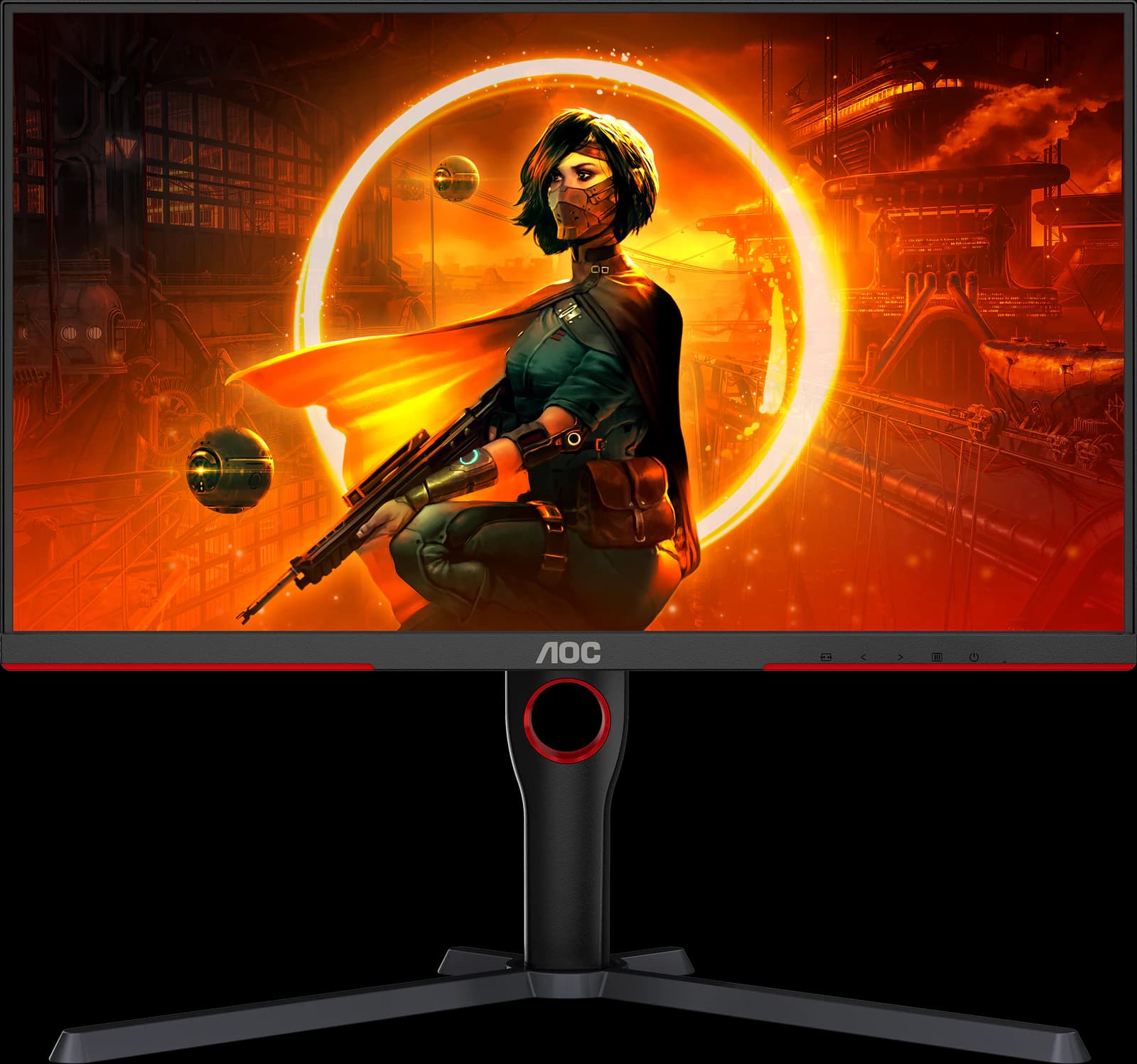 | 27" 1440p Mini-LED VA | ~$229.99 |
| 02 | Best for competitive games | 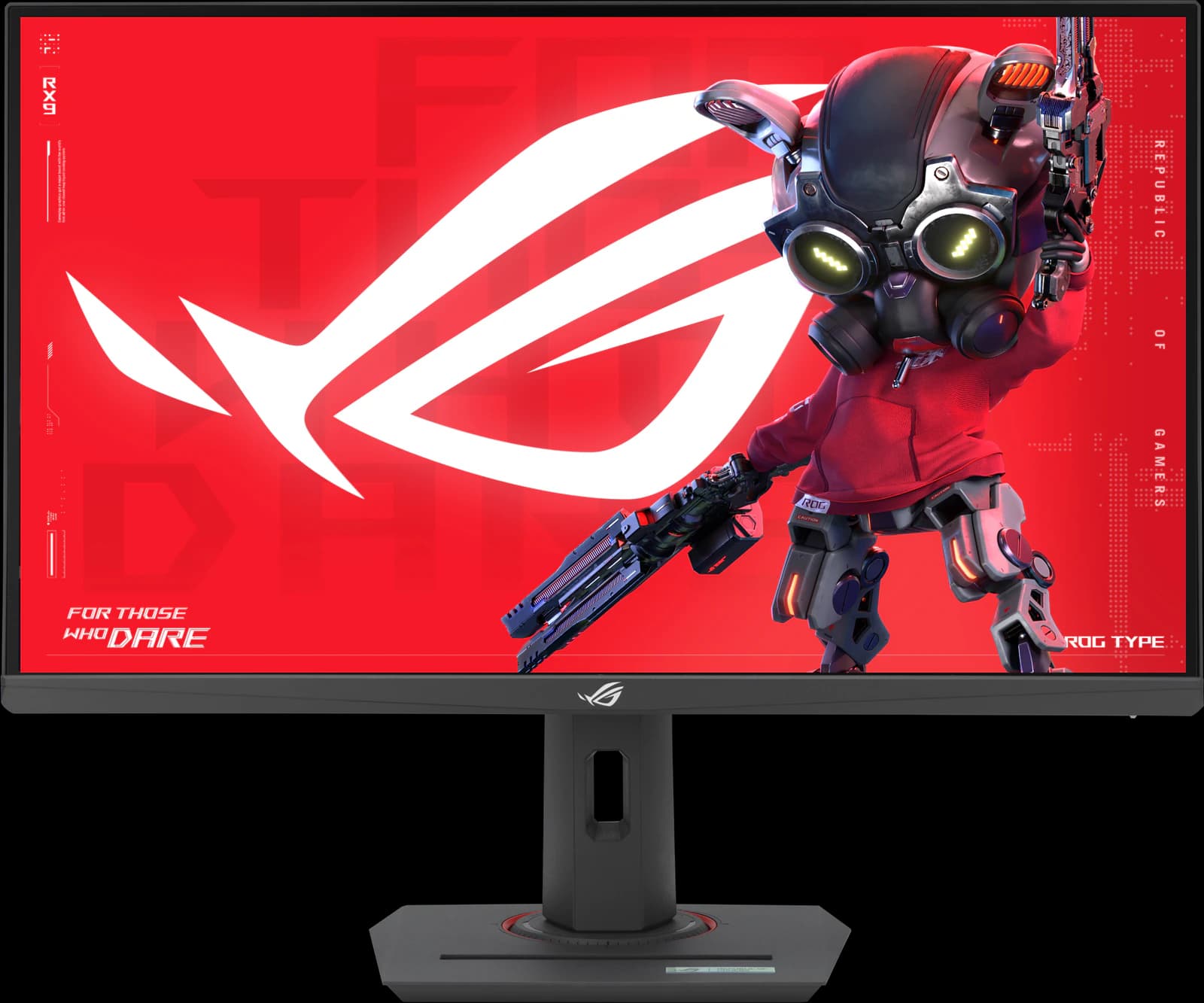 | 27" 1440p Fast IPS | ~$229 |
| 03 | Best for work (4K) | 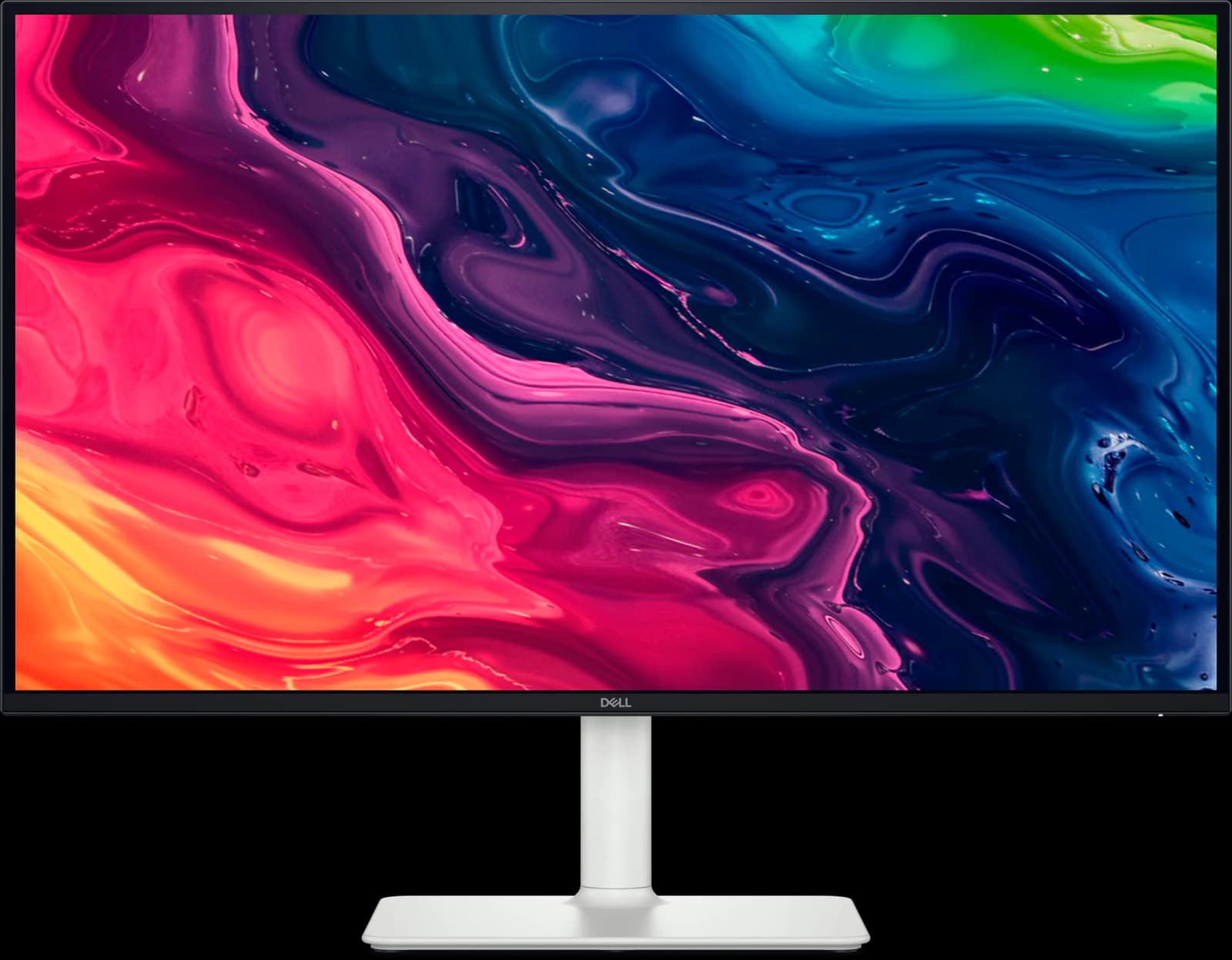 | 27" 4K IPS | ~$229.99 |
Approximate Amazon prices seen October 7, 2026, not live quotes.
Ranked
Our picks
- 01
Best overall
AOC Q27G3XMN
- 27" 1440p
- Mini-LED VA
- 180Hz
- ~$229.99
RTINGS' best budget gaming monitor and best gaming monitor under $300. Its 336-zone Mini-LED backlight and high-contrast VA panel give deep blacks and bright, certified DisplayHDR 1000 highlights that nothing else at ~$229.99 can match. Dark scenes smear, there's some blooming, and there's no USB.
Pros
- Pro: RTINGS' best budget gaming monitor and best under $300 (2026)
- Pro: 336-zone Mini-LED backlight: real local dimming at a budget price
- Pro: DisplayHDR 1000 and high VA contrast for deep blacks
Trade-offs
- Trade-off: Dark scenes smear, as on most VA panels
- Trade-off: Blooming around bright objects (Reviewed)
- Value
- 5 out of 5
- Gaming
- 4 out of 5
- Color
- 4 out of 5
Editorial fit scores, 1–5, from published reviews and specs — not lab measurements.
- 02
Best for competitive games
ASUS ROG Strix XG27ACS
- 27" 1440p
- IPS
- 180Hz
- ~$229
TechSpot scored it 90 for the best response-time tuning it has seen on a 1440p 180Hz LCD; you can leave overdrive on default. Accurate factory calibration, a fully adjustable stand, and a USB-C video input. ~$229 regular, $189 for Prime members on Oct 7. No real HDR.
Pros
- Pro: TechSpot 90/100: the best response-time tuning it has seen on a 1440p 180Hz LCD
- Pro: Overdrive needs no tweaking; accurate factory sRGB calibration
- Pro: Fully adjustable stand plus a tripod socket
Trade-offs
- Trade-off: No real HDR (DisplayHDR 400, no local dimming)
- Trade-off: Ordinary 1,000:1 IPS contrast
- Value
- 5 out of 5
- Gaming
- 4 out of 5
- Work
- 4 out of 5
Editorial fit scores, 1–5, from published reviews and specs — not lab measurements.
Check priceAffiliate link to Amazon. Price approx., seen Oct 2026.
Read the breakdown: ASUS ROG Strix XG27ACS - 03
Best for work (4K)
Dell S2725QS
- 27" 4K
- IPS
- 120Hz
- ~$229.99
RTINGS' best budget 4K monitor and Wirecutter's budget 4K pick: 163 pixels per inch of sharp text, 120Hz, HDMI 2.1 for consoles, and speakers for ~$229.99. No USB ports, and motion blurs in fast PC games.
Pros
- Pro: RTINGS' best budget 4K monitor and Wirecutter's budget 4K pick
- Pro: 4K text clarity and 120Hz for about $230
- Pro: Two HDMI 2.1 ports run consoles at 4K 120Hz
Trade-offs
- Trade-off: No USB ports at all: no USB-C charging or hub
- Trade-off: Motion blurs in fast games (RTINGS)
- Value
- 5 out of 5
- Work
- 4 out of 5
- Color
- 3 out of 5
Editorial fit scores, 1–5, from published reviews and specs — not lab measurements.
Disclosure: “Check price” buttons are Amazon affiliate links; we may earn a commission at no extra cost to you. It never changes the ranking.
How we chose
Under $300, value counts most, so each pick had to lead a category at its price in a major outlet's 2026 testing, and be sold new by Amazon itself on October 7. Then we matched picks to the three things people buy budget monitors for: games with HDR, fast competitive games, and work.
RTINGS' 2026 budget gaming, budget, and 4K lists, TechSpot's September 2026 gaming monitor guide and XG27ACS review, Wirecutter's best 4K monitors guide, and Reviewed's Q27G3XMN review shaped the picks. Two TechSpot favorites missed out on availability: the Gigabyte M27UP had no new Amazon stock, and the MSI MAG 275QF was only sold by a third party at $259.99, well above the $150 to $180 TechSpot considers good value.
What you give up under $300
Mostly OLED. The cheapest OLEDs start just above $300 and use dimmer, limited-brightness panels: Dell's Alienware AW2726DM was $319.99 at Dell.com (with no new unit sold by Amazon), and AOC's Q27GAZD was $319.99 on Amazon, though TechSpot rates that AOC the weakest of its budget group for ergonomics and ease of use. Under $300 you also tend to lose USB-C laptop charging, HDMI 2.1 on gaming models, and premium build quality.
What you keep is surprising: a fully adjustable stand on all three picks, accurate factory color on the ASUS and Dell, 4K at 120Hz on the Dell, and real local-dimming HDR on the AOC.
Mini-LED VA or fast IPS?
VA panels have about three to four times the native contrast of IPS, and the AOC adds Mini-LED local dimming on top, so dark scenes look deep and HDR highlights pop. The trade-off is slower dark transitions, which smear in fast games, and narrower viewing angles. Fast IPS, like the ASUS's, has cleaner motion and wide angles, but blacks look gray in a dark room and HDR is nominal.
- Single-player, films, a dim room: AOC Q27G3XMN.
- Shooters and multiplayer: ASUS ROG Strix XG27ACS.
- Spreadsheets, documents, consoles at 4K: Dell S2725QS.
Also consider
- Gigabyte MO27Q2A (~$399.99): if you can stretch by about $170, this full-brightness QD-OLED is the cheapest OLED we'd buy on Amazon.
- Dell S2725QC: the S2725QS with 65W USB-C and a small hub. Prime members saw $264.99 on October 7; its list price is $349.99.
- Alienware AW2726DM: TechSpot's best budget OLED, $319.99 at Dell.com. Amazon had no new unit sold by Amazon on October 7.
- MSI MAG 275QF: TechSpot's best value 1440p monitor at $150 to $180. It was only available from a third-party seller at $259.99 on Amazon on October 7; worth a look if it returns to its usual price.
Head to head
Compare these picks
Frequently asked questions
What is the best monitor under $300?
For most gamers, the AOC Q27G3XMN (~$229.99), RTINGS' best gaming monitor under $300, thanks to its Mini-LED HDR. For competitive games, the ASUS ROG Strix XG27ACS; for work, the 4K Dell S2725QS. All three were about $230 on October 7, 2026.
Can you get an OLED monitor under $300?
Not one we'd recommend when we checked. The cheapest major-brand OLEDs were just over $300 (the Alienware AW2726DM at $319.99 on Dell.com, and AOC's Q27GAZD at $319.99 on Amazon), and both use limited-brightness panels best suited to SDR games. For HDR on a budget, the AOC Q27G3XMN's Mini-LED is the better buy; the cheapest OLED we'd buy on Amazon is the Gigabyte MO27Q2A at ~$399.99.
Is a budget 4K monitor good for gaming?
For consoles, the Dell S2725QS is good: HDMI 2.1 runs a PS5 or Xbox Series X at 4K 120Hz. For PC games, RTINGS says its motion blurs at any refresh rate, so a 1440p gaming monitor like the ASUS XG27ACS is the better choice.
Related guides
Disclosure: Our picks are independent and editorial — a synthesis of published reviews and manufacturer specs, not our own lab measurements. Prices are approximate Amazon prices seen October 7, 2026. As an Amazon Associate we earn from qualifying purchases made through links on this page, at no extra cost to you.